

UX consulting
At Wzór, a UX agency, you get written recommendations from UX consulting, which can then be implemented by our team or by your own developers. Consulting was part of our work on the Wolumen, Fonia and EzzyGuide projects. A problem in the code and architecture rather than the screens is better served by a code and architecture review.







Challenges
What challenges does UX consulting help you solve?
Our approach
We sit down with you on this decision and break each option down into what it changes for users and what would have to be rebuilt if it turns out wrong. You choose with both costs in front of you.
Scope of services
Our approach
We separate the comments that are about usability from the ones that are a matter of taste, and say which of them are worth acting on at all. Where only users can settle the argument, we tell you what to test and with what sample.
Scope of services
Our approach
We write the post-session notes for the people who weren't there: every decision comes with its reason and the options we rejected, along with why. Your board or a developer can read them without you explaining anything, half a year later too.
Scope of services
Who it is for
Which companies do we provide UX consulting for?
Companies before their first product version
We have run consulting for teams that were still building the first version of their product: the Fonia cashback app and the EzzyGuide tours app. Both took an MVP approach, and in Product Discovery workshops with the Fonia team we set the priorities and the order in which features would be implemented.
Companies with a live product and their own developers
We advise companies whose product is already live and whose changes are made by a development team: on the Wolumen energy price calculator we worked with exactly that kind of team. The form we found there had more than 100 fields, and simplifying it became the most important task.
Teams with a single designer
We work with designers who are the only designer in the company and have nobody to show an idea to before presenting it to the board. In the session we go through specific screens with them, and they walk into the board meeting with arguments for the option they chose.
Software houses before a quote
We help software houses when a client's enquiry includes interface design and the quote has to be built from the brief alone. We go through the scope assumptions with them and point out the elements that take more work than their appearance suggests.
Large organisations commissioning a system
For large organisations we review requirements for a portal or internal system that several departments have written up at once as a list of features. We show whether vendors can build comparable proposals from them, and point out the decisions that would otherwise come back during delivery as a scope change.
- E-commerce
- Software
- Banking & Finance
- Healthcare
- Energy
- Media
- Aerospace & Defense
- Automotive & Mobility
- Crypto & Blockchain
- Education
- Entertainment
- Fashion & Accessories
- Grocery Retail
- Gaming
- Public Sector
- Insurance
- Logistics & Fulfilment
- Industrial Manufacturing
- Pharma
- Real Estate
- Retail & FMCG
- Cybersecurity
- Services
- Sport
- Telecommunications
- Transport & Travel

Why us?
Why choose our UX agency?
-
A better-grounded decision
Every recommendation states whether it rests on practice from similar products or on an assumption that still needs testing. You know what the decision stands on before you spend budget on it.
-
A cheaper change of course
An option rejected in the session never reaches the design or your developers' sprint. A consultation costs less than rebuilding screens that are already in the product.
-
A consistent product direction
In a package every session is run by the same senior, and the conclusions go into a single decision log. A few months on, you have it in writing why the product looks the way it does.
-
A senior team
Sessions are run by seniors from a team that has been designing interfaces for nine years, today for large organisations, SaaS companies and software houses. Each of them designs client products at the same time, so they judge your ideas from current practice.
-
Proven client trust
We have designed for 115 brands, and most of them come back to us with another project.
-
Higher quality with AI
Before the session, the senior uses AI tools to go through more possible solutions to your problem than they could sketch by hand. They bring to the meeting the ones that held up under their review.
Process
How will we run your UX consulting, step by step?
-
A conversation about your question
We agree which decision the session should support and who will take part
First comes a short description of the situation and the questions you want settled. From that we put together the agenda and name the senior who will run the session, and you decide whether to join it alone or with your product team.
Key steps
- The situation and your questions in a single message
- Choosing the format: one-to-one or with your product team
- Agreeing which materials we review before the meeting
- An NDA if your sector requires one
Deliverables
- Session agenda
- Name of the person running it
- List of materials to review
-
Reviewing your materials
The person running the session gets to know your product before you sit down together
Before the meeting, the person running it goes through the brief, the Figma design or the live product and notes down whatever raises questions. The session therefore opens with your problem rather than a product demo from scratch.
Key steps
- Reviewing the brief, the Figma design or the live product
- Checking the materials against the agenda questions
- Preparation time stated with the agenda when there is a lot of material
- The questions we will open the session with
Deliverables
- List of questions about the materials
- Questions to open the session
-
The consulting session
For 90 minutes we work through the agenda questions with you
We meet online or at your office and work on your own screens, and when words are not enough, the person running the session sketches an option on a shared whiteboard. We record decisions as we go, so by the end you know what has been agreed and what still needs data.
Key steps
- Agenda questions worked through on your screens
- Sketches of options on a shared whiteboard
- Decisions recorded as we go
- A recording of the call if you agree to one
Deliverables
- Decisions made in the session
- Sketches of the options discussed
- Session recording, with your consent
-
Recommendations and implementation
We turn what was agreed into tasks for the team that will implement it
After the session you get 3-5 recommendations in the order to implement them, plus a task list for the team. They are carried out by your team or by ours, if you would rather hand us the design and implementation.
Key steps
- Notes with each decision, its reason and the rejected options
- Recommendations ordered by priority
- A task list for your team
- A quote for design or implementation if you want to hand it to us
Deliverables
- Session notes
- Prioritised recommendations
- Task list for the team
-
Follow-up after implementation
We check which recommendations made it into the product and what they changed
If you want one, at a follow-up meeting we go through the recommendations one by one: which made it into the product, what they changed and where the team needs more support.
Key steps
- Review of the implemented recommendations
- A conversation about what didn't make it in and why
- Adding the conclusions to the decision log in a package
- Questions for the next session
Deliverables
- Implementation status of the recommendations
- Updated decision log
- Agenda for the next session
Methods and technologies
Methods and tools we use in UX consulting
-

Figma
We leave our notes on Figma designs as comments pinned to specific screens, in the file you already have. We don't need edit rights, because anyone who can view a file can comment on it, so your design stays untouched.
-
WCAG 2.2
We check WCAG 2.2 requirements on the screens in the agenda when you ask about accessibility. Many of them concern states a static design doesn't show, such as keyboard focus or error messages, so we ask about those directly.
-
Nielsen's heuristics
We hold the screens you ask about against Nielsen's heuristics before any discussion starts. Ten principles give the whole team a shared language for talking about the problem.
-
Cognitive walkthrough
With a cognitive walkthrough we go through a task step by step with you, through the eyes of someone seeing the product for the first time. The same four questions come up at every step, which shows where a new user will get stuck.
-
Information architecture
We map out the information architecture in the session when the question is about navigation or where a new feature belongs. The content tree shows straight away whether the new item has a place or calls for rebuilding the menu.
-
Prioritisation matrix
We set up a prioritisation matrix when there are more ideas than the team has time for. Each one goes on the axes of impact and effort, so the order follows from two criteria everyone can see.
Selected work
Our work
-
Energy
Wolumen
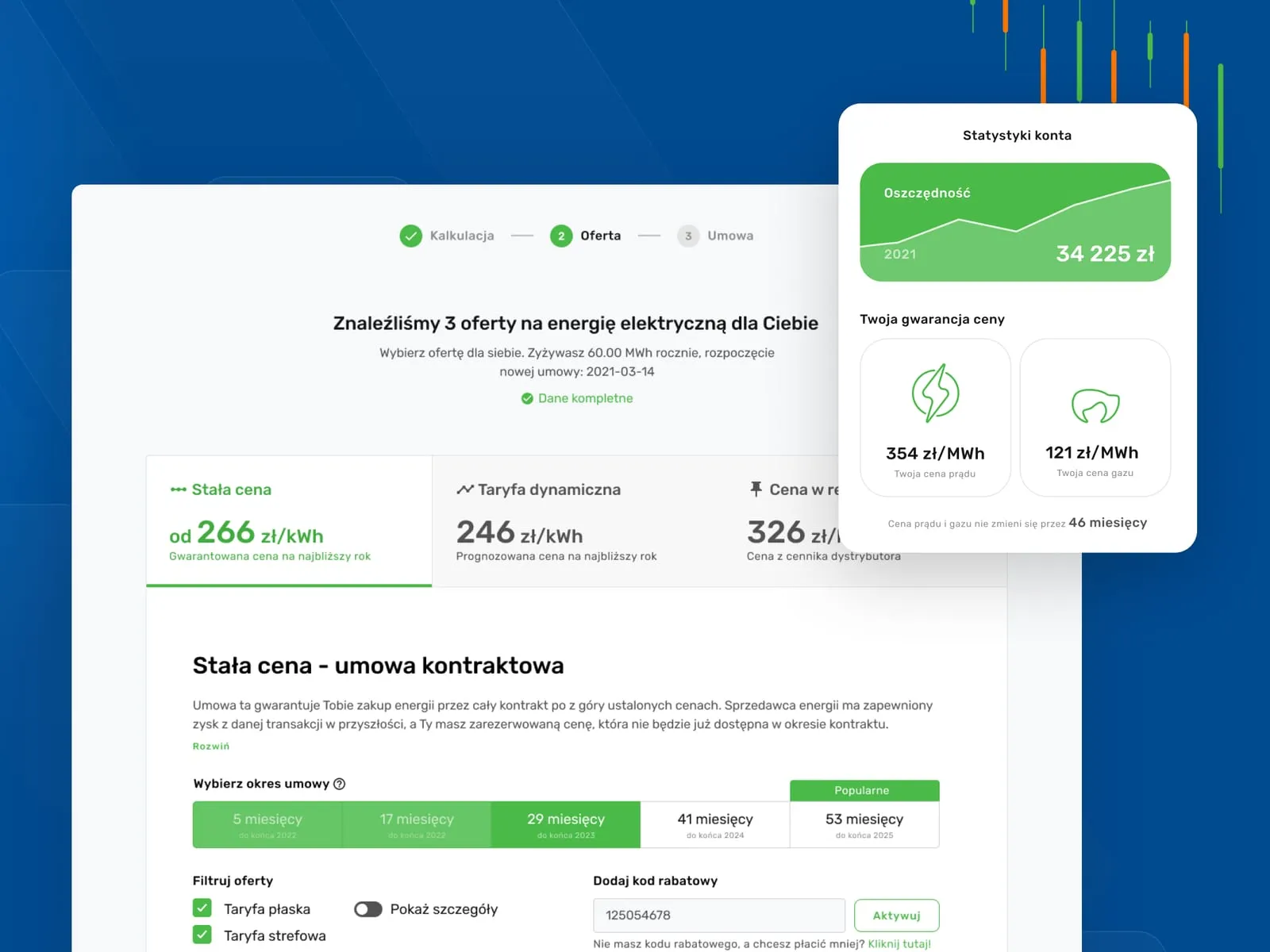
View projectA service comparing energy and gas offers for businesses - a savings calculator, a fixed-price guarantee for the years ahead and a client panel that summarises the bills. One coherent system across desktop and mobile, with a clear path from calculation to locking in a price.
-
E-commerce
Fonia
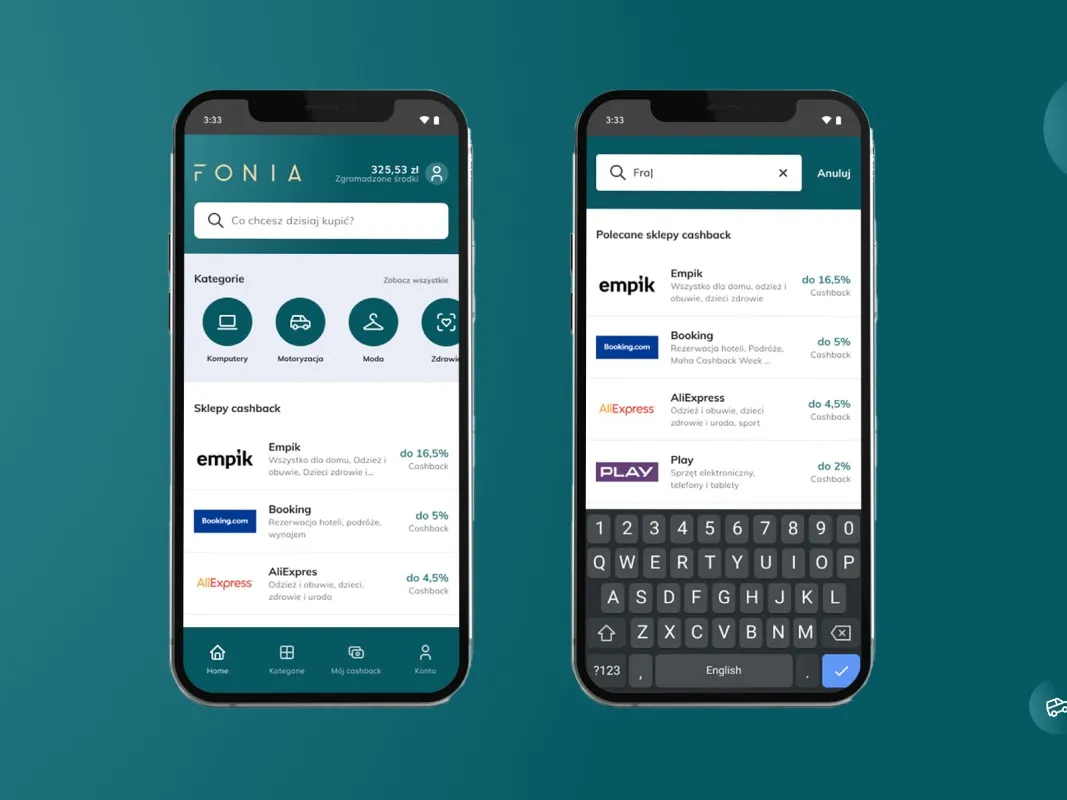
View projectFonia connects online shopping with cashback: users search for a store, shop, and get part of the money back. We designed the full path from the cashback store search, through sign-up and payouts, to an account panel with balance and withdrawals.
-
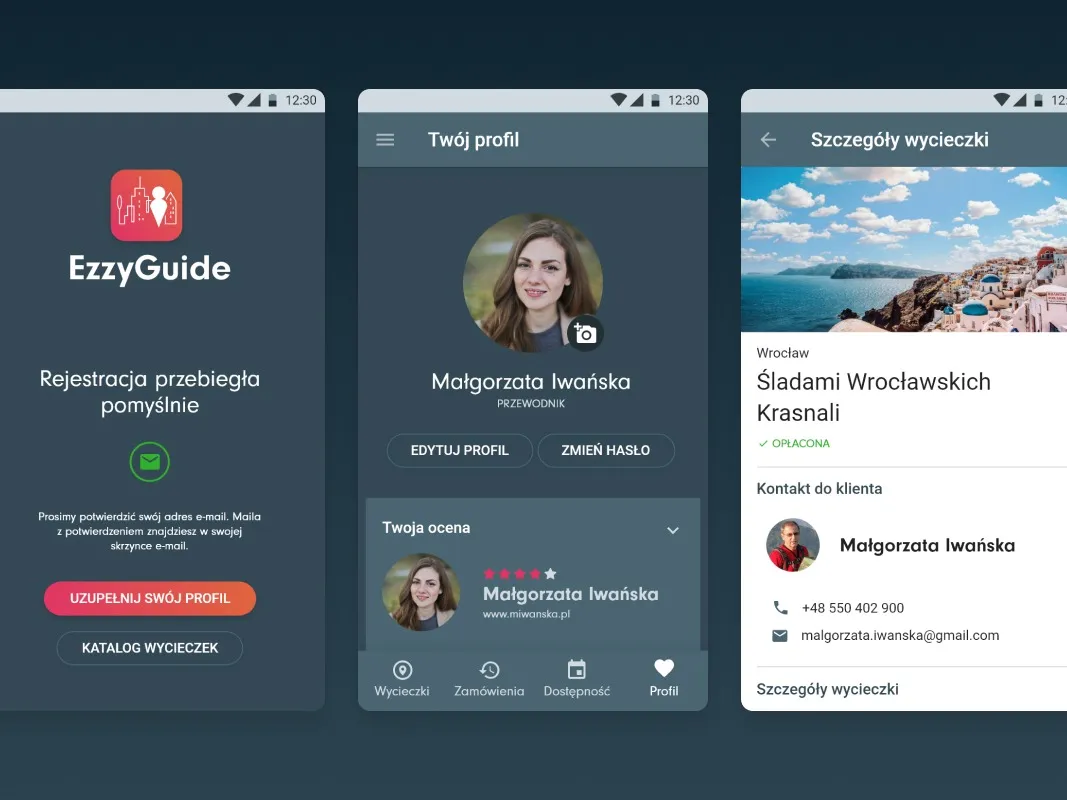
EzzyGuide
A tours app connecting guides with travellers
-
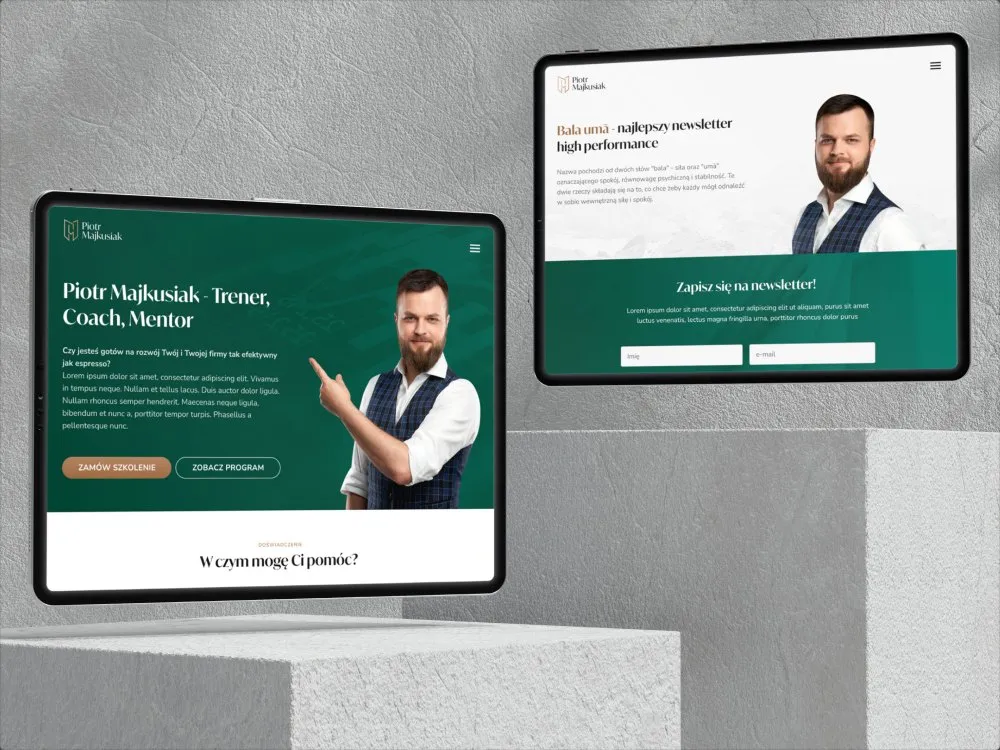
Piotr Majkusiak
Personal site for a business trainer
-
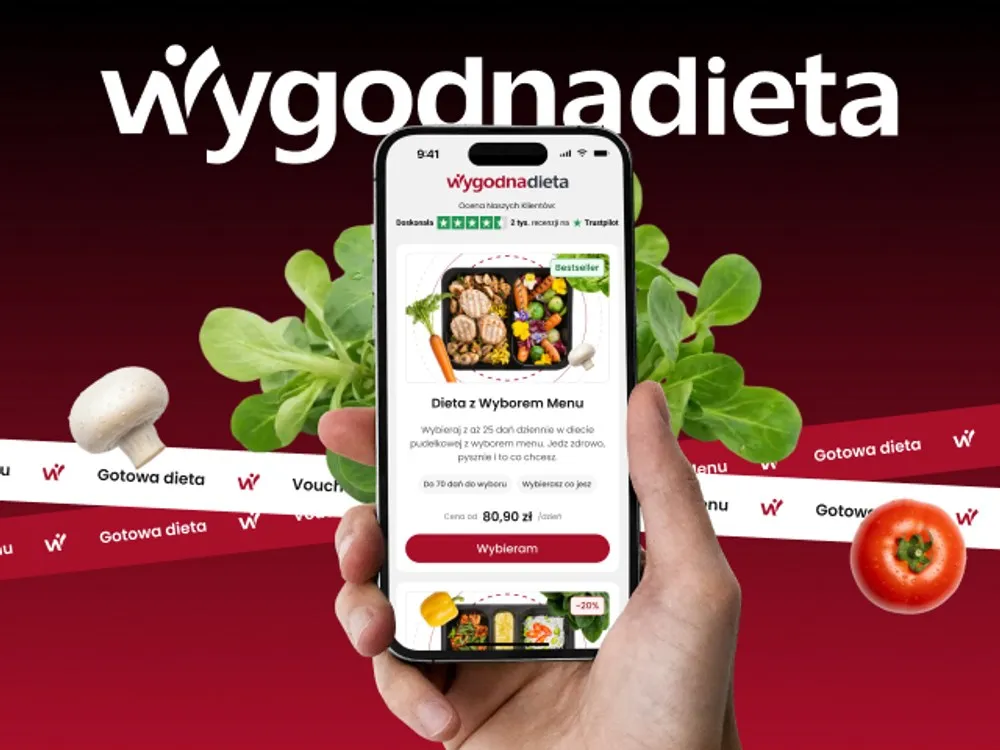
WygodnaDieta
App and online store for a meal-box diet service
-
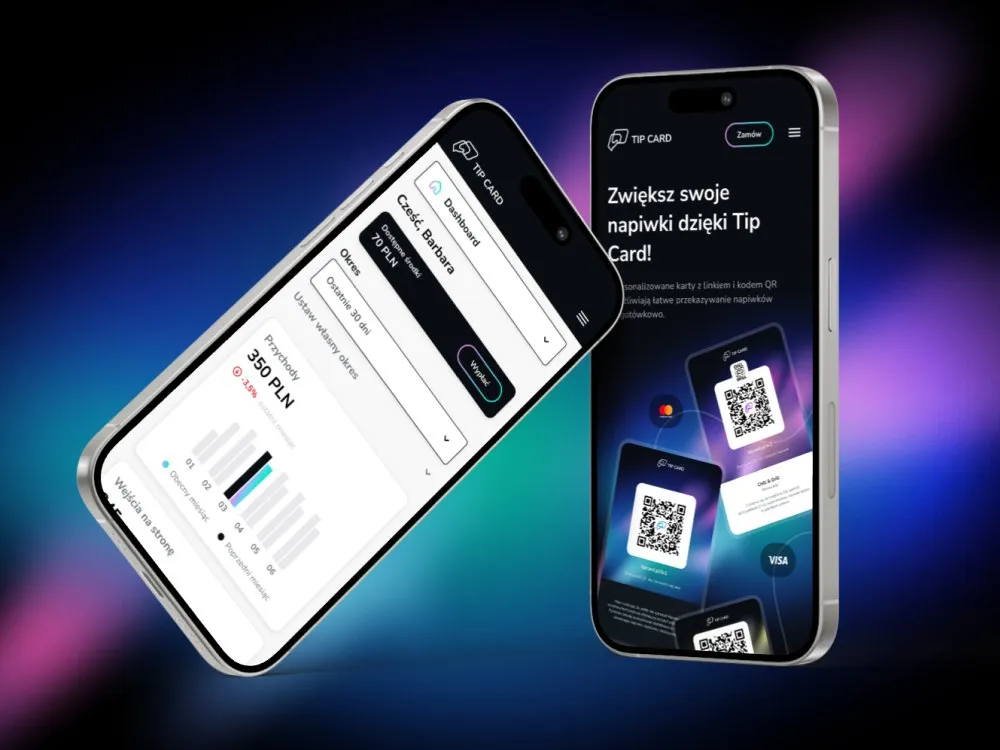
Tip Card
Cashless tipping platform
-
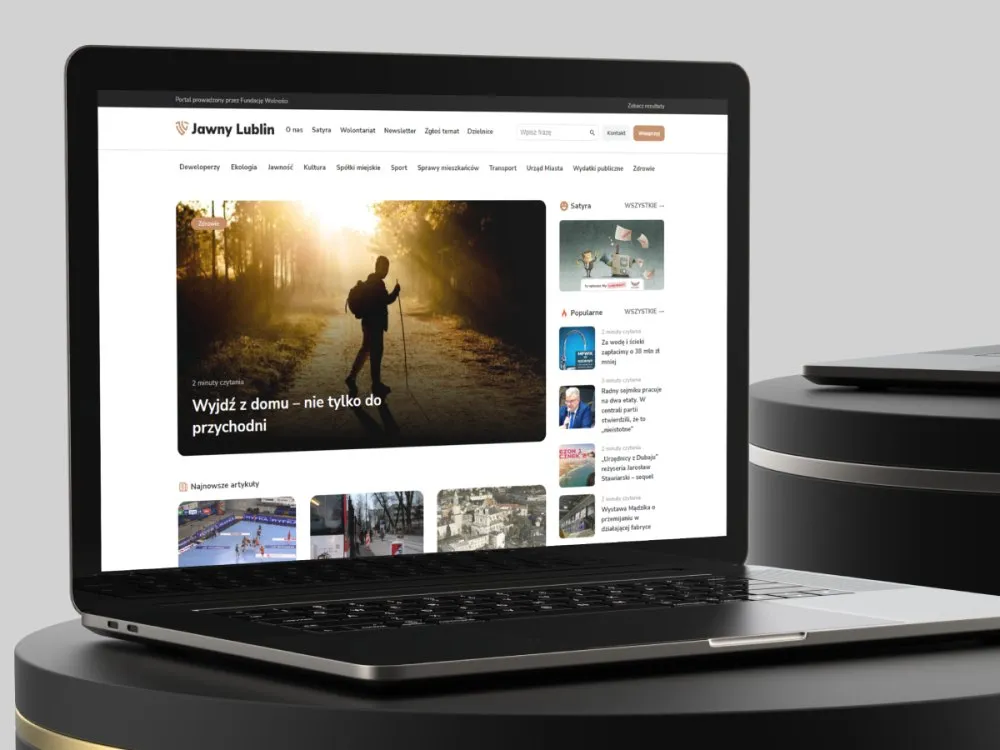
Jawny Lublin
A watchdog portal on city transparency
-
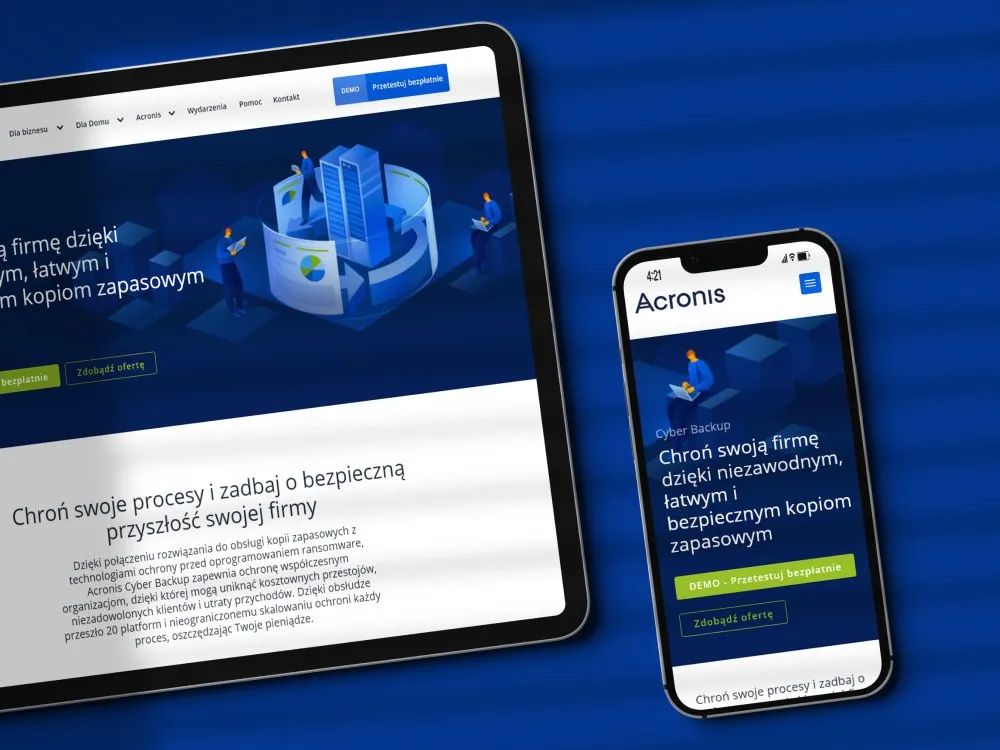
Acronis
Product page for ransomware protection
-
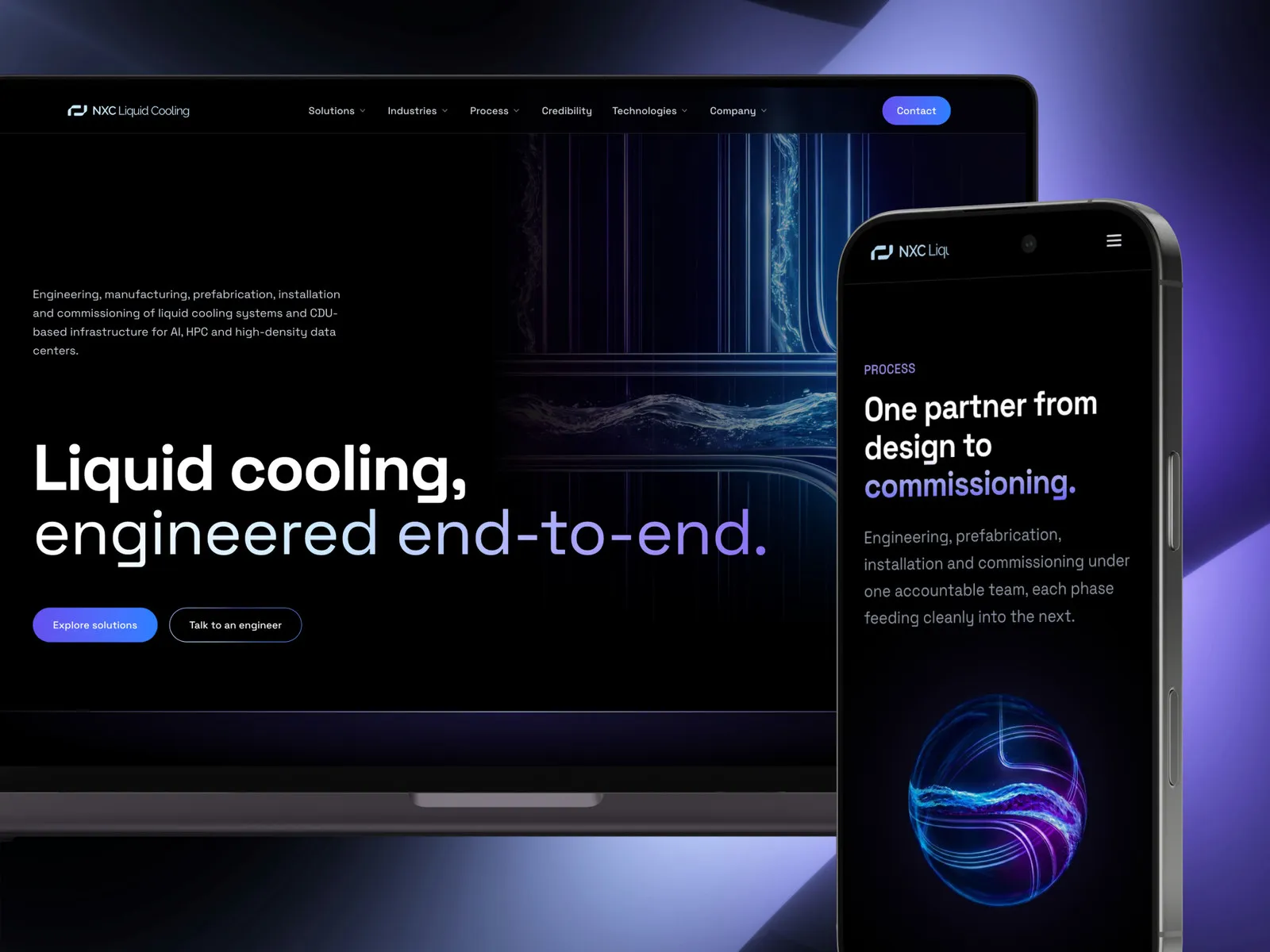
NXC Liquid Cooling
A liquid cooling systems website
- See what else we build Projects
Book UX consulting
One decision, 90 minutes with a senior and written recommendations after the session.
Client voices
What our clients say
 Jonasz Więcławski Chief Executive Officer, Wolumen

“UX Agency Wzór advised us to develop a design system, which in the end made working on our brand much easier. We have ready-made elements to combine, and our image has become even more consistent. The calculator on our site is more convenient for users and looks much better. I recommend working with this collective.”

“I had a vision of my personal brand in my head, but I could not translate any of it into the language of design. Wzór did it perfectly. At every stage they advised me on concrete choices and made me aware of things I had no idea existed. This agency does not throw words around in its proposals. They really do work that way.”
 Dawid Śmiglarski Area Manager, iLeopard

“After migrating our store to PrestaShop and changing the template, we decided to have UX Agency Wzór run a UX audit. It surprised us to learn there were over 40 UX defects in our system, 5 of them critical. The Wzór team not only identified the problems but also set out practical recommendations and concrete examples of how to fix them. At the meeting where we went through the audit we also received valuable input and together chose a new module for the checkout process. We believe the changes will benefit both our customers and the growth of our brand. We thank UX Agency Wzór for their commitment and professionalism, and we will certainly use their services again.”

“Wzór gave us a ready-made package for a good start online. The site fits our field, looks modern and works as it should. We have no trouble with it at all. Thanks to the copy, shortly after launch we moved up to 3rd place in Google on one of the phrases that matter to us. Wzór advised us on choices that simply worked.”



























The team
Who will run your UX consulting?
-

Aleksandra Bondar
Senior UX/UI Designer
View profileHow can I help you?
“I will go through the screens on the agenda with you and, while we are still in the session, sketch an option your team can judge on the spot.”
-
Patryk Korycki
CEO, Analityk Biznesowy
View profileHow can I help you?
“I will agree with you what question the session has to answer, and advise on the scope decision that comes out of it.”
-

Tadek Wadas
Senior UX/UI Designer
View profileHow can I help you?
“I will point out usability and accessibility problems on your screens and suggest how to check them in a test with users.”
FAQ
Frequently asked questions about UX consulting
What is UX consulting?
UX consulting is a 90-minute session with a senior from our team on a single decision or problem in your product. The person running it reviews your materials in advance, and after the session you get the decisions and recommendations in writing.
How long does a UX consultation take?
A single UX consultation takes 90 minutes and happens online or at your office. On top of that comes the review of your materials before the session, and since its length depends on how much you send, we state it together with the agenda.
How is the free consultation different from UX consulting?
The free consultation is 30 minutes online with Wzór's founder, after which you get an email with recommendations for your product and a proposal for next steps. UX consulting is a paid, 90-minute session with a senior on your specific question, preceded by a review of your materials and ending with written recommendations.
How is UX consulting different from a UX audit?
UX consulting answers the questions you bring, while a UX audit looks for problems in the product, or a chosen part of it, on its own. After a consultation you have a decision and recommendations for it; after an audit you have recommendations ordered by impact for the whole area reviewed.
How is UX consulting different from product discovery workshops?
UX consulting settles a specific question in a conversation with a senior, while product discovery workshops bring your whole team together to work on the direction of the product. Workshops end with strategic documentation, a consultation with a decision and recommendations for it.
How do you prepare for a UX consultation?
For a UX consultation, a description of the situation and the questions you want settled, sent before the session, is enough. It helps most to attach what you are working on, such as the brief, the Figma design or the product's address, because the person running the session will go through it beforehand.
Who runs the UX consulting sessions?
UX consulting sessions are run by a senior from our team, and we give their name in the agenda before the session. The same person then writes the notes and recommendations, and if you want to talk to someone specific, mention it when you get in touch.
What do we get after a UX consultation?
After a UX consultation you get notes on what was agreed, 3-5 recommendations ordered by priority and a task list for your team. If you agree to a recording, we add the session recording too.
Is UX consulting available as a regular package?
UX consulting is also available as a package of four sessions a month, all run by the same person. Besides a single session and the package, there is also an option where the consultation is preceded by an audit of your brief or Figma design.
Related services
Services related to UX consulting
You know something isn't working, but not what.
First we will find the problem, through an expert review or by talking to your users.
You need the whole team in the room for this decision.
We will run a workshop or map out the product strategy with you.
You already know what to change in the product.
We will design the changes as a clickable prototype or bring them together in a design system.