

Interactive prototype
At Wzór, a UX agency, you get an interactive prototype of your app, website or online store, which our team or your own developers can then implement. Among other projects, we designed the NXC Liquid Cooling website directly in code, and the client says this shortened the time to launch. In our ecommerce design work this is the standard: you click through the cart and payments before anyone pays for the build.







Challenges
What challenges does an interactive prototype help you solve?
Our approach
Instead of mockups, we hand over a link to a version your board clicks through on phone and desktop before approving anything. Your feedback covers how the screens behave, not just how they look.
Scope of services
Our approach
We cut the features nobody will use while the product is still a design: your customers click through the working version before anyone writes a backend. The build budget then goes only to what they actually used.
Scope of services
Our approach
Empty states, error messages, keyboard use and behaviour with long names are part of the design for us, not fixes tacked on at the end. We treat a generator prototype as a starting point for a conversation about what stays.
Scope of services
Who it is for
Which companies do we build interactive prototypes for?
Companies with an extensive website
Company websites with many subpages, where several people sign off the content and layout, we design straight in code, like the NXC Liquid Cooling website with twenty subpages across four sections. Feedback is then gathered right on the working site, one subpage at a time.
Start-ups ahead of a funding round
For start-ups ahead of a round, we build a working version of the product that an investor clicks through before deciding to fund the build. You send the link after the meeting, so the investor comes back to the product alone, with no deck and no commentary from you.
SaaS companies
A new module for a SaaS product goes into a clickable version first, where the product team checks how it fits the rest of the app before planning a sprint. When the app runs on React, the code of that version passes to the same developers who build the rest of the product.
Large companies with internal systems
Internal systems in large companies have many owners: sales, the warehouse and finance look at the same screen from three sides. We show the working version to each department on sample data, and the argument over a table layout is settled before anyone starts the build.
Software houses and agencies
For software houses and agencies, an interactive prototype is something they show their own client under their own brand. In that case we work white-label, and the code goes to the team that will keep developing the product.
- E-commerce
- Software
- Banking & Finance
- Healthcare
- Energy
- Media
- Aerospace & Defense
- Automotive & Mobility
- Crypto & Blockchain
- Education
- Entertainment
- Fashion & Accessories
- Grocery Retail
- Gaming
- Public Sector
- Insurance
- Logistics & Fulfilment
- Industrial Manufacturing
- Pharma
- Real Estate
- Retail & FMCG
- Cybersecurity
- Services
- Sport
- Telecommunications
- Transport & Travel

Why us?
Why choose our UX agency?
-
A shorter path to decisions
The board, the product owner and the technical lead look at the same working version behind one link every week. Feedback lands in one place and against one state of the product. A decision does not wait for someone to reconcile three opinions.
-
A build without a rewrite
Your team takes over the interactive prototype's code and keeps building on it, instead of rewriting screens from design files. Developers start from components that already work and that the board has approved.
-
Consistency on every screen
We assemble every screen from the same component library: buttons, forms and tables behave the same everywhere. The hundredth view of the product looks like the first, even when your own team is the one adding it.
-
A senior team
A team of senior UX designers that has been designing interfaces for nine years, today for large organisations, SaaS companies and software houses. Some of us design directly in code, so we know the technical constraints from our own work.
-
Proven client trust
We have designed for 115 brands, and most of them come back to us with another project.
-
Higher quality with AI
A designer with AI tools puts together more screen variants than they could by hand and tries each one out in the working version straight away. What reaches you is the variant that passed that test.
Process
How will we build your interactive prototype, step by step?
-
A conversation with your team
We agree what the working version has to settle and who signs it off
At the start we sit down with the three people who will approve the work: the owner or sponsor, the product owner and the technical lead. We agree the boundaries of the scope, the rhythm of the weekly showings and who on your side will take over the code at the end.
Key steps
- A conversation with the three people who approve the work
- Scope boundaries: the screens and paths in the project and what stays out
- A slot for the weekly showings
- Naming the person who will take over the code
Deliverables
- Approved scope
- Showing schedule
- List of approvers
-
Discovery and plan
Structure and direction first, the first screen after
We organise what you already know about your users and the product, lay out the screens and paths, choose a visual direction and set up the foundations of the component library. The stage closes with a short plan, up to five pages, that all three people sign off.
Key steps
- A review of the materials, research and analytics you already have
- A map of screens and key paths
- Visual direction and brand tokens
- Component library foundations
Deliverables
- Project plan of up to five pages
- Map of screens and paths
- Visual direction
-
Interactive prototype
A new version every week, approved by clicking through it
We design and build a working version of the product on sample data, with no backend and no real database. Every week we show it on a live link, and each round ends with an approval, so a change of direction surfaces in the week it appears.
Key steps
- Screens and paths in React on sample data
- A weekly showing on a password-protected link
- Approval after every round
- Empty states, errors and keyboard use in every component
Deliverables
- Working version behind a private link
- Component library
- Documented visual system
-
Build or hand-over
The code goes to our team or to your developers
You choose who adds the backend, the database and the integrations: our team as part of a build, or your developers. At hand-over you get the code, the visual system documentation, start-up instructions and a recording in which we walk your team through the project.
Key steps
- Choosing the build path
- Handing over the code and start-up instructions
- A hand-over recording for the development team
- Documentation of the components and visual system
Deliverables
- Interactive prototype code
- Start-up instructions
- Hand-over recording
- Visual system documentation
-
Support after hand-over
We answer the questions of the team that develops the code
After hand-over a support window opens, during which we answer your developers' questions and make small fixes to the design. Further modules of the product we design the same way, on the component library the team already knows.
Key steps
- Answers to the development team's questions
- Small fixes to the design
- Checking the first built screens against the design
- Further modules in the same component library
Deliverables
- Post-hand-over support window
- Design fixes
- Plan for the next modules
Methods and technologies
Technologies and methods we use in an interactive prototype
-

React
By default we build interactive prototypes in React, and in Next.js when that is where the product will live. Next.js does a lot on the server, while an interactive prototype has no server, so we lay out the routes for your team to add a backend later to screens that are already in place.
-

TypeScript
In TypeScript we describe the sample data the prototype runs on, which takes work up front, before the first screen appears. In return, the team that takes over the code gets a ready data shape to connect to the real API.
-

Tailwind CSS
Tailwind CSS is also the default choice of AI generators, which is why so many products look like one template. We start from your brand tokens, meaning colours, typefaces and spacing, so the prototype does not look like someone else's.
-
Design system
We set up the design system in the second stage and extend it every week along with the prototype. Each component comes with a description of its states and usage rules, so a new person on the team knows which one to use.
-
Sample data
We pick sample data that resembles yours, with long names, empty lists and values that break a layout. The prototype is built on it without access to your company's systems or data.
-
Private link with a password
A private link with a password is all your board needs to open the current version on a phone, with nothing to install. We change the password between stages if you want to close access to an earlier version.
Selected work
Our work
-
Industrial Manufacturing
NXC Liquid Cooling
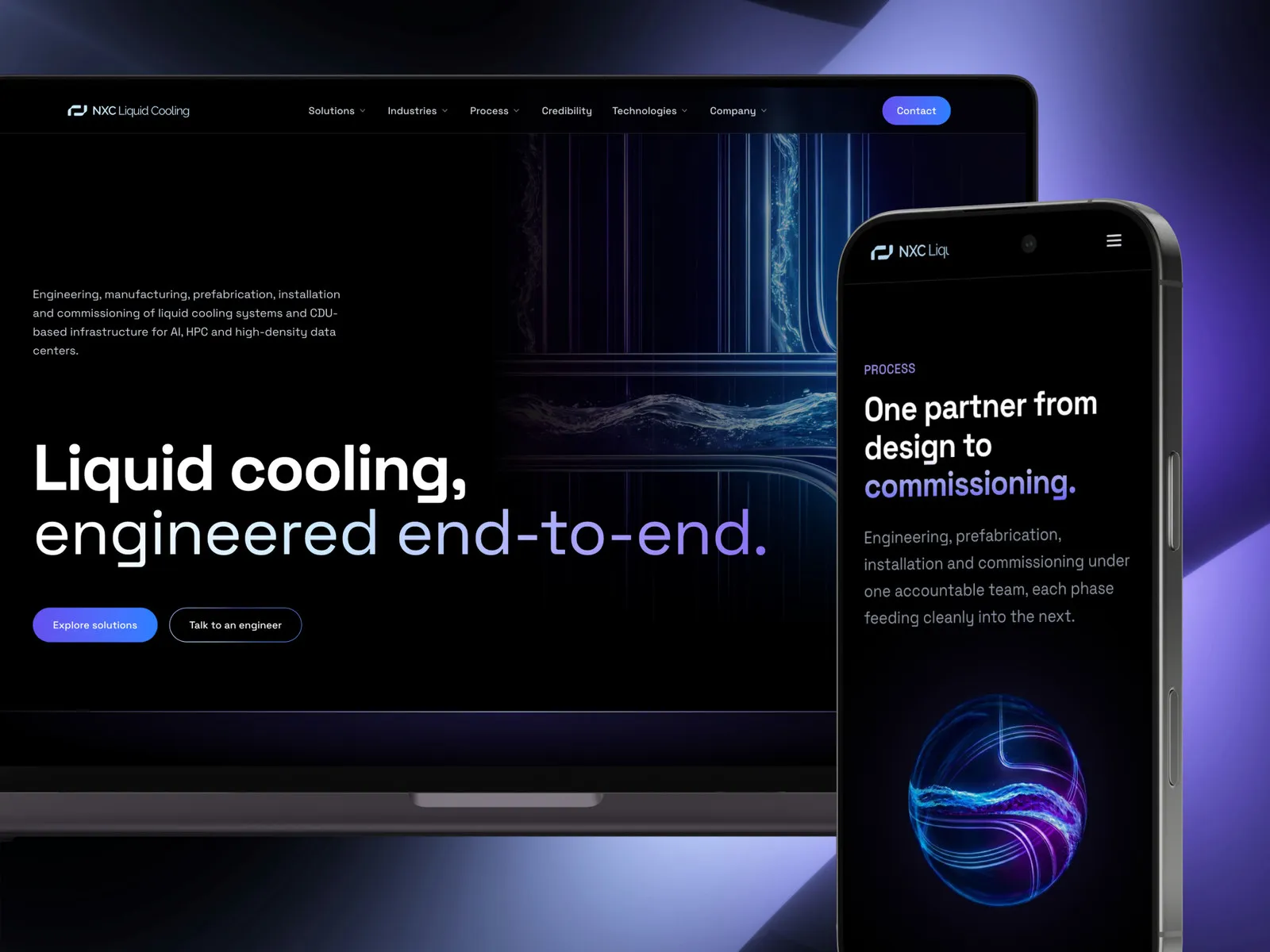
View projectThe website of NXC, a Wrocław company that engineers, prefabricates, installs and commissions liquid cooling systems and CDU-based infrastructure for AI and HPC data centers. A dark interface set in Space Grotesk, twenty pages across four cross-sections - solutions, industries, process, technologies - and English copy written for an engineer rather than for a search engine.
-
Logistics & Fulfilment
myAzymut
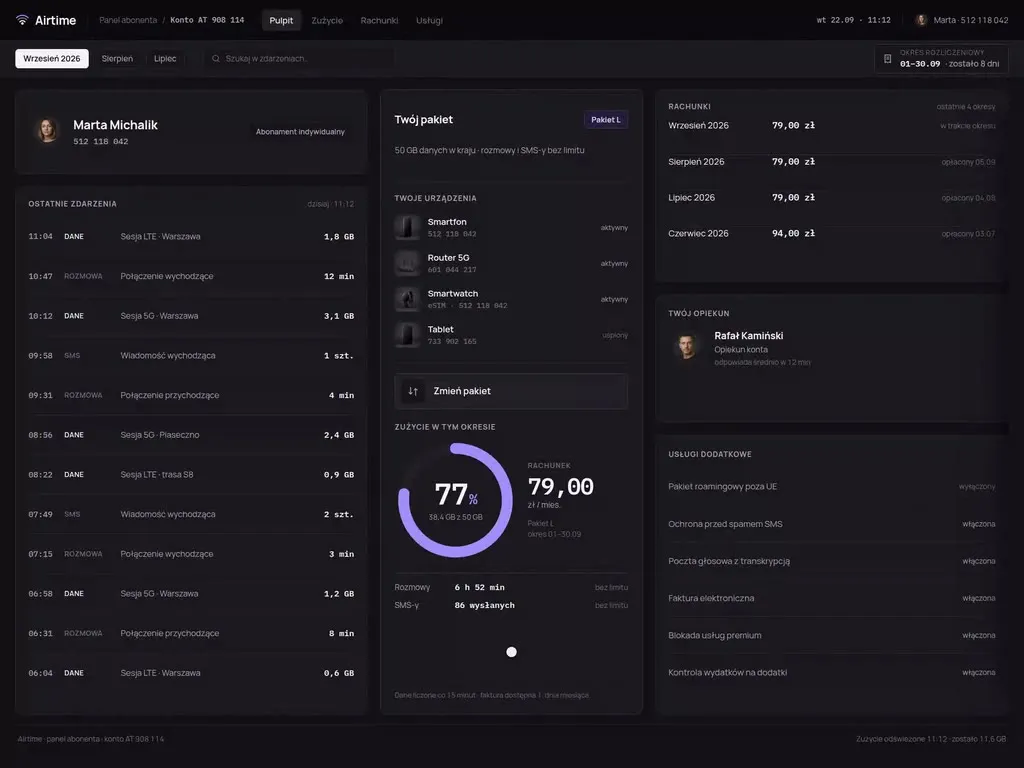
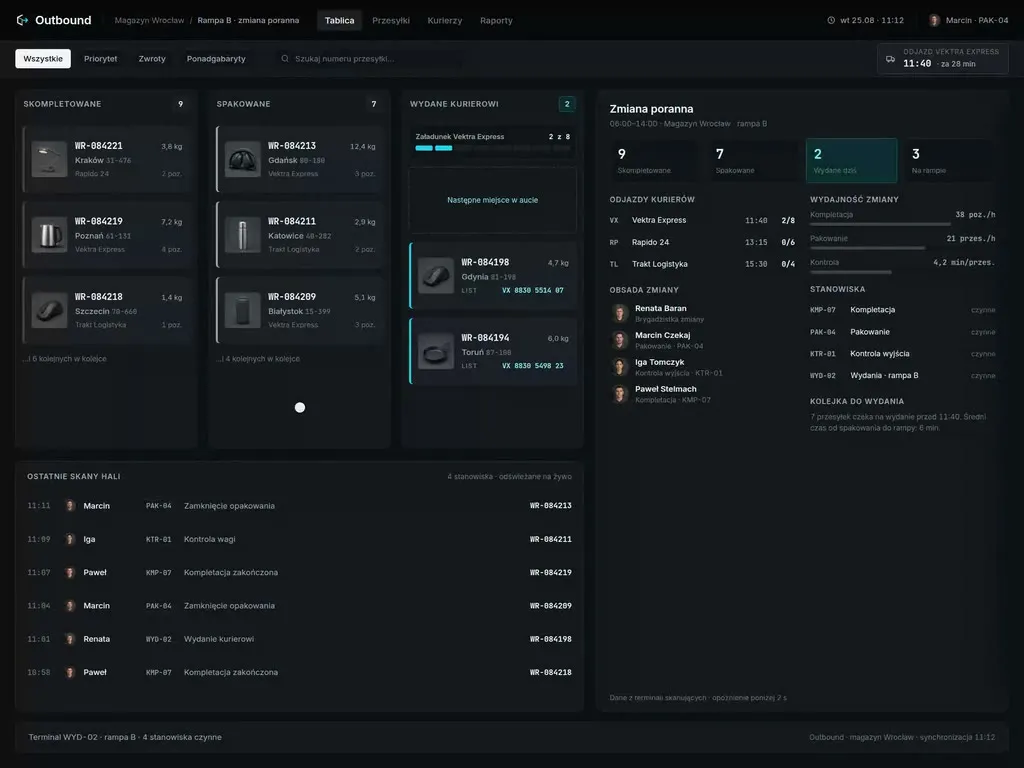
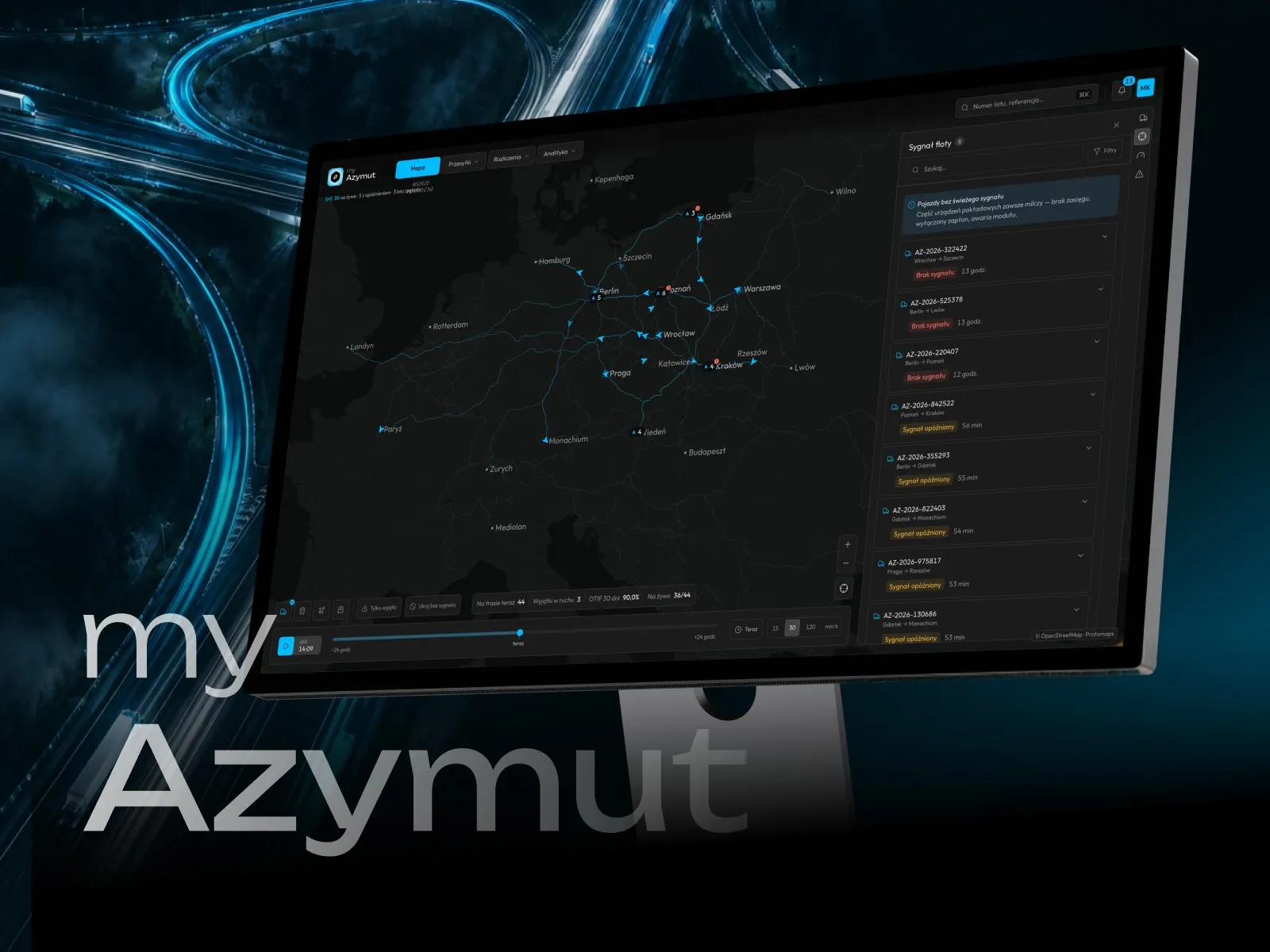
View projectThe myAzymut client portal: a live network map with fleet signal, shipment tracking with statuses and estimated delivery, billing with invoices and a freight cost breakdown, and a mobile app with orders, reports and documents. Dark interface, desktop and mobile.
-
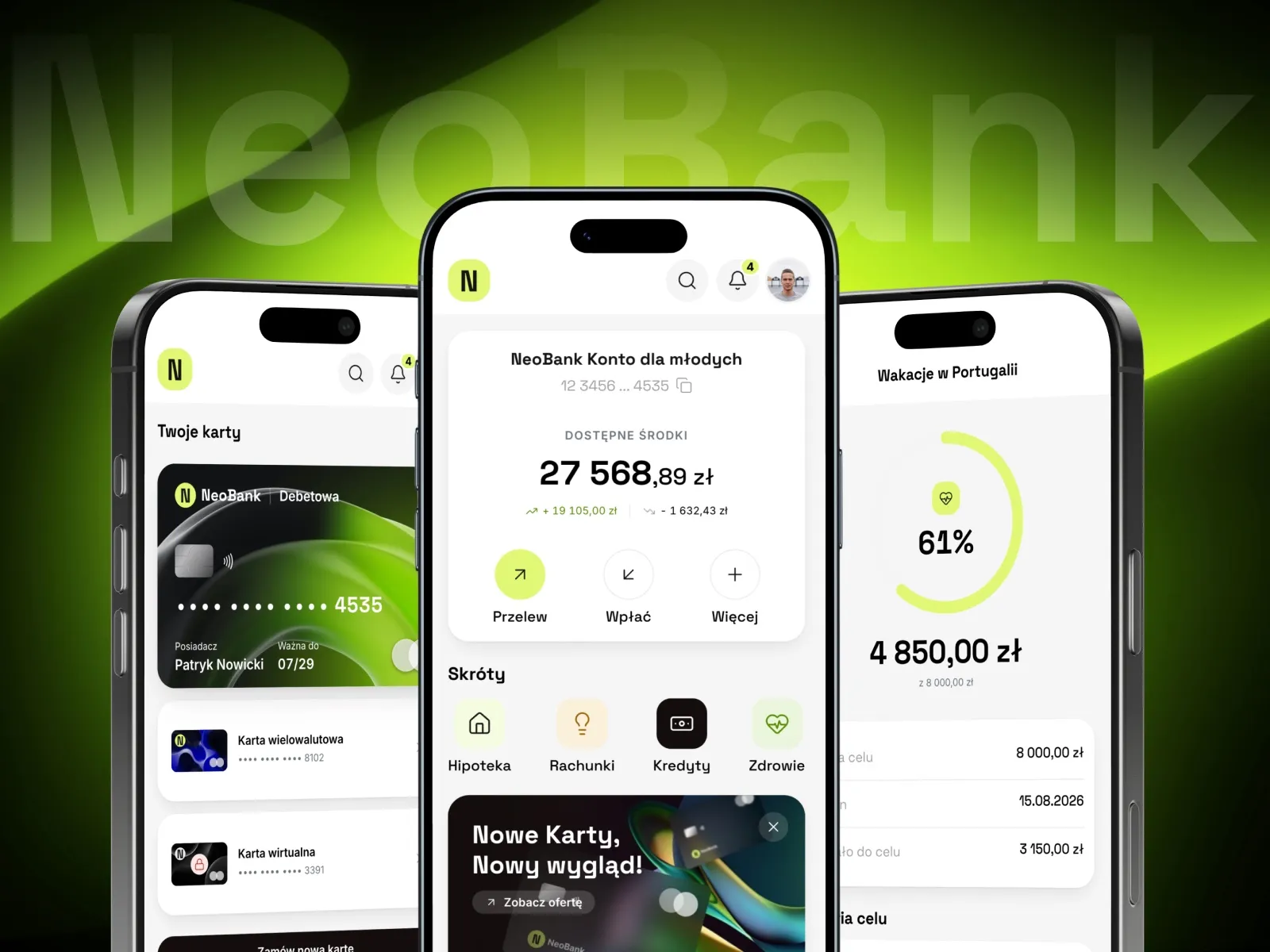
NeoBank
Banking app with currency exchange and savings goals
-
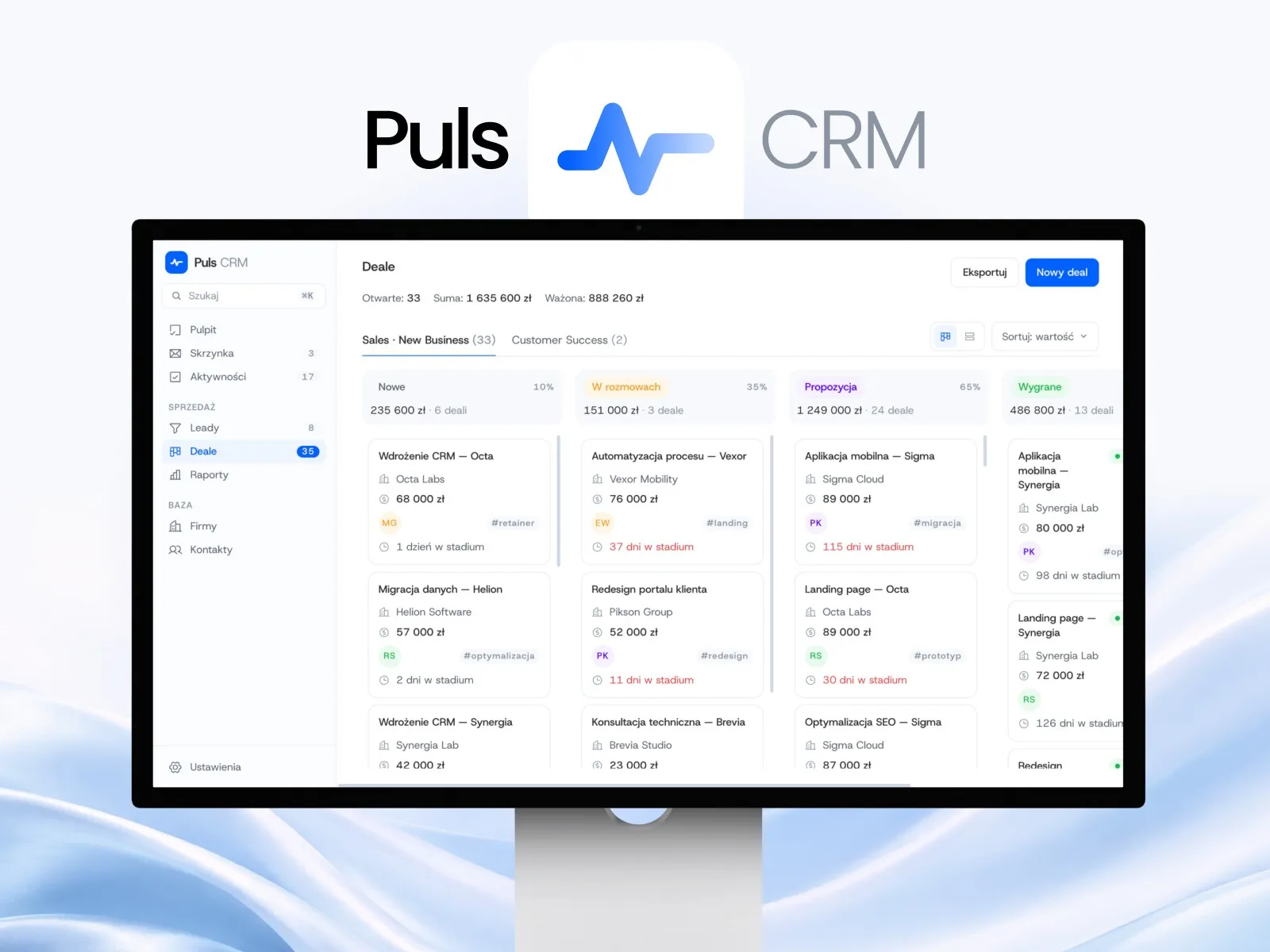
Puls CRM
CRM app with a kanban sales pipeline
-
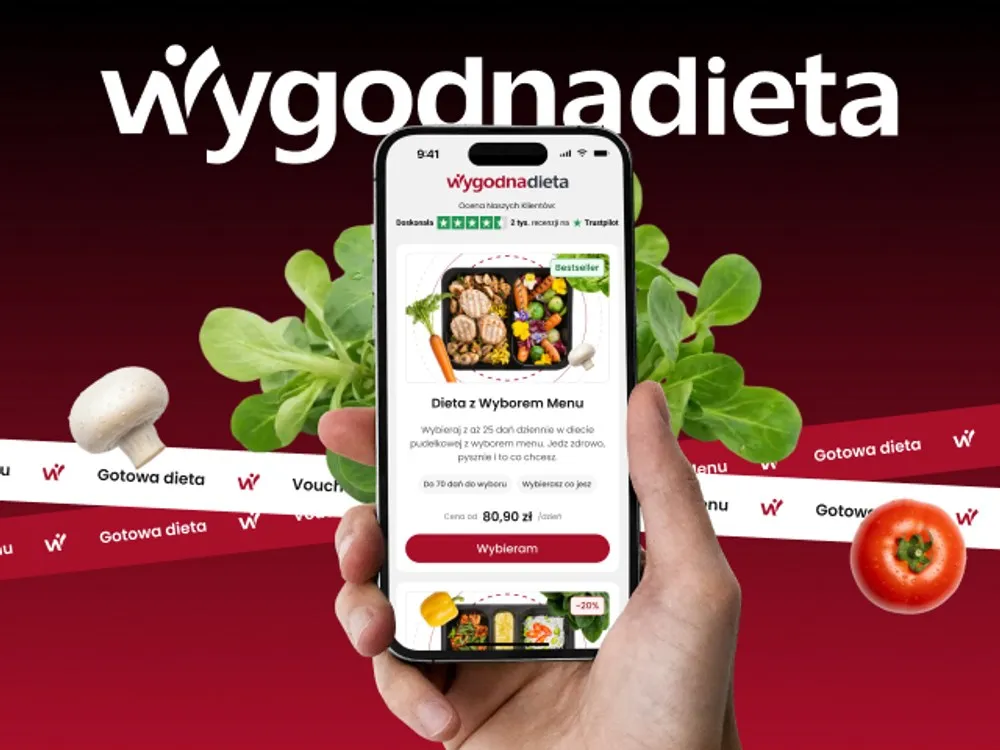
WygodnaDieta
App and online store for a meal-box diet service
-
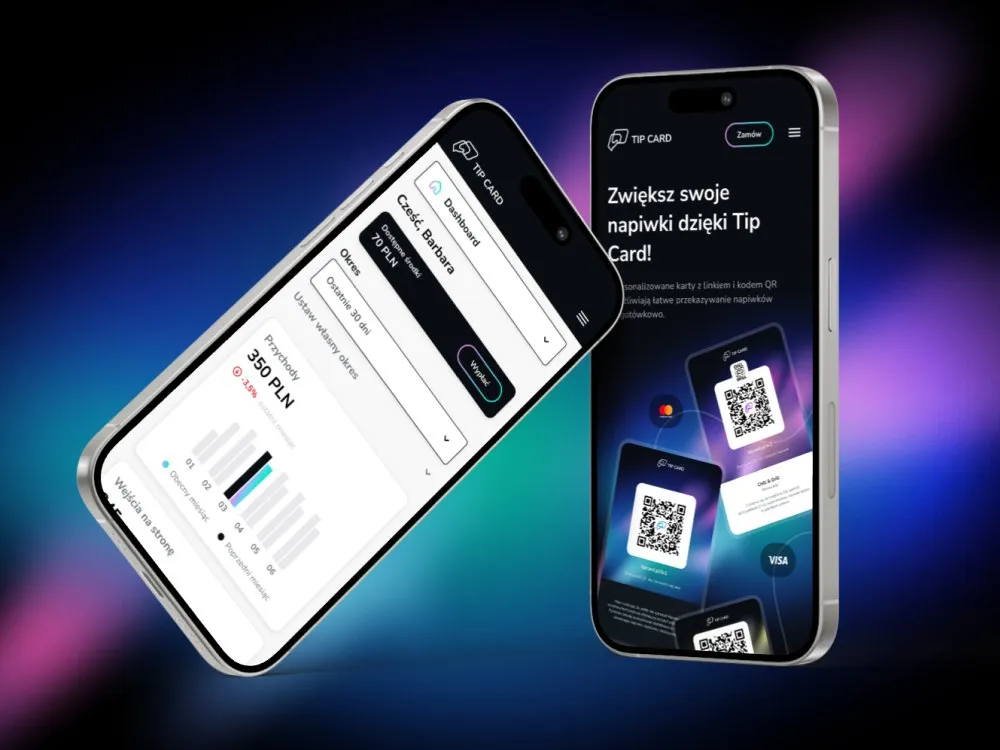
Tip Card
Cashless tipping platform
-
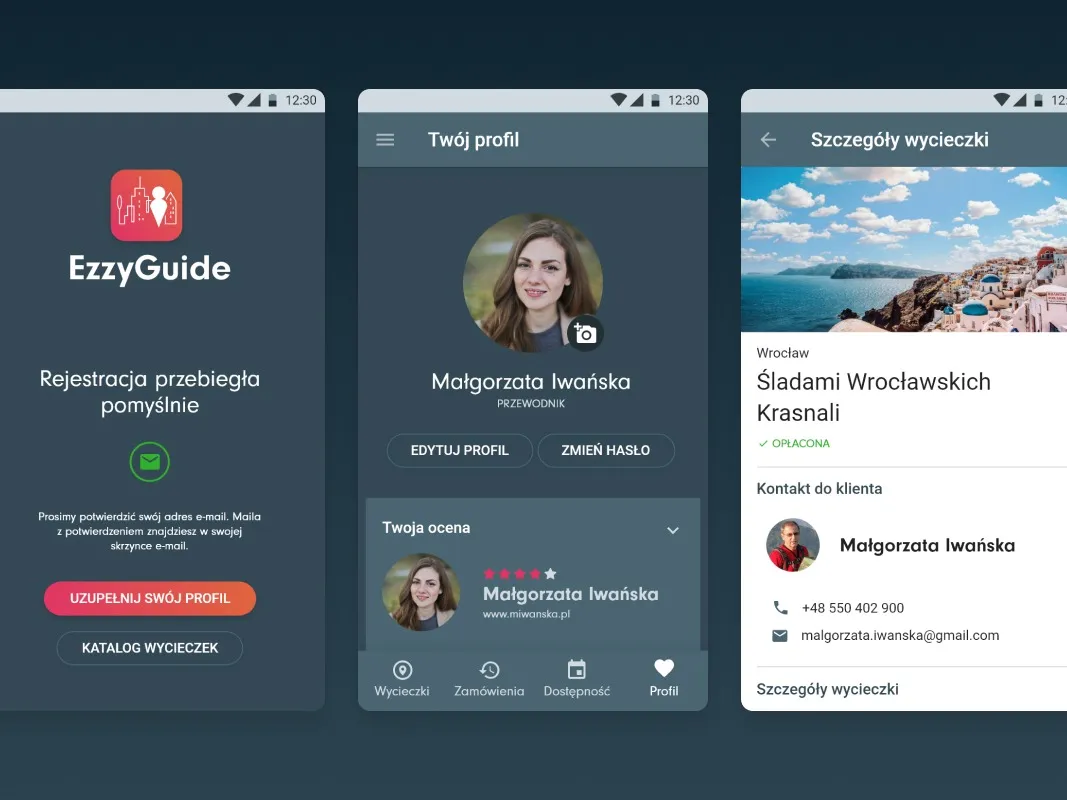
EzzyGuide
A tours app connecting guides with travellers
-
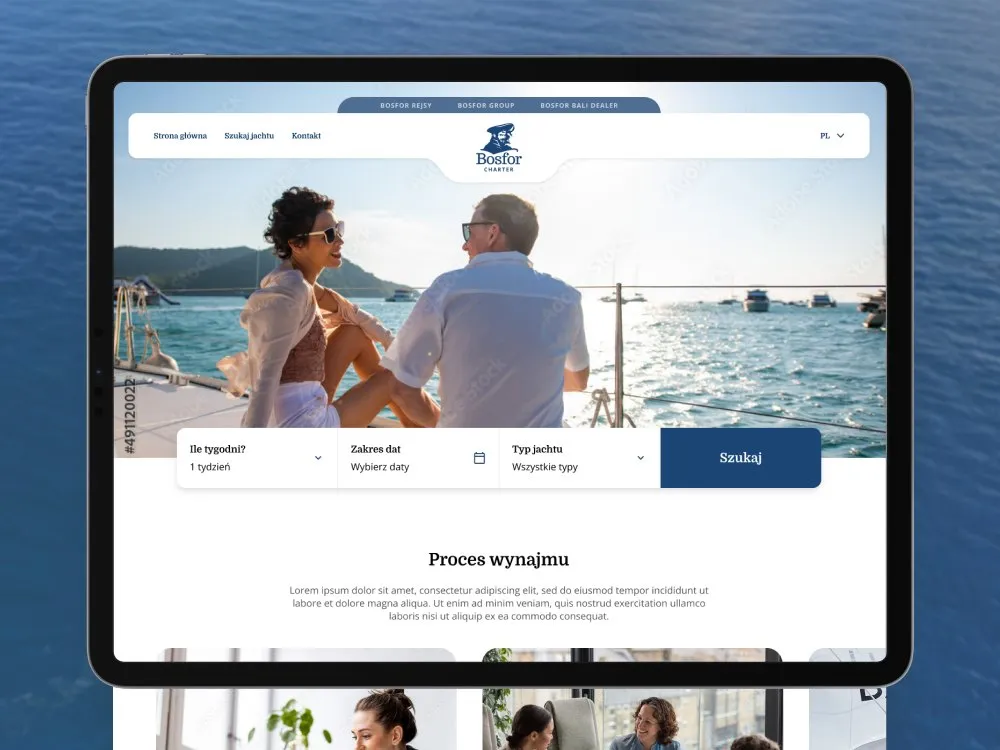
Bosfor Charter
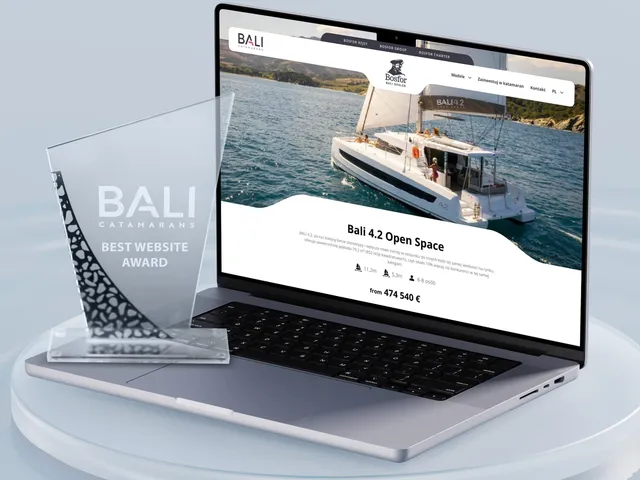
Yacht charter platform with booking
-
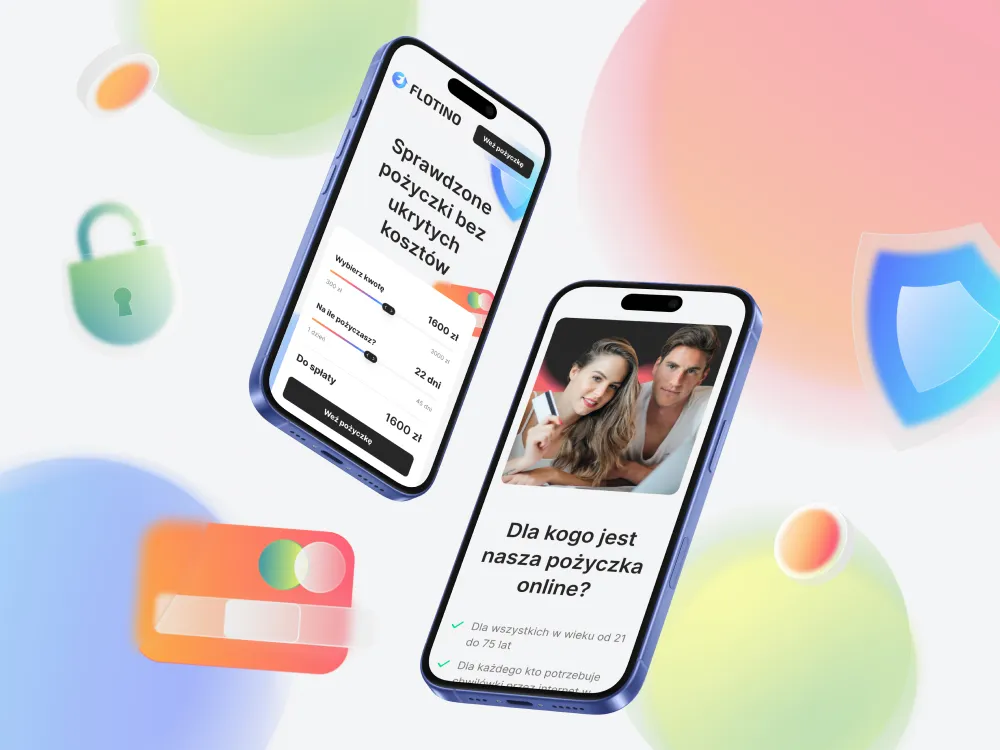
Flotino
Online cash loan service
- See what else we build Projects
Get an interactive prototype
A clickable version of your product, updated weekly, with code for your team.
Client voices
What our clients say

“Working with the UX agency Wzór on the NXC Liquid Cooling website went remarkably smoothly and professionally. The team stands out for its excellent, partner-like approach and its flexibility at every stage of the work. A major advantage was designing directly in code, which significantly shortened the time to launch while ensuring excellent technical and visual quality of the site. The end result meets our expectations 100%. I wholeheartedly recommend Wzór as a reliable partner.”
 Mateusz Swół Chief Operating Officer, Sellace

“Our cooperation with UX Agency Wzór started with our own website. We really liked the way they work, so we decided to subcontract projects for our clients to them on a White Label basis. We loved their workflow, the way they hand projects over to our team, their documentation and their work on the design system. Now we can take on bigger risks.”
 Paweł Kowalski Managing Director, IBIF

“Working with UX Agency Wzór is a pure pleasure. From the very beginning we could count on their professionalism, creativity and flexible approach to every project. Both the documentation and the finished designs are prepared in a way that makes implementation easy and delivers an excellent user experience. Wzór’s working flow keeps the process smooth, and the end results always exceed our expectations. We warmly recommend UX Agency Wzór.”
 Kacper Maraszkiewicz Project Manager, EMBIQ

“UX Agency Wzór is a real treasure for us. From the very start, on every one of our UX/UI projects, we can count on their full commitment and professionalism. Their approach to design and to the way they work fits our needs perfectly - from thorough documentation to finished designs that are simply easy to implement. They have a great flow, so everything runs smoothly, and every project looks excellent and is thought through from the user’s side. We wholeheartedly recommend Wzór as a dependable partner for any software house!”




























The team
Who will run your interactive prototype?
-

Aleksandra Bondar
Senior UX/UI Designer
View profileHow can I help you?
“I will design the paths, screens and interactions, and after the build I will check that the product behaves the way you approved it in the prototype.”
-

Katarzyna Adamczuk
Prezes, Analityk Biznesowy
View profileHow can I help you?
“I will turn your requirements into the scope of the first version and design it directly in code that your developers will then take over.”
-
Patryk Korycki
CEO, Analityk Biznesowy
View profileHow can I help you?
“I will run the weekly showings of the working version and make sure the decisions from each one carry into the next round.”
FAQ
Frequently asked questions about interactive prototypes
What is an interactive prototype?
An interactive prototype is a clickable version of an app, website or online store, built in code on sample data and shared behind a private link. It looks and responds like a finished product, so the board and users judge how the screens behave rather than pictures of them. It has no backend and no real database, because it is the layer the user sees.
How is an interactive prototype different from a Figma prototype?
An interactive prototype is code, while a Figma prototype simulates transitions between frames. A Figma prototype shows how the product should look, whereas the interactive prototype's code is already the start of the product your team develops. On phone and desktop it behaves like an app, empty lists and error messages included.
Is an interactive prototype already an MVP?
An interactive prototype is not an MVP: it runs on sample data, with no sign-in, persistent storage or integrations. An MVP from MVP development adds those and goes to real users, while the interactive prototype serves decisions and testing before that step. Its code becomes the starting point for the MVP, and the build does not begin with a rewrite.
How long does an interactive prototype take?
An interactive prototype takes roughly 6-8 weeks from the kick-off conversation to handing over the code. The timeline depends on the number of screens and paths and on how many rounds your approval takes. We confirm the exact time once the scope is agreed.
What does an interactive prototype not include?
An interactive prototype does not include a backend, a database, sign-in or external integrations such as payments, mailing or SSO. Native iOS and Android apps, automated tests, CI/CD and monitoring are also out of scope. We design an admin panel only when it is part of the product, and on sample data as well.
What technology is an interactive prototype built in?
An interactive prototype is built in React and Next.js by default, with TypeScript and Tailwind CSS. When your product runs on Vue, we build the prototype in Vue ourselves, just as we do with design system components. Moving it to Angular or to a native app is handled by our technology partner as a separate service.
Do we have to share company data for an interactive prototype?
You do not need to share company data for an interactive prototype, because we work only on sample data. We protect the linked version with a password, which we change between stages if you need us to, and we sign a mutual NDA.
Can a Lovable or v0 prototype replace an interactive prototype?
A Lovable or v0 prototype does not replace an interactive prototype, because a generator assembles it from a description, while an interactive prototype is led by a UX/UI designer. A generator quickly gets to the look of a finished product but skips what trips a product up with its first real users: empty lists, form errors, keyboard navigation and consistency between views. We use AI tools too, but a person decides on every screen.
What do we get when an interactive prototype is finished?
When an interactive prototype is finished, you get the working version behind a private link, its code with full rights, a documented visual system and start-up instructions. On top of that there is a hand-over recording of one to two hours and two to four weeks of support, during which we answer your team's questions.
Related services
Services related to an interactive prototype
You have an idea but do not yet know what belongs in the first version.
We will pin down with you the goals, the audience and the features the first version cannot do without.
Your product is already live, and you do not know what to improve.
We will find where users lose time, through an expert review or in sessions with them.
The prototype is approved and has to run on real data.
We will add sign-in, a database and integrations, or build the whole app on our side.