

UX audit
At Wzór, a UX agency, you get a UX audit report with fixes ranked by their impact on results, which our team or yours can then implement. A UX audit was the starting point for our work on CWZN, Wolumen and Swish. If fixes are not enough, the next step is a website redesign.







Challenges
What challenges does a UX audit help you solve?
Our approach
We know this scenario and where to look, because after a change like that it is rarely everything at once, usually just one step of the path. We go through it the way your customer does, on a phone and on a desktop, until we hit the moment where they start to get lost.
Scope of services
Our approach
We give every finding an impact on results and a cost to implement, so the order comes from those two numbers, not from anyone's taste. After the audit you know which paths need rebuilding and which only need polishing, and you have what it takes to defend that order in front of the board.
Scope of services
Our approach
A fresh pair of eyes is a procedure for us, not a slogan. Two senior designers review the product, each on their own, and we only put their observations side by side at the end. What both of them flagged is a sure problem, and where they differ, we say so plainly instead of averaging it out.
Scope of services
Who it is for
Which companies do we run UX audits for?
Online stores
We have audited stores that have been selling for years and stopped growing: that is how the modernisation of CWZN began, a cosmetics store with a ten-year history. In them we separate what blocks a purchase from what merely looks bad, because there is usually a budget for the first and not for the second.
Tools and calculators
We have reviewed products in which the user has to calculate something before buying anything: that is where we started with Wolumen's energy price calculator. Every step of the form counts there, so we look for the places where someone stops and never comes back.
Company websites and catalogues
We assess websites meant to lead to a contact form or a catalogue, not to a cart: that was the case with the Swish website. We then say plainly which content does the work and which is on the page because someone once added it.
Mobile apps
We know apps with good store ratings and poor retention after the first week. We go through them on a phone, not on a mockup, because half the problems in this category come from things you cannot see on a big screen: the thumb, one-handed use and a notification at the wrong moment.
Dashboards and internal systems
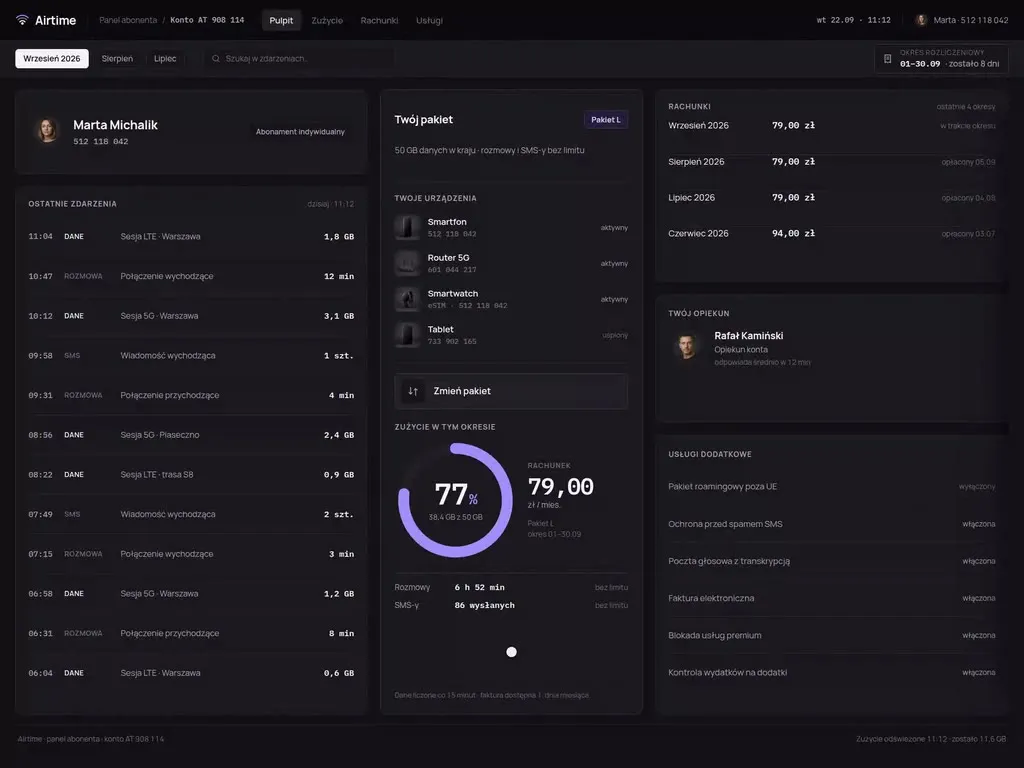
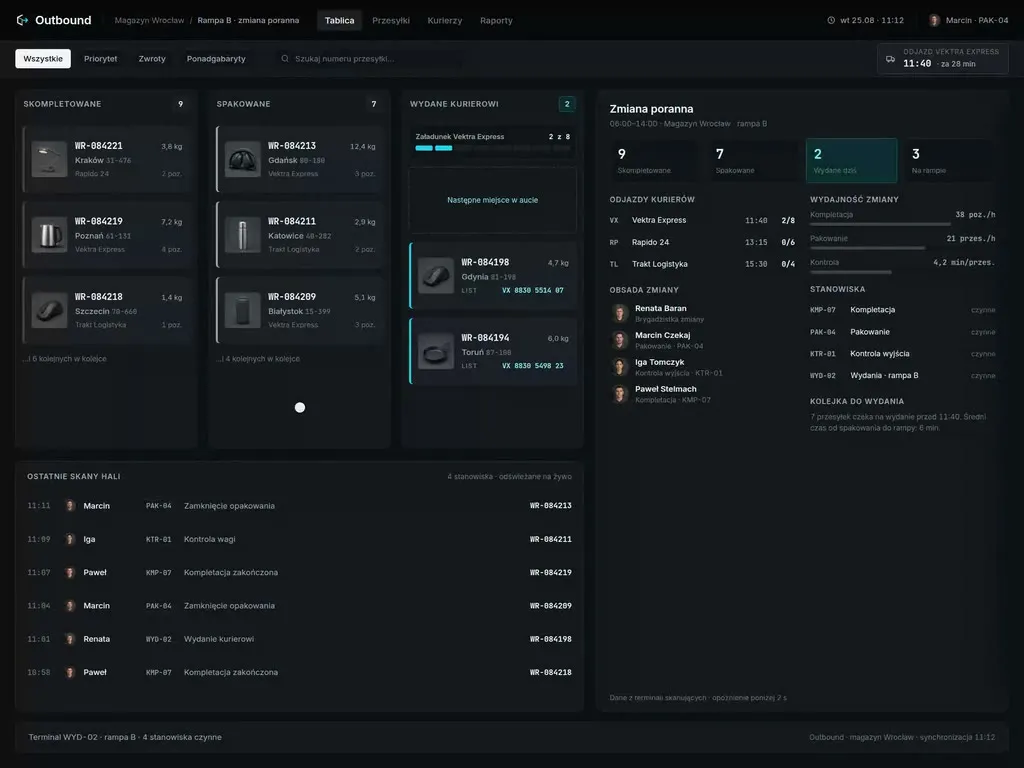
We also audit tools nobody chooses voluntarily, because they come with the job. The measure here is not conversion but the time a single operation takes and the number of mistakes, and those are exactly what we count before we say what to change.
- E-commerce
- Software
- Banking & Finance
- Healthcare
- Energy
- Media
- Aerospace & Defense
- Automotive & Mobility
- Crypto & Blockchain
- Education
- Entertainment
- Fashion & Accessories
- Grocery Retail
- Gaming
- Public Sector
- Insurance
- Logistics & Fulfilment
- Industrial Manufacturing
- Pharma
- Real Estate
- Retail & FMCG
- Cybersecurity
- Services
- Sport
- Telecommunications
- Transport & Travel

Why us?
Why choose our UX agency?
-
An order instead of a list of findings
The audit produces an order of work, not an inventory of sixty things to fix. You know what should happen in the first week and what can safely wait until next quarter.
-
Budget spent where the effect shows
Not every problem needs a rebuild, and we say so plainly. Your team will implement some findings on its own within a week, while usually only two or three paths need designing from scratch.
-
A clear line around what is known
We say plainly which conclusions are certain and which need conversations with users. We don't sell a guess as a result, because nobody can build an investment decision on a guess.
-
A senior runs the audit
The product is reviewed by a designer who has already seen the same mistakes in other products, so they recognise the pattern instead of ticking off a list of heuristics. That is how our team works, and it has been designing for nine years.
-
Proven client trust
We have designed for 115 brands, and for CWZN, Wolumen and Swish the audit was the starting point of the whole project.
-
Higher quality with AI
AI tools comb through analytics and session recordings with us, so manual review goes to the places that really deserve it. That makes the findings sharper, not more numerous.
Process
How will we run your UX audit, step by step?
-
A conversation with your team

We agree why you need the audit and what it should cover
We start with the metric that is supposed to move, and with what happens in the company when it doesn't. Then we go a level down: which paths are in the audit, which roles and account types the product serves, and what we deliberately leave alone. Without that boundary the review spills over the whole product and no path gets checked all the way through.
Key steps
- The business goal and the metric that will show the change
- Choosing the paths, roles and account types to check
- The scope boundary: what we audit and what we leave alone
- Access to analytics, session recordings and earlier research
Deliverables
- Audit brief
- List of paths in scope
- Agreed metrics
- List of access needed
-
Walking the paths and analysing the data
We test the product with a task to complete, not a list of screens
Someone on our side actually completes every path in scope: creates an account, places an order, looks for an invoice. Alongside that we read the analytics and session recordings, because they tell you how many people a given obstacle affects. One without the other ends in either an anecdote or a bar on a chart that nobody can explain.
Key steps
- Completing the tasks on every path in scope
- Checking on a small and a large screen
- Analytics: where traffic drops off and how often
- Session recordings and the reports you have already received
Deliverables
- List of observed obstacles
- Annotated screenshots
- Overview of the points where traffic drops off
-
Assessment and a prioritised report
Observations become a document your team can work from
Observations go through Nielsen's and Molich's heuristics, the WCAG 2.2 AA requirements and our own checklist, so every finding has a basis you can cite. The report opens with an executive summary, followed by the issues described one by one, each with a screenshot and a proposed change. You get the same list as a database in which one observation is one record, so it lands in the backlog as a task rather than as a quote from a PDF.
Key steps
- Heuristic review and a WCAG 2.2 AA accessibility check
- Cross-review: two auditors compare their observations
- A priority for every finding, with the reasoning
- A proposed change for every problem
Deliverables
- UX audit report
- Summary for the board
- Observation database, one record per problem
- Annotated screenshots
- A recommended change for every finding
-
Walkthrough, implementation or handover
The report goes to the people who will implement it
We go through the report with your product team and your developers, because a recommendation read without context can end up implemented the opposite way from how it was meant. In that meeting we agree what goes into the next sprint. After that, either your team takes the fixes on, or we design new screens for the paths that need rebuilding.
Key steps
- A session with the product team and the developers
- Deciding what goes into the next sprint
- Handing the observation database over to your tool
- Screen designs for the paths to be rebuilt
Deliverables
- Implementation plan for the next sprint
- Observation database in your backlog
- Screen designs where that was decided
-
Checking after implementation
We come back to see whether the changes moved the metric
Once the most urgent fixes are live, we go back to the same paths and the same analytics. We check which recommendations show up in the numbers and which did nothing, and that second group is the more interesting one: it tells you the cause lies somewhere other than it seemed. The result is another round of fixes or the conclusion that the next step is asking users.
Key steps
- Walking the fixed paths again
- Comparing the metrics before and after the change
- Checking that the fix did not push the problem further along
- Deciding on another round or on user research
Deliverables
- Report comparing the metrics
- Updated observation database
- Plan of next steps
Methods and technologies
Methods and standards we use in a UX audit
-
Nielsen's 10 heuristics
Nielsen's ten heuristics give a name to what is off in an interface, so instead of “I don't like it” the report states the principle that was broken. A finding like that is easier to defend in front of the team that has to implement it.
-
Molich's rules
Molich's rules pick up what the heuristics miss: form layout, the wording of an error message, the way back. We add them where the problem sits in the detail rather than in the whole path.
-
Cognitive walkthrough
A cognitive walkthrough looks at the product through the eyes of someone who sees it for the first time and has a specific task to complete. It surfaces the places where the user doesn't know what to do next, which the team stopped noticing long ago.
-
WCAG 2.2 AA
We check WCAG 2.2 AA in every audit, but conformance with the standard alone does not yet mean the product is comfortable to use. That is why accessibility findings go into the same priority list as everything else.
-
Our own checklist
Our own checklist of more than eighty points makes sure every audit checks the same things, no matter who runs it. After each project it grows by one thing we ran into for the second time.
-
Cross-review
Cross-review gives a scale of confidence: a finding raised independently by two people weighs more than one person's opinion. Nielsen showed that the severity of a problem estimated by a single evaluator is unreliable.
Selected work
Our work
-

Grocery Retail
WygodnaDieta
View projectThe WygodnaDieta.pl app and online store - a meal-box diet service with menu-choice diets, ready-made plans and gift vouchers. Diet selection and setup with a dietitian consultation, account management (delivery calendar, balance, notifications), picking add-ons for kids, and finalising an order with a choice of payment method (Blik, card, bank transfer, GooglePay), across mobile and web.
-
E-commerce
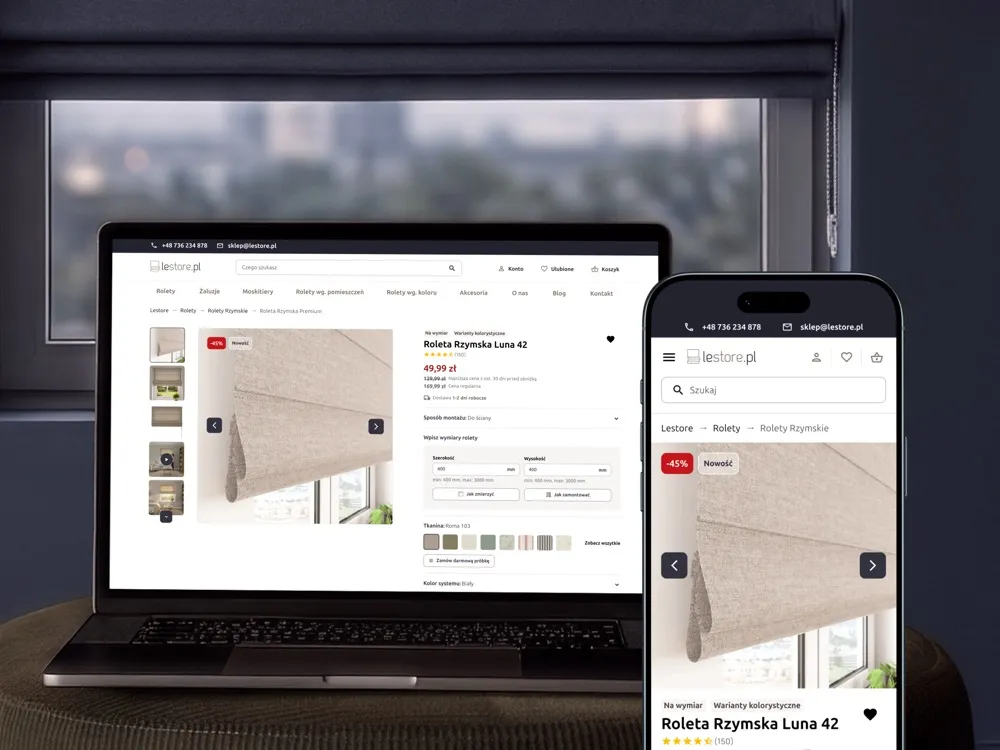
Lestore
View projectLestore online store - specialising in made-to-measure Roman blinds and shades. A product page with a size-and-fabric configurator, a category listing with filters and promotions, "How to measure your window" and "How to install it" sections, a free fabric-sample order and customer reviews, across desktop and mobile.
-
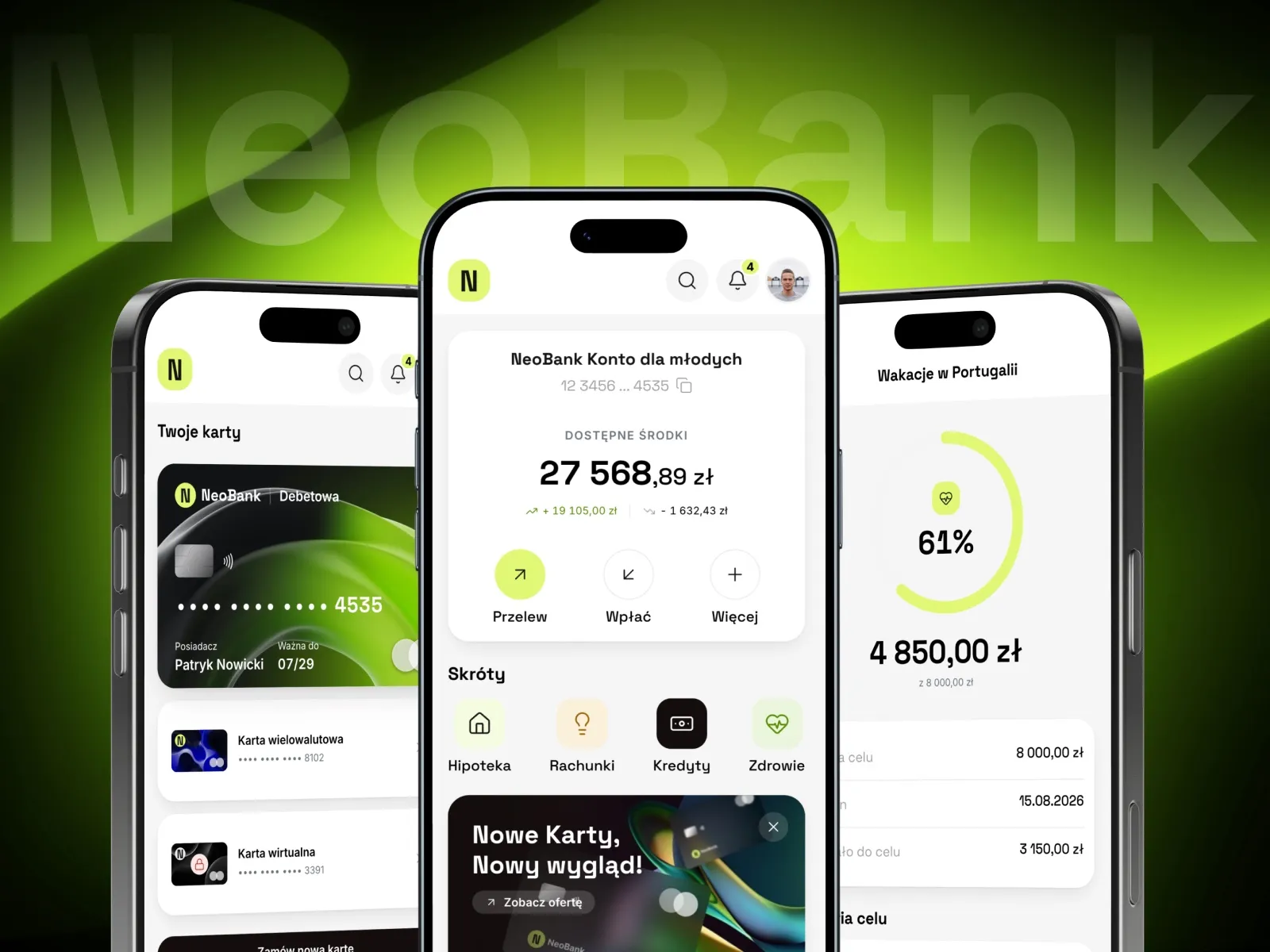
NeoBank
Banking app with currency exchange and savings goals
-
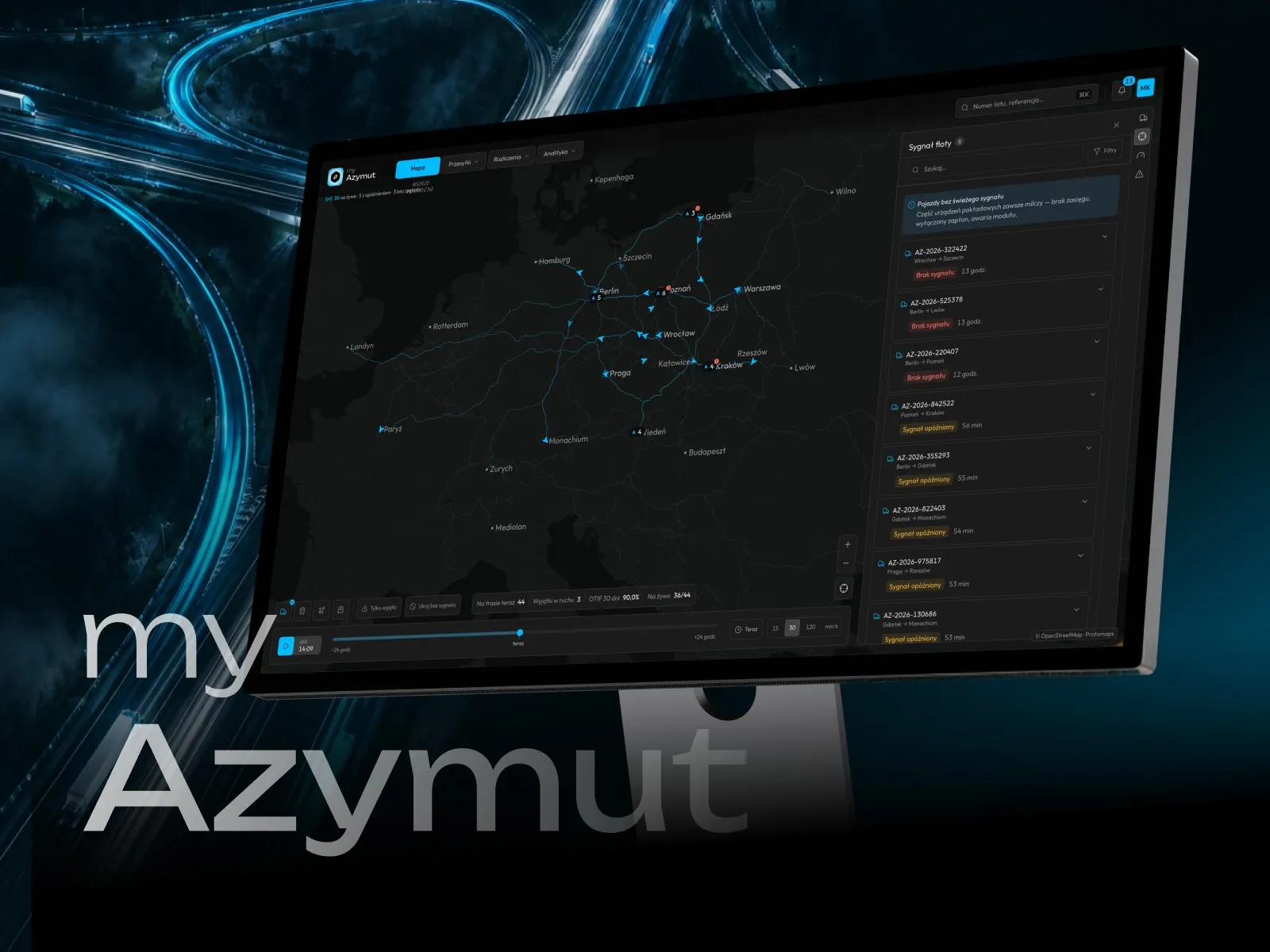
myAzymut
Client portal with a network map and shipment tracking
-
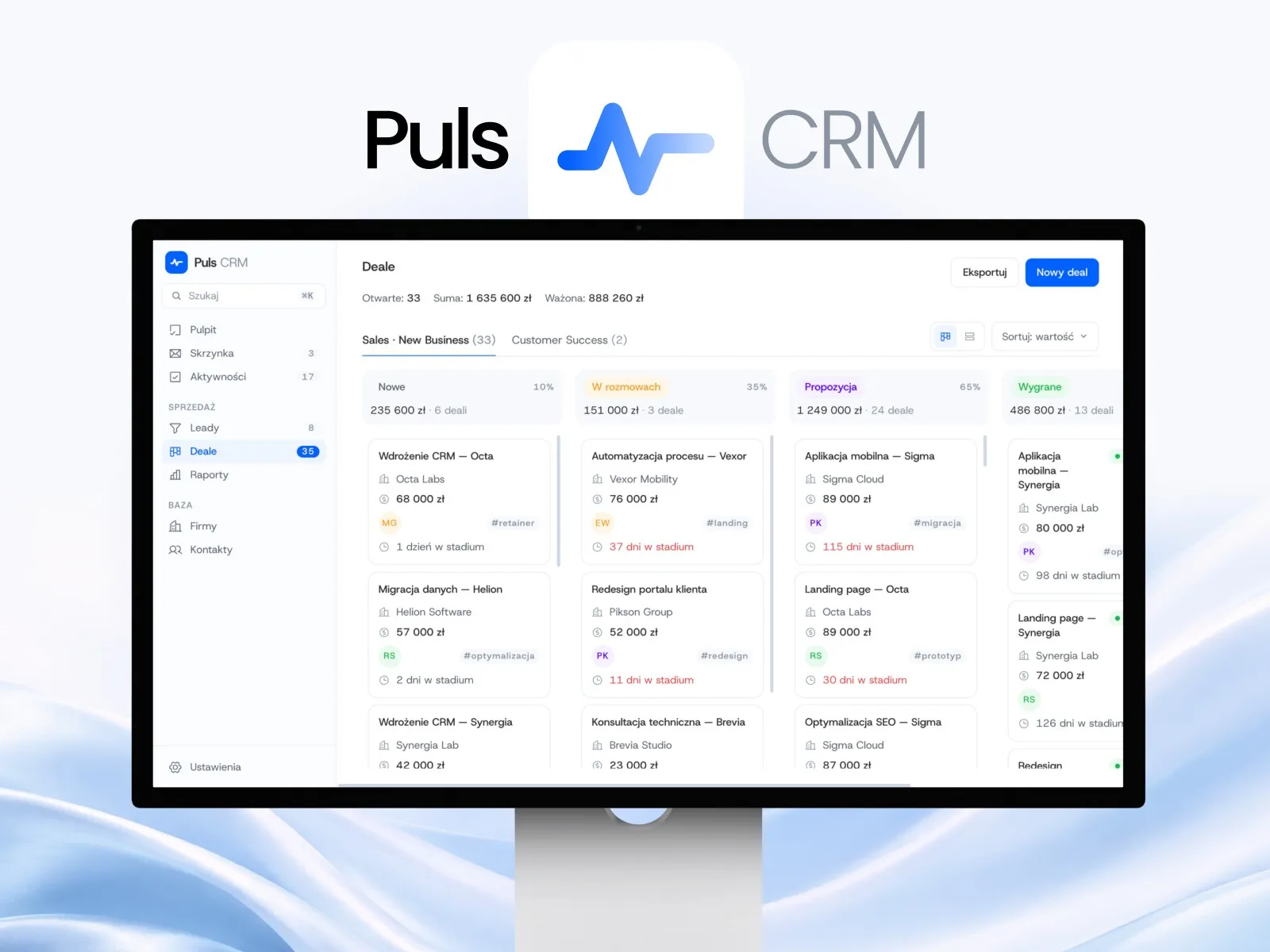
Puls CRM
CRM app with a kanban sales pipeline
-
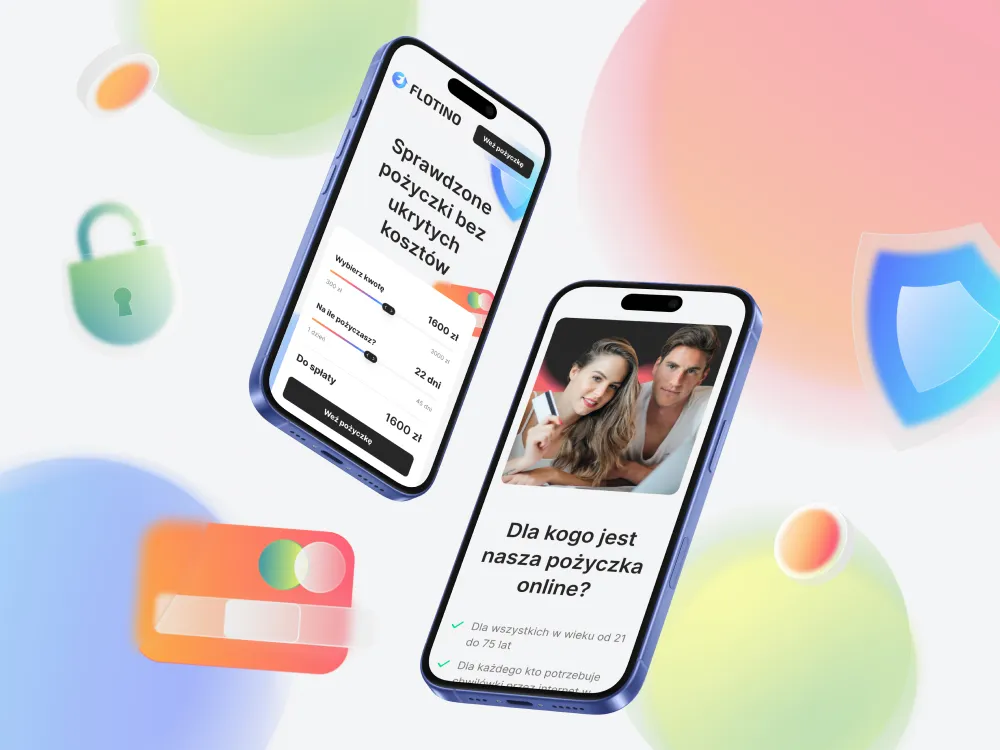
Flotino
Online cash loan service
-
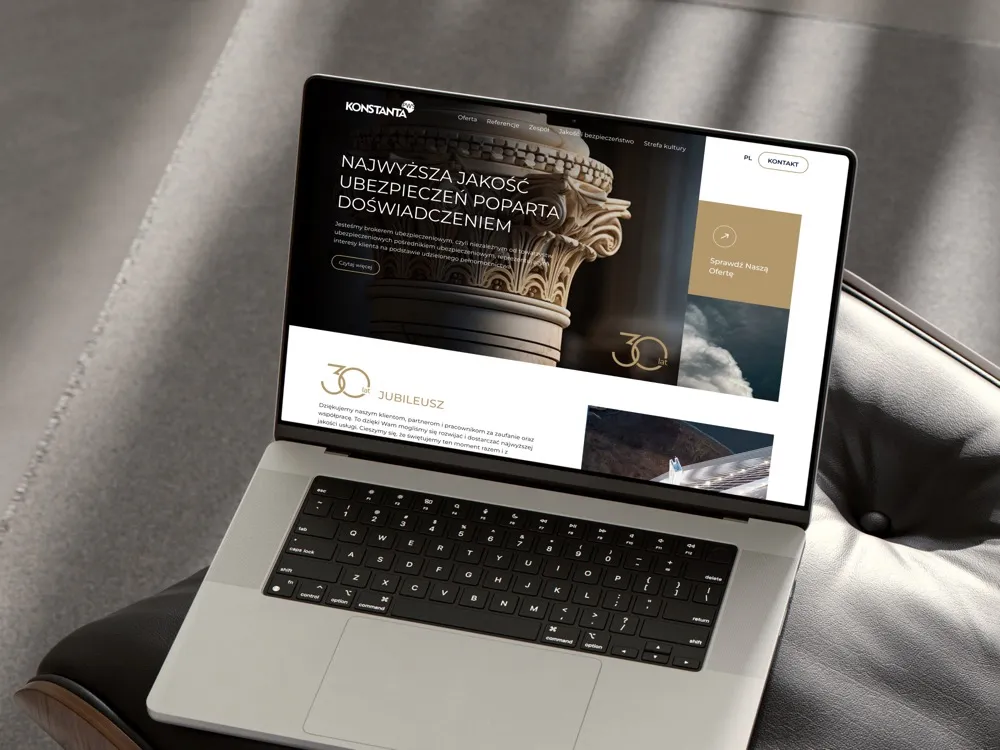
PWS Konstanta
Website for an insurance broker
-
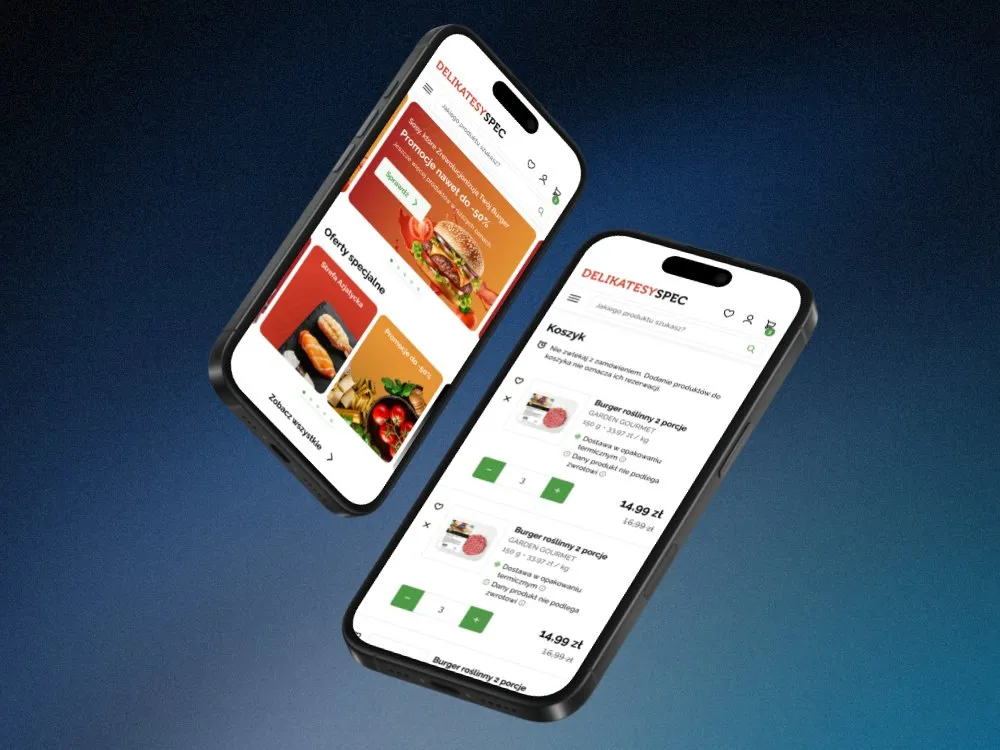
SPEC Food
Online store for a food delicatessen
-
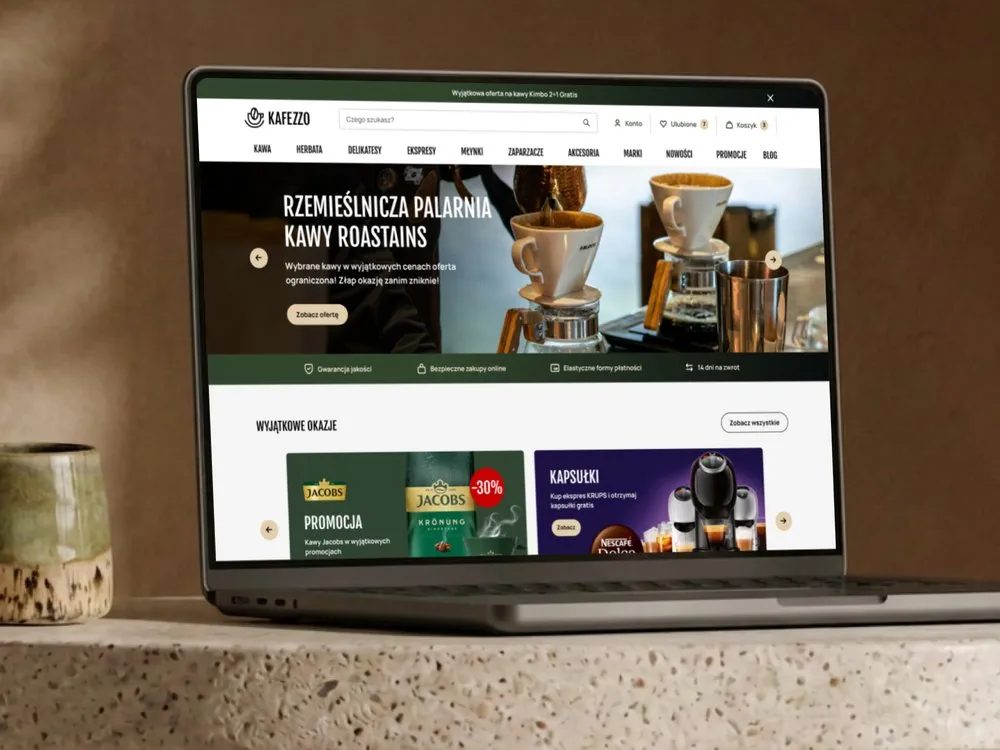
Kafezzo
Online store for coffee and tea
- See what else we build Projects
Book a UX audit
We assess a product that is already live and tell you what to fix first.
Client voices
What our clients say
 Maja Wieloch-Silecka Operations Director, Bosfor Group

“Working with the Wzór team was a genuinely great experience! They always answered our questions quickly and were flexible about our comments. They have no shortage of creative ideas and are at the same time thoroughly reliable and on time. The end result fully met our expectations; we recommend them to anyone looking for professionals who care.”
 Piotr Alberski Chief Operating Officer, Agencja XO Media

“Our clients expect us to act fast and effectively across a very wide scope - from building a brand, through a website with a store, to running an effective sales campaign. Not an easy task, but doable when you have a tight-knit team and partners who take on challenges on the fly. For us, quality, accountability and commitment are key, and working with UX Agency Wzór gives us that 100%.”
 Mateusz Swół Chief Operating Officer, Sellace

“Our cooperation with UX Agency Wzór started with our own website. We really liked the way they work, so we decided to subcontract projects for our clients to them on a White Label basis. We loved their workflow, the way they hand projects over to our team, their documentation and their work on the design system. Now we can take on bigger risks.”
 Dawid Śmiglarski Area Manager, iLeopard

“After migrating our store to PrestaShop and changing the template, we decided to have UX Agency Wzór run a UX audit. It surprised us to learn there were over 40 UX defects in our system, 5 of them critical. The Wzór team not only identified the problems but also set out practical recommendations and concrete examples of how to fix them. At the meeting where we went through the audit we also received valuable input and together chose a new module for the checkout process. We believe the changes will benefit both our customers and the growth of our brand. We thank UX Agency Wzór for their commitment and professionalism, and we will certainly use their services again.”



























The team
Who will run your UX audit?
-

Aleksandra Bondar
Senior UX/UI Designer
View profileHow can I help you?
“I will walk every path in scope and, for every problem, show on a screenshot how the view should look after the fix.”
-

Katarzyna Adamczuk
Prezes, Analityk Biznesowy
View profileHow can I help you?
“I will read your analytics and point to the step where you lose the most people, so the audit starts where it costs you the most.”
-
Patryk Korycki
CEO, Analityk Biznesowy
View profileHow can I help you?
“I will agree with you which paths go into the audit and, after the report, run the meeting where you decide what to fix first.”
FAQ
Frequently asked questions about UX audits
What is a UX audit?
A UX audit is an expert review of a live product that leaves you with a list of usability problems ordered by how much they cost you today. We base every finding on heuristics, accessibility requirements or analytics data, not on anyone's taste.
How long does a UX audit take?
A UX audit in the standard scope takes 10 working days, and a wider scope moves the deadline towards fourteen days. The standard scope is one product and its key paths on desktop and mobile. An admin panel alongside the customer panel, or an app alongside the website, adds to the work.
Can a UX audit replace user research?
A UX audit cannot replace user research, because it finds problems measured against heuristics and good practice, not the ones that come from what is specific about your customers. We often start with an audit and then use research to test selected hypotheses.
Can I commission a UX audit of just part of the product?
You can commission a UX audit of a single part of the product, for example just the cart, the sign-up or the admin panel. We set the boundaries at the first meeting: what goes into the audit and what stays out of it, and the deadline depends on that.
What does a UX audit report include?
A UX audit report includes an executive summary, a prioritised list of problems, annotated screenshots and a concrete recommendation for every finding. Alongside the report comes a database of observations you can filter and map onto your team's sprints.
Can you do a UX audit yourself?
You can do a UX audit yourself if someone on the team knows the heuristics and goes through the product with a checklist. What is harder to get is what you cannot see from the inside: the team knows the shortcuts in the product and skips the places where a new customer gets stuck.
Does a UX audit include implementing the fixes?
A UX audit does not include implementation: you can make the fixes yourselves, hand them to your agency or commission us as a separate job. We write the recommendations the same way no matter who implements them later.
Does a UX audit check accessibility too?
A UX audit checks accessibility against WCAG 2.2 AA in every scope, with no separate quote. Companies covered by accessibility law get those findings in the same document as the rest.
What does a UX audit of an online store involve?
A UX audit of an online store focuses on the path from landing on the site to a placed order: search, the product list, the product page, the cart and payment. Those are the steps where a store loses the most orders, so that is where we start.
Related services
Services related to UX audits
You need an accessibility or technical assessment, not a usability one.
We will check the product against accessibility requirements or review its code and infrastructure.
You want to know why customers drop out.
We will talk to your users or measure where in the funnel they leave.
You already know what to fix and need new screens.
We will redesign the journeys that need rebuilding, on the website or in the app.