

Logistics & Fulfilment
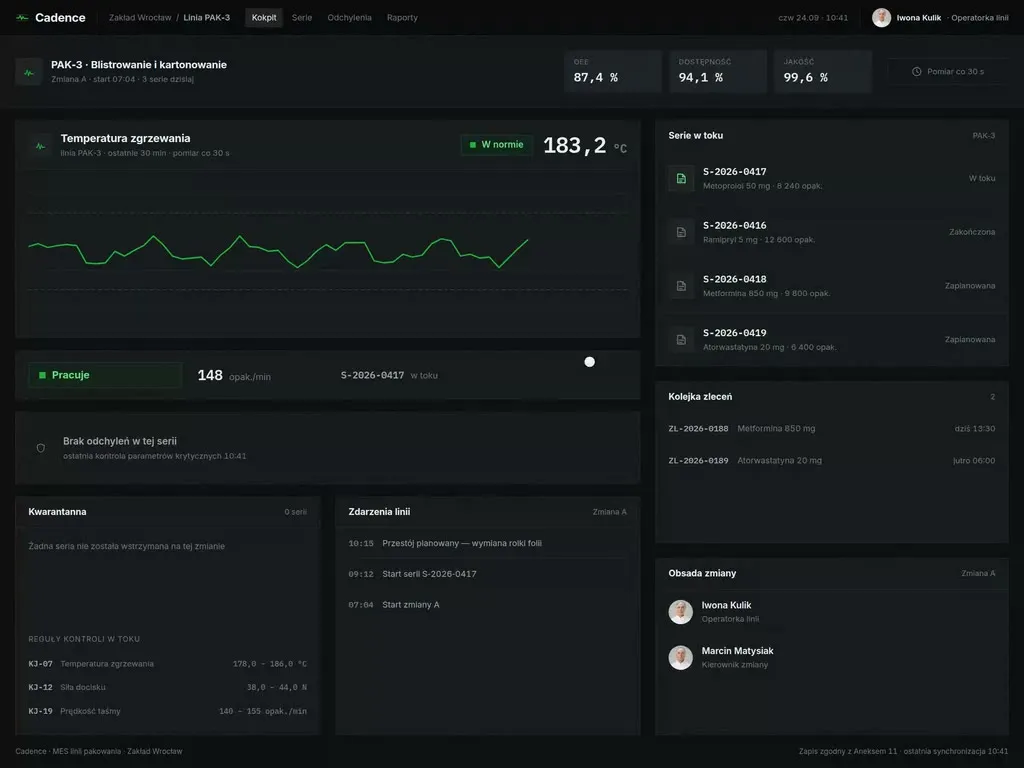
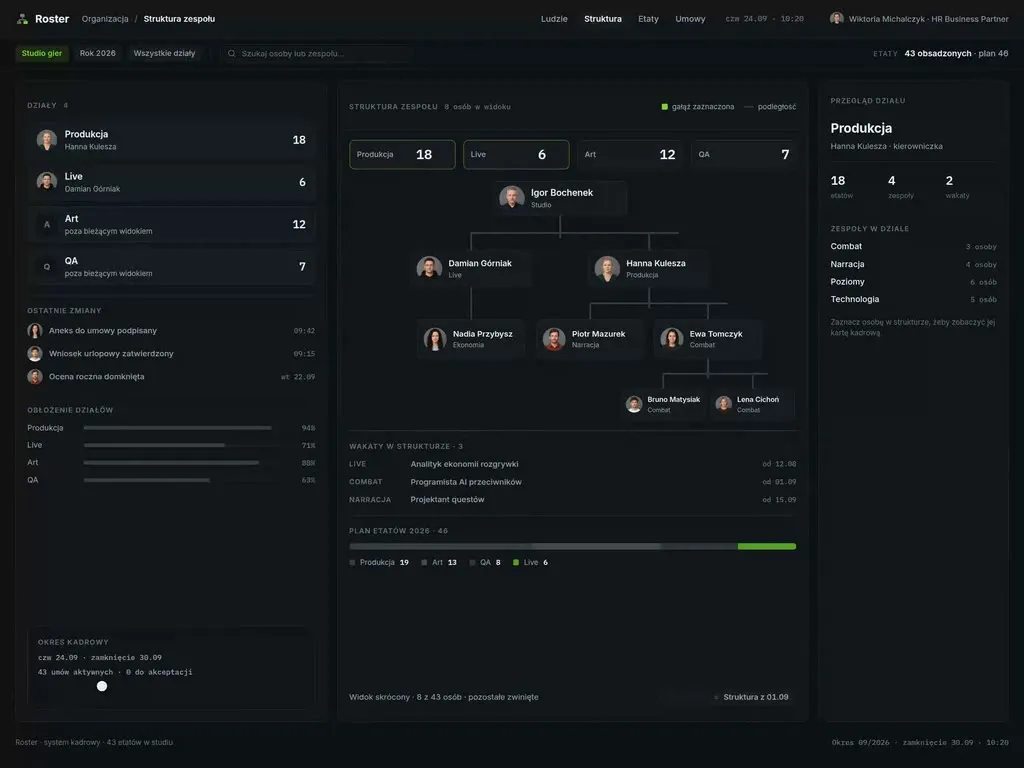
At Wzór UX agency you receive an interactive design of your logistics and fulfilment software, be it a WMS, a TMS or a courier app, and either our team or your own developers can then build it. When an off-the-shelf WMS does not fit how the warehouse works, we design bespoke software. That is how we designed the myAzymut client portal and the VERSA B2B panel, among others.







Challenges
What challenges do we help solve in logistics and fulfilment?
Our approach
The picking terminal we design gives a new warehouse operative one instruction at a time and, after a wrong scan, suggests what to do next. The shift manager can get on with their own work, because the new operative learns at the rack.
Scope of services
Our approach
A courier has one free hand, so we lay out proof of delivery for the thumb: scan, photo and signature in one sequence, with no trip back to the parcel list. The seconds saved at one door add up across every stop on the route.
Scope of services
Our approach
Whether the recipient picks up the phone usually comes down to one line in the shipment status. We write it in the words of someone waiting for a parcel: where it is, when it will arrive and what to do if it is late. The same line then goes out by text, by email and in the portal.
Scope of services
Who it is for
Which logistics and fulfilment companies do we design software for?
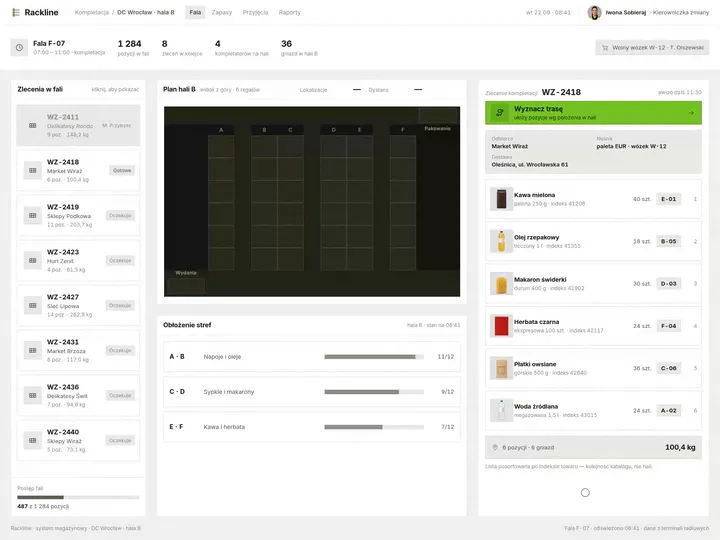
WMS and warehouse apps
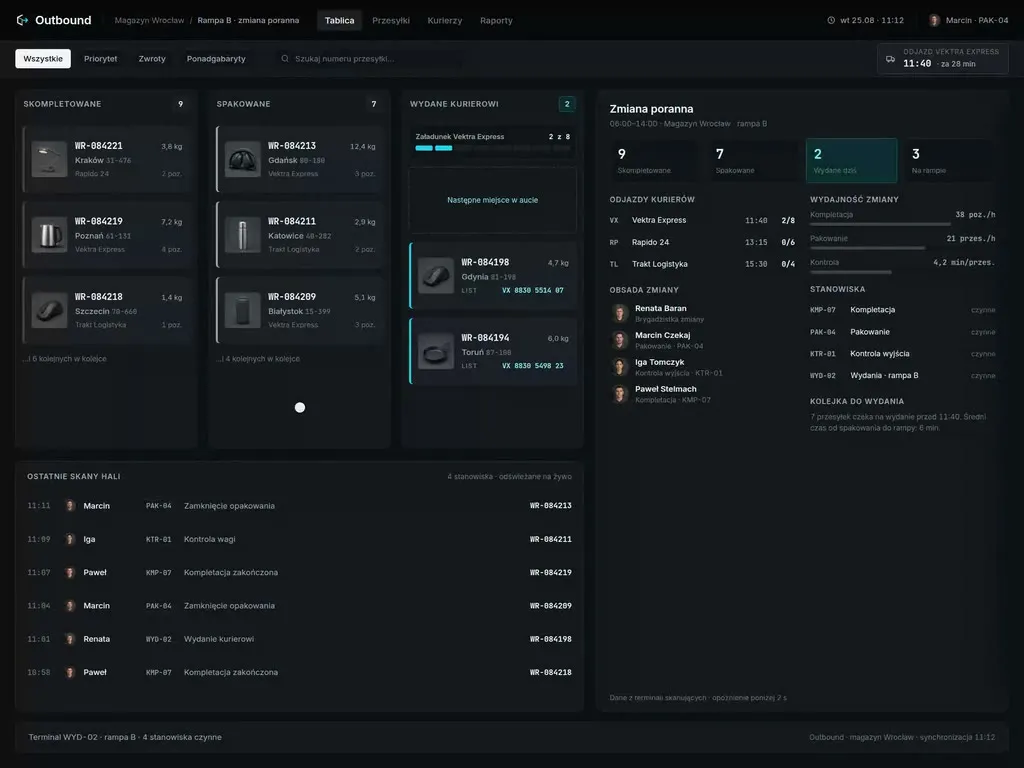
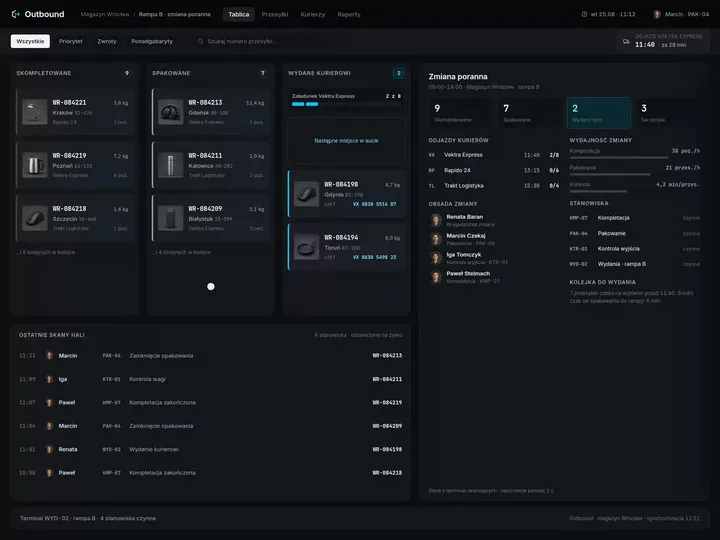
Warehouses and fulfilment centres run goods-in, picking, packing and dispatch in the WMS, and the warehouse operative looks at it all shift long on a small terminal screen. We order the fields on that screen along the operative's path between the racks, so the terminal suggests the move they are about to make anyway.
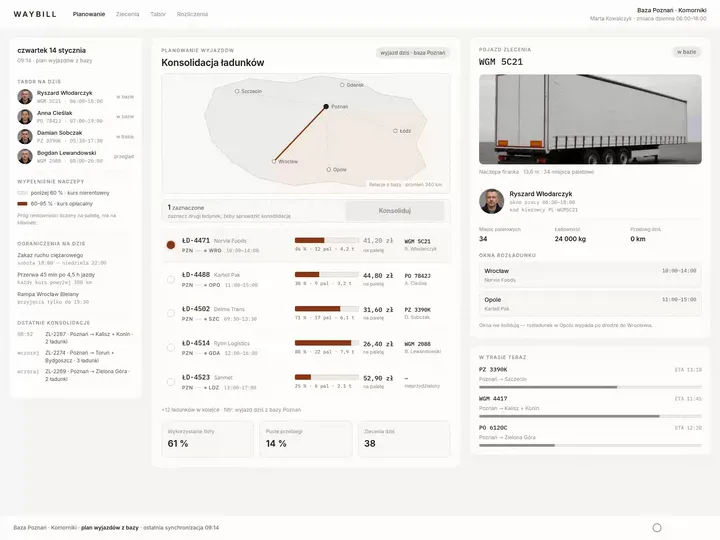
TMS and dispatcher tools
In transport and freight forwarding companies the dispatcher plans the whole fleet's day in the TMS, usually with a load exchange open alongside. On their board, a breakdown or a late loading comes first, since after either one a new route has to be built fast and sent straight to the cab.
Courier apps
A driver at a courier company or a last-mile fleet scans, navigates and collects proof of delivery on a single phone or terminal. We put most of the work into situations outside the plan, when the driver decides alone: a locked gate, a full parcel locker, a recipient asking for another address.
Track & Trace portals for shippers
Carriers and 3PL operators serve shippers who want to book transport, download documents and check an invoice on their own. In the portal we design for those shippers, shipment tracking sits next to orders and billing. The shipper finds the answer there without going through the account manager.
Delivery booking and yard management
Three posts handle a single delivery in a YMS: the carrier books it in a portal, the gatekeeper lets the truck in at the gate and the planner assigns a dock in the warehouse or distribution centre. The portal is filled in by the carrier's staff, which is why we join the three views into one process and show the gatekeeper a mistake from the portal before the truck reaches the dock.

Why us?
Why choose our UX agency?
-
Fewer shipping errors
A picking mistake is easiest to catch at the rack, at the moment of the scan, and we set up the picking and packing screens around that moment. Every correctly picked parcel is a return nobody has to handle.
-
More orders per freight forwarder
A forwarder stops retyping the same data into three programs once the quote, the order and the invoice sit in one TMS view. The hours that go into retyping today go into selling freight instead.
-
Shorter queues at the docks
With deliveries booked in advance, the dock planner spreads trucks across the whole day instead of taking them all in one hour. Trucks wait at the gate for a shorter time, and overtime drops.
-
A senior team
A team of senior UX designers who have been designing interfaces for nine years, today for large organisations, SaaS companies and software houses. Seniors will take on your WMS or TMS, from research in the warehouse to sign-off.
-
Proven client trust
We have designed for 115 brands, and most of them come back to us with their next project.
-
Higher quality with AI
A designer with AI tools checks more variants of a goods-in screen or a dispatch board than they could draw by hand and picks the one that works. What reaches you is a tested version, not the first one that came out.
Process
How will we design your logistics and fulfilment system, step by step?
-
A conversation with your team

We set the goals and look at the system you run on today
We sit down with the people responsible for the warehouse, transport and customer service. Together we pick the process to change, list the systems you work on today and agree how you will know the project has worked.
Key steps
- Conversations with warehouse, transport and customer service managers
- A review of the systems you work on: WMS, TMS, ERP
- Choosing the process we start with
- Agreeing the measures: task time, number of errors, customer contacts
Deliverables
- Project brief
- Map of systems and their owners
- List of measures
- Scope of the first stage
-
Discovery in the warehouse and on the road
We study the work where the system is actually used
For discovery we join a warehouse shift, ride a route with a driver and sit in the dispatch room at peak hours. We look for workarounds: a sticky note on the terminal, a call to the dispatcher, a second window open beside the TMS.
Key steps
- Observing a warehouse shift
- Riding a route with a driver
- A session at the dispatcher's workstation
- Interviews with new and experienced staff
- A review of customer service contacts
Deliverables
- Research report
- Process map showing where people work around the system
- Prioritised list of problems
-
Interactive system design
A design you click through on the same device your people use
The screens are designed straight for the target devices, from a scanner terminal to the dispatcher's large monitor. We test the prototype with staff on the job and refine it before it reaches the developers.
Key steps
- Screen architecture by role: warehouse operative, dispatcher, driver, customer
- Interactive design for the target devices
- Exception states: no signal, wrong code, damaged label
- Prototype tests with staff
Deliverables
- Interactive design of every screen
- Component library
- Description of behaviour in exceptions
- Prototype test report
-
Build or design hand-off
The new screens reach your system together with the integrations
Our team builds the design, or we hand it over to your developers or to your WMS or TMS vendor. Either way, we spell out how the new screens connect to the ERP, scanners and label printers, and to GPS and EDI where the company uses them, so that the rollout does not stop shipments.
Key steps
- Screen and field specification for developers
- Integration map: ERP, WMS or TMS, scanners, label printers, GPS, EDI
- Support for the implementation team
- Tests on terminals and phones before launch
Deliverables
- A working system or a package ready to build
- Integration specification
- Pre-launch test report
-
Measuring after launch
We check against operational data whether the change worked
After launch we compare task time, the number of errors and customer service contacts with the measurement taken before the change. On that basis we choose what to improve next.
Key steps
- Measuring task time and number of errors
- A review of customer service contacts
- Conversations with staff after launch
- Plan for the next improvements
Deliverables
- Measurement report
- Prioritised list of improvements
- System development plan
Methods and technologies
Systems, devices and standards we work with in logistics and fulfilment
-
SAP EWM
When a warehouse runs on SAP EWM, the standard terminal screen is eight lines of forty characters, and its layout is set by display profiles. In that setup we design new screens within those limits and say from the first meeting which change needs an SAP consultant.
-
Scanner terminals
A scanner terminal, handheld or worn on the hand, has a small screen and is often used by someone in gloves. That is why we size the buttons for a gloved finger and move confirmation to the scanner trigger, so the goods stay in the other hand.
-
GS1 label and SSCC
Pallets with a GS1 label and SSCC number are received without opening the packaging, as long as the label scans. We catch a label that is unreadable or does not match the despatch advice at receiving, while the pallet is still at the dock.
-
EDI
A company that receives orders and shipping notices by EDI never sees a message the system has rejected. For rejected messages we plan a separate view where a staff member sees the error and fixes it without raising a ticket with IT.
-
Telematics and GPS
If the fleet has telematics and GPS, the dispatcher gets a stream of data of which only part needs a reaction. We bring to the top of the board only the trucks that are running late or have stopped transmitting.
-
Working without signal
Working without signal is the assumption we start from in the courier app and the warehouse terminal. Scans, signatures and photos are saved on the device and reach the system on their own once the network is back.
Selected work
Our work in logistics and fulfilment
The projects in this section are the myAzymut client portal and the VERSA B2B panel, plus a website and product catalogues we designed for companies connected to logistics.
-
Logistics & Fulfilment
myAzymut
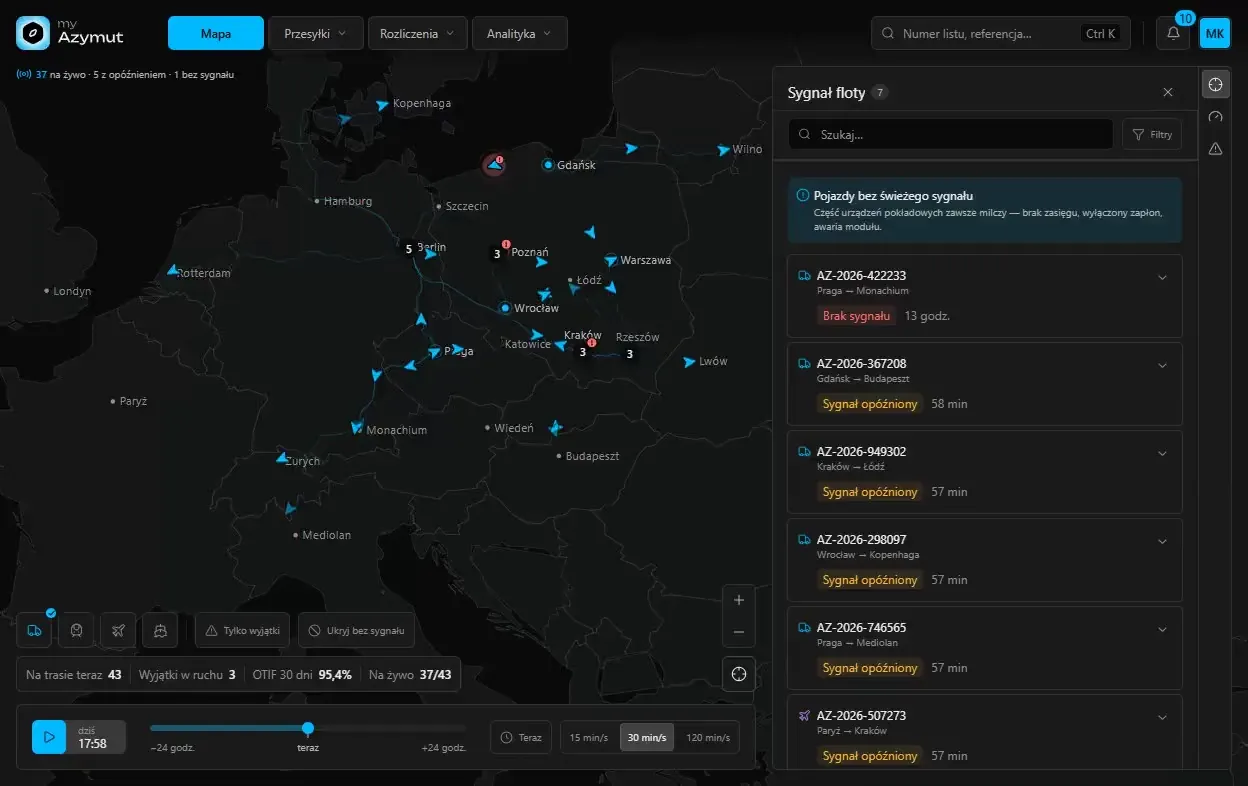
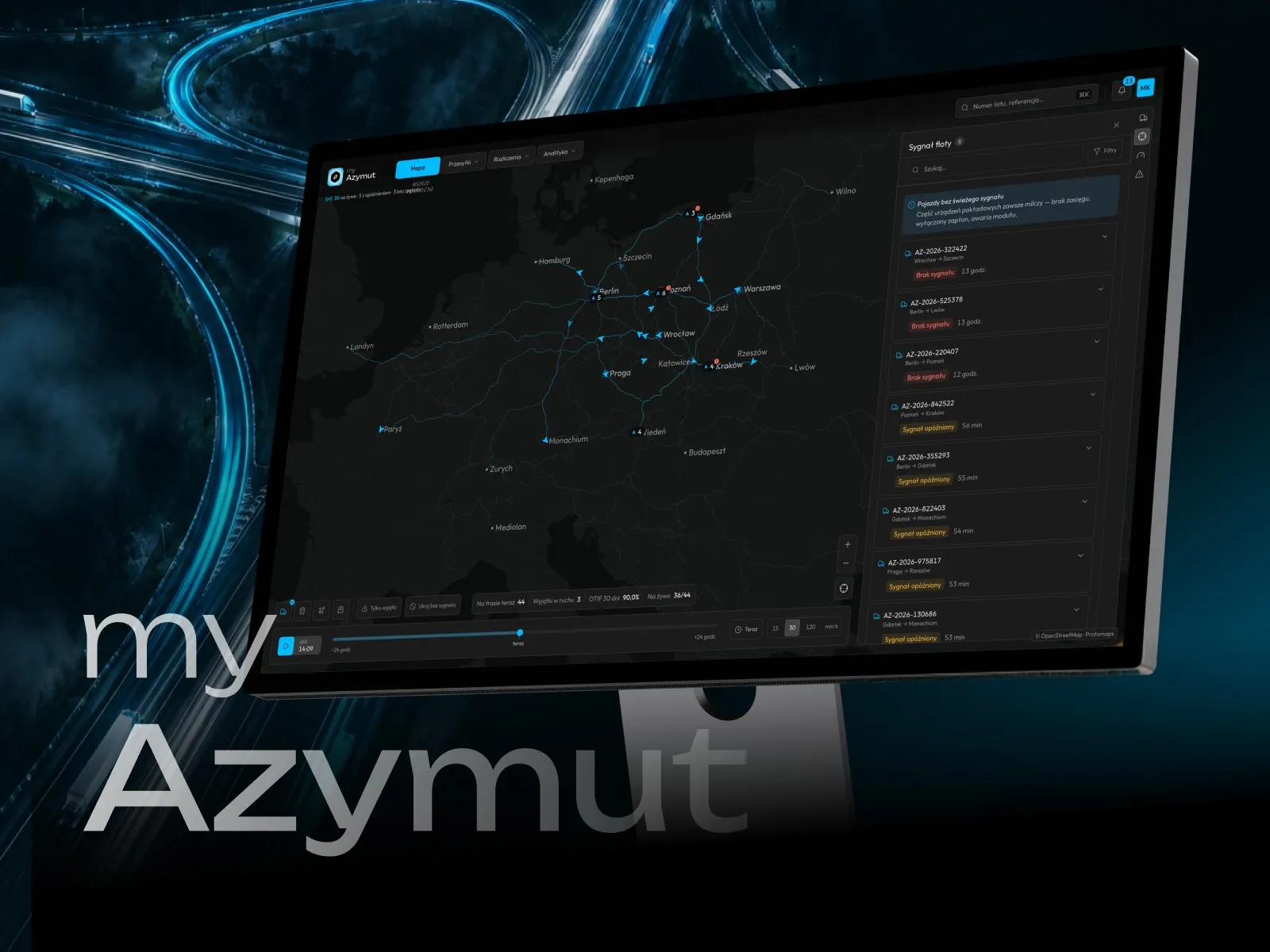
View projectThe myAzymut client portal: a live network map with fleet signal, shipment tracking with statuses and estimated delivery, billing with invoices and a freight cost breakdown, and a mobile app with orders, reports and documents. Dark interface, desktop and mobile.
-
Logistics & Fulfilment
VERSA
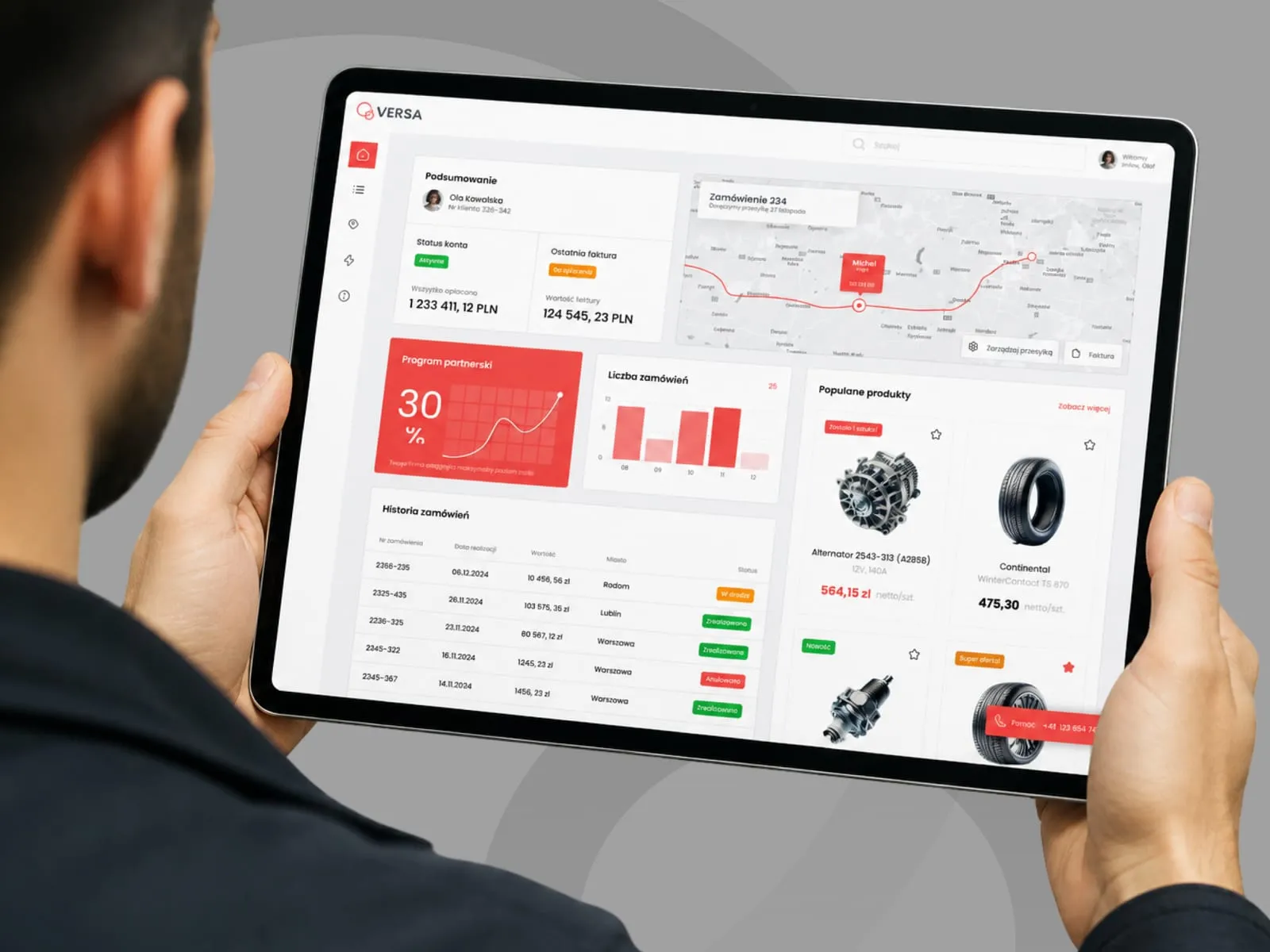
View projectThe VERSA B2B panel with an automotive parts catalogue: account overview, invoice and payment status, shipment tracking on a map, a partner discount programme, and order history.
-
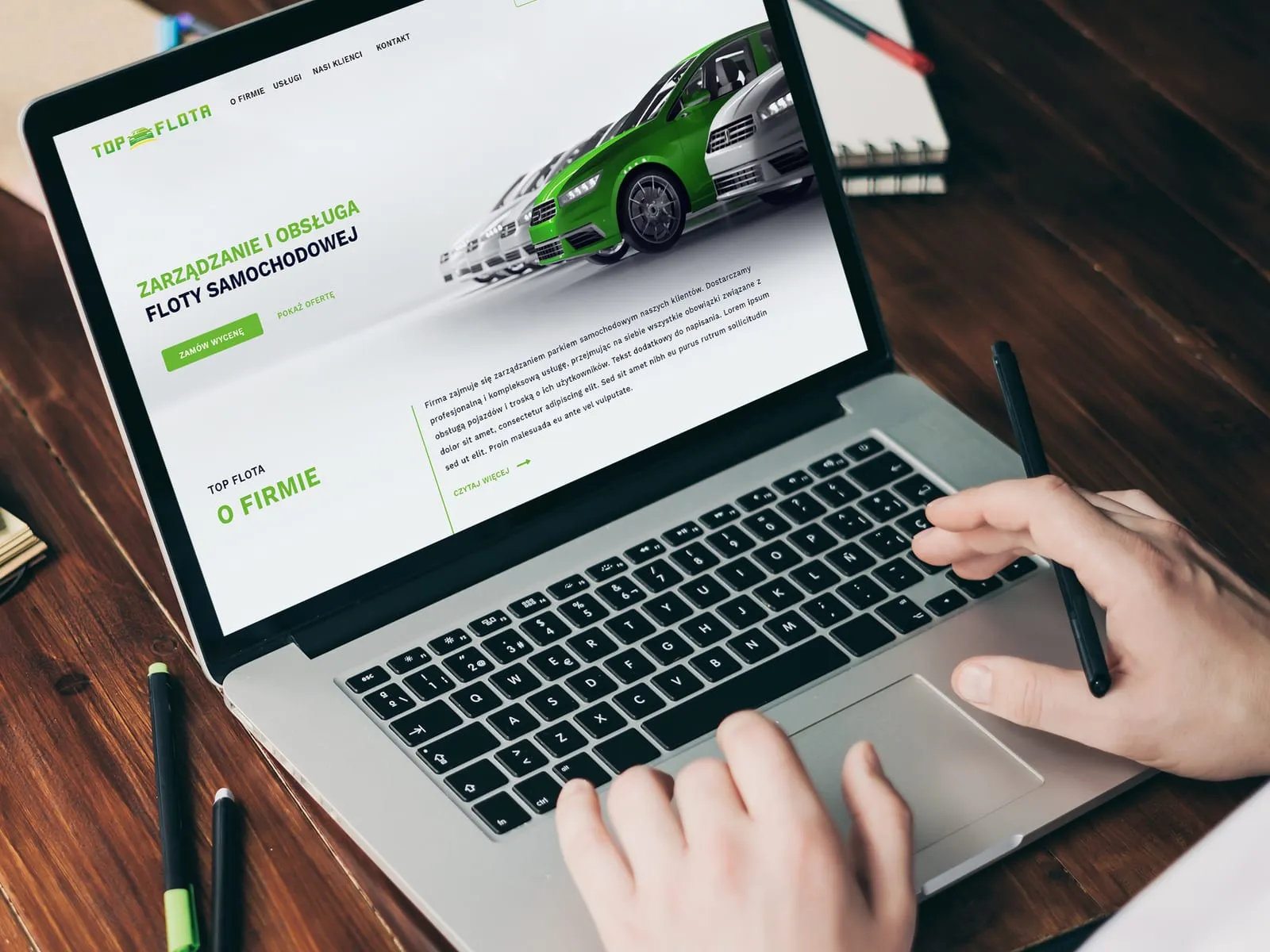
Top Flota
Website for a car fleet management company
-
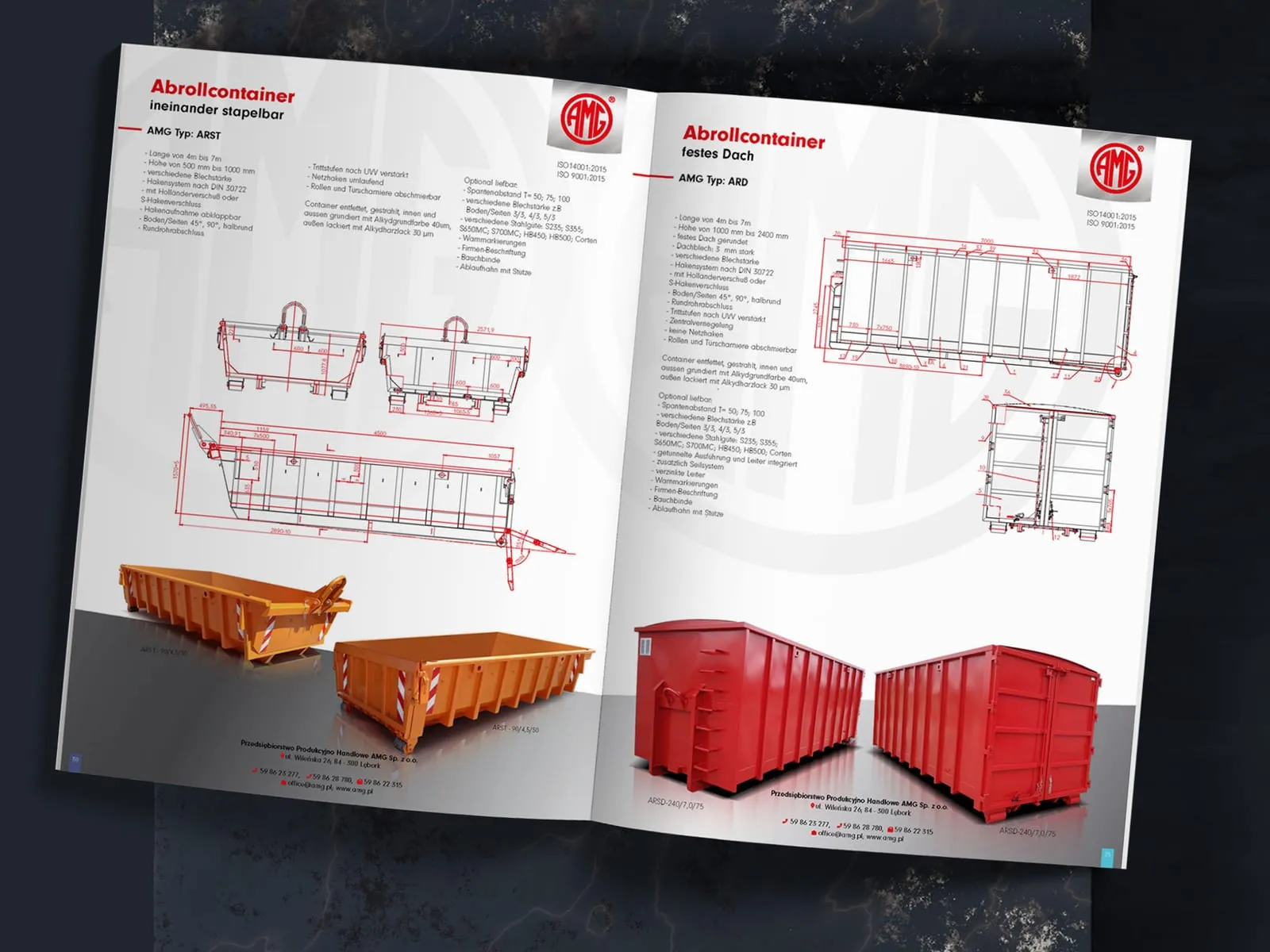
AMG
Catalogue for containers and steel structures
-
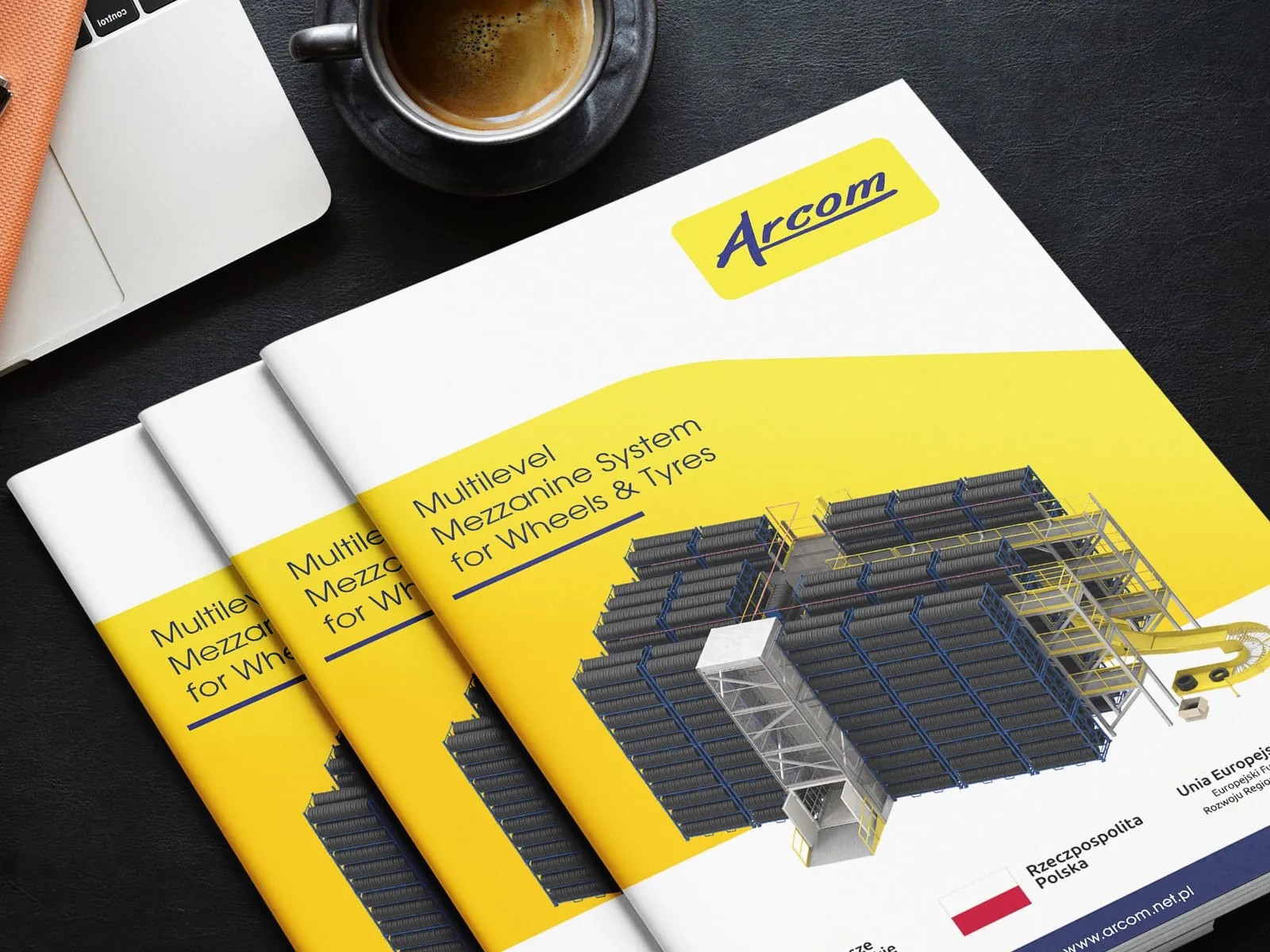
Arcom
Catalogue for a warehouse mezzanine system
-
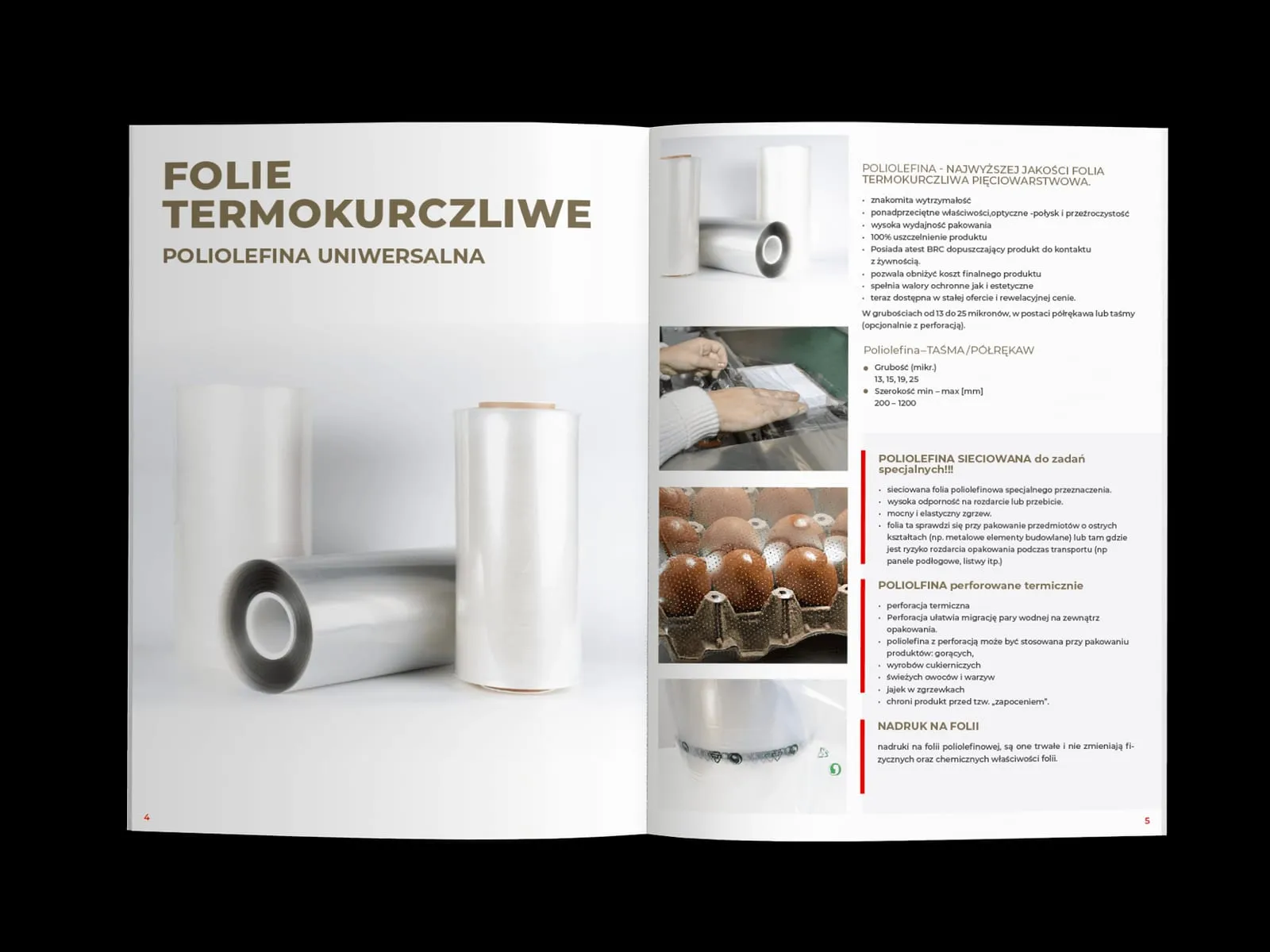
Max-Pak
Product catalogue for packaging film and tape
- See what else we build Projects
Start your logistics and fulfilment software project
One team designs your WMS, TMS or courier app, from the first research session to the build.

Client voices
What our clients say
 Maja Wieloch-Silecka Operations Director, Bosfor Group

“Working with the Wzór team was a genuinely great experience! They always answered our questions quickly and were flexible about our comments. They have no shortage of creative ideas and are at the same time thoroughly reliable and on time. The end result fully met our expectations; we recommend them to anyone looking for professionals who care.”
 Piotr Alberski Chief Operating Officer, Agencja XO Media

“Our clients expect us to act fast and effectively across a very wide scope - from building a brand, through a website with a store, to running an effective sales campaign. Not an easy task, but doable when you have a tight-knit team and partners who take on challenges on the fly. For us, quality, accountability and commitment are key, and working with UX Agency Wzór gives us that 100%.”
 Mateusz Swół Chief Operating Officer, Sellace

“Our cooperation with UX Agency Wzór started with our own website. We really liked the way they work, so we decided to subcontract projects for our clients to them on a White Label basis. We loved their workflow, the way they hand projects over to our team, their documentation and their work on the design system. Now we can take on bigger risks.”



























The team
Who will design your logistics and fulfilment system?
-

Aleksandra Bondar
Senior UX/UI Designer
View profileHow can I help you?
“I will design the terminal screens from goods-in of a pallet to dispatch of the goods and try them out at the rack, on a live shift.”
-
Patryk Korycki
CEO, Analityk Biznesowy
View profileHow can I help you?
“I will agree the scope and budget of the project, and during the build I will keep watch over the connections to the ERP, WMS and TMS.”
-

Katarzyna Adamczuk
Prezes, Analityk Biznesowy
View profileHow can I help you?
“I will map out with you the path of an order from the customer's purchase through the warehouse and transport to delivery, so the system matches how you really work.”
-

Tadek Wadas
Senior UX/UI Designer
View profileHow can I help you?
“I will test the courier app with drivers and the tracking portal with parcel recipients, and fix every place where one of them gets stuck.”
FAQ
Frequently asked questions about logistics and fulfilment software
What is the difference between a WMS and an ERP?
A WMS manages the movement and storage of goods in the warehouse in real time, while an ERP covers the whole company: finance, production, warehouses and customer relations. The WMS gives instructions to warehouse operatives on their terminals and exchanges data with the ERP. In the specification for developers we mark every field that comes from the ERP, so nobody retypes it by hand.
Is SAP a WMS?
SAP has its own WMS, SAP EWM (Extended Warehouse Management), available as part of SAP S/4HANA or as a separate deployment alongside it. Warehouse operatives work in it on a radio terminal, on screens whose layout is set by SAP display profiles. The number of characters on one line of the terminal is set by the profile chosen during deployment.
Can you change WMS screens without replacing the whole system?
WMS screens can be changed without replacing the whole system when the vendor allows custom views or a separate terminal app that exchanges data with the WMS through an interface. We agree with your vendor which of these routes it allows. We list separately whatever depends on the vendor.
How can you shorten WMS training?
WMS training is shortened above all by a terminal screen that guides the warehouse operative through the task step by step, with no codes or shortcuts to memorise. With a screen like that, a new hire works alone sooner and pulls an experienced colleague off their own work less often. We invite people who are just starting to the tests: they are the ones who trip over every unclear step.
Can a warehouse app run on a phone?
A warehouse app runs on an ordinary phone, with the camera reading the barcode instead of a separate scanner. After watching a shift we assess with you whether a phone is enough, counting barcode reads per hour and checking whether the operative works in gloves.
What is the difference between a TMS and a WMS?
A TMS plans and tracks transport, meaning routes, orders, carriers and trucks on the road, while a WMS runs the work inside the warehouse, from goods-in to dispatch. Forwarders and dispatchers work in the TMS, warehouse operatives with terminals in the WMS. The dock needs data from both systems at once, and that is where we suggest a shared view: what is packed, what is waiting for a truck and which truck has not arrived yet.
What should a courier app include?
A courier app should include a list of stops with navigation, parcel scanning, proof of delivery with a signature and a photo, and offline work that loses nothing. The exceptions matter just as much: a recipient who is not home, a damaged label, a redirect to a parcel locker. We close each of them with a photo or a note that dispatch can see.
How does a delivery booking system work?
A delivery booking system lets the carrier reserve a time slot at a dock and enter the truck, driver and load in advance. A driver who turns up outside the booked slot has to be sent to another unloading bay quickly. We map that case out with the planner who assigns the bays.
What is Track & Trace?
Track & Trace is shipment tracking in which the shipper and the recipient see the parcel's status from dispatch to delivery, usually on the carrier's website, by text and by email. The statuses come from scans at the sorting hub and in the courier app, so they are only as good as those scans and the words used to describe them. That is why we design a tracking portal together with the scan screen in the courier app.
Related services
Services related to logistics and fulfilment software
You know picking or goods-in takes too long.
Let us start by finding the step in the process where people lose time.
You are choosing a new system or developing your own.
We will work out what the warehouse, dispatch and customers need, ahead of signing with a vendor.
You have screen designs and want to test them before the build.
We will talk them through or prepare a prototype to try out with your staff.