
Web app design
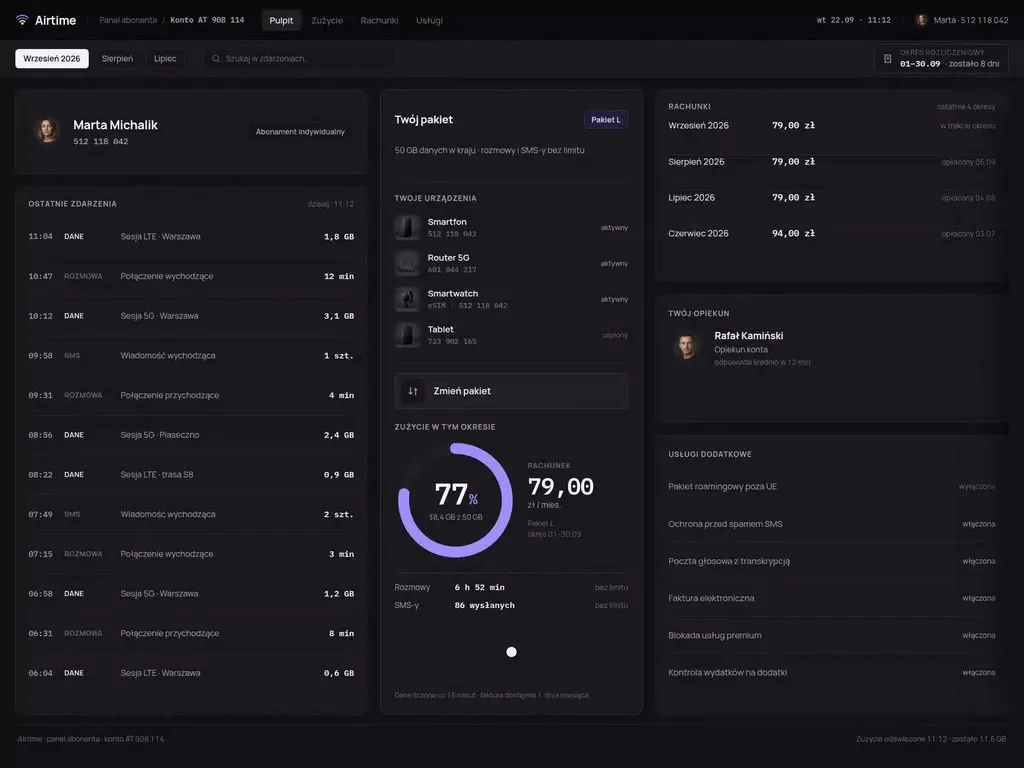
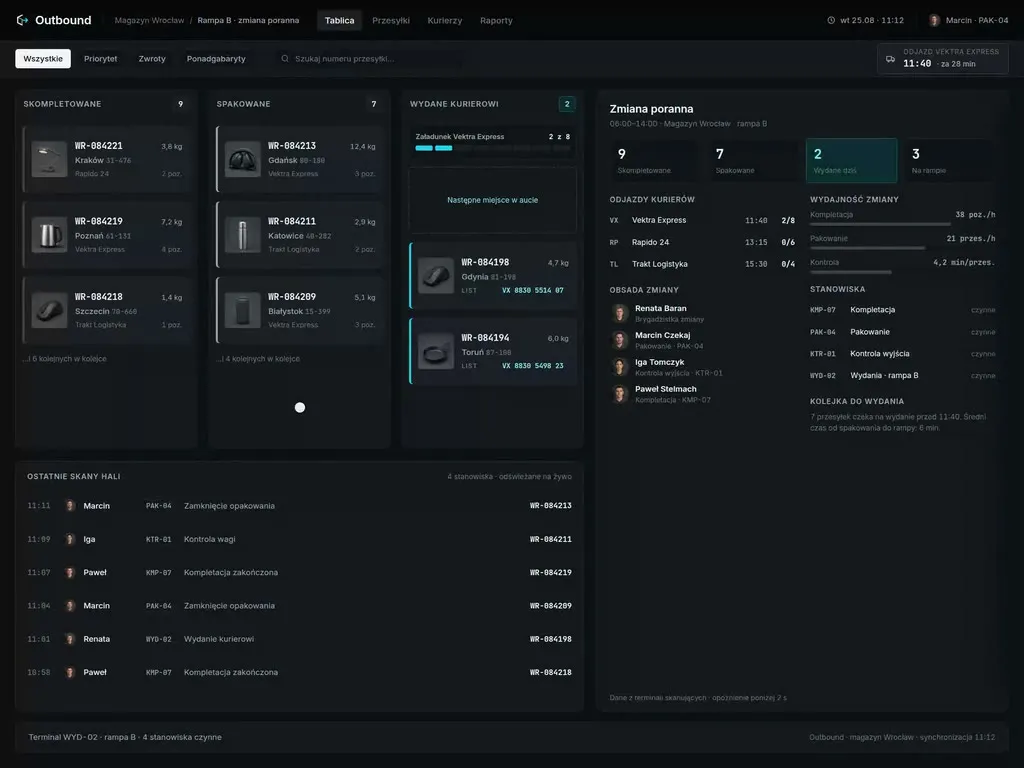
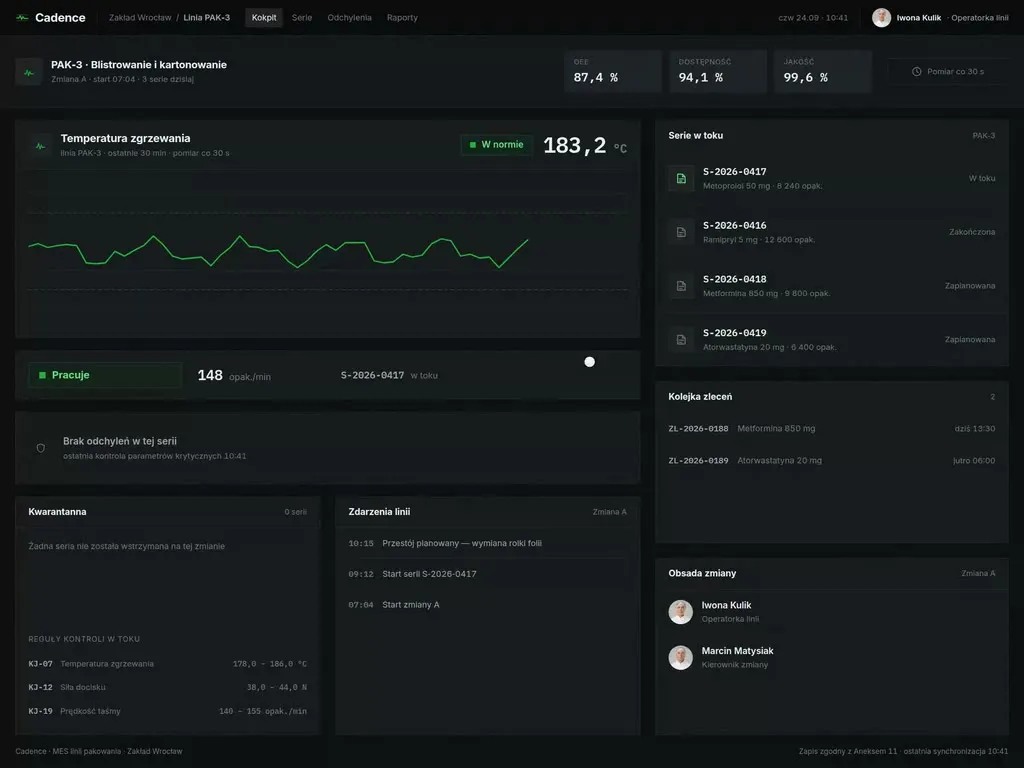
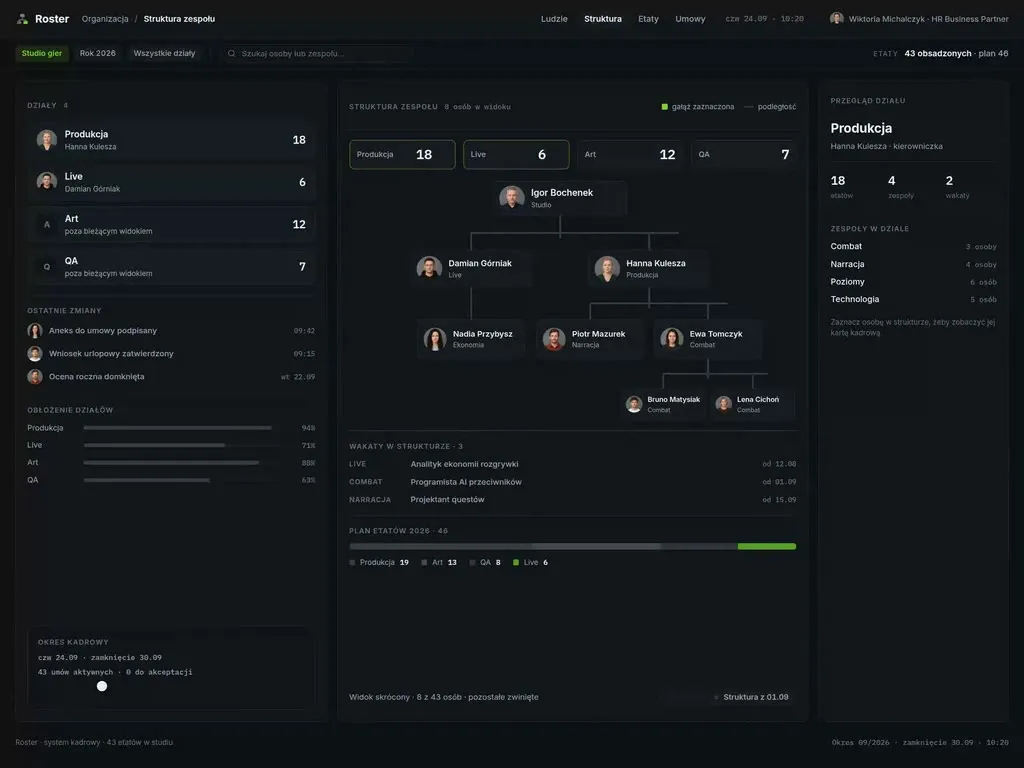
We design the application that runs in your browser - roles and permissions, module architecture, view patterns and the full set of states a tool's user spends most of the working day inside. What you take away is a data component library, a state catalogue and behaviour documentation your team assembles the next modules from, without coming back to us for every decision.
We have worked with leading companies and startups









Challenges
When a panel needs design rather than another feature
A tool is judged differently from a website - the user did not come to look, but to finish a task, often for the tenth time that day. Here are four situations where design pays back fastest.
-
„The interface mirrors the database, not the work”
Screens were built around database tables rather than around jobs. The result: a simple task crosses four views because that is what the data model looks like. We reorganise it from the task inward.
-
„The important things happen in a spreadsheet on the side”
The surest sign a tool does not fit the work. A spreadsheet next to the system is not user laziness - it is a list of missing features, written in the user's own hand. We start by reading it.
-
„The system has to be learned rather than used”
If the tool cannot be operated without training and a cheat sheet, the cost grows with every staff change. We design so the most frequent tasks are doable without instruction.
-
„The features are there, the demo does not land”
In a tender or a demo the product is judged in a quarter of an hour, largely on how it looks and how quickly the value is visible. This is the situation where the visual layer genuinely moves sales.
Who it is for
Who we design panels and systems for
-
Operations teams in large companies
Order handling, settlements and logistics have run on the same system for years, and it is far too critical to switch off for a quarter. Nobody holds a complete map of how a case travels through all those departments today.
-
Software vendors serving one industry
The same panel goes out to several dozen customers, and each of them asks for its own fields, dictionaries and exceptions. What needs settling is which of those fit inside the configuration of a single pattern and which become a separate version maintained for years.
-
Companies running an off-the-shelf CRM or ERP
The standard system keeps the data straight, while the daily work happens in add-ons, reports and integrations built by one team after another. A user crosses between them several times a day and meets different names for the same field each time.
-
Organisations working cases against a deadline
An employee closes a case under a contractual or statutory deadline, and every step has to leave a trace and stay inside their permissions. The interface has two jobs at once here - shorten the handling and prevent an action that could not be defended later.
Our difference
What sets our system design apart
-
We measure the most frequent task before and after
At the start we count how many steps and how many minutes the most frequent task takes today, then repeat the same measurement on the prototype. A decision about a view then rests on the difference between two numbers rather than on an impression from a review.
-
A prototype operated from the keyboard
Someone who works in the system every day moves by shortcuts, so we design focus order, shortcuts, multi-row selection and data entry that never reaches for the mouse. The prototype goes through a test with the mouse set aside.
-
We draw in the library your front end already runs on
If your team works in MUI, Ant Design or its own design system, the design is built on those components and tokens rather than beside them. Implementation then comes down to configuring elements that exist instead of recreating them.
-
The move off the old panel is part of the project
People who know the current system by heart lose their first weeks on a new layout, so we set the order in which modules are switched over and the habits we leave untouched. The handover includes a description of the differences for whoever runs the rollout on your side.
Process
How we run it
- Week 1–2
Roles and tasks
Who uses the system, what they do most often and where they lose time. We come out with a role map and a task list ranked by frequency, because that ranking decides what we design most carefully.
- Week 2–4
Architecture and navigation
Module structure, permissions and how people move between them. In a tool used daily, navigation is a fixed cost - every unnecessary level multiplies by the number of tasks.
- Week 3–6
View patterns
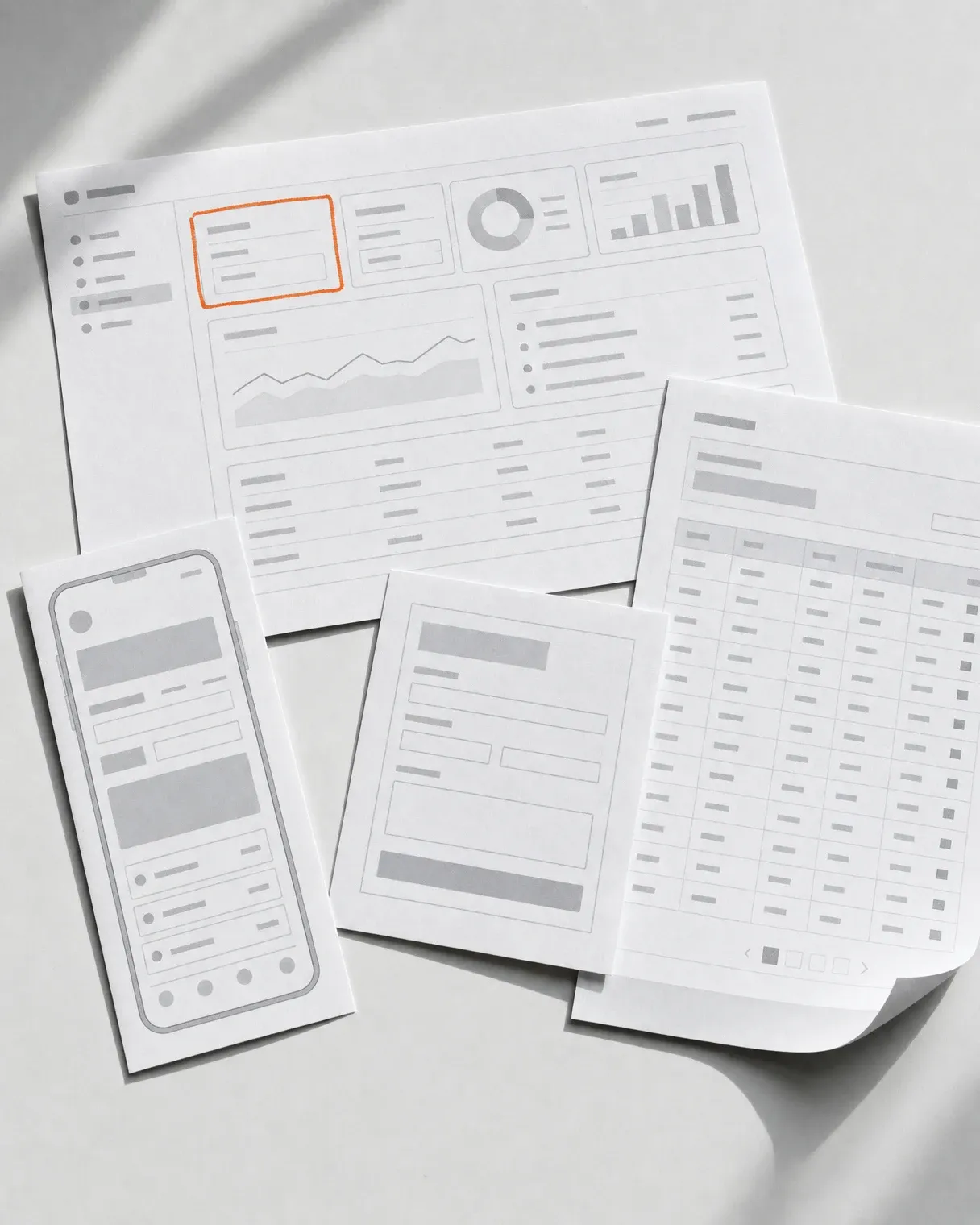
List, detail, form, wizard, settings. We design patterns rather than screens, so the hundredth view looks like the first and needs no separate decision.
- Week 5–9
Data components and states
Tables, filters, sorting, pagination, empty states, loading, errors and permissions. A tool's user spends most of their time in those states, so we treat them as primary scope.
- Week 9–12
Handover and build support
Behaviour documentation, component library, Dev Mode and a handover session. We stay reachable while it is coded, because questions about states only appear then.
Deliverables
What you get at the end
-
Role and permission map
Who sees what and who can do what, broken down by module. A document used by the design and by your backend team alike.
-
Architecture and navigation
Module structure and the paths between them, designed around the most frequent tasks rather than around a complete menu.
-
Patterns for the key views
List, detail, form, wizard, settings - as patterns with rules, so later screens get built without fresh design decisions.
-
Data component library
Tables, filters, charts, form fields, messages - with variants, states and tokens. This decides how fast you can add features for years afterwards.
-
State catalogue
Empty lists, loading, no permission, validation and server errors, partial data. Written out, because this is where a tool's user spends most of their time.
-
Developer documentation
Specification of behaviours, breakpoints and edge cases, Figma Dev Mode and a handover session with the implementing team.
Toolkit
What we use
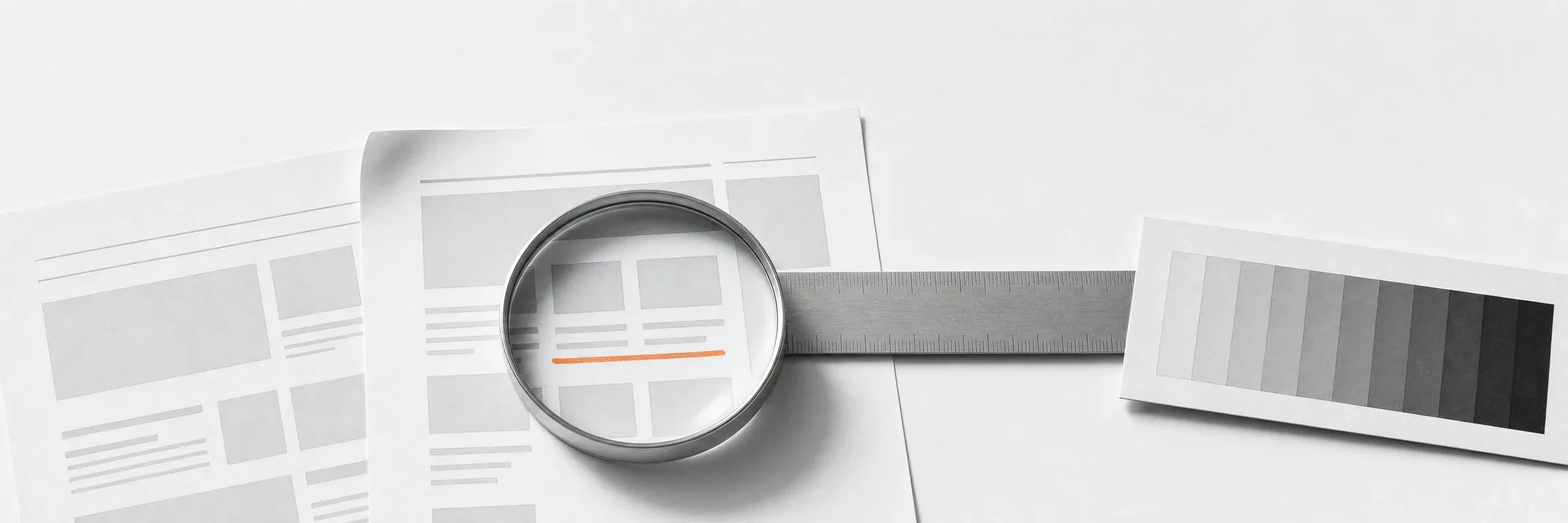
A tool is judged over years rather than over its first week, so the set of rules is the same in every project. Below is what we do not step away from, even when the scope is narrow.
- WCAG 2.2 AA as an acceptance criterion for the design, not an audit after launch
- Text contrast 4.5:1, controls 3:1, measured in the file
- Components with variants, states and tokens, ready for Dev Mode
- A state catalogue on every pattern - empty, loading, error, no permission
- Data views designed on a real sample from your database
- Breakpoints counted from the smallest monitor on your team
- Field, status and message names written down in a single glossary
- Behaviour and edge-case documentation written alongside the design

Next step
Let us talk about your project
Tell us what you have to do. We will come back with scope and a quote.
Selected work
Applications and panels we have designed
A selection tagged with this product type. Most work in this category is done under NDA, so we show the full set during a consultation.
-
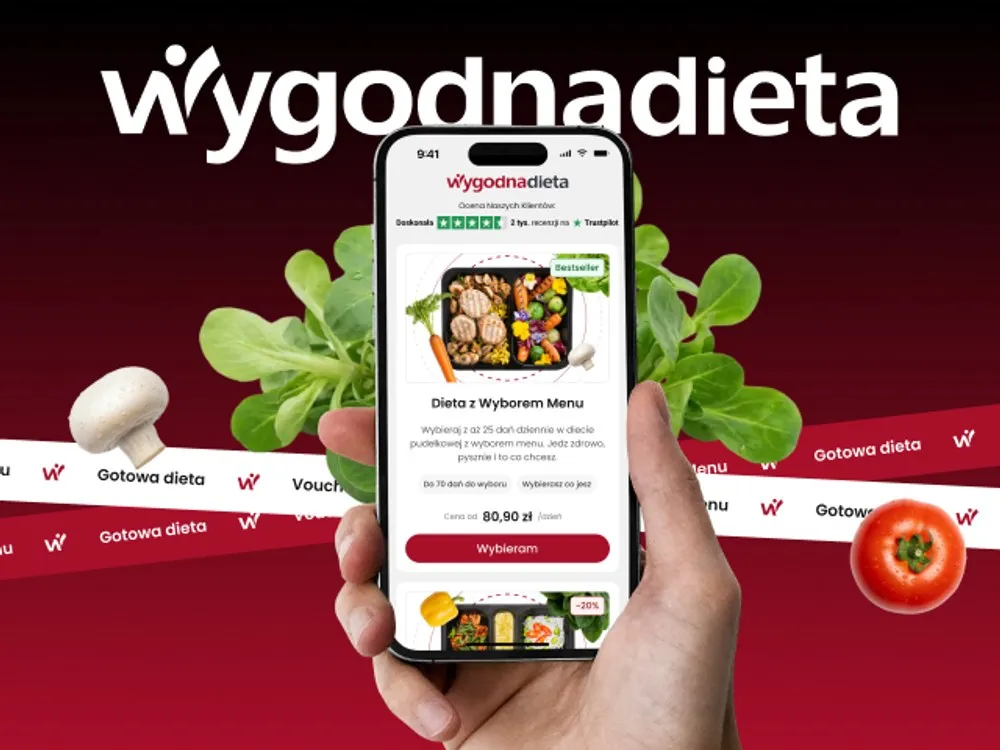
WygodnaDieta - App and online store for a meal-box diet service
-
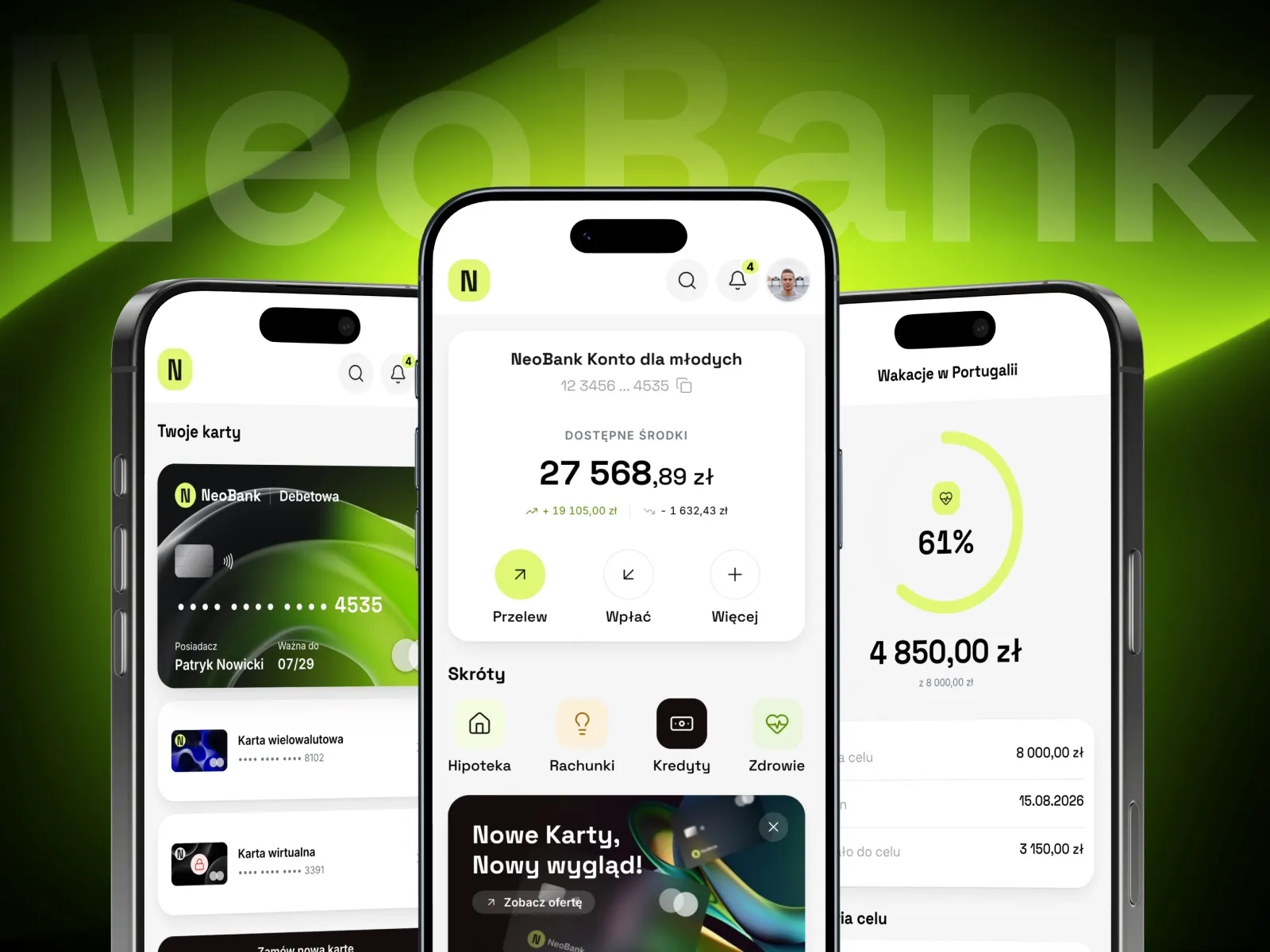
NeoBank - A banking app concept for young customers
-
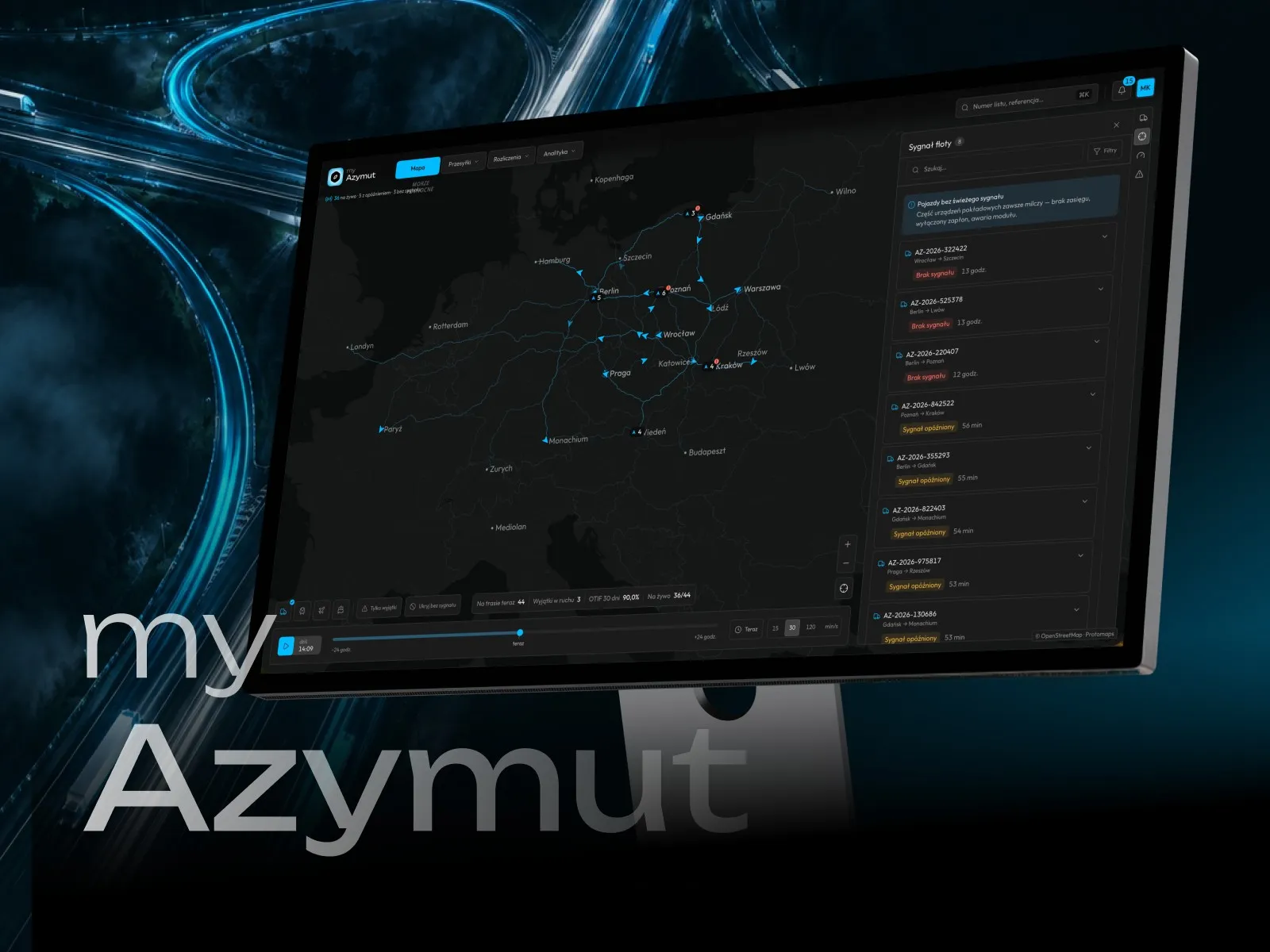
myAzymut - Client portal concept for a freight carrier
-
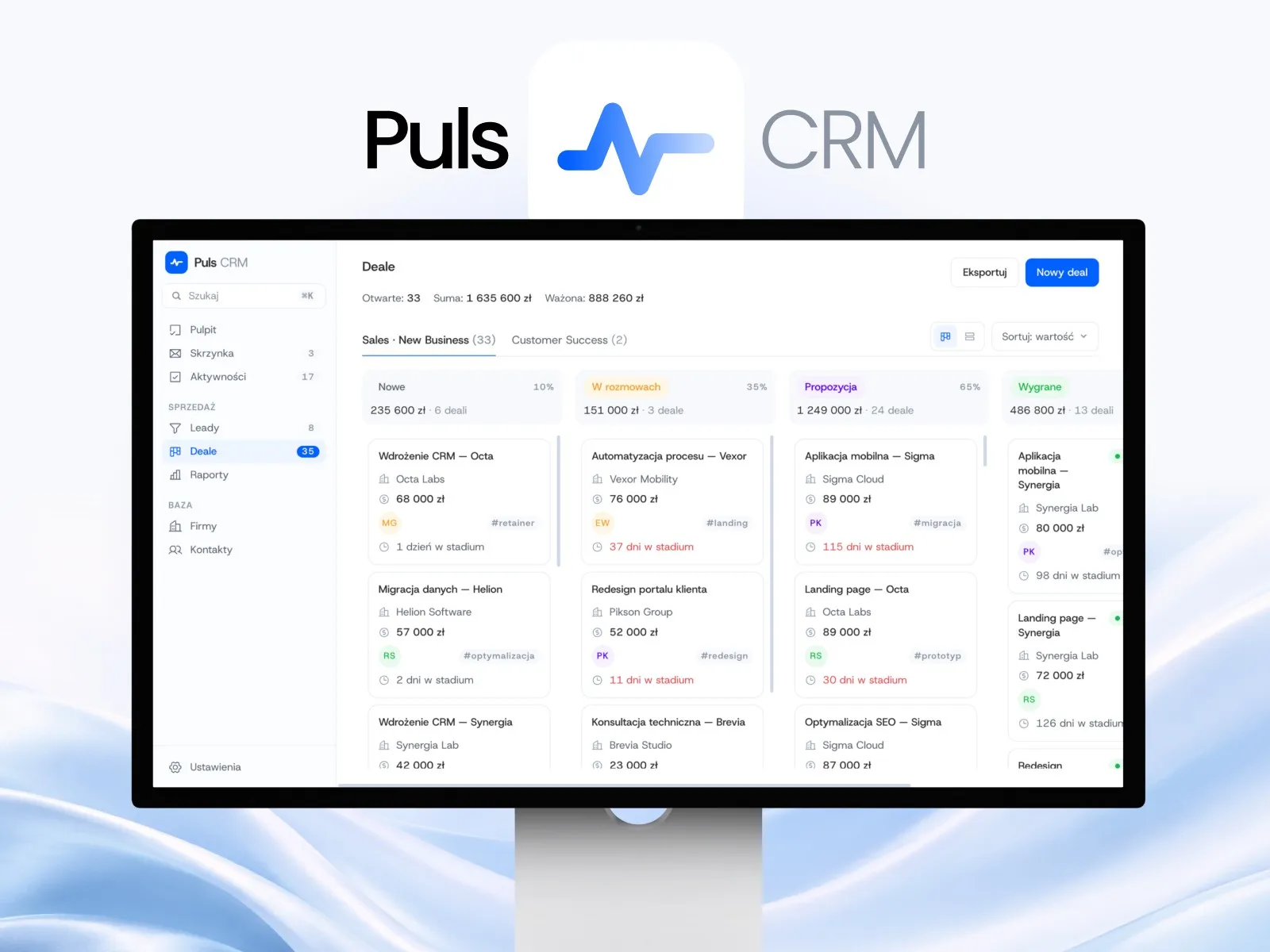
Puls CRM - CRM app concept for a sales team
-
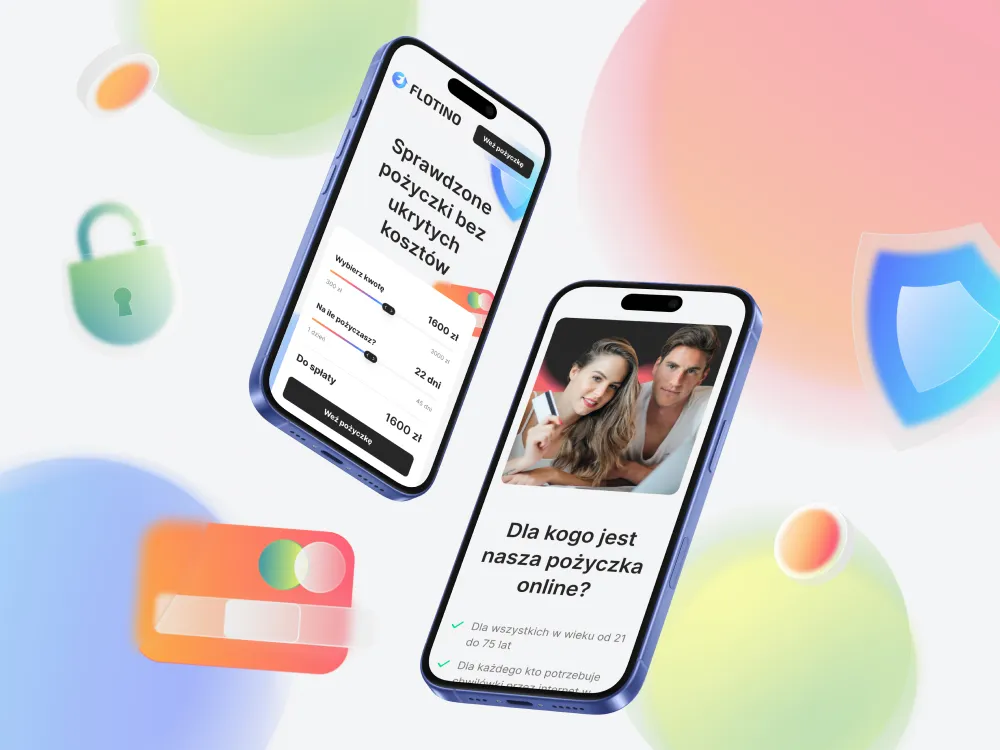
Flotino - Online cash loan service
-
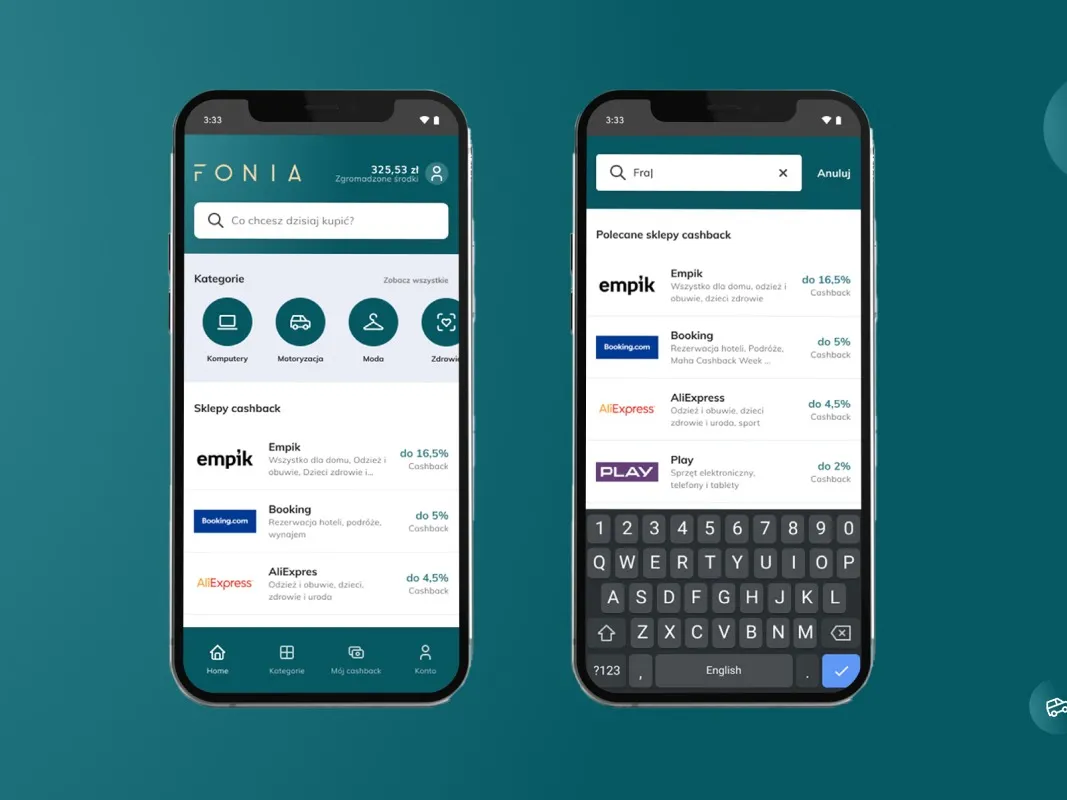
Fonia - A cashback app for online shoppers
-
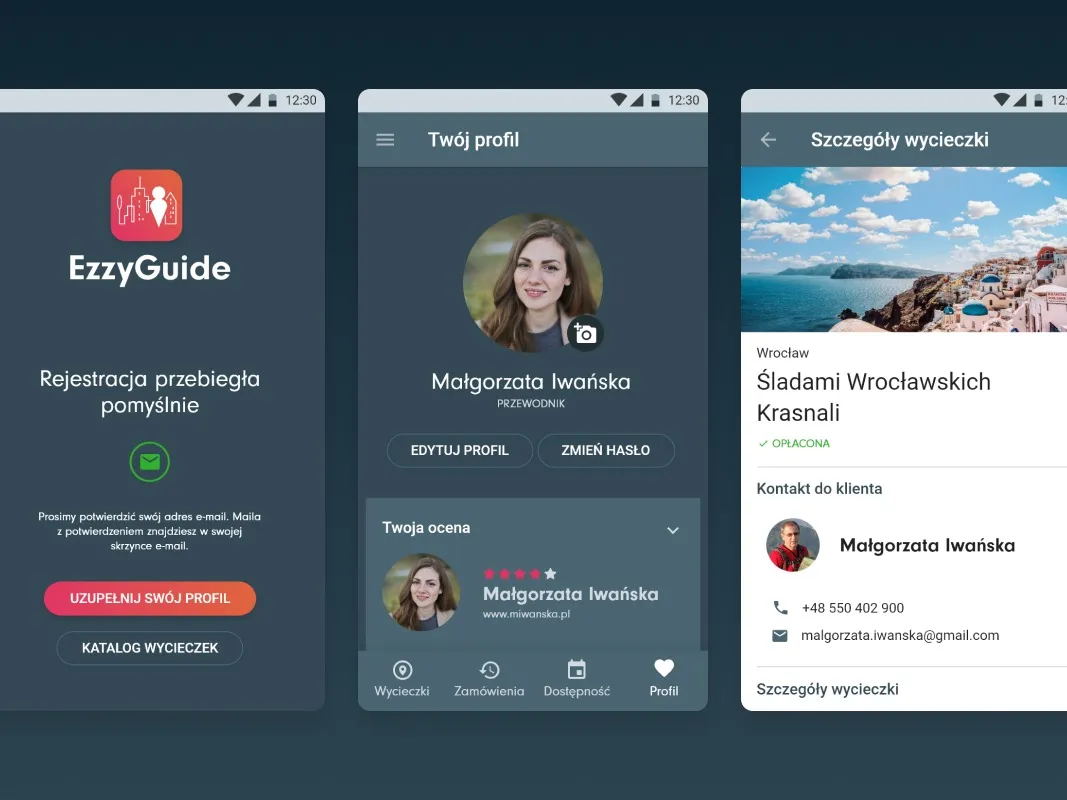
EzzyGuide - A tours app connecting guides with travellers
-
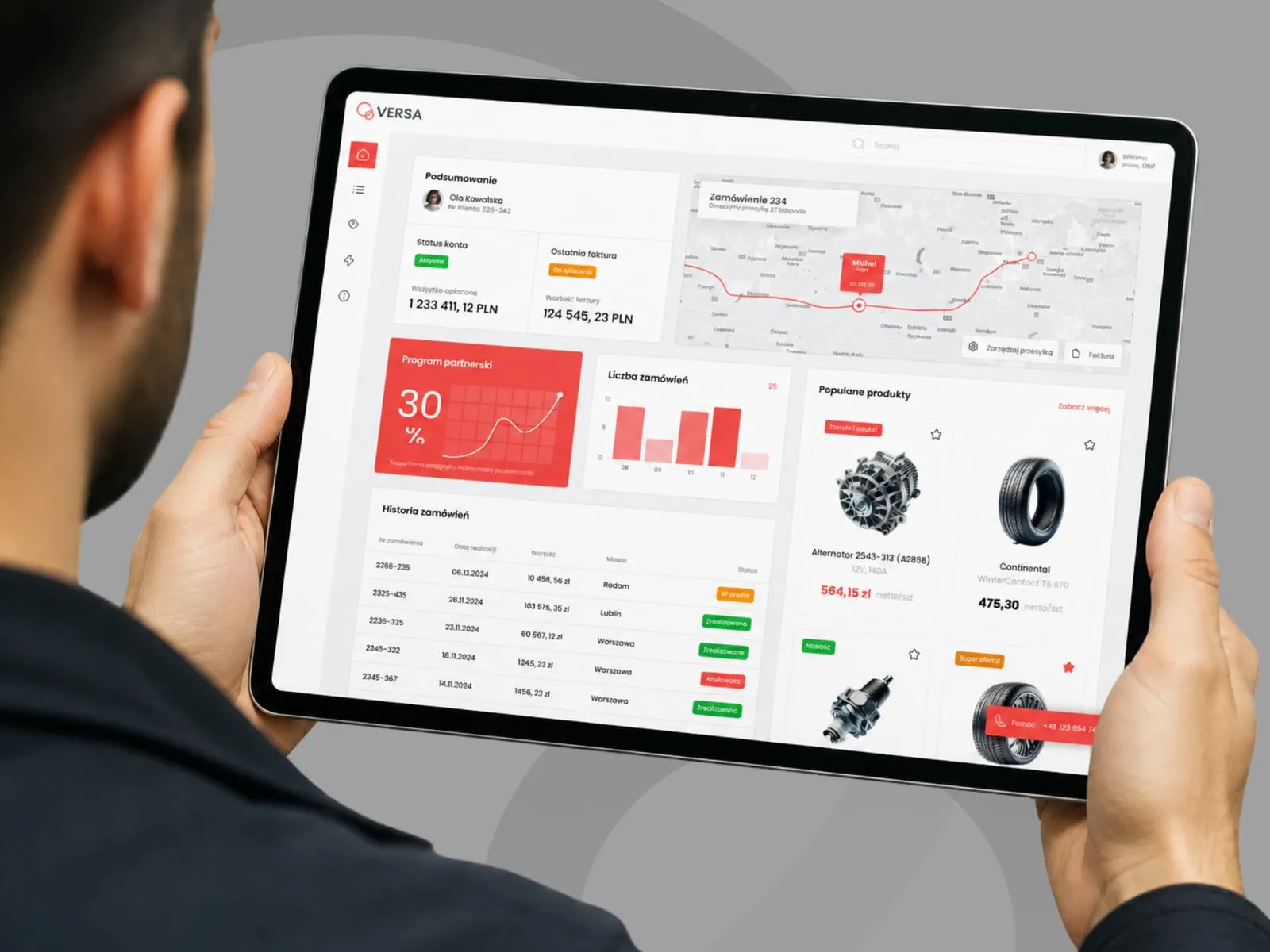
VERSA - B2B panel concept for a parts distributor
-
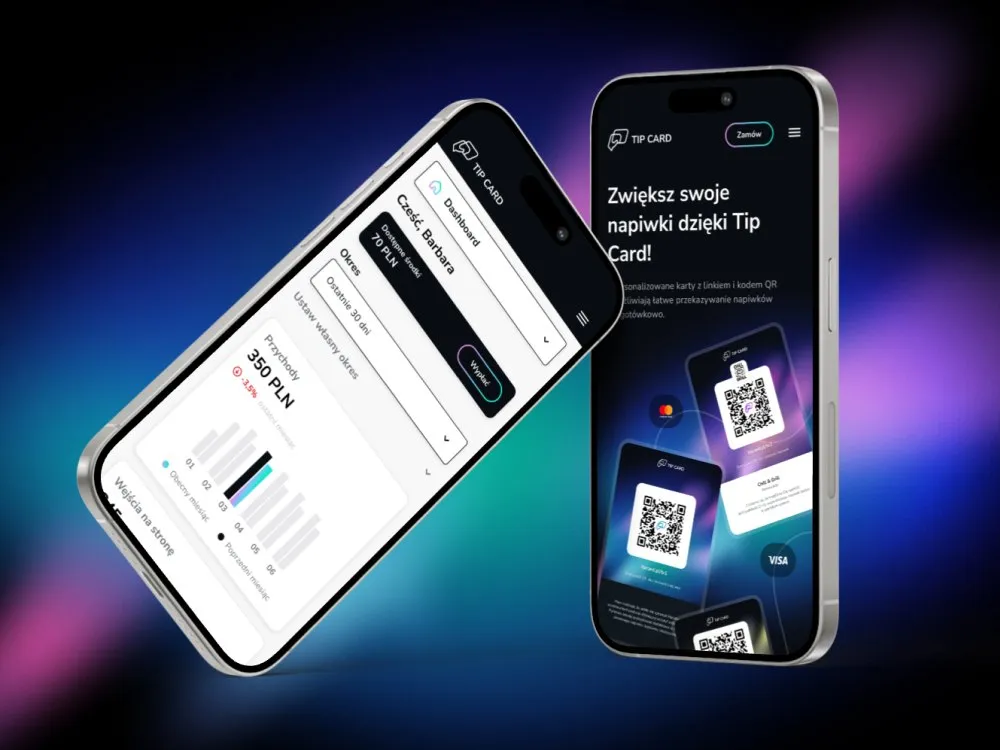
Tip Card - Cashless tipping platform
-
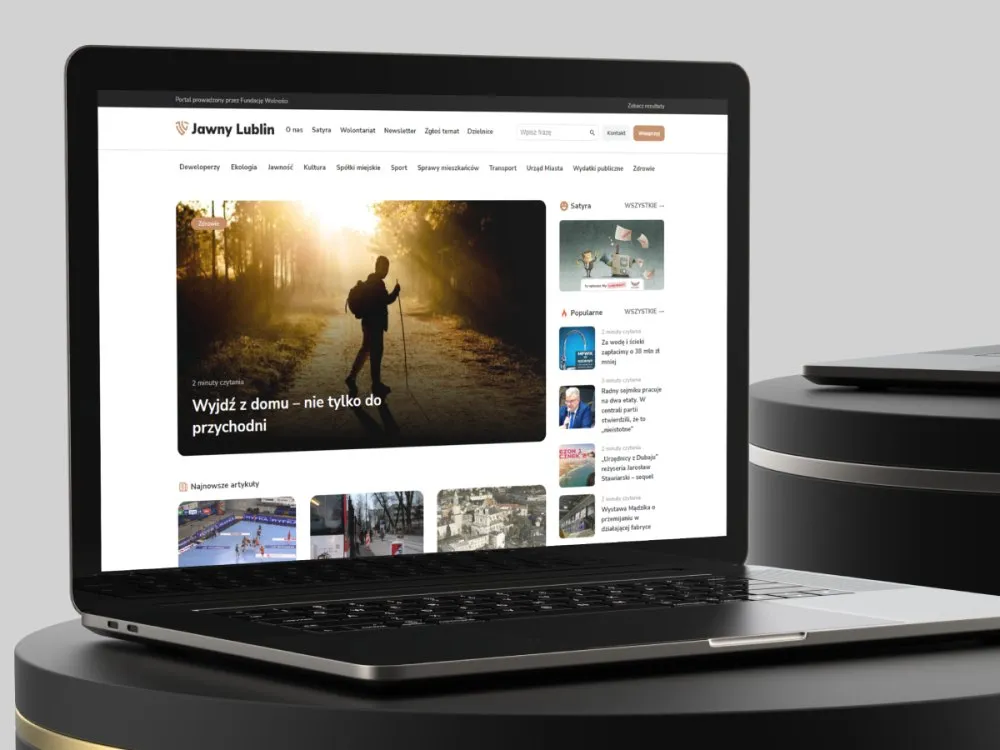
Jawny Lublin - A watchdog portal on city transparency
-
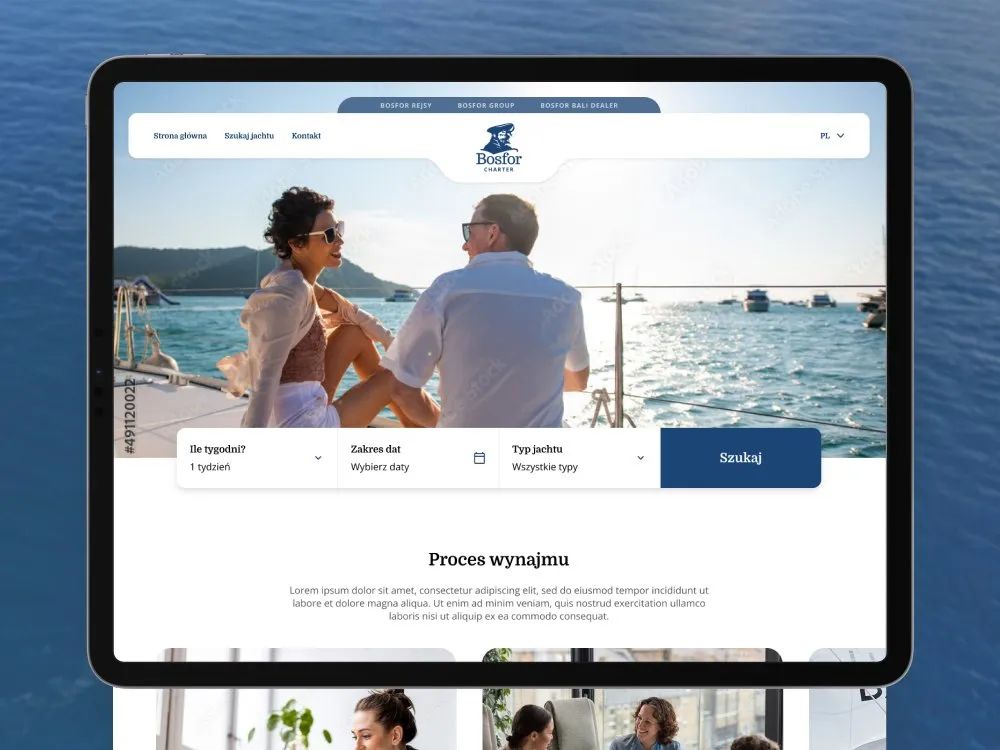
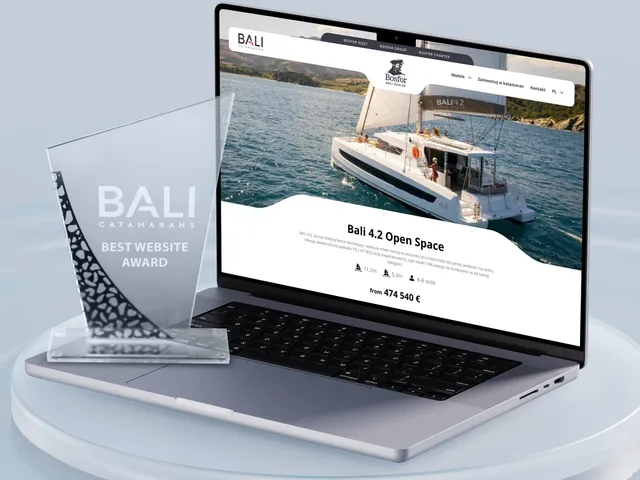
Bosfor Charter - Yacht charter platform with booking
-
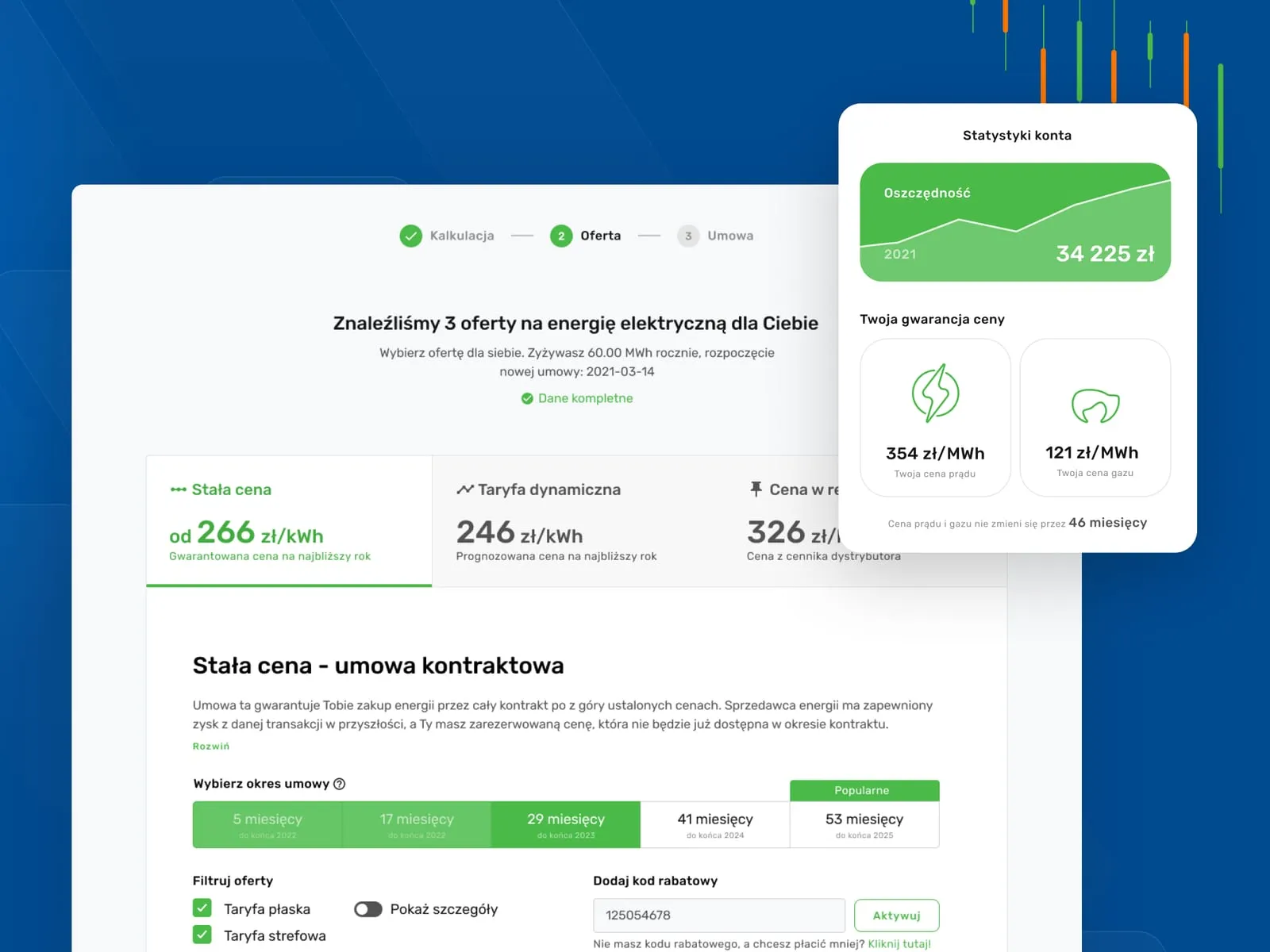
Wolumen - Energy and gas price comparison for businesses
Outcomes
What stays with you after the project
-
Yours to keep
the data component library and the state catalogue - empty lists, loading, missing permissions, validation and server errors - go into the handover complete, not as a file to admire
-
72 views in 2 months
the scale and pace of the CWZN project from our portfolio - a reference point for a panel of several dozen views, run by a three-person team
-
101
engagements sit in the public portfolio on this site - you can look through them before you write to us
-
22
industries are represented in that portfolio - you can check whether we have already worked in yours
The CWZN figures come from its public case study, and the 101 engagements across 22 industries can be browsed in the portfolio on this site - as of August 2026. The component library and the state catalogue are items from the handover list above, not a marketing claim. We publish no average time saved and no post-launch results - most panels are built under NDA, so we go through specific rollouts by name during a consultation.
Client voices
What our clients say
-
„Working with the Wzór team was a genuinely great experience! They always answered our questions quickly and were flexible about our comments. They have no shortage of creative ideas and are at the same time thoroughly reliable and on time. The end result fully met our expectations; we recommend them to anyone looking for professionals who care.”
 Maja Wieloch-Silecka Operations Director, Bosfor Group
 -
„Our clients expect us to act fast and effectively across a very wide scope - from building a brand, through a website with a store, to running an effective sales campaign. Not an easy task, but doable when you have a tight-knit team and partners who take on challenges on the fly. For us, quality, accountability and commitment are key, and working with UX Agency Wzór gives us that 100%.”
 Piotr Alberski Chief Operating Officer, Agencja XO Media
 -
„Our cooperation with UX Agency Wzór started with our own website. We really liked the way they work, so we decided to subcontract projects for our clients to them on a White Label basis. We loved their workflow, the way they hand projects over to our team, their documentation and their work on the design system. Now we can take on bigger risks.”
 Mateusz Swół Chief Operating Officer, Sellace



The team
Who will run your project
With a tool, most of the outcome depends on someone reading your team's work correctly - so a designer and a consultant run the project together.
-

Aleksandra Bondar
Senior UX/UI Designer
-

Katarzyna Adamczuk
Prezes, Analityk Biznesowy
-

Patryk Korycki
CEO, Analityk Biznesowy
-

Tadeusz Wadas
Senior UX/UI Designer
Time and scope
How long it takes and what shapes the quote
8–14 weeks
From workshop to handover to the development team. On an application being built in parallel we work module by module, so the build can start before the whole design is finished.
-
Number of modules, roles and permission levels
-
Number and complexity of data views
-
Whether a design system or component library already exists
-
Integrations and the number of source systems
-
Accessibility (WCAG) and regulatory requirements
-
Scope of research and testing with real users
FAQ
Questions that come up most often
What does web app design cost?
We keep the entry threshold public, the final figure waits for the scope - with tools, the number of data views can differ tenfold under the same product name. The quote depends on the number of modules and roles, the number and complexity of data views, accessibility requirements and whether a component library already exists. We send a concrete figure within two business days of your enquiry.
Does the quote include building the application?
No. We quote the design - research, architecture, view patterns, components, the state catalogue and handover. Development is a separate budget. Supporting your build team while it is coded is in scope, but we do not write the application code ourselves.
We have a working panel. Can it be improved in stages?
Yes, and with tools that is usually the sensible route. We start with the task your team performs most often, or the one that hurts most, and design that first. The effect shows before the whole project ends and you do not freeze development for a quarter.
How would you know how our team actually works?
We ask and we watch. Conversations with users, observation of real work in the system, and data on which screens get used most. The most valuable signal is usually the spreadsheet kept alongside the system - a list of missing features written in the user's own hand.
Does the design cover empty states, errors and missing permissions?
Yes, as a distinct item of scope. That is the difference between designing an application and designing a few attractive screens. A tool's user spends most of their time in those states, and leaving them out ends in improvisation during coding and an inconsistent system.
Do you design to WCAG?
Yes, and for public-sector and large-company systems we treat it as a requirement rather than an option. Contrast, keyboard operation, labels and error messages are built into the components, so accessibility is not bolted on at the end. We also run accessibility audits as a separate service.
Will the component library be useful later, or is it only project material?
It is the main long-term value of the project. Components with variants, states and tokens mean the next module is assembled from existing parts, without fresh design decisions and without commissioning a design every time.
Who owns the rights to the design?
You do. Economic copyright to the design transfers under the contract, along with the source files. We do not use time-limited licences or make ownership conditional on continued work with us.
We do not yet know whether the problem is the interface or the process. Where do we start?
With diagnosis rather than design. We run UX audits and user research as separate services - they end with a list of problems ranked by impact, and the project scope follows from it. That is cheaper than redesigning a system on assumptions.
Related services