
Ecommerce design
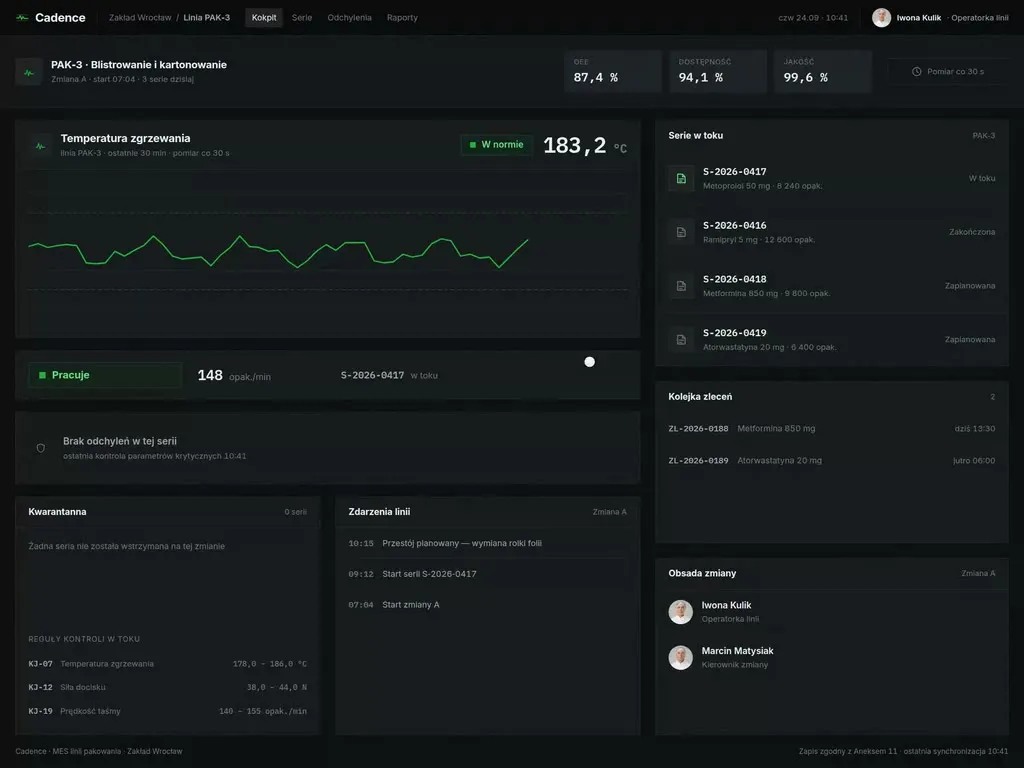
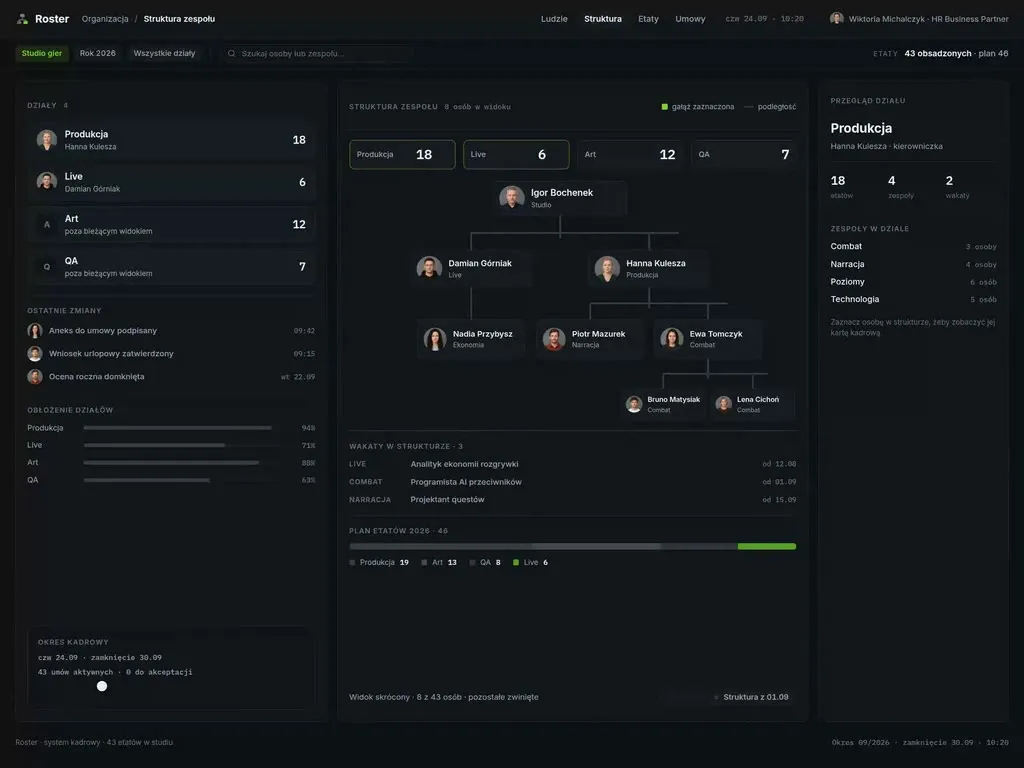
A store is dozens of views and hundreds of states, not three shots of the homepage. We design it from the buying path - a funnel audit, catalogue architecture, the product page and checkout in a full set of states, then the remaining views out of one component library. We build it ourselves, or hand over a design your developers can work from without coming back with questions.
We have worked with leading companies and startups









Challenges
When a store needs redesigning
Not every drop in sales is a design problem. Here are four situations where it is - and where a rebuild pays for itself in under a year.
-
„A migration that must not kill sales”
Magento, Shopware, Shopify, a custom engine - replatforming is the easiest moment to lose search visibility and the habits of returning customers. We design so the migration fixes the path instead of carrying old problems onto a new engine.
-
„Checkout abandonment”
Traffic is there, product pages get viewed, and the order never completes. The usual causes are the number of fields, delivery costs revealed too late and forced registration - not the colour of the button. It only becomes visible in the data and in session recordings.
-
„A catalogue nobody can navigate”
Categories added with every new delivery, filters that mirror the warehouse rather than how a customer thinks about the product, and a search box that cannot find your own range. We fix the catalogue before drawing anything.
-
„B2B running on an engine built for retail”
Individual price lists, credit limits, quick ordering from a list, repeat carts and ordering on a customer's behalf. A buyer has a different job to do than a consumer, even when the same store serves both.
Who it is for
Who we design stores for
-
Brands selling alongside marketplaces
Amazon and Allegro deliver the volume, but the margin and the customer data stay on their side. Your own store has to win back part of that traffic and keep it.
-
Distributors and wholesalers
Orders from regular trade customers arrive by email, phone and spreadsheet, and the support desk retypes them into the ERP. Here the store is a working tool for the buyer and for your own sales team at the same time.
-
Manufacturers moving into direct sales
They know the range inside out but are serving the end customer for the first time, and they are doing it alongside an existing distribution network. The design settles how retail pricing sits next to partner pricing and at which point a customer is handed to a distributor.
-
Marketplaces and multi-vendor stores
The interface serves two sides at once - the buyer and the seller who lists, ships and settles. The seller panel decides how much supply you get, so it is designed with the same care as the storefront.
Our difference
What sets our store design apart
-
Wireframes built on your actual range
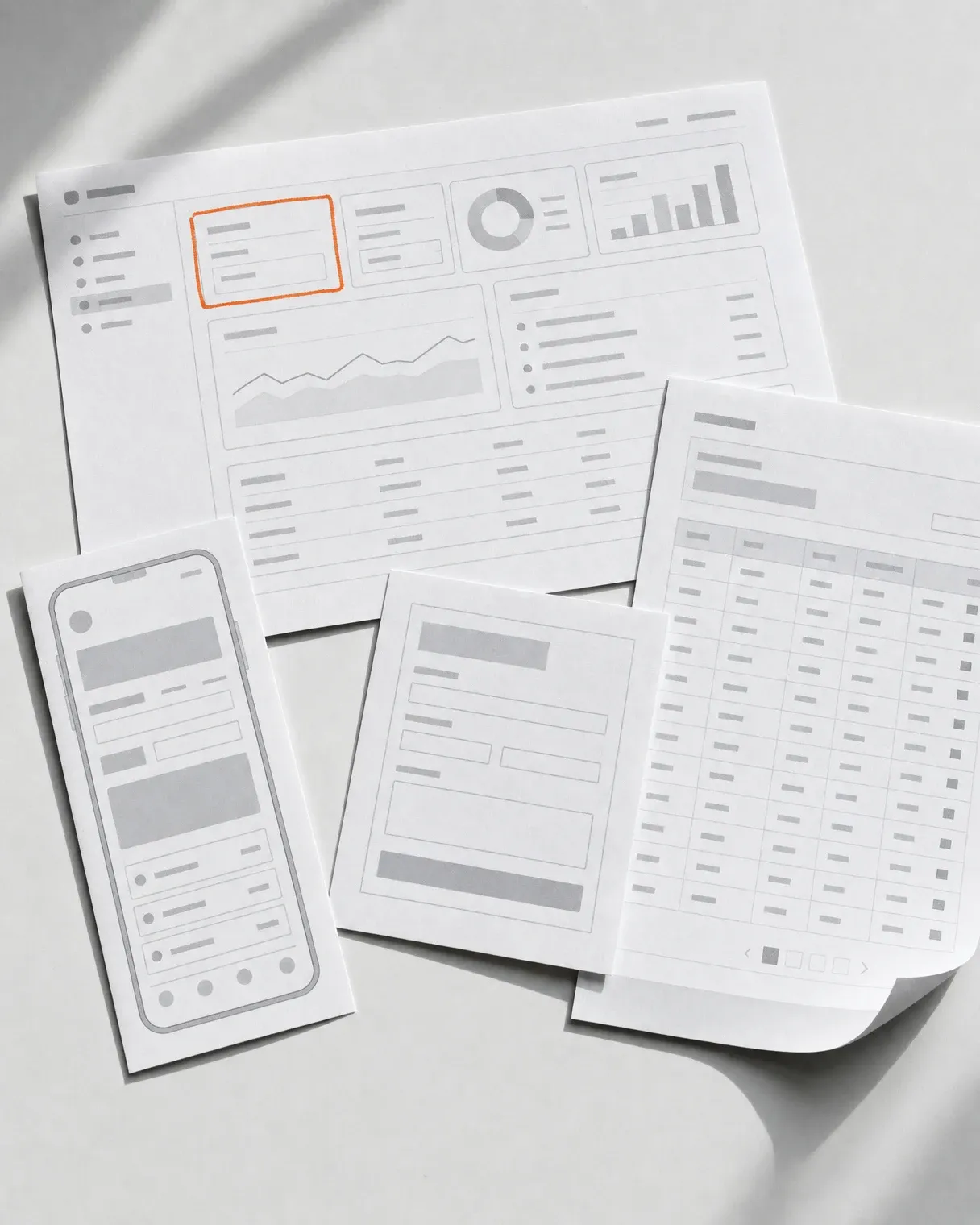
The names, photos and variants come from your catalogue, including the product with no description and the one with twenty sizes. A layout that survives that data in a wireframe survives it after the migration too.
-
The view of the person running the store
Every template gets an empty variant and an overloaded one - a category with no banner, a listing with a single product, a promotion with no artwork. The team running the store knows in advance what the layout will do before they publish anything.
-
Accessibility counted from the first wireframe
Contrast, keyboard operation and checkout error messages are designed to WCAG 2.2 AA, because since June 2025 the European Accessibility Act covers ecommerce as well. Retrofitting that after launch costs several times more.
-
We test the path with buyers from your category
Before handover we run sessions on a working prototype with people who actually buy products like yours. An argument about the filter layout is then settled by a session recording rather than by the loudest voice in the room.
Process
How we run it
- Week 1–2
Buying-path audit
A review of analytics and session recordings, the funnel from entry to order, an analysis of competing stores in your category. We come out with a list of the places where you lose orders, ranked by impact on sales.
- Week 2–4
Catalogue and search architecture
Categories, attributes, filters and search results - designed around how customers look for a product. This is the cheapest moment to make that decision and the most expensive one to skip it.
- Week 3–6
Product page and checkout
The two views that decide sales, so we design them first and in a full set of states - variants, out of stock, delivery, payment, validation errors.
- Week 5–9
The system and the remaining views
A component library, and from it the rest of the store: account, orders, returns, lists, content pages. This is where it becomes clear how many views a store really has.
- Week 9–12
Build and sales measurement
Built by us or handed over to your developers, ecommerce events wired up, and a funnel review after the first month of trading.
Deliverables
What you get at the end
-
Buying-path map
The funnel from entry to order with the drop-off points marked. A document you keep coming back to with every later change to the store.
-
Catalogue architecture
The category tree, attributes and filters, plus rules for adding new ranges - so the structure does not collapse after a year of deliveries.
-
Product page and checkout in full
Variants, out of stock, free-delivery thresholds, payments, validation errors, guest checkout. These are the states that decide the order.
-
Every view the store has
Account, orders, returns and complaints, lists, content pages, search results. All of them, not the three best-looking ones.
-
Component library
Components with variants, states and tokens. This is what decides whether you assemble a seasonal campaign yourself in a day or commission another design project.
-
Migration and measurement guidance
Old URL mapping, a content migration plan and ecommerce event setup - so that after launch you see sales broken down by path rather than as a single number.
Toolkit
What we apply
A store proves itself in the states nobody puts in a presentation - out of stock, a declined payment, a product with no photo. Below are the thresholds and guidelines we start from, before anyone asks about the colour of the button.
- WCAG 2.2 AA across the whole buying path
- The European Accessibility Act as it applies to ecommerce
- Core Web Vitals - LCP under 2.5 s on the product page and in checkout
- Baymard Institute guidelines for the catalogue, product page and checkout
- Guest checkout as the default setting
- Ecommerce events in GA4, from product page through to returns
- Schema.org structured data - Product, Offer, AggregateRating
- Figma with a component library and a full set of state variants

Next step
Let us talk about your project
Tell us what you have to do. We will come back with scope and a quote.
Selected work
Stores we have designed
A selection tagged with this product type. We show the full portfolio, including NDA work, during a consultation.
-
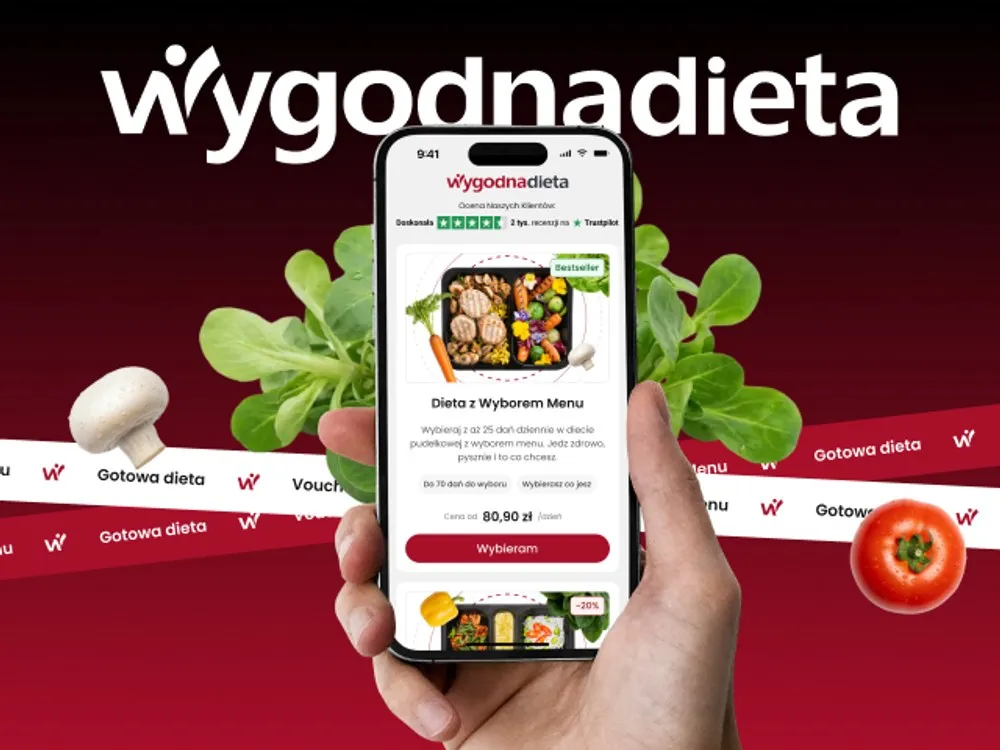
WygodnaDieta - App and online store for a meal-box diet service
-
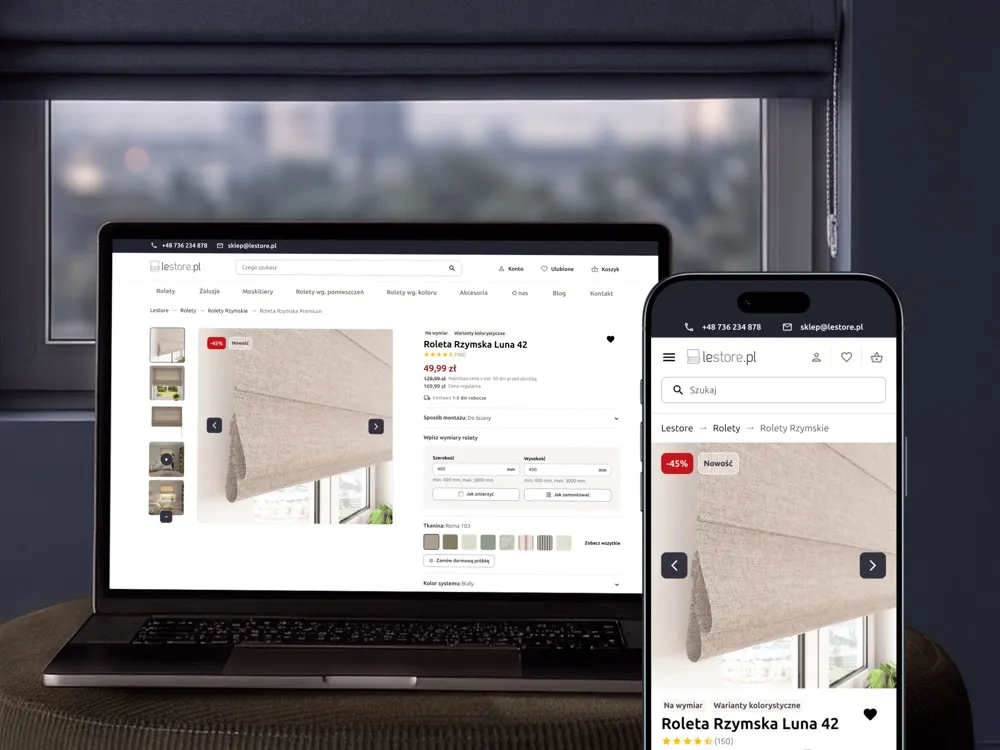
Lestore - Online store for blinds and shades
-
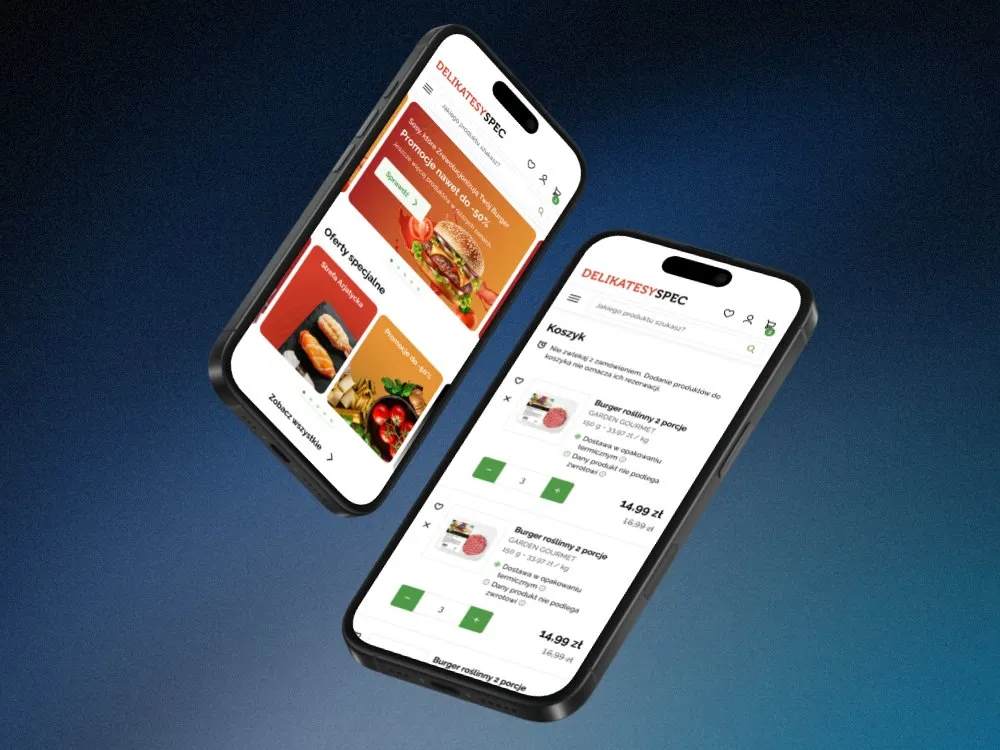
SPEC Food - Online store for a food delicatessen
-
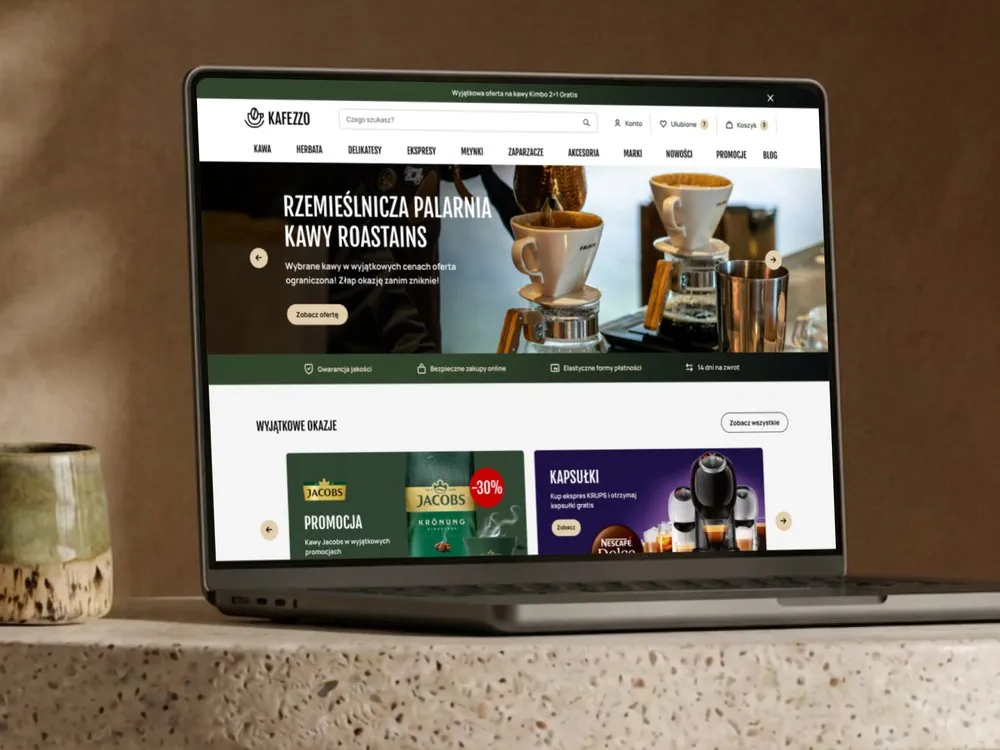
Kafezzo - Online store for coffee and tea
-
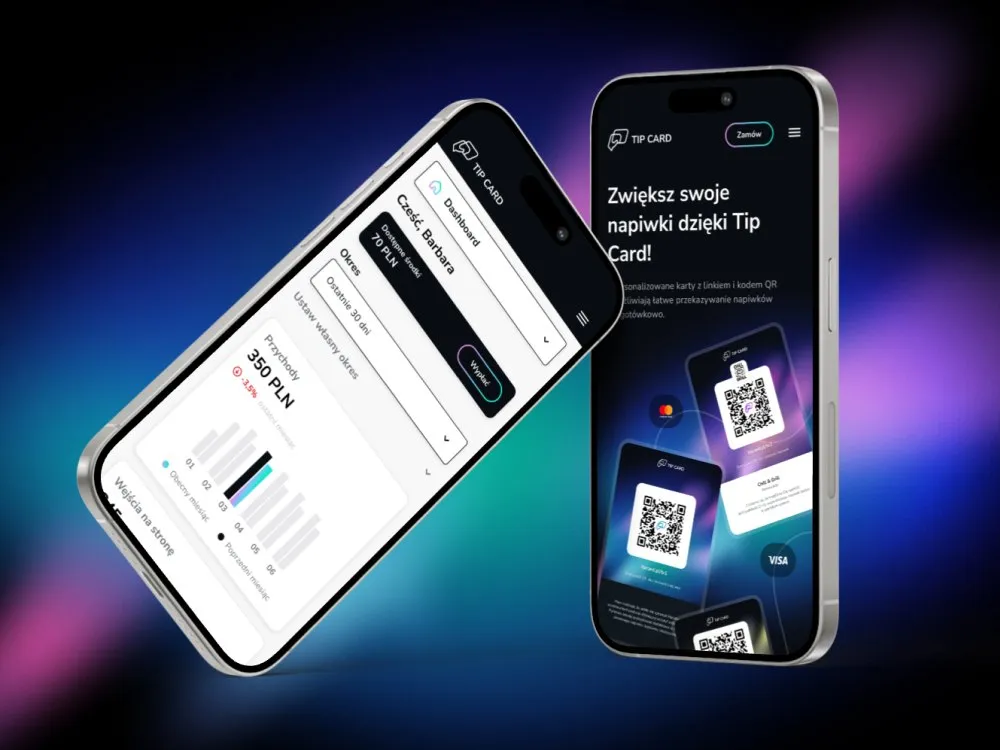
Tip Card - Cashless tipping platform
-
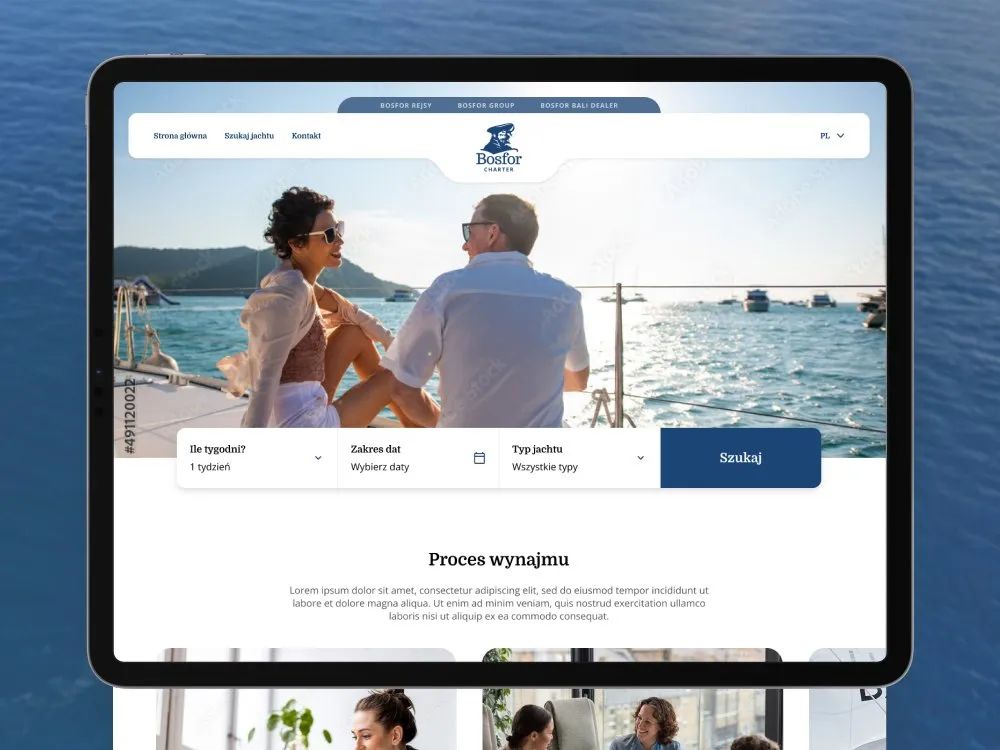
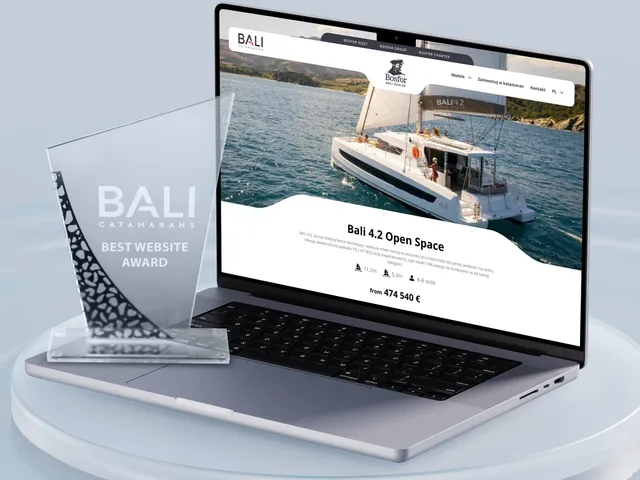
Bosfor Charter - Yacht charter platform with booking
-
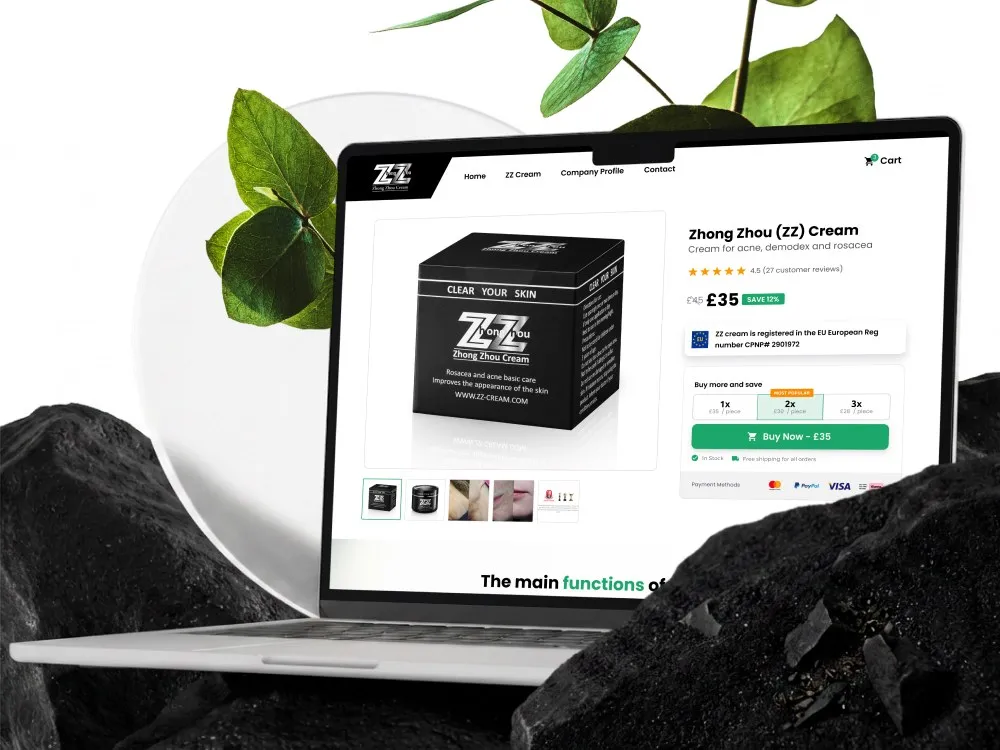
ZhongZhou - Online store for an acne, demodex and rosacea cream
-
Habitalux - Online store and branding for pet food
-
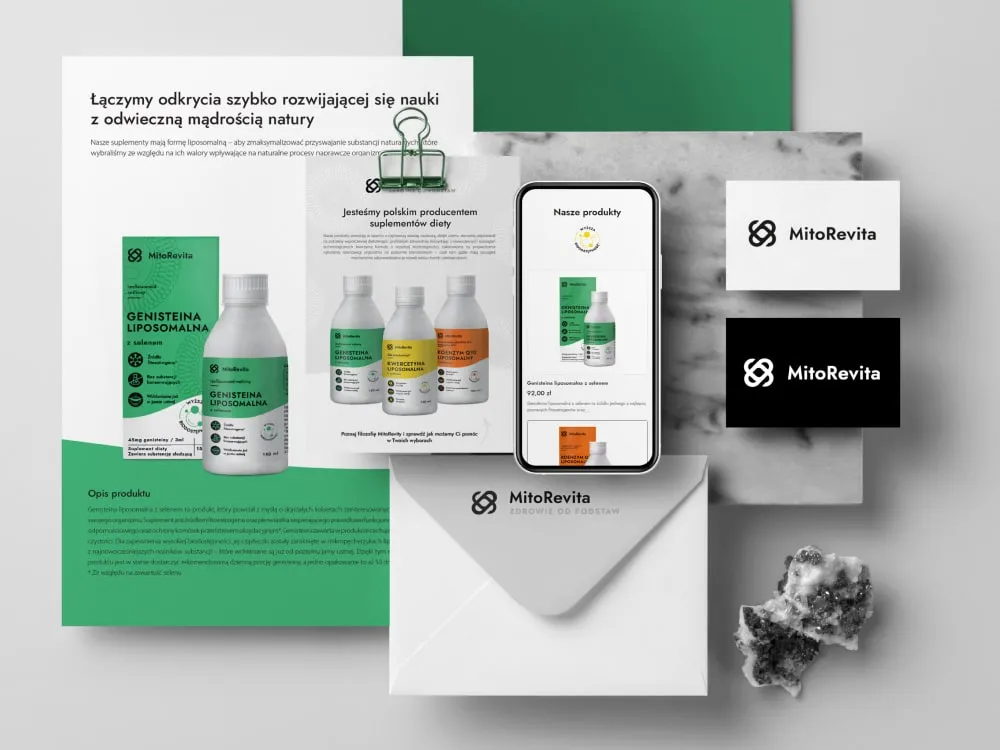
MitoRevita - Branding & store for liposomal supplements
Outcomes
How you can check this
-
2 months
how long the CWZN store modernisation took - 72 views, with a three-person team
-
2025
the year European Accessibility Act requirements reached ecommerce - we design the checkout to WCAG 2.2 AA from the first wireframe, not after launch
-
101
projects in the public portfolio on this site - you can look at our work before you contact us
-
9+ years
how long we have worked as one settled remote team - the same people take the store from audit to launch
The figures come from the CWZN case study and from our portfolio - both are public, so you can verify each of them before we talk. The accessibility thresholds come from WCAG 2.2 and the European Accessibility Act. We publish no average uplift in sales and no ROI figure - those depend on your baseline, traffic and range, so we go through results from named engagements during a consultation; some are covered by NDA.
Client voices
What our clients say
-
„Working with the Wzór team was a genuinely great experience! They always answered our questions quickly and were flexible about our comments. They have no shortage of creative ideas and are at the same time thoroughly reliable and on time. The end result fully met our expectations; we recommend them to anyone looking for professionals who care.”
 Maja Wieloch-Silecka Operations Director, Bosfor Group
 -
„Our clients expect us to act fast and effectively across a very wide scope - from building a brand, through a website with a store, to running an effective sales campaign. Not an easy task, but doable when you have a tight-knit team and partners who take on challenges on the fly. For us, quality, accountability and commitment are key, and working with UX Agency Wzór gives us that 100%.”
 Piotr Alberski Chief Operating Officer, Agencja XO Media
 -
„Our cooperation with UX Agency Wzór started with our own website. We really liked the way they work, so we decided to subcontract projects for our clients to them on a White Label basis. We loved their workflow, the way they hand projects over to our team, their documentation and their work on the design system. Now we can take on bigger risks.”
 Mateusz Swół Chief Operating Officer, Sellace



The team
Who will run your project
The people who run the workshop are the people who design the store and hand it over for build. You know upfront who you work with and who is accountable for the result.
-

Aleksandra Bondar
Senior UX/UI Designer
-

Katarzyna Adamczuk
Prezes, Analityk Biznesowy
-

Patryk Korycki
CEO, Analityk Biznesowy
Time and scope
How long it takes and what shapes the quote
8–12 weeks
From audit to production launch. Migrating from an existing platform usually adds two to three weeks for content transfer and URL mapping.
-
Number of views and catalogue templates
-
B2C, B2B or both models at once
-
Migration from an existing platform
-
Integrations - ERP, PIM, payments, delivery carriers
-
Markets and language versions
-
Scope of research with your customers
FAQ
Questions that come up most often
What does ecommerce design cost?
No two stores are alike, so we give you the entry threshold, not a ready-made figure - a dozen catalogue views and several hundred are entirely different projects. The quote depends on the number of views, whether you sell B2C, B2B or both, the scope of migration from an existing platform and the number of integrations. We send a concrete figure within two business days of your enquiry.
How long does a store project take?
Eight to twelve weeks, from the buying-path audit to production launch. Migrating from an existing platform usually adds two to three weeks for content transfer and URL mapping. We agree internal deadlines together at the first workshop and track them weekly.
Do you work on a specific platform - Shopify, Magento, Shopware?
We design independently of the engine and fit what you already have or are choosing. The platform decides what is achievable without expensive custom work, so we ask about it upfront and say plainly which parts of the design will be costly on a given engine. If the platform is not chosen yet, we help compare the options against your range and sales model.
Will migrating to a new platform damage our Google rankings?
It can, if nobody plans it - and that is the most common way companies lose sales when replatforming. Mapping old URLs to new ones and a plan for moving category content are in scope, so the redirects are ready before launch rather than written after traffic drops.
Do you design B2B selling too - individual price lists, credit limits?
Yes. A buyer has a different job to do than a consumer: ordering from a list, repeating carts, working against an individual price list and a credit limit. We design those as separate paths even when they run on the same engine as retail. This is usually the most underestimated part of the scope.
Do you build the store, or hand over the design only?
Both options are available and both are quoted openly. Building it ourselves means a single line of accountability for the result. Handing over to your developers means documentation, Figma Dev Mode, a handover session and support while it is being coded - not "here are the files, good luck".
Will we be able to assemble promotional pages ourselves afterwards?
Yes, and that is what the component library we hand over is for. A seasonal campaign page is assembled from existing blocks instead of commissioning a design every time. When we build the store, we also train the person who will run it.
Who owns the rights to the design?
You do. Economic copyright to the design transfers under the contract, along with the source files. We do not use time-limited licences or make ownership conditional on continued work with us.
What if sales do not go up after launch?
That is exactly why ecommerce event setup and a funnel review after the first month of trading are in scope - without them nobody can answer this honestly. If the data shows where customers drop off, you get a list of fixes grounded in their behaviour rather than opinion. We also run conversion optimisation as a separate service for stores already live.
Related services