
Design System
A design system as a complete package - a Figma library + React/Vue components with tests + Storybook + W3C design tokens. Greenfield or migration of an existing system.
We have worked with leading companies and startups









Challenges
Three moments when a design system recovers its cost fastest
Not sure a DS is the right step now? Book a consultation - we will tell you honestly whether you need a full DS or an organised style guide is enough.
-
„Enterprise with 5+ digital products”
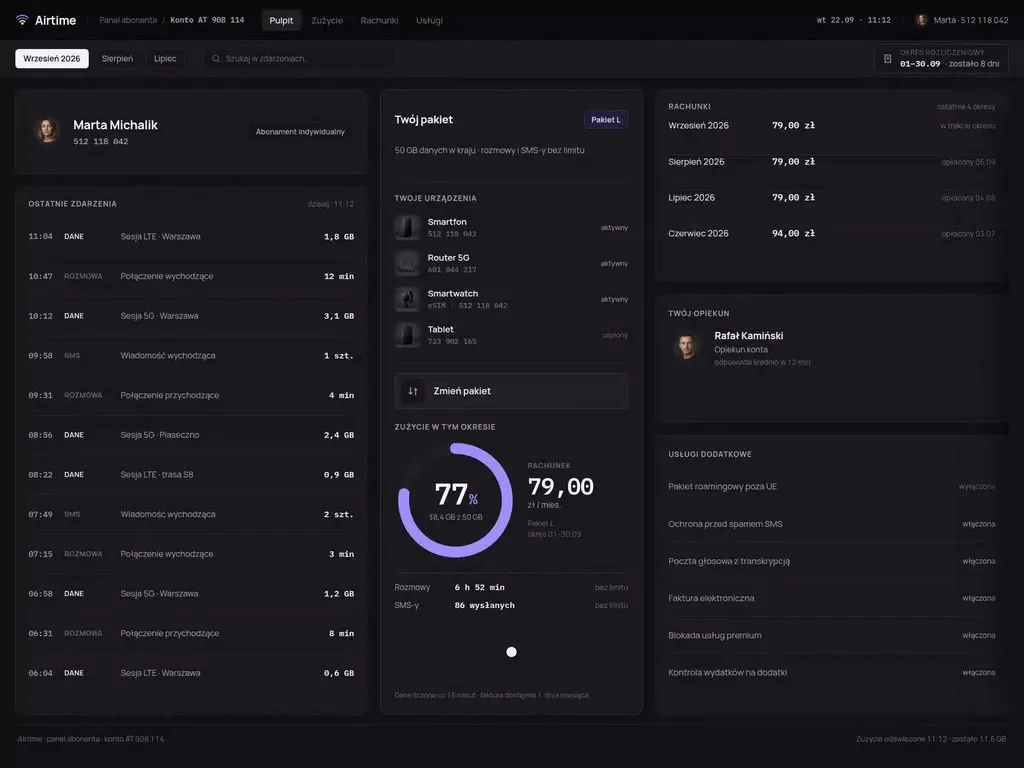
A homepage, a customer portal, a mobile app, a B2B panel, a marketplace - each looks as if a different company designed it. A DS unifies everything + cuts the time to design new features by 80% (typically).
-
„SaaS scale-up with 5+ developers”
The design team grows, the product loses consistency. Every new feature looks different, design decisions are not codified. A DS speeds up the team and eliminates the "how should this look" debate per ticket.
-
„Software house / agency - white-label for projects”
Your agency delivers projects for clients, each with its own brand but you want a standard process. We build a white-label DS under your brand - you adopt it in every project, reducing overhead per client.
Who it is for
Who we build design systems for
-
Teams whose first library did not stick
The library was built, handed over, and a few months later nobody opens it, because copying a component was faster than fixing one. We start from why the team gave up on it and rebuild it so that reaching for a component is a shorter path than making a copy.
-
Companies after an acquisition or a rebrand
Two products, two sets of styles and one brand meant to cover both, usually on a deadline set outside the product team. We assemble a shared layer of tokens and components, and the differences that cannot be unified straight away go into the release plan instead of staying as debt with no date.
-
Software vendors shipping under their clients' brands
One product runs in a dozen or more instances, and every client wants its own colours, its logo, sometimes a different interface density. The library gets a token-based theming layer, so a new instance is a change of values rather than a separate fork of the components.
-
Teams maintaining internal systems and operations panels
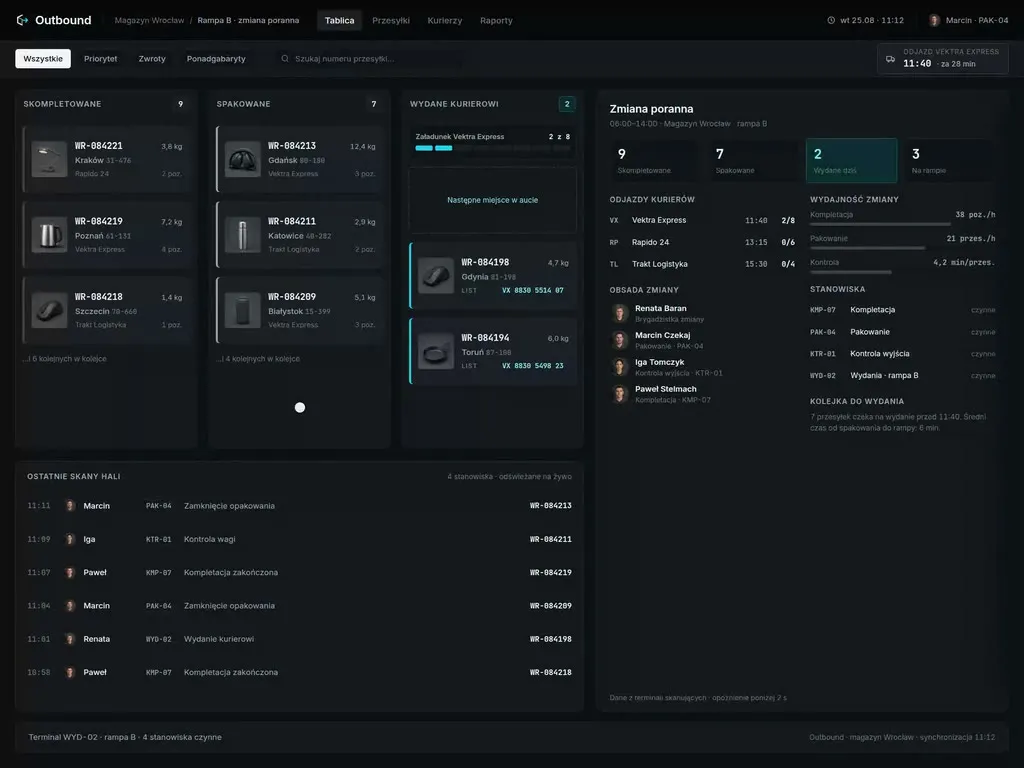
The application carries the daily work of several hundred people, the frontend grew for years by copying screens, and nobody will fund a full rewrite. The library moves in screen by screen, starting with forms and tables - the places where inconsistency costs operators the most time.
Our difference
What makes our approach different
-
The first components are built on your real screens
Before the catalogue grows, we rebuild three views that actually exist in the product out of the library - usually a form, a filtered list and a detail view. A component that does not assemble a real screen goes back for revision before anyone gets to use it.
-
The last components are written by your team
The second half of the library is built in pairs - your developers and designers lead a component, we review it and keep the conventions. After hand-off the team does not learn the system from documentation; it knows the system from having built part of it.
-
Migration without freezing the roadmap
Old and new components run side by side behind a switch, and screens move onto the library in batches planned into your sprints. There is no moment when the team stops work on the product to wait for the design system.
-
We report adoption as a number
After the rollout we report coverage - how much of the screens and imports in the repository use the library, and where local copies of components still live. We repeat the measurement after thirty and after ninety days, so you can see whether the system took hold or was merely handed over.
Process
8-12 weeks from audit to hand-off. Plus governance forever
- Week 1–2
Audit + inventory
An inventory of existing products: which patterns already exist, where the inconsistencies are, what can be kept, what redesigned. Plus interviews with the client's designers and developers.
- Week 2–3
Design tokens
Defining tokens: colours (light/dark mode), typography (scales, leading), spacing (4/8px grid), motion (easing, duration), breakpoints, elevation. W3C design tokens format - multi-platform ready.
- Week 3–6
Figma components
A Figma component library - atoms → molecules → organisms (Atomic Design). Variants, auto-layout, usage documentation per component. 2-3 rounds of feedback with the client team.
- Week 5–10
Code components
Implementation in React or Vue. TypeScript, Tailwind/Stitches, unit tests, an accessibility audit (axe), Storybook 8+ with interactive examples. Token Studio for automatic syncing with Figma.
- Week 10–12
Hand-off + training
Usage documentation, a governance playbook, 2-3 training sessions for the client team (designers, developers, PMs), 30-day support, a 12-month development roadmap.
Deliverables
Three packages. Not a loose library of colours in Figma
-
Figma Library - components + variants
A full Figma component library with variants, design tokens (colour, typography, spacing, motion, breakpoints), auto-layout, published across the organisation. Plus usage documentation per component.
-
Code Library - React/Vue + Storybook
Component code in TypeScript + Tailwind/Stitches. Unit tests (Vitest/Jest), accessibility (axe), Storybook 8+ with interactive examples. Token Studio / Style Dictionary to sync with Figma.
-
Governance Kit - documentation + training
Full documentation (Notion / Markdown), a governance playbook (who, when, how changes the DS), training for the client team (2-3 sessions), a 12-month development roadmap, versioning + release notes.
Toolkit
What we use
Industry standards for a decade - plus our own methodology for syncing Figma ↔ code, proven across 30+ projects.
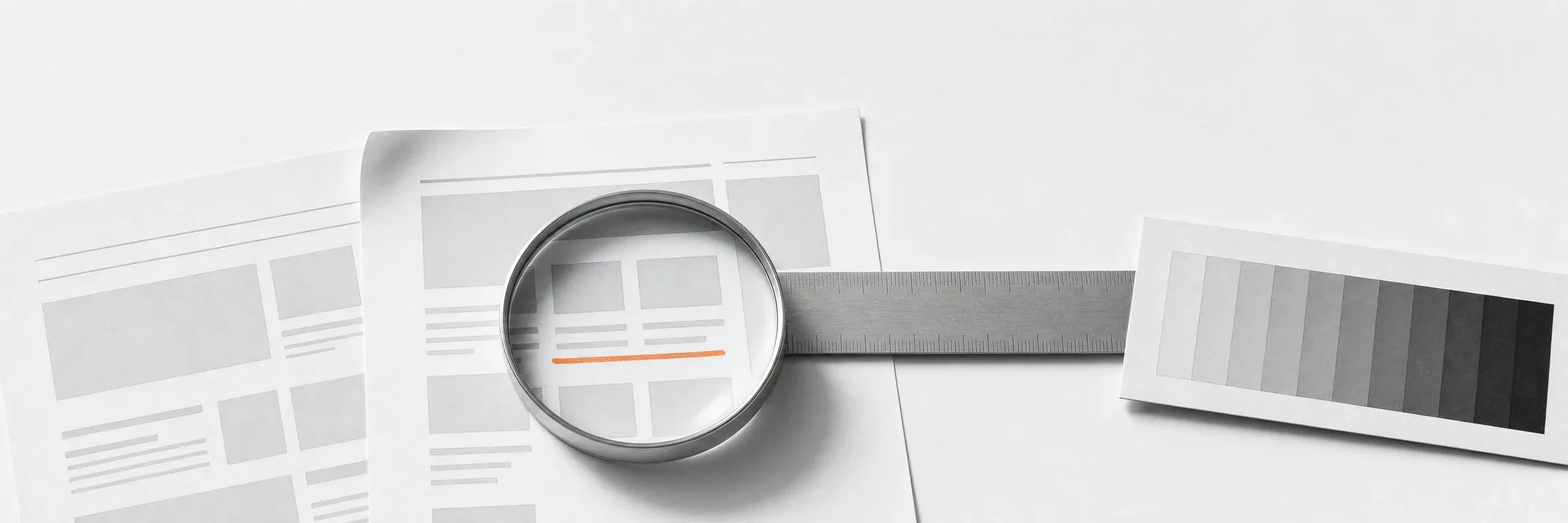
- Atomic Design (Brad Frost)
- Design Tokens W3C standard
- WCAG 2.2 AA accessibility
- Storybook 8+ with interactive examples
- React/Vue + TypeScript + Tailwind
- Token Studio / Style Dictionary

Next step
Let us talk about your project
Tell us what you have to do. We will come back with scope and a quote.
Selected work
Projects from the products we build libraries for
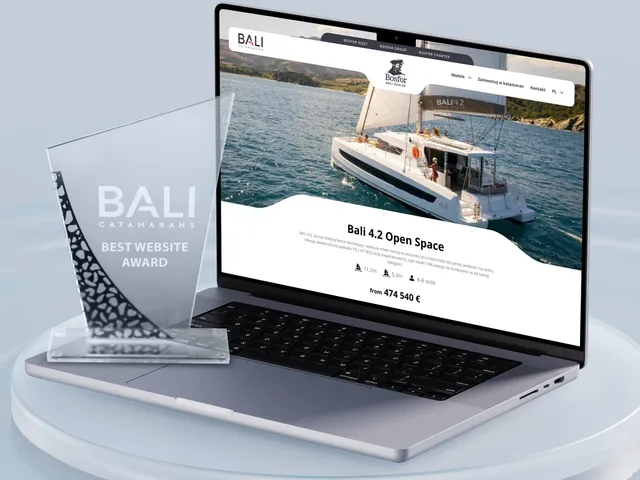
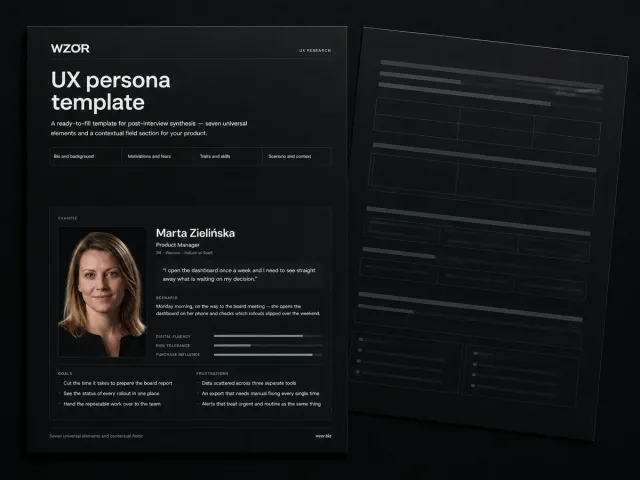
A selection from the product types a design system most often grows out of here - web applications, panels and corporate sites. The libraries themselves live in client repositories, so we show them during a consultation.
-
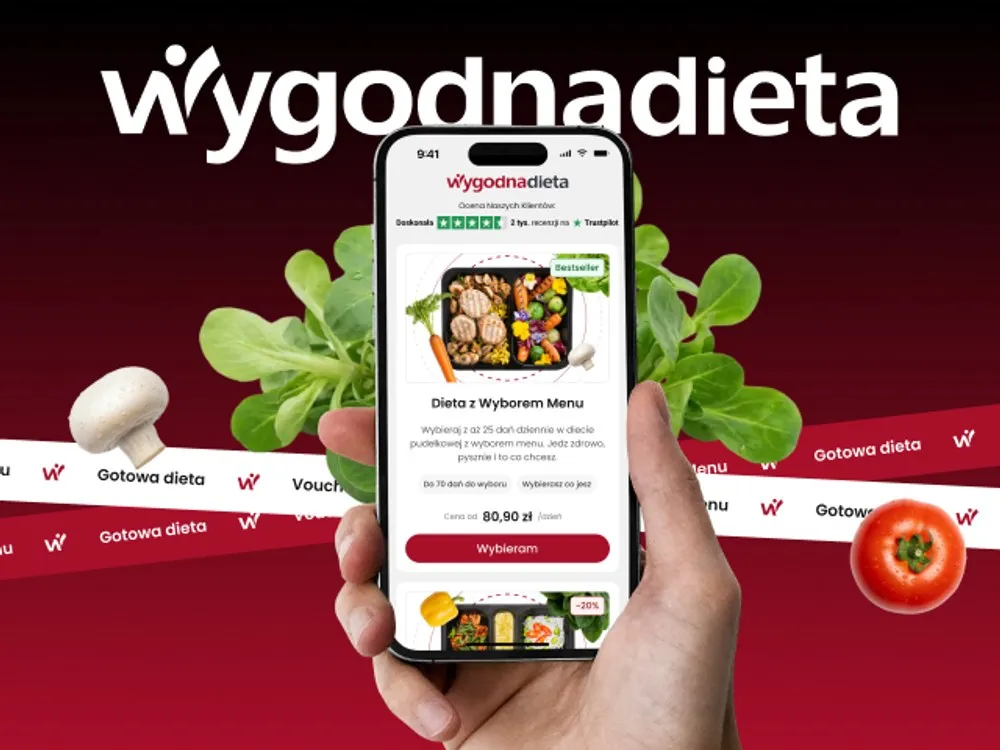
WygodnaDieta - App and online store for a meal-box diet service
-
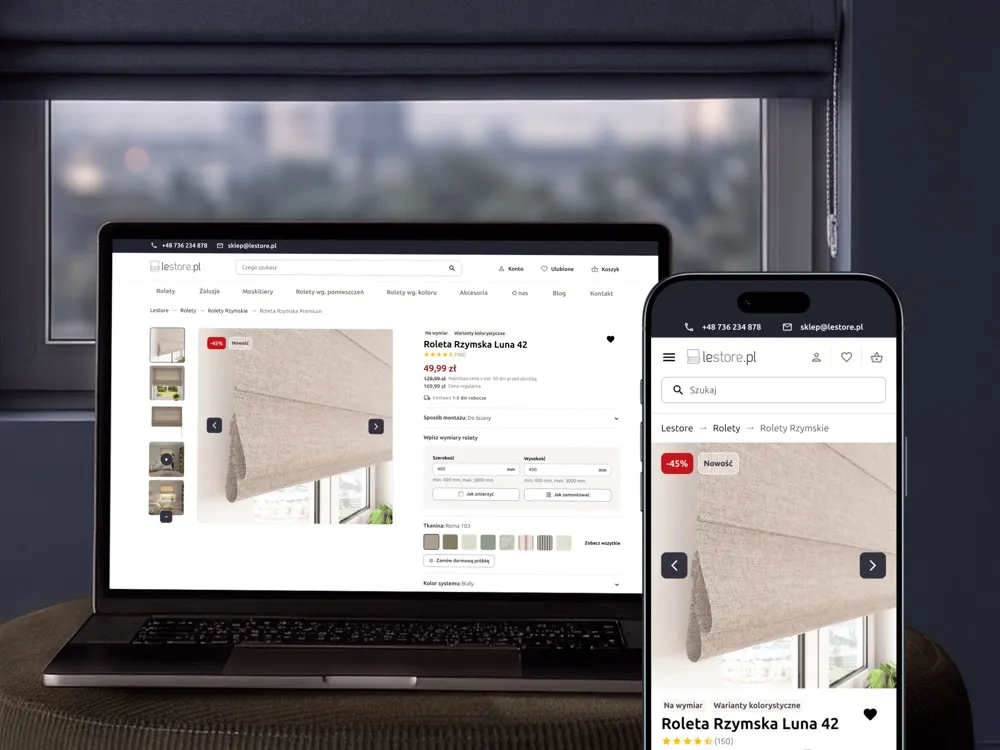
Lestore - Online store for blinds and shades
-
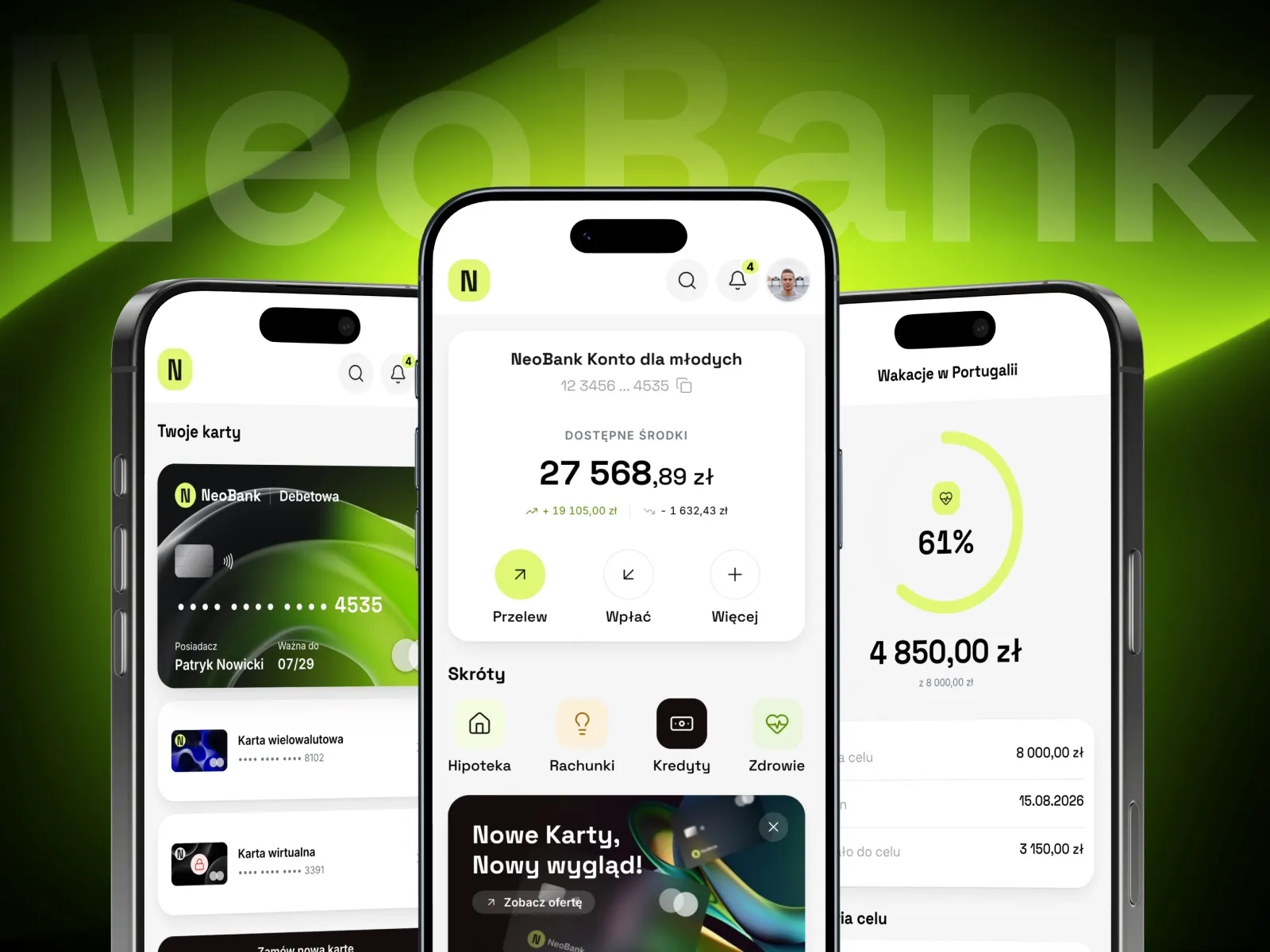
NeoBank - A banking app concept for young customers
-
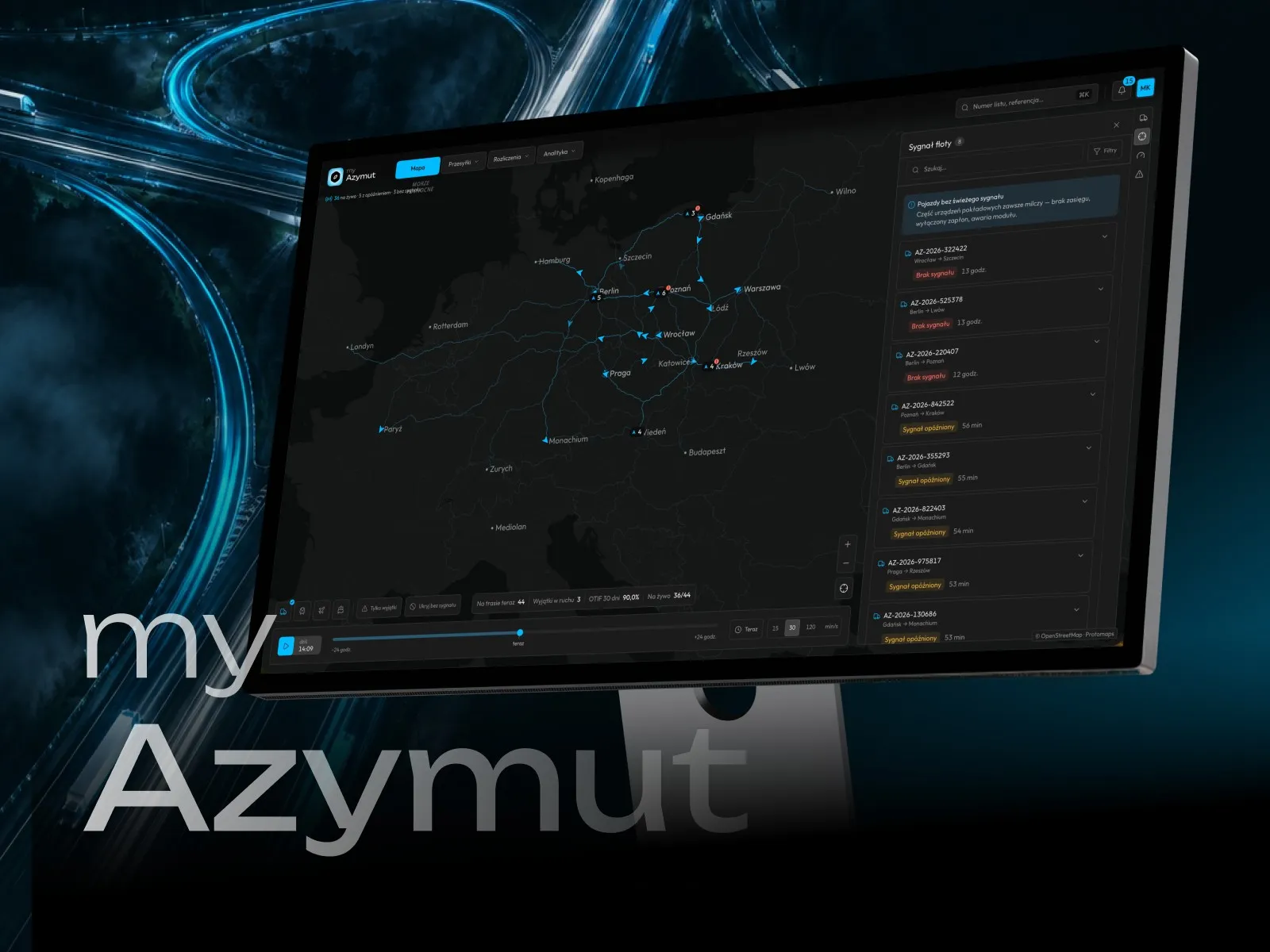
myAzymut - Client portal concept for a freight carrier
-
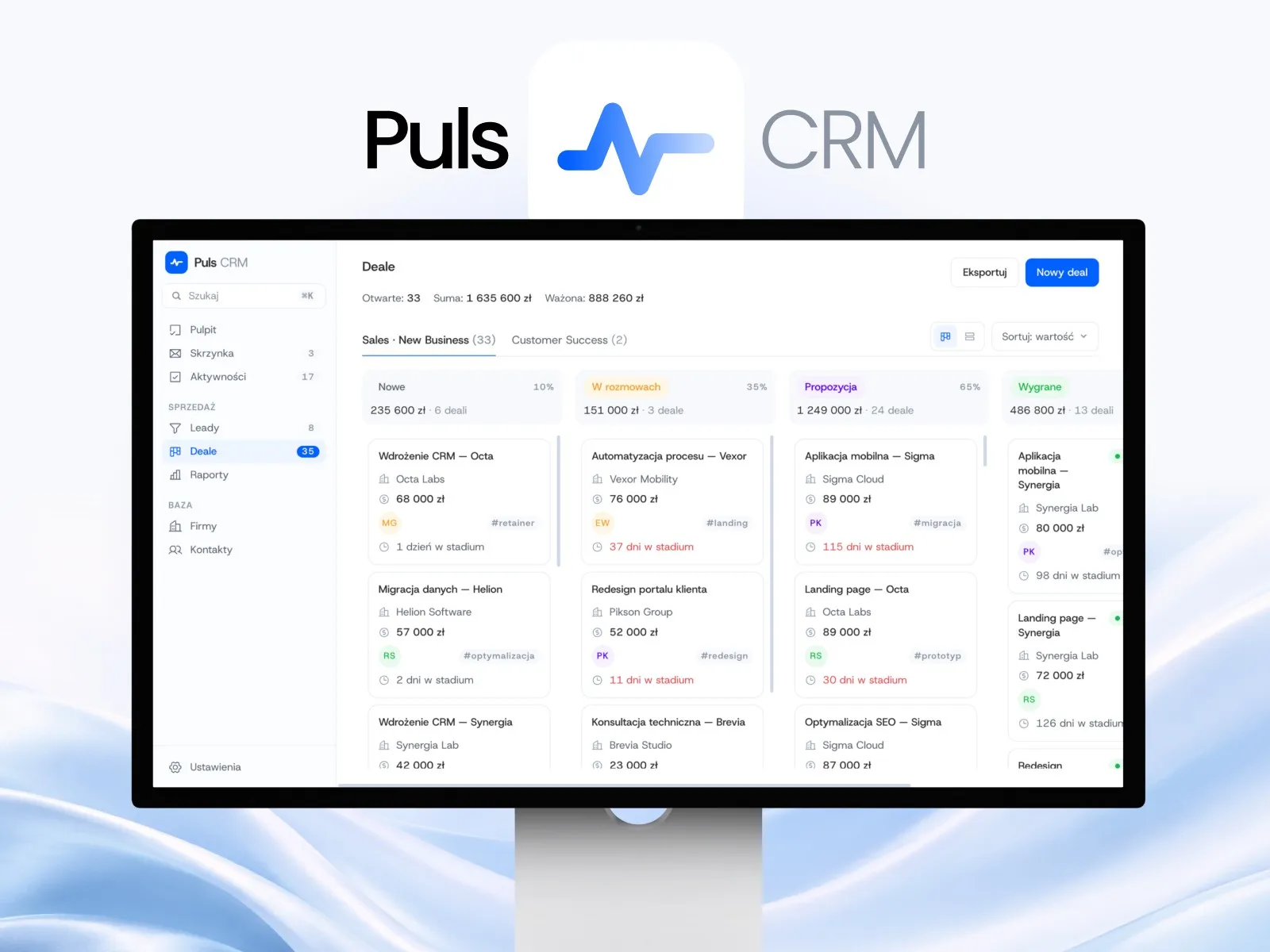
Puls CRM - CRM app concept for a sales team
-
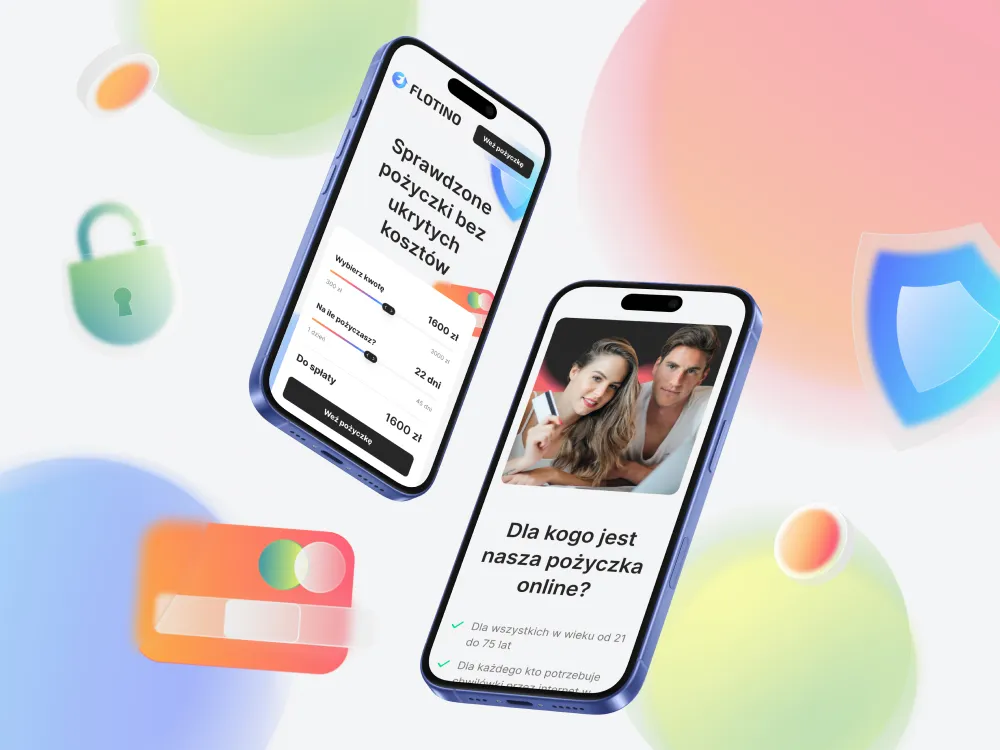
Flotino - Online cash loan service
-
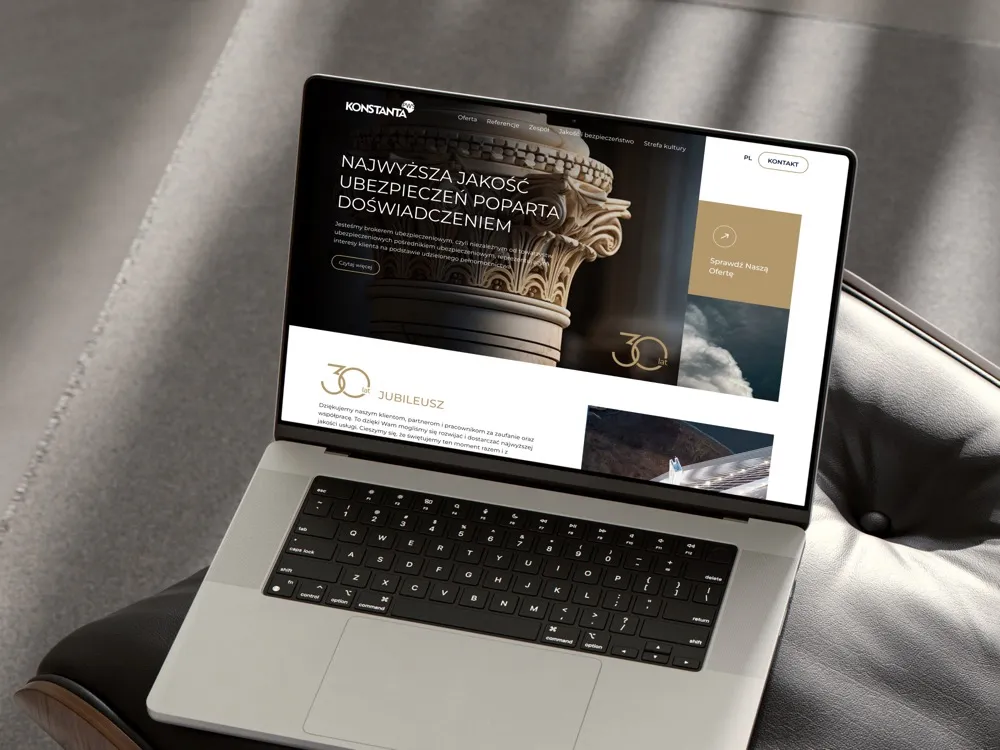
PWS Konstanta - Website for an insurance broker
-
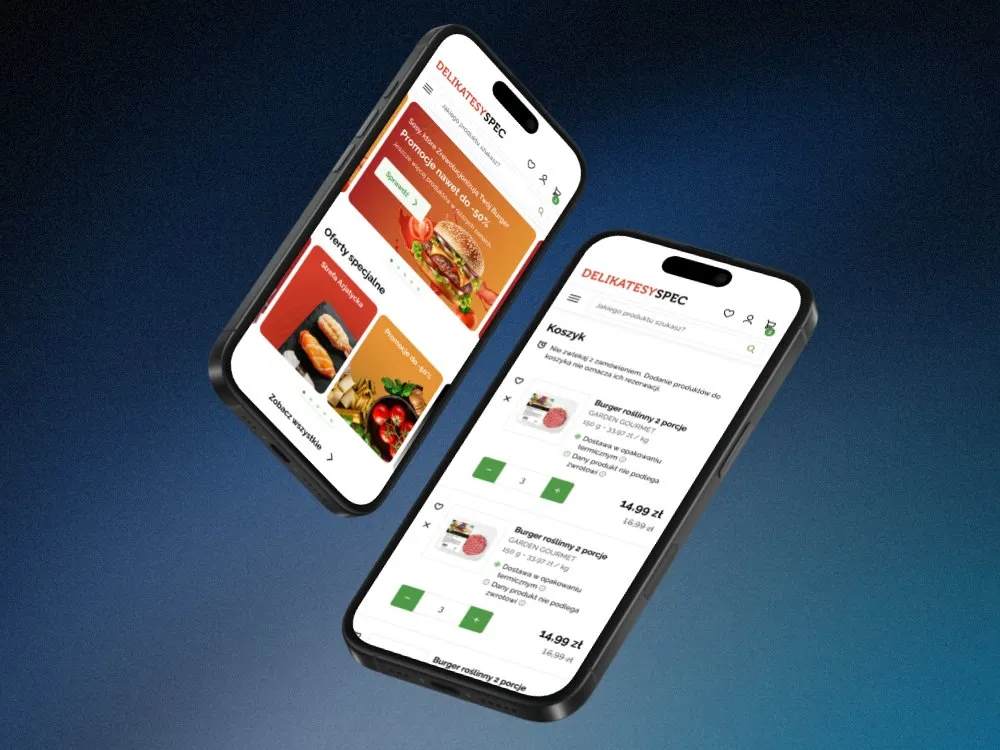
SPEC Food - Online store for a food delicatessen
-
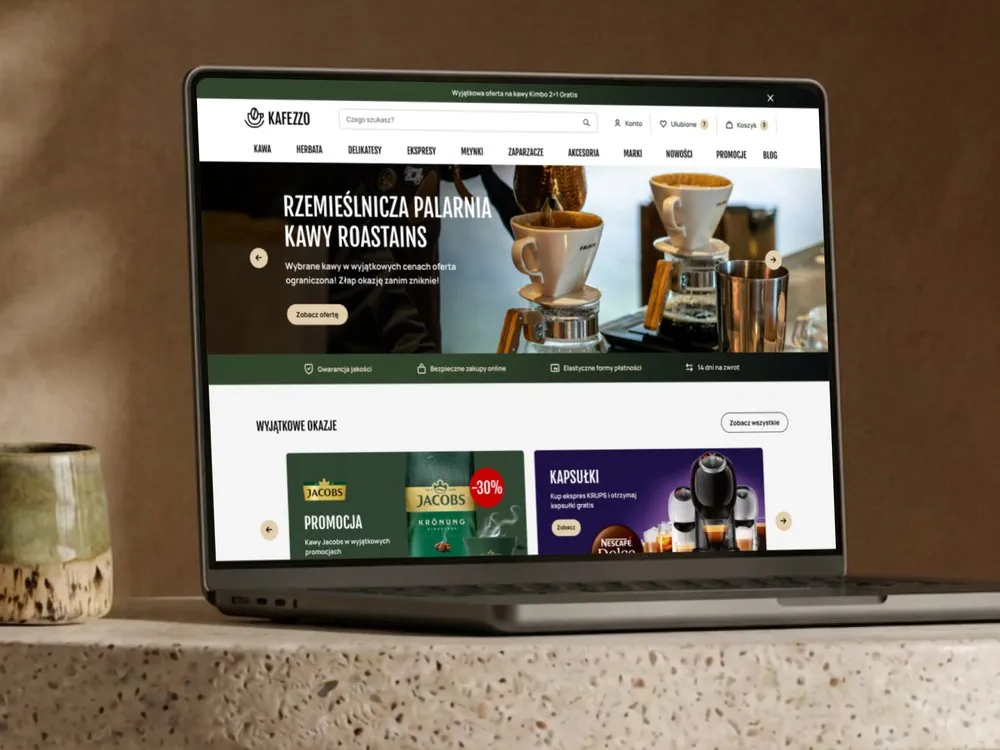
Kafezzo - Online store for coffee and tea
-
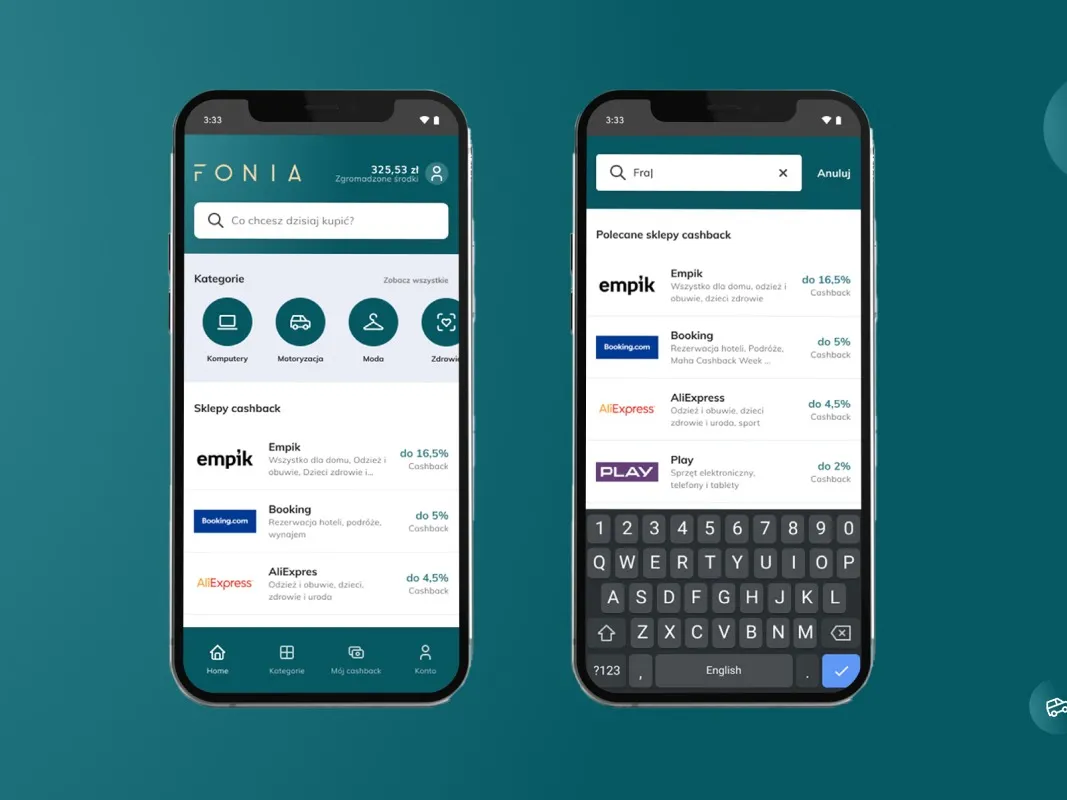
Fonia - A cashback app for online shoppers
-
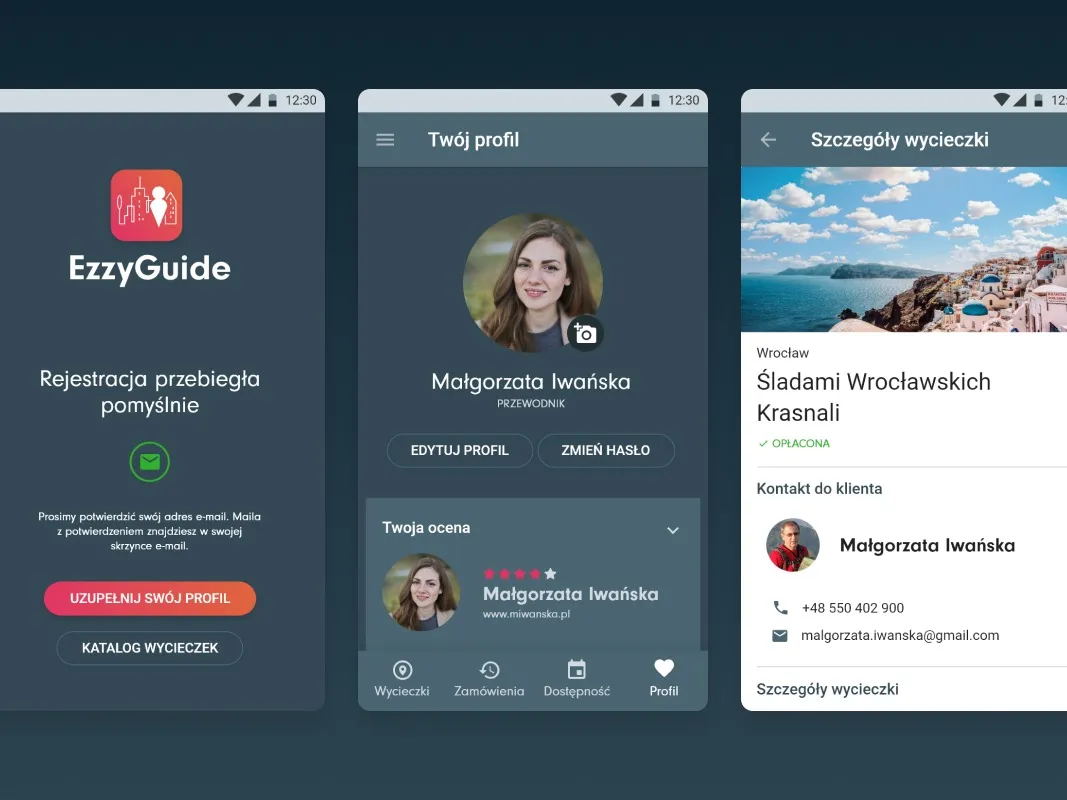
EzzyGuide - A tours app connecting guides with travellers
-
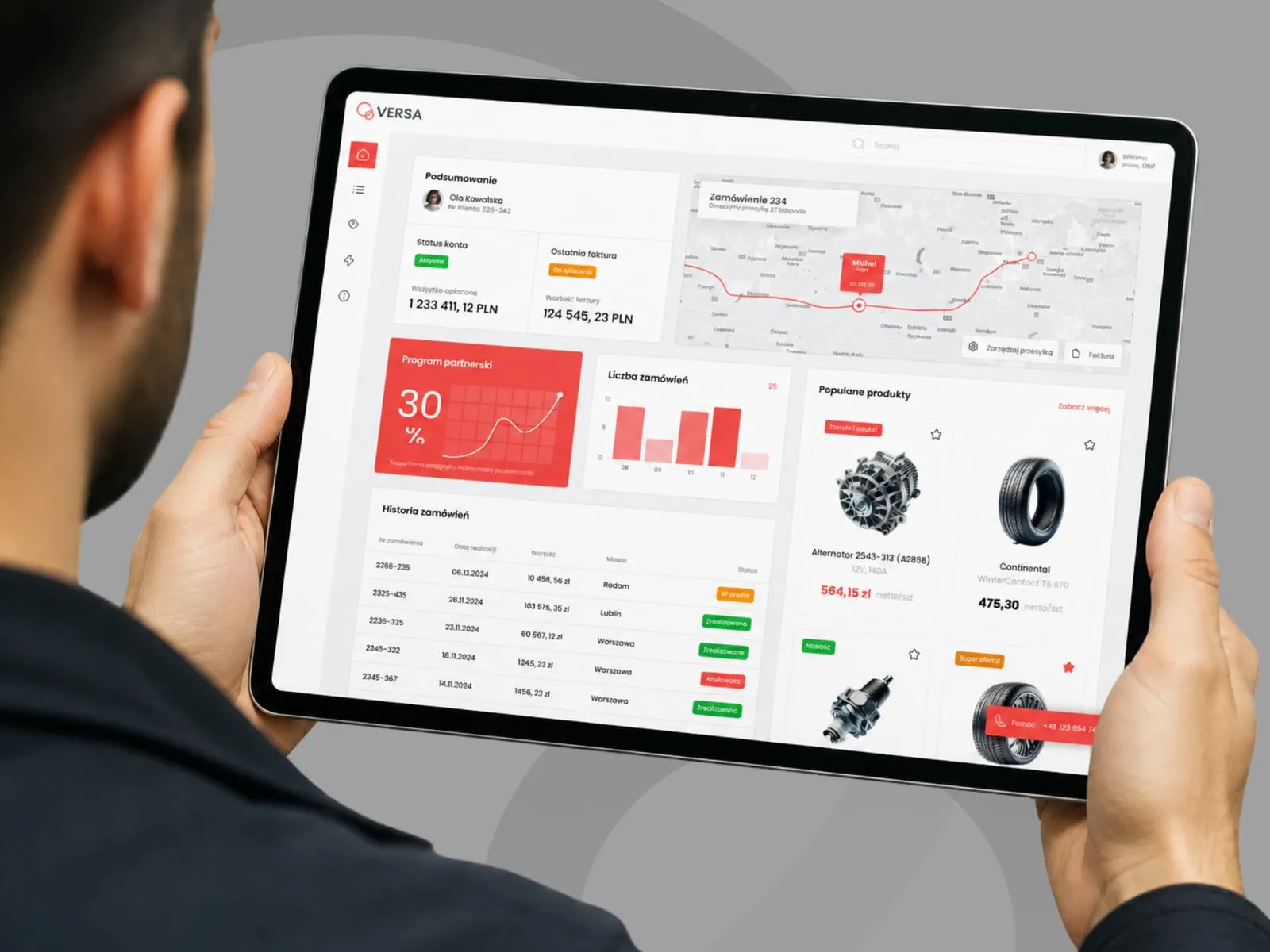
VERSA - B2B panel concept for a parts distributor
-
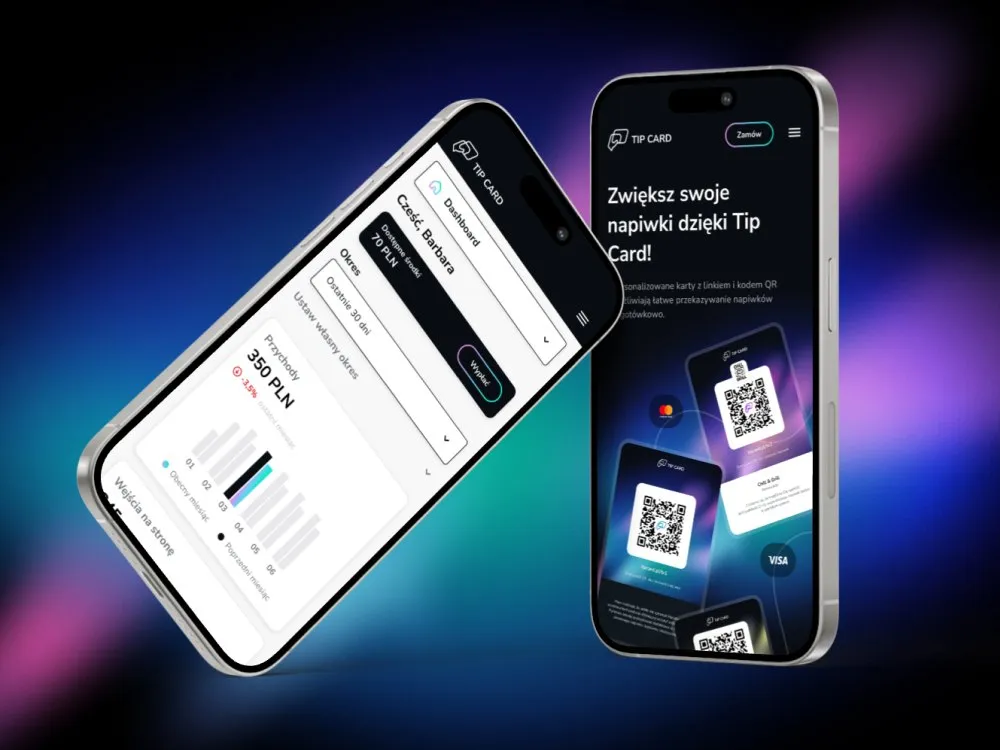
Tip Card - Cashless tipping platform
-
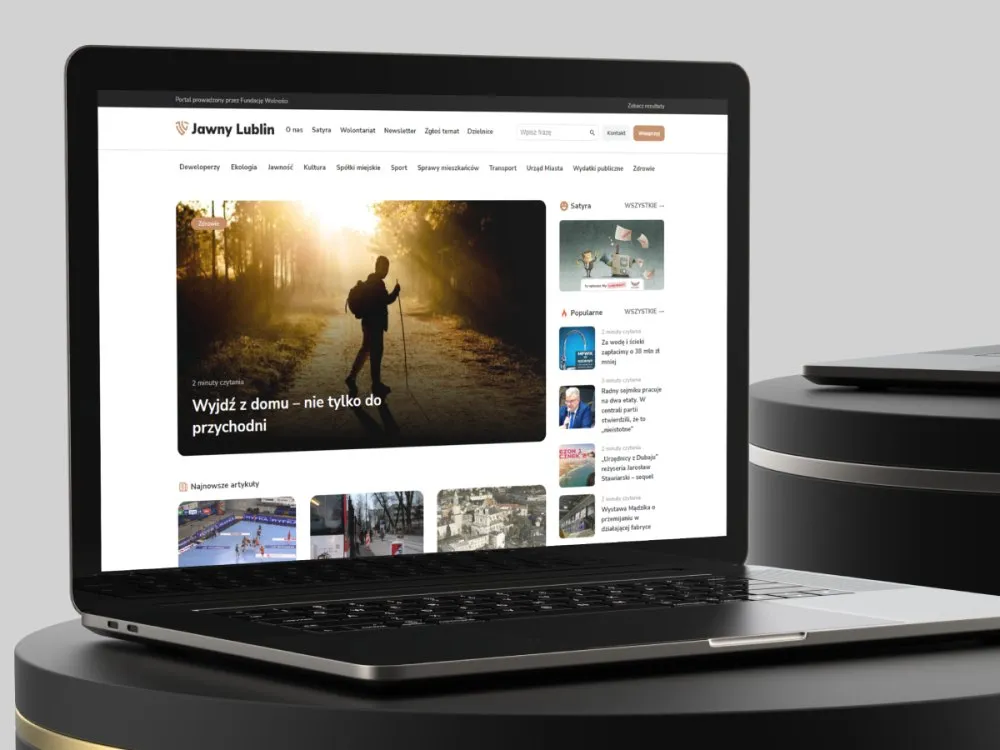
Jawny Lublin - A watchdog portal on city transparency
-
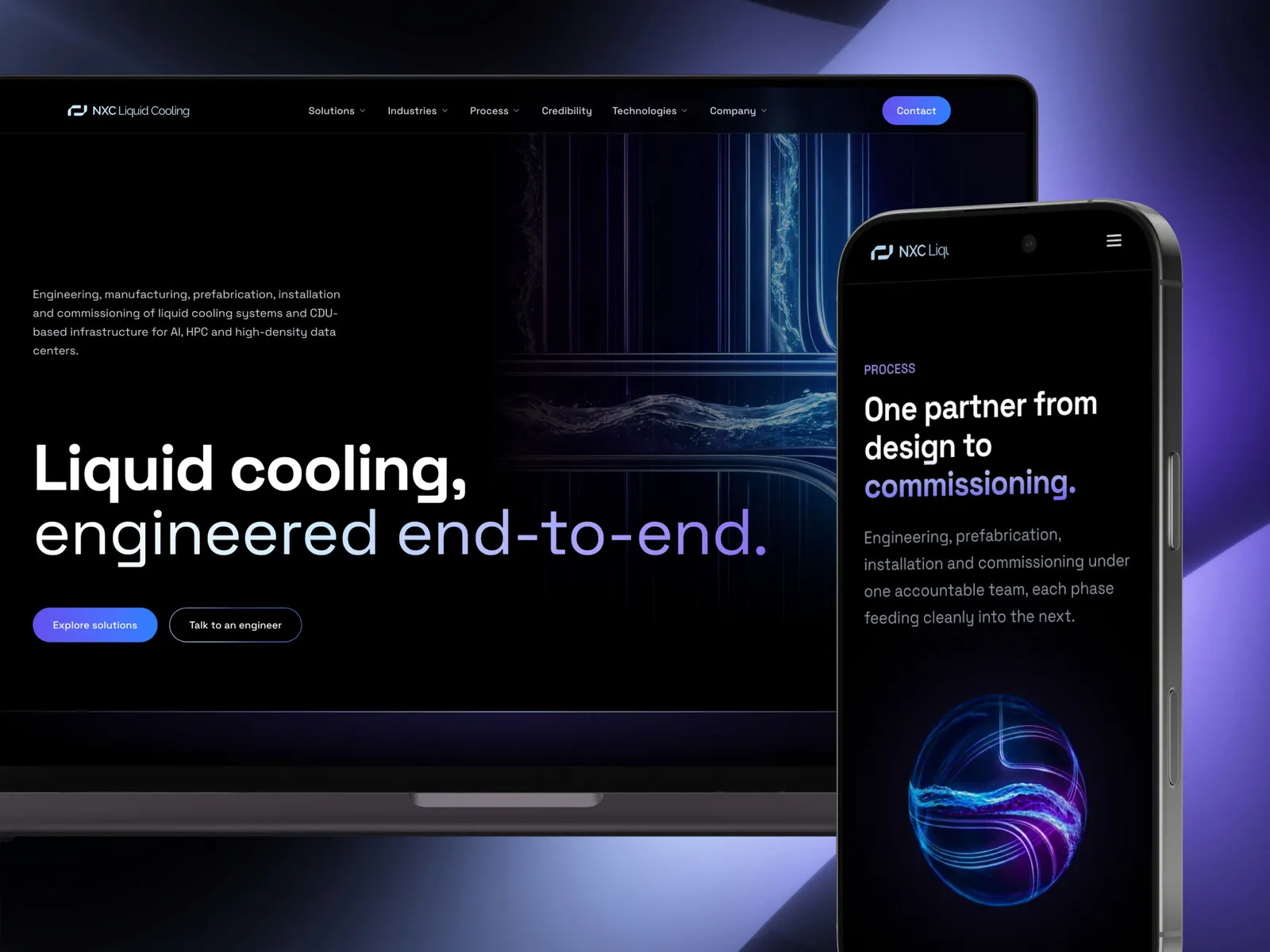
NXC Liquid Cooling - A liquid cooling systems website
-
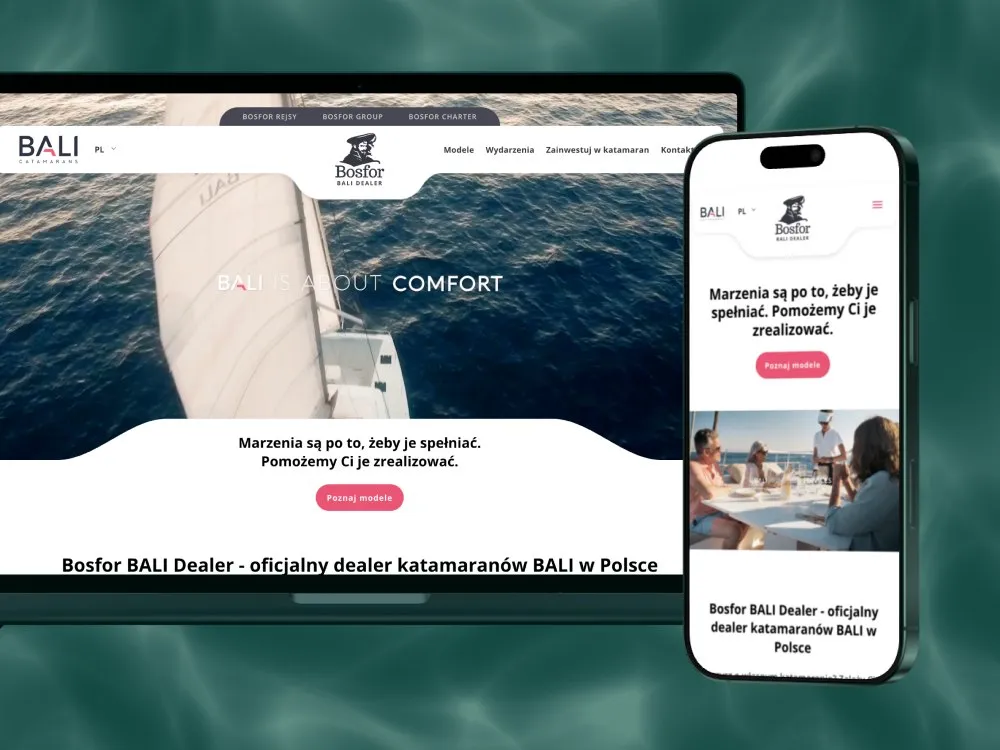
Bosfor BALI Dealer - Website for a BALI catamaran dealer
-
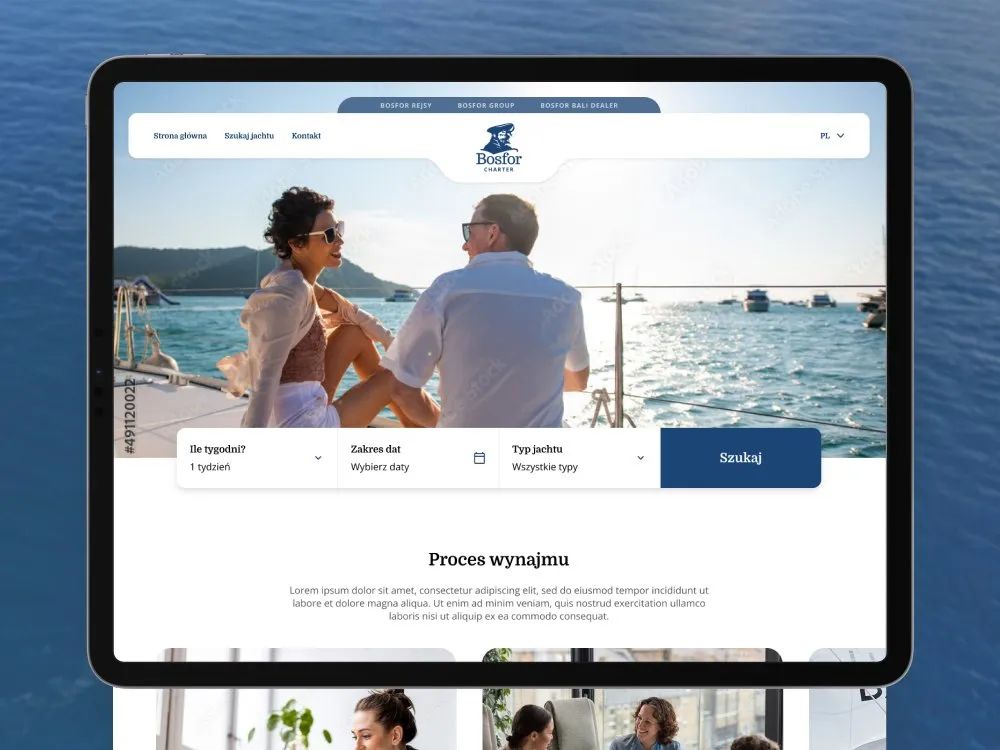
Bosfor Charter - Yacht charter platform with booking
-
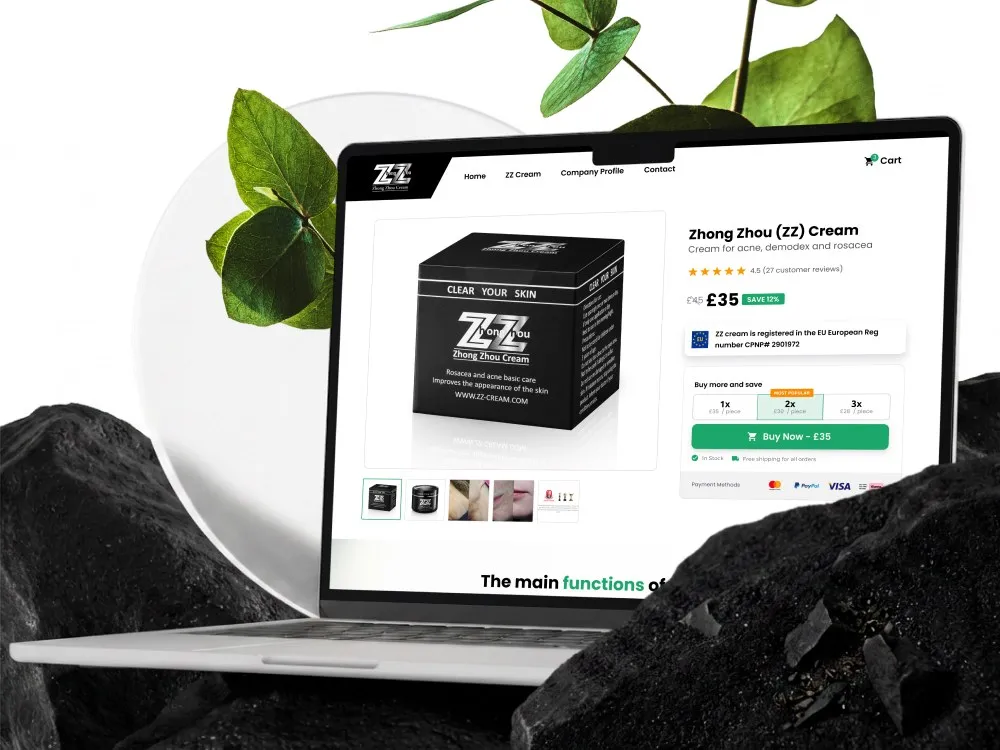
ZhongZhou - Online store for an acne, demodex and rosacea cream
-
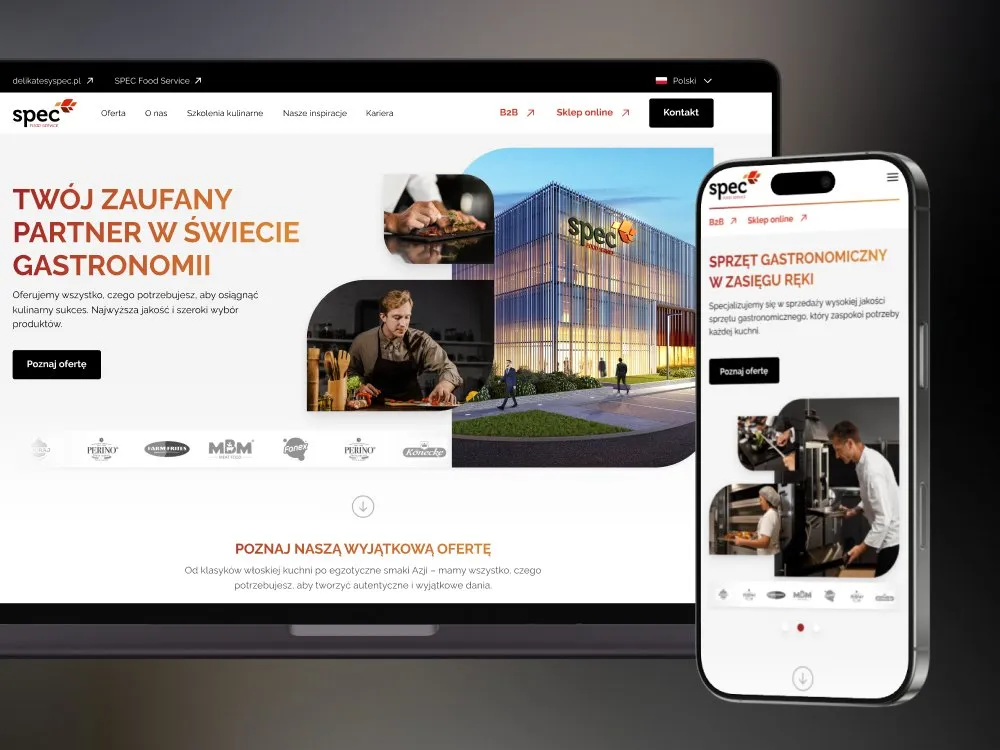
SPEC Food - Website for gastronomy - SPEC Food Service
-
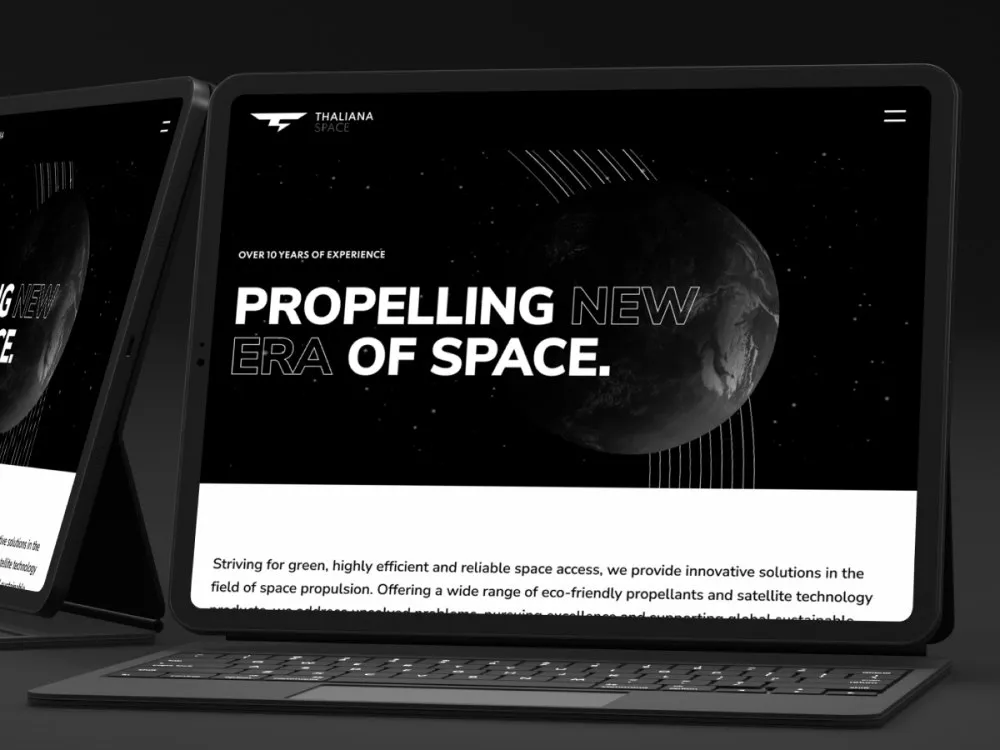
Thaliana Space - Website for a space-propulsion company
-
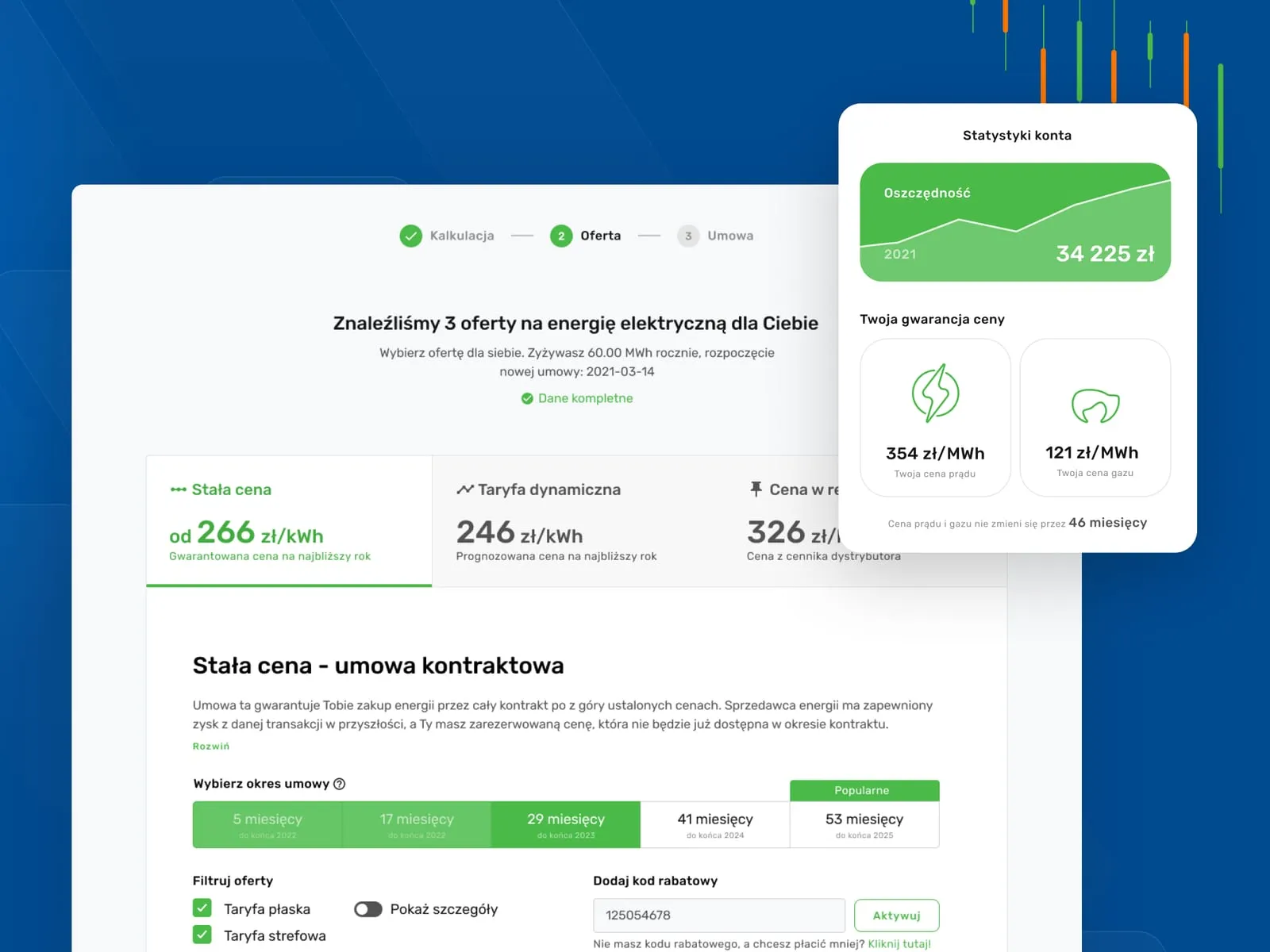
Wolumen - Energy and gas price comparison for businesses
-
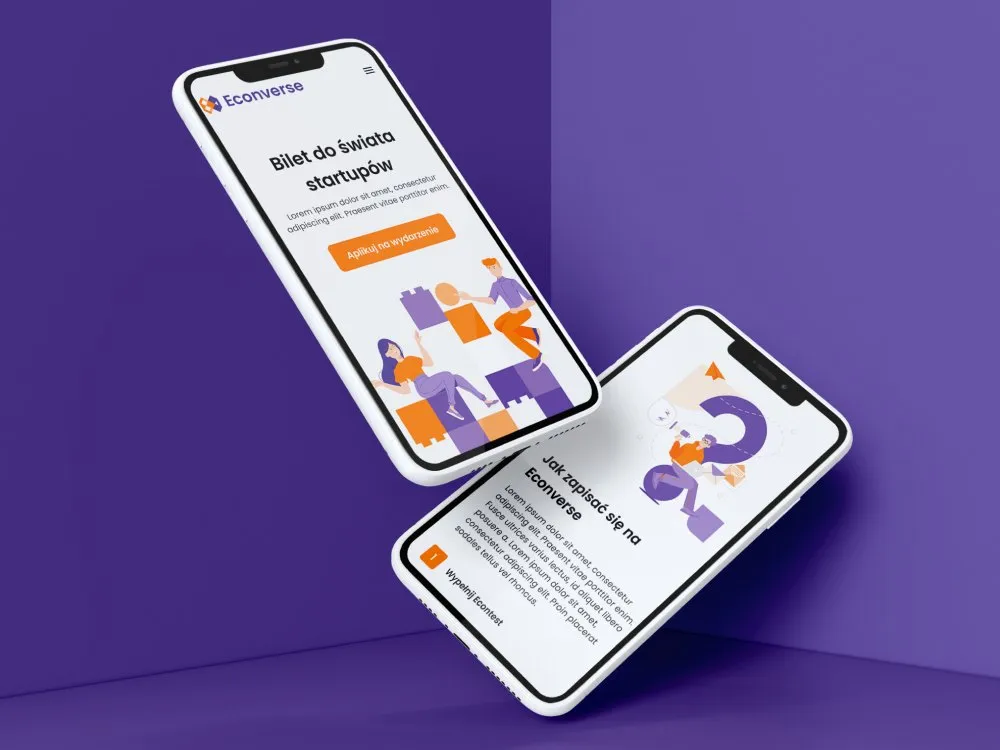
Econverse - Website for a start-up event
-
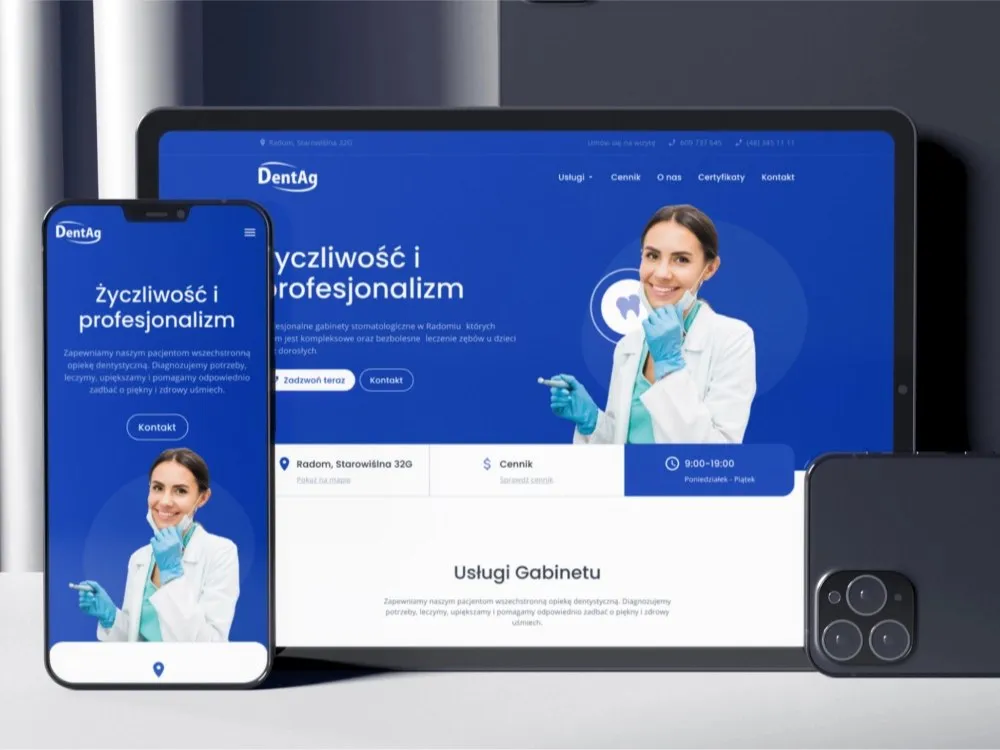
DentAg - Website for a dental clinic in Radom
-
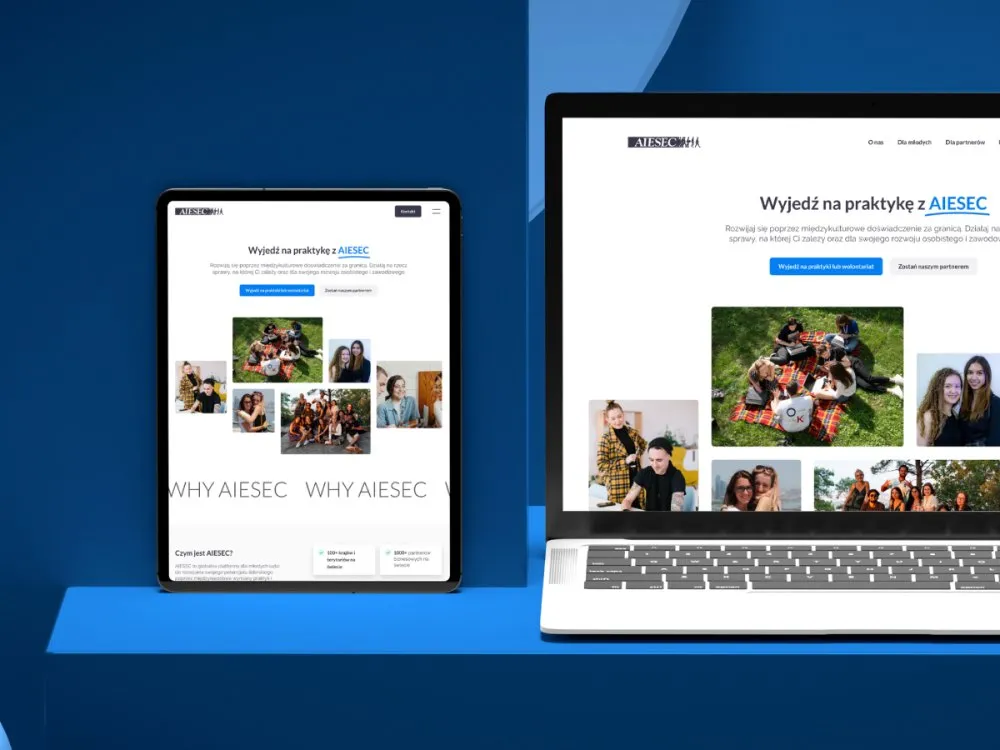
AIESEC - Website for internships and volunteering abroad
Outcomes
What you get, by when, and how you can verify it
-
8–12 weeks
From audit to hand-off for one product on one platform - a portfolio of several products is split into releases
-
3 packages
The Figma library, the components in code and governance - after hand-off the complete set lives in your repository and your Figma organisation
-
WCAG 2.2 AA
The public W3C accessibility standard we audit components against (axe) before they enter the library
-
30 and 90 days
The points at which we report what share of your screens the library covers, so adoption is a number rather than a declaration
The turnaround and the package scope come from the schedule described above on this page, and WCAG 2.2 AA is a public W3C standard. We do not average out client rollout results - finished libraries and coverage reports live in client repositories, so we show them by name during a consultation.
Client voices
What our clients say
-
„Working with the Wzór team was a genuinely great experience! They always answered our questions quickly and were flexible about our comments. They have no shortage of creative ideas and are at the same time thoroughly reliable and on time. The end result fully met our expectations; we recommend them to anyone looking for professionals who care.”
 Maja Wieloch-Silecka Operations Director, Bosfor Group
 -
„Our clients expect us to act fast and effectively across a very wide scope - from building a brand, through a website with a store, to running an effective sales campaign. Not an easy task, but doable when you have a tight-knit team and partners who take on challenges on the fly. For us, quality, accountability and commitment are key, and working with UX Agency Wzór gives us that 100%.”
 Piotr Alberski Chief Operating Officer, Agencja XO Media
 -
„Our cooperation with UX Agency Wzór started with our own website. We really liked the way they work, so we decided to subcontract projects for our clients to them on a White Label basis. We loved their workflow, the way they hand projects over to our team, their documentation and their work on the design system. Now we can take on bigger risks.”
 Mateusz Swół Chief Operating Officer, Sellace



The team
Who builds the library
The system is led by a pair - a designer responsible for tokens and components and a frontend developer who implements them in your stack; the same pair stays with the project through training and hand-off.
-

Aleksandra Bondar
Senior UX/UI Designer
-

Katarzyna Adamczuk
Prezes, Analityk Biznesowy
-

Tadeusz Wadas
Senior UX/UI Designer
Time and scope
How long the rollout takes and what drives the quote
8–12 weeks
Eight weeks is the scope in which a library is built for one product on one platform. A portfolio of several products, brand themes or a migration of existing screens moves the deadline towards twelve weeks and beyond - in that case we split the work into releases, so the team gets a first usable version earlier.
-
The number of products and platforms the library has to serve
-
The scope of the package - the Figma library alone or Figma together with code
-
The number of components and variants that comes out of the inventory
-
Your frontend stack and the way you style components
-
Whether a migration of existing screens travels with the library
FAQ
Questions that come up most often
Greenfield or migration of an existing DS?
Both scenarios. Greenfield (from scratch): cheaper when the current system is chaotic and nobody uses it. Migration: cheaper when there is a foundation that only needs updating (e.g. W3C tokens, a Storybook upgrade, an accessibility audit). We always start with an inventory - it shows which scenario fits.
Figma + code or just Figma?
It depends. Just Figma (DS Foundation): when you have a dev team that implements on its own. Figma + code (Full DS): when you want a full end-to-end package, saving implementation time, automatic Figma ↔ code syncing via Token Studio. Most enterprises choose Full DS.
Which code frameworks?
React (most often), Vue, Angular, Svelte. TypeScript is the standard - it adds type-safety for component props. Styling: Tailwind (most popular) or Stitches/Emotion when the client prefers CSS-in-JS. Storybook 8+ as the documentation standard.
What about governance after hand-off?
A governance playbook (who, when, how changes the DS) + 2-3 training sessions for the client team + 30-day support + a 12-month development roadmap. Optionally a "DS maintenance" retainer - 1-2 days/month on our side, regular audits and upgrades.
How much does a design system cost?
We quote each design system individually - the price depends on the format (DS Foundation, Full Design System or DS Audit + Migration), the number of components, platforms and the governance scope. A concrete, flat-fee quote after the initial audit, within 48 hours of the brief - the fastest route is a free consultation.
Do you offer white-label for agencies?
Yes - it is one of our main models. We build a DS under your brand, on your templates. Your agency uses it as the base of every client project. The client has no idea we exist, you reduce overhead per project and speed up work by 30-50%.
Related services