

Retail & FMCG
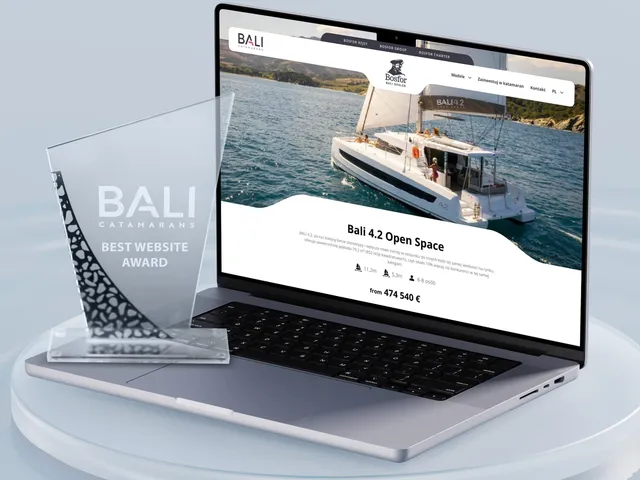
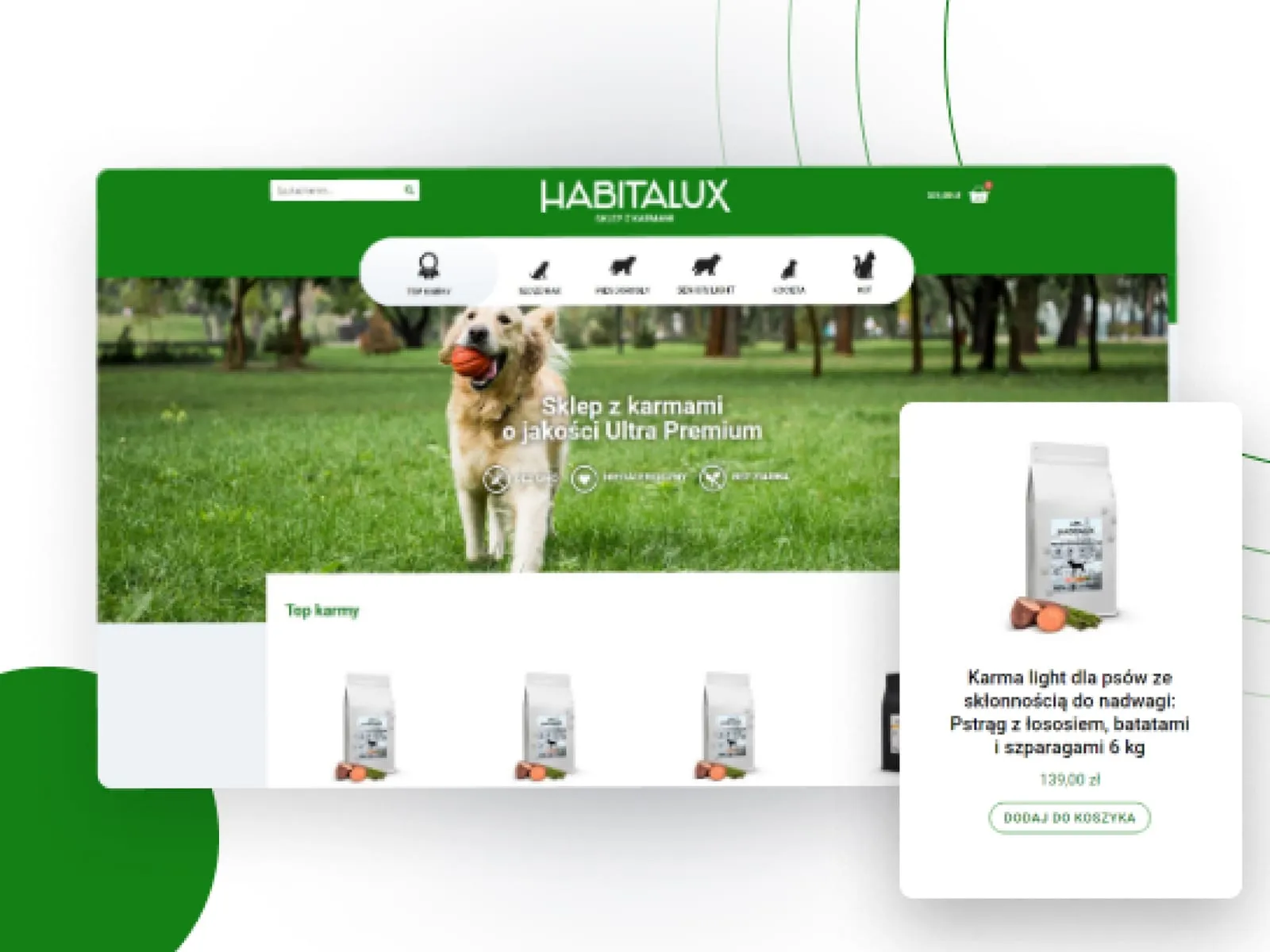
At Wzór UX agency you receive an interactive design of your retail and FMCG software, whether a sales rep app, a planogram system or a manufacturer programme for stores, and our team or your own developers can then build it. For companies in this industry we designed the Habitalux online store, selling pet food.







Challenges
What challenges do we help solve in retail and FMCG?
Our approach
When designing a rep app, we make the visit report a few fields the rep fills in straight after leaving the store, and the shelf photo is saved with that visit rather than in a separate email. When there is no signal in the store, the app keeps the visit on the phone and sends it once the phone is back online.
Scope of services
Our approach
In the planogram change tasks we design, the store gets a drawing of its own shelving unit, not the model one from head office, so the manager sees straight away what to move. After the deadline the regional manager gets a list of stores with no photo of the finished shelf and calls only those.
Scope of services
Our approach
We design store registration so the rep can complete it within a single visit, together with accounts for the shop assistants. The owner gets their first points during that same visit, for the order placed with the rep, so from day one they know why to come back to the programme.
Scope of services
Who it is for
Which retail and FMCG companies do we design software for?
Manufacturer programmes for stores
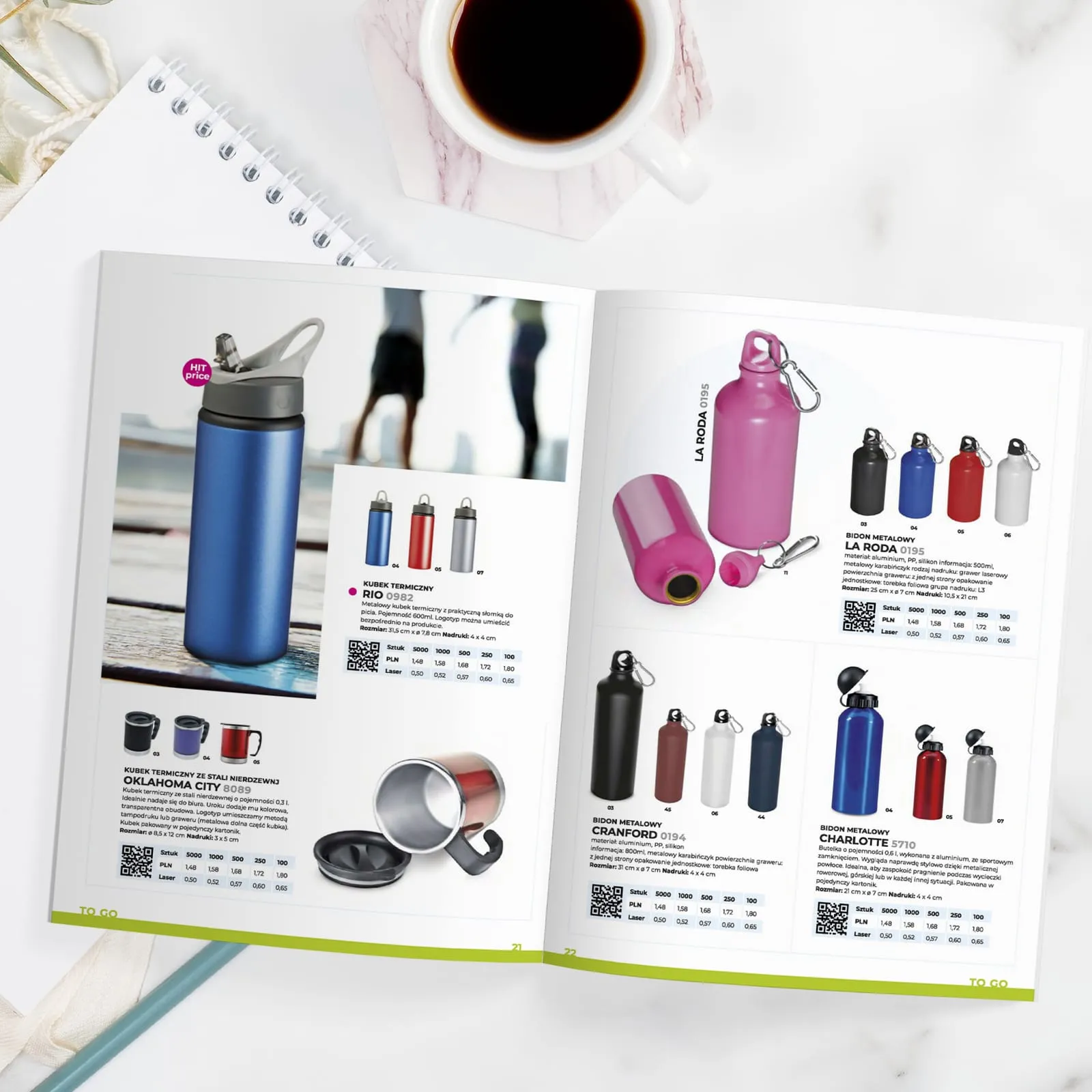
Manufacturers run programmes for independent stores in which the owner collects points for orders and the shop assistant for recommending the product to customers. In print, we designed product catalogues for Macma, a distributor of promotional gadgets, with pens, bottles and thermal mugs in product photos and a Christmas edition in English. When designing such a programme, we set out the owner's rewards and the staff rewards separately, because the person who orders the goods reaches for different rewards than the person who sells them.
Sales rep apps (SFA)
FMCG manufacturers and distributors send sales reps out on routes around stores, where a single visit means taking an order, checking a promotion and photographing the shelf. In the rep apps we design, the discount thresholds sit on the order screen beside each line, so the rep can see how many units stand between the store and a better price.
Merchandiser apps and shelf audits
Merchandising agencies and manufacturers' trade marketing teams employ merchandisers who go round a number of stores in their area each day and arrange the goods to the manufacturer's planogram. For merchandisers, we put the shelf photo alongside the planogram in their app, and gaps found in the audit go back to the merchandiser as a task at that same fixture.
Planogram systems
Retail chains and manufacturers build planograms at head office, where a category manager fits products to the shelf dimensions and to the sales of a group of similar stores. Next to each product in a planogram we show its sales in that store group, so the category manager can see which product loses space when another one gains a facing.
Tasks and communication in store chains
Store chains send planogram changes, promotion launches and new displays from head office, and the store manager shares them out among the people on shift. We lay out the task screen so the manager does this on a phone on the sales floor rather than at a computer in the back office.

Why us?
Why choose our UX agency?
-
New reps on their own sooner
The app takes a new rep through the visit in the same order in every store. The sales manager spends less time riding along before leaving them to work alone.
-
New promotions meet ready shelves
Stores get the new shelf layout together with the promotional leaflet, not after the campaign has started. Promoted goods sit where customers look for them from day one.
-
A programme the store understands on its own
After every order the store owner sees how many points the programme has added and what for, so they do not have to ask the rep. The visit is left for talking about the range and the display, not for explaining the rules.
-
A senior team
A team of senior UX designers who have been designing interfaces for nine years, today for large organisations, SaaS companies and software houses, and in retail and FMCG the Habitalux online store and product catalogues for Macma, among others.
-
Proven client trust
We have designed for 115 brands, and most of them come back to us with their next project.
-
Higher quality with AI
A designer with AI tools checks more variants of a visit screen or a store task than they could draw by hand and picks the one that works. What reaches you is a tested version, not the first one that came out.
Process
How will we design your retail and FMCG system, step by step?
-
A conversation with your team

We set the goals and trace how work travels from head office to the shelf
We sit down with the people responsible for sales, trade marketing, planograms and the store network. We list who goes out into the field and with what task, and which systems collect what they bring back, pick the process to change and agree how you will know the project has worked.
Key steps
- Conversations with the sales director, trade marketing and the category manager
- A review of the routes of sales reps and merchandisers
- A list of systems: SFA, ERP, planograms, the store programme, store tasks
- Agreeing the measures: visit report time, shelf compliance with the planogram, stores active in the programme
Deliverables
- Project brief
- Map of roles and systems
- List of measures
- Scope of the first stage
-
Discovery on the route and in the store
We study the work where the rep and the merchandiser stand in front of the shelf
We ride along with a sales rep on their route, stand at the shelf with a merchandiser during an audit and sit down with a store manager over the tasks from head office. We look for workarounds: orders jotted in a notebook and typed up in the evening, shelf photos sent over a messaging app, a printed planogram corrected in pen.
Key steps
- A day on the route with a sales rep
- A shelf audit alongside a merchandiser
- A session with a store manager over tasks from head office
- Conversations with store owners in the manufacturer's programme
- A review of visit reports and photos from recent weeks
Deliverables
- Research report
- Map of a task's path from head office to the shelf, showing where people work around the system
- Prioritised list of problems
-
Interactive system design

A design your team clicks through with their own stores and products
The screens are built on your data: products with their price lists and promotion thresholds, planograms and store lists. We test the prototype with sales reps, merchandisers and store managers before it reaches the developers.
Key steps
- Screen architecture by role: sales rep, merchandiser, category manager, store manager, store owner
- Interactive design on data from your stores
- Exception states: no signal in the store, a closed store on the route, a shelf that does not match the planogram, a reward out of stock
- Prototype tests in stores
Deliverables
- Interactive design of every screen
- Component library
- Description of behaviour in exceptions
- Prototype test report
-
Build or design hand-off
The new screens reach your systems together with the integrations
Our team builds the design, or we hand it over to your developers or your system vendor. Either way, we spell out where the app gets each store's prices and promotions, where an order from a visit goes, how a shelf photo reaches image recognition and how a planogram from head office becomes a task for the store, so that launch day does not stop visits on the route.
Key steps
- Screen and field specification for developers
- Integration map: ERP, SFA, planogram software, image recognition, the store programme platform
- Support for the implementation team
- A trial rep route before launch
Deliverables
- A working system or a package ready to build
- Integration specification
- Trial route report
-
Measuring after launch
We check against route and store data whether the change worked
After launch we compare visit report time, shelf compliance with the planogram and the number of stores active in the programme with the measurement taken before the change. From those differences we choose, together with you, the screen we improve in the next step.
Key steps
- Measuring visit report time
- Comparing shelf photos with the planogram
- Conversations with reps and store managers after launch
- Plan for the next improvements
Deliverables
- Measurement report
- Prioritised list of improvements
- System development plan
Methods and technologies
Systems and methods we work with in retail and FMCG
-
SFA systems
When your reps work in an SFA system, such as EMIGO or Comarch Mobile Sales Force, orders, promotions and visit reports live there, and any new screen has to work with it. Before we design anything alongside it, we check which fields it already holds and which have to be added.
-
Manufacturer and wholesaler ERP
An order taken during a visit goes to the manufacturer's ERP or to the wholesaler serving the store, and that is where prices, discounts and stock come from. We mark the source of each price on the order screen, so the rep knows what they are allowed to promise at the counter.
-
Shelf image recognition
Image recognition, for example eLeader Shelf Recognition AI, turns a shelf photo into product presence, facings and share of shelf. When designing the results screen, we highlight the parts of the photo the system did not recognise, so the merchandiser can retake the shot before walking away from the shelf.
-
Planogram software
Planogram software, such as DotActiv or Space Planning, needs the item number, the pack dimensions and the shelving parameters. That is why we make the dimensions required fields in the product record, before the product lands on its first planogram.
-
Incentive programme platforms
An incentive programme platform, for example Gamfi, calculates points from sales data, runs the reward catalogue and works out the tax on rewards. When your programme runs on such a platform, the balance and reward catalogue shown to stores come straight from it, so the points in the app and in the tax calculation match exactly.
-
Your own shelf photos in the prototype
Shelf photos from your stores are the material we test the prototype on: the rep and the merchandiser see shelving units they know from their route, not model ones from a catalogue. We choose the photos together with trade marketing, leaving out the faces of customers and staff.
Selected work
Retail and FMCG projects we have delivered
All of them were made for clients. Most are visual identities, labels and packaging for brands in this industry, alongside online stores and product catalogues.
-
E-commerce
CWZN
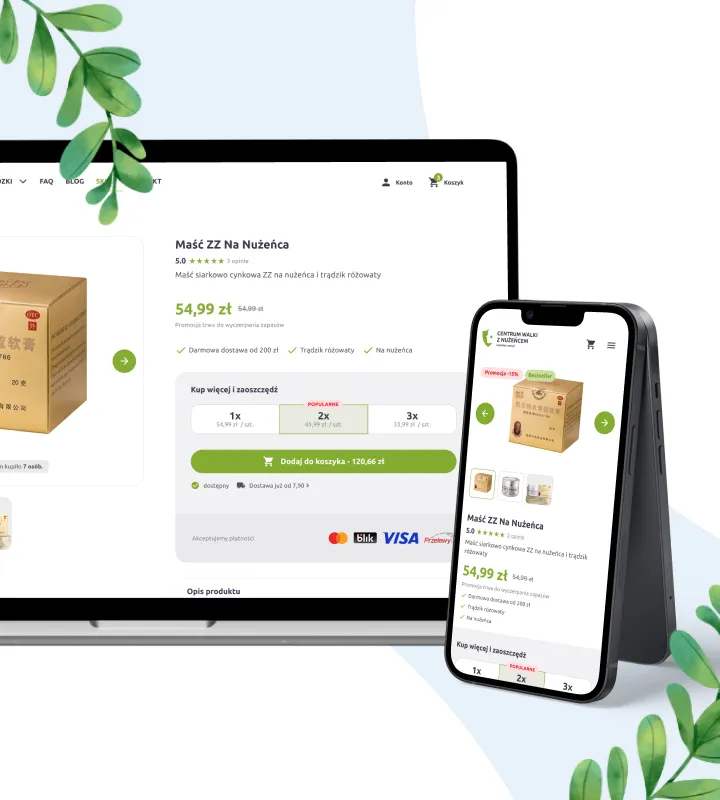
Read case studyWe modernised a store with a 10-year history, resolving every long-standing problem with conversion, responsiveness and information architecture.
-
E-commerce
Lestore
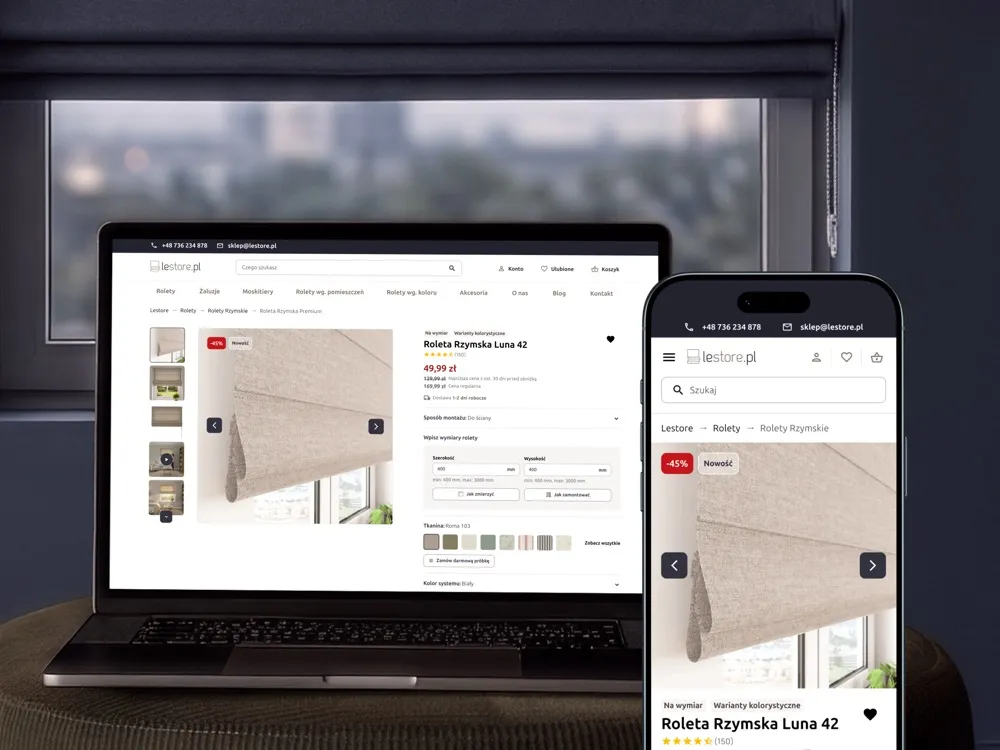
View projectLestore online store - specialising in made-to-measure Roman blinds and shades. A product page with a size-and-fabric configurator, a category listing with filters and promotions, "How to measure your window" and "How to install it" sections, a free fabric-sample order and customer reviews, across desktop and mobile.
-
SPEC Food
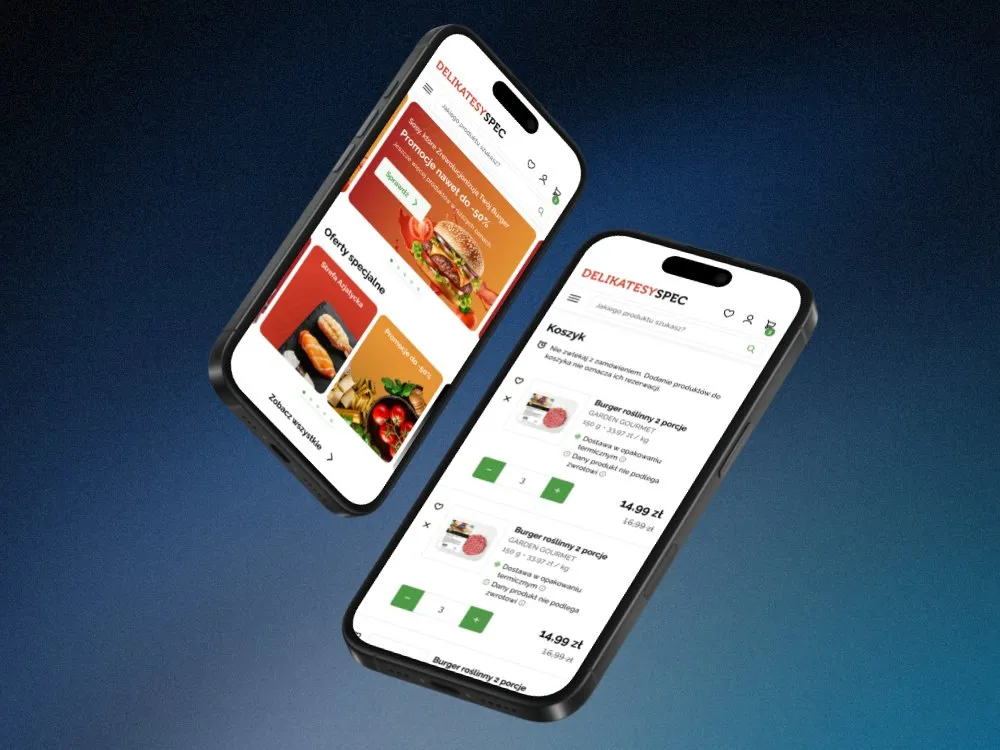
Online store for a food delicatessen
-
Kafezzo
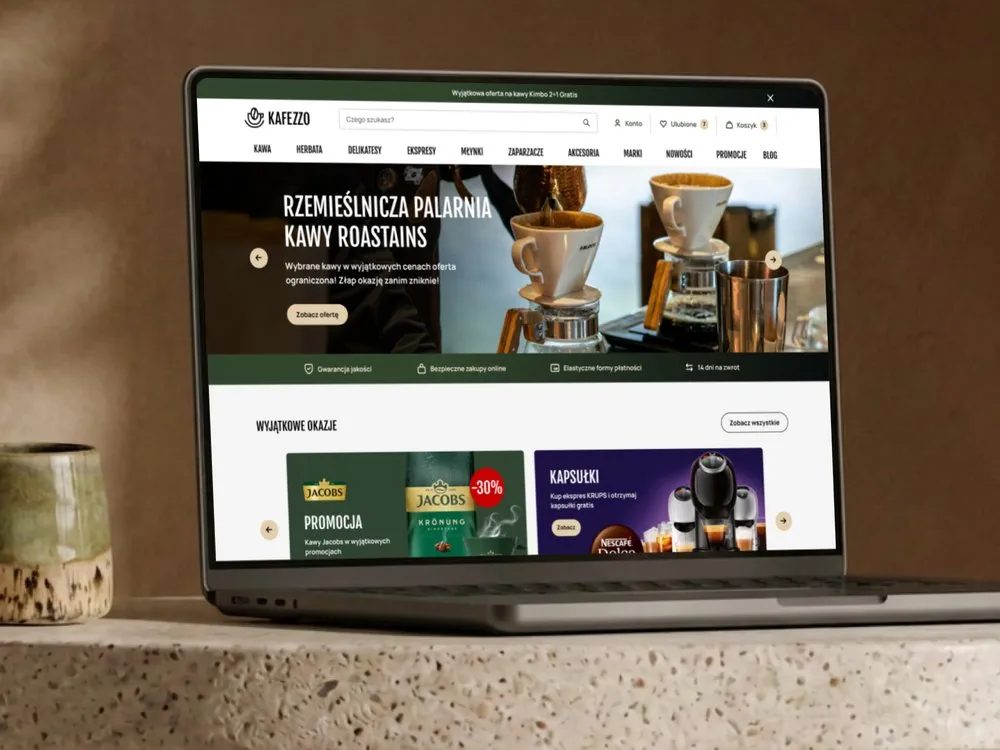
Online store for coffee and tea
-
Habitalux
Online store and branding for pet food
-
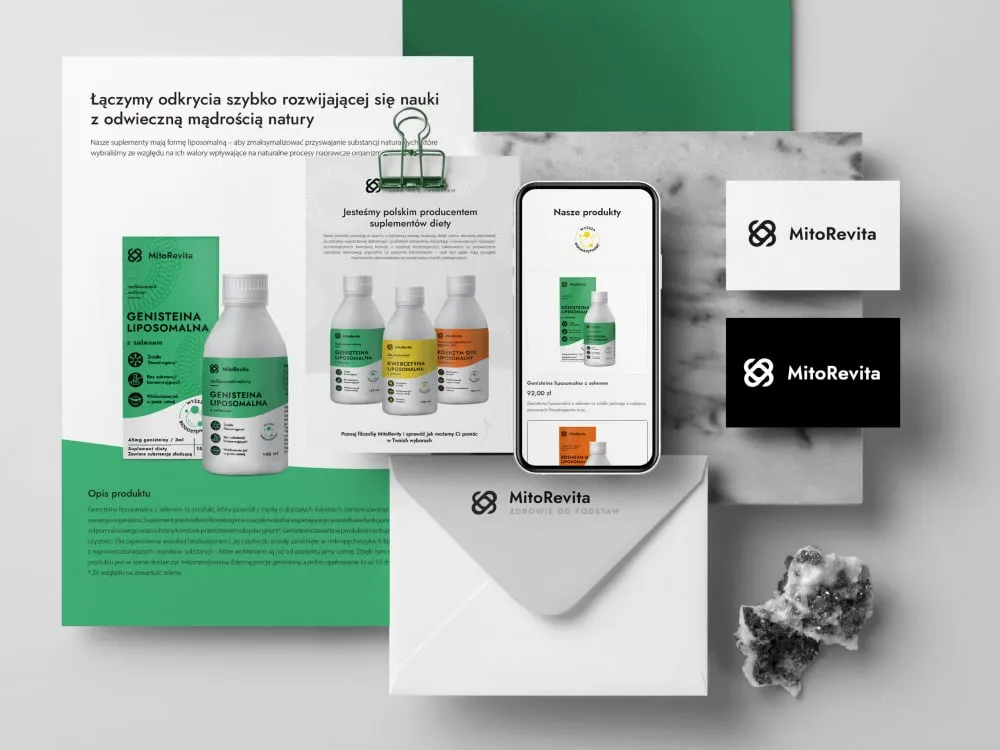
MitoRevita
Branding & store for liposomal supplements
-

BioSok
Visual identity for a juice brand
-
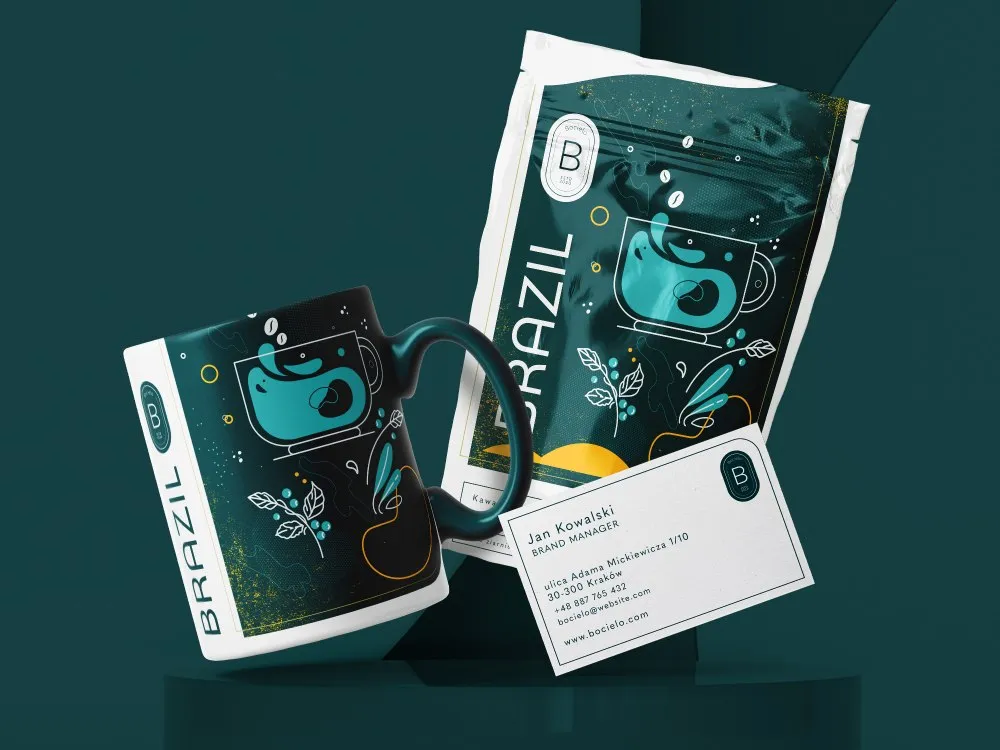
Bocielo
Visual identity for a coffee roaster
-
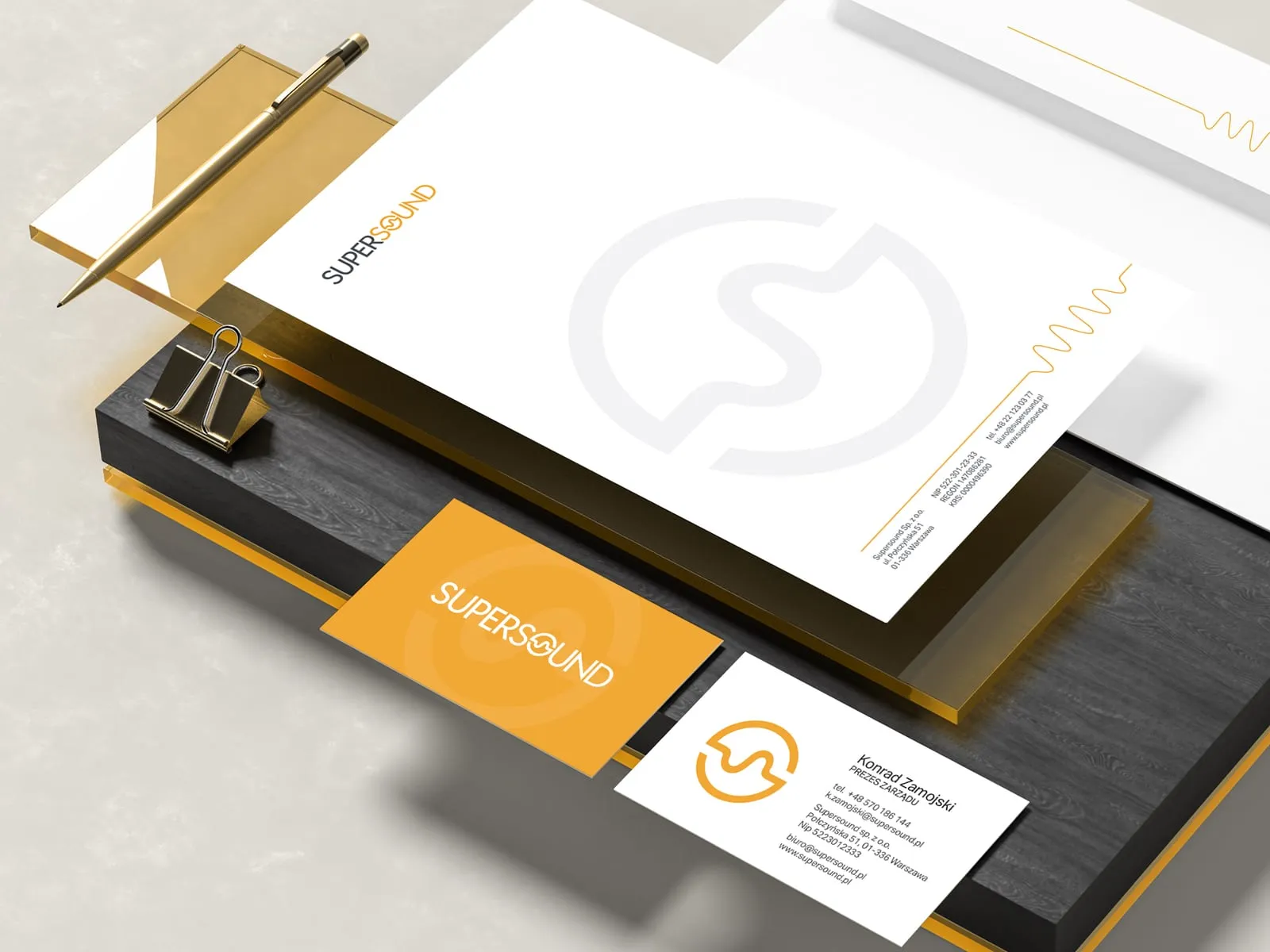
Supersound
Brand identity for an audio company
- See what else we build Projects
Start your retail and FMCG software project
Sales rep app, shelf audit, planograms, store programme and chain tasks from one team, from research on the route to the build.
Client voices
What our clients say

“The design of our store and our packaging matches the character of our product. Wzór brought out its most important features, and the design is memorable. The package of services UX Agency Wzór provided, along with their advice, made launching a new product easier for us.”
“We were pleasantly surprised by how quickly the Wzór team responded to our comments and questions. They have very good ideas and on top of that they work fast and solidly. They always keep to the agreed dates, and the end result met our expectations.”
 Maja Wieloch-Silecka Operations Director, Bosfor Group

“Working with the Wzór team was a genuinely great experience! They always answered our questions quickly and were flexible about our comments. They have no shortage of creative ideas and are at the same time thoroughly reliable and on time. The end result fully met our expectations; we recommend them to anyone looking for professionals who care.”





























The team
Who will design your retail and FMCG system?
-

Aleksandra Bondar
Senior UX/UI Designer
View profileHow can I help you?
“I will design the customer card the rep opens first in each store: order history and the promotions running in that store right now.”
-
Patryk Korycki
CEO, Analityk Biznesowy
View profileHow can I help you?
“I will agree the scope and budget with you, and during the build I will own the rollout order: one region and its reps first, then the whole sales force.”
-

Katarzyna Adamczuk
Prezes, Analityk Biznesowy
View profileHow can I help you?
“I will map out with you what the rep knows about each outlet and what head office knows, and where in the system those two meet.”
-

Tadek Wadas
Senior UX/UI Designer
View profileHow can I help you?
“I will talk to store owners in your programme and test the registration prototype with them, turning whatever makes them stop into a list of fixes.”
FAQ
Frequently asked questions about retail and FMCG software
What is FMCG?
FMCG, or fast-moving consumer goods, are goods that sell quickly: cheap, bought often and gone from the shelves fast, such as food, drinks, household chemicals or personal care products. Stores have to restock them often, and the decision to buy is usually made during the visit to the store. So in software for FMCG manufacturers, we start with display, availability and promotions.
What is an SFA system?
An SFA system, short for sales force automation, is software for sales reps working in the field: it plans visits and routes, takes orders, collects visit reports and photos, and shows the sales manager what is happening in the stores. In FMCG the rep also records product availability, promotion execution and display quality in it. When designing an SFA system, we put customers with no visit for several weeks on the sales manager's dashboard, beside the map of the team's routes.
What is a planogram?
A planogram is a layout of products on a shelving unit that shows where each product should stand and how many of its units should face the front. Retail chains and manufacturers prepare it from sales data, pack dimensions and shelving parameters, and chains use it to keep the same layout of goods across all their stores.
What is the difference between a planogram and a realogram?
A planogram says how the shelf should look, while a realogram shows how it actually looks: an exact copy of the category in the store at a given moment, before any changes. Comparing the two gives a list of moves to make at the fixture.
What does a mobile merchandiser do?
A mobile merchandiser is a product display specialist who visits several stores in their region every day, unlike a store-based merchandiser who works in a single store. They arrange products to the manufacturer's guidelines, fill gaps, put up POS materials and send visit reports. We lay out their app for a day spent in several locations: the visit plan at the top, and at each stop only the tasks for that place.
What is trade marketing?
Trade marketing is a manufacturer's activity aimed at the trade channel, meaning the chain, the wholesaler, the distributor or the store owner, rather than the person who will use the product. Its aim is for the product to be available, get a place on the shelf, make it into the promotional leaflet and be labelled correctly in the store, through trading terms, promotional budgets, displays, POS materials and programmes for trade partners. In trade marketing tools we give each rep a view of their POS material stock, so they know how many stands and posters are still in the car.
What are numeric and weighted distribution?
Numeric distribution tells you how many stores in a given market carry a product: if there are ten stores selling FMCG products in a market and the product is in six of them, it stands at 60 percent. Weighted distribution takes the category's turnover into account, so it answers the question of how important the stores that carry the product are.
What is a facing in a store?
A facing in a store is a unit of a product placed front-on to the customer next to the others, so the number of facings is how many times the product is visible from the front of the shelving unit. The planogram sets the facings for every product, and reps also check them for competitors, together with their share of shelf and prices. In the shelf form we design for reps, facings are entered with plus and minus buttons next to each product, with no keyboard.
How does recognising products on a shelf from a photo work?
Recognising products on a shelf works like this: the app analyses a photo of the display, identifies the products and gives the results straight away, such as presence, facings, share of shelf or prices. Some apps also guide the user along the shelves and catch the areas they have not photographed yet.
Related services
Services related to retail and FMCG software
You know your field teams work around the app, but not at which point of the visit.
First, through an audit and interviews with reps, we will find what takes them longest during a visit.
You are choosing between a ready-made SFA system or incentive programme platform and software of your own.
We will list the needs of everyone who will use it and the order in which to meet them.
You want more stores to actively use your programme.
We will check in the data at which step participants stop collecting points, before you change the rules for good.