

WCAG audit
At Wzór UX agency you receive a WCAG audit report with a remediation plan, and the fixes in that plan can then be made by our team or by your own developers. Problems the standard does not cover show up in a usability audit.







Challenges
What challenges does a WCAG audit help you solve?
Our approach
Before we check anything, we establish which law applies to you: the 2019 act on the digital accessibility of public bodies, the 2024 Polish Accessibility Act that implements the EAA, or neither, since micro-enterprises providing services are exempt. That answer decides which criteria the report marks as a legal requirement and which document you publish once the fixes are in.
Scope of services
Our approach
We do not count an overlay as a fix, because it leaves untouched the code a screen reader relies on. We audit the site itself and go through it the way the people the law protects do: by keyboard, with NVDA and VoiceOver, with text enlarged to twice its size. After the audit you know whether the widget changes anything or is just an icon in the corner of the screen.
Scope of services
Our approach
The report describes the state of your product criterion by criterion and carries a date, so you attach it to the sign-off record or to your answer in a tender. We come in as a third party before sign-off, so gaps between the declaration and the code surface before they start costing contractual penalties.
Scope of services
Who it is for
Which companies do we run WCAG audits for?
Public institutions
A public office, university or hospital runs a website that has gained forms, e-services and PDF documents over the years, and the law requires the accessibility statement to be reviewed every year by 31 March and after any change that may affect accessibility. We start with whatever has been added since the last version of the statement.
Online stores
For online stores the law names identification, security and payments explicitly, while the store's own team adds descriptions, photos and banners, so updating the platform template does not settle it. We check the whole journey from search to order confirmation, including the content you add yourselves.
Banks and fintech
For retail banking the law names customer identification methods, electronic signatures, security and payments explicitly: exactly where accessibility meets security. We check those journeys first, together with the accessible authentication criterion in WCAG 2.2.
Software houses and SaaS providers
Software houses and SaaS providers get the accessibility requirement from outside, because Polish public procurement law requires the buyer to include accessibility in the description of what it orders. We check the product in the version and configuration the buyer signs off.
Carriers and ticket sales
For a carrier, the law covers not only the website and e-ticket sales but also real-time travel information: timetables, connections, cancellations and delays. We check both journeys on the website and in the mobile app.
- E-commerce
- Software
- Banking & Finance
- Healthcare
- Energy
- Media
- Aerospace & Defense
- Automotive & Mobility
- Crypto & Blockchain
- Education
- Entertainment
- Fashion & Accessories
- Grocery Retail
- Gaming
- Public Sector
- Insurance
- Logistics & Fulfilment
- Industrial Manufacturing
- Pharma
- Real Estate
- Retail & FMCG
- Cybersecurity
- Services
- Sport
- Telecommunications
- Transport & Travel

Why us?
Why choose our UX agency?
-
Peace of mind at inspection and sign-off
Before we start, we write down the list of screens and journeys, and the report refers to exactly that list. It shows what was checked and what was deliberately left out of scope, so at an inspection or sign-off it is clear straight away what the report covers.
-
One fix across the whole site
An issue in a component, such as a dialog or a form field, is described together with every screen where it repeats. Your team fixes it in one place instead of page by page.
-
Budget goes to the obligation first
Criterion failures sit in the report apart from barriers that formally pass a criterion and still stop the user. Money goes first to what the law requires of you, and the rest gets its place in the queue with a reason attached.
-
A senior team
A team of senior UX designers who have been designing interfaces for nine years, today for large organisations, SaaS companies and software houses. Your WCAG audit is run by a designer from that team.
-
Proven client trust
We have designed for 115 brands, and most of them come back to us with their next project.
-
Higher quality with AI
AI tools go through the code and content of the whole site with us, and the auditor's time goes to what no automated tool can judge: whether a message makes sense and whether the focus order is logical.
Process
How will we run your WCAG audit, step by step?
-
A conversation with your team
We agree what the audit is for and which law applies to you
We start with what the report is for: an accessibility statement, a client's sign-off or your own work plan. The audit standard is always the same, WCAG 2.2 AA, and for each criterion we note whether it belongs to version 2.1 AA, which Polish law refers to today.
Key steps
- The audit's purpose and the document it should produce
- Standard: WCAG 2.2 AA with the 2.1 AA criteria required by law marked
- Platforms in scope: website, app, PDF documents
- Access to test accounts and environments behind a login
Deliverables
- Audit brief
- The law that applies to you and the criteria it requires
- List of access we need
-
Site review and sample selection
We get to know the site and pick the screens that represent the whole
First we go through the whole product and list every type of template, component and content, because on a large site you do not check every page, you check every kind of page. Complete journeys, such as registration, an order or submitting an application, always go into the sample: a barrier at step three stops a person just as surely as one at step one.
Key steps
- A walk through the whole site and a list of page types
- Sample selection: every template plus some randomly chosen pages
- Complete journeys from the first step to the last
- Sign-off on the list of screens and journeys before testing
Deliverables
- List of screens and journeys in scope
- Inventory of templates and components
- Test plan
-
Testing and a report with a remediation plan
We check every criterion and describe how to fix whatever fails
We assess every WCAG 2.2 AA criterion on every screen in the sample: pass, fail or not applicable. For each failure the report gives the steps to reproduce it, a screenshot and a recommended change, and the remediation plan turns them into tasks with a work estimate for your team.
Key steps
- Automated scan: axe DevTools, WAVE, Lighthouse, Pa11y
- Keyboard and screen reader testing with NVDA and VoiceOver
- Contrast in Colour Contrast Analyser and text enlarged to 200%
- Steps to reproduce and a recommendation for every failure
Deliverables
- WCAG audit report
- Remediation plan with a work estimate
- Annotated screenshots of failures
- Result of every criterion for every screen
-
Walkthrough and implementation of fixes
The fixes reach the people who will make them
We walk through the report with your developers and with the people who add content, because some failures live in the code and others in descriptions, images and PDF files uploaded by editors. Then the fixes are made by our team or by your developers, and the author of the report answers questions along the way.
Key steps
- A session with developers and content editors
- Fixes split into code, design and content
- The remediation plan moved into your tool
- Answers to the team's questions during implementation
Deliverables
- Fix implementation plan
- Tasks in your backlog
- Fixes implemented by our team or yours
-
Validation and the conformance document
We check the fixes and prepare the text you will publish
After implementation we return to the same screens and journeys and compare the result with the report from before the changes. On that basis we update the report and write the text of your accessibility statement or of the accessibility information for your service, depending on the law that covers you. The site changes with every release, so we also agree which kind of change should bring us back for another check.
Key steps
- Re-checking the fixed screens and journeys
- Validation run by the person who described the issue
- Report updated after the fixes
- Text of the statement or accessibility information
Deliverables
- Updated audit report
- Text of the accessibility statement or service accessibility information
- Plan for the next check
Methods and technologies
Standards and tools we use in a WCAG audit
-
WCAG 2.2 AA
WCAG 2.2 AA describes its criteria in general terms that have to be translated into a specific screen and a specific element. So for every criterion we write what it means for your screen, rather than quoting the standard.
-
axe DevTools
Every audit starts with a scan in axe DevTools, because in a few minutes it collects the repetitive errors, such as missing alt text or field labels. We do not treat the scan as an assessment, because no automated tool can tell whether an image description says what the image shows.
-
NVDA
In NVDA we go through every journey in scope on a Windows computer. Screen reader users often switch between several programs, so for each failure we record which screen reader it occurs in.
-
VoiceOver
We check VoiceOver on macOS and separately on an iPhone. On a phone it is driven by gestures rather than a keyboard, so we go through the mobile journeys again instead of carrying over the desktop result.
-
Colour Contrast Analyser
In Colour Contrast Analyser we measure contrast where the background is not a single colour: text over a photo or over a gradient. The criterion requires 4.5:1 for regular text and 3:1 for large text, so we measure where the background comes closest to the text colour.
-
Keyboard testing
We run keyboard testing on every journey with the mouse set aside, start to finish. It exposes barriers that blind people, people with low vision, people with hand tremors and everyone who controls a computer by voice or another keyboard substitute all run into at once.
Selected work
Our work
-
Media
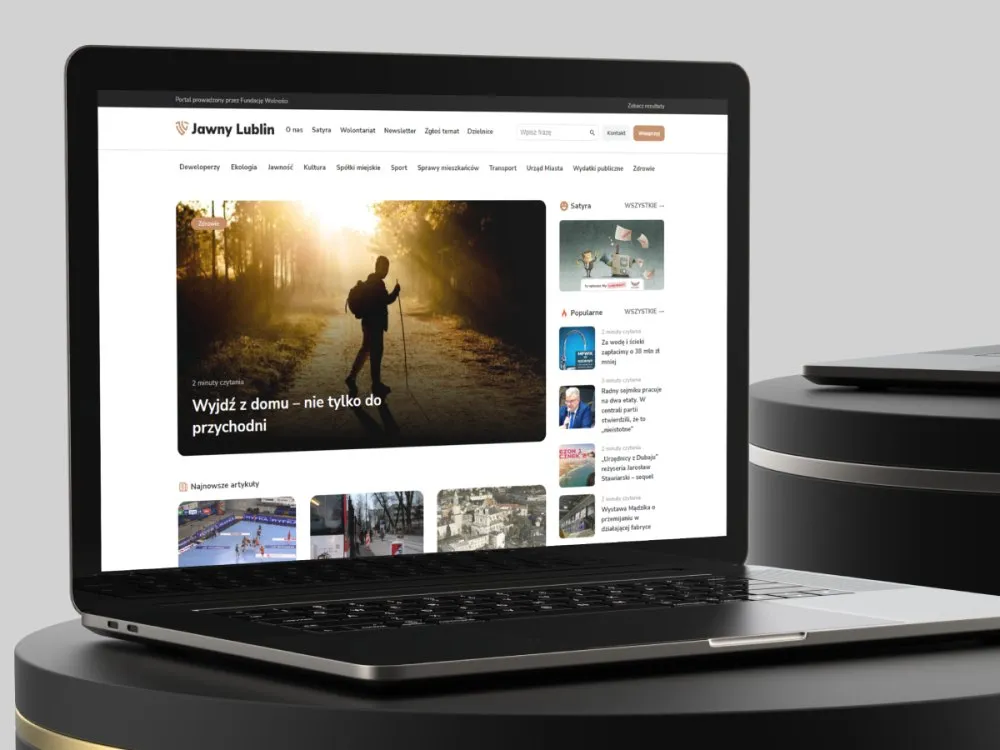
Jawny Lublin
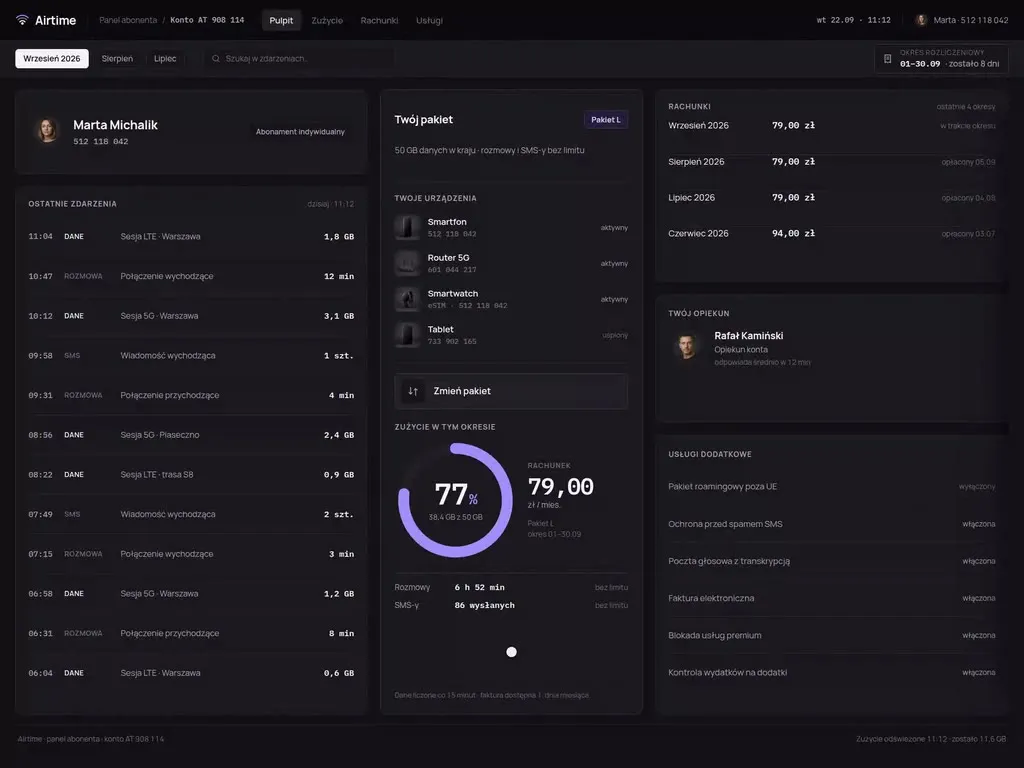
View projectThe Jawny Lublin portal, run by the Fundacja Wolności foundation - a news service covering city affairs: public spending, property developers, municipal companies, transport, ecology and satire. A clear article hierarchy, districts and categories, and a way to submit topics. Desktop and mobile.
-
E-commerce
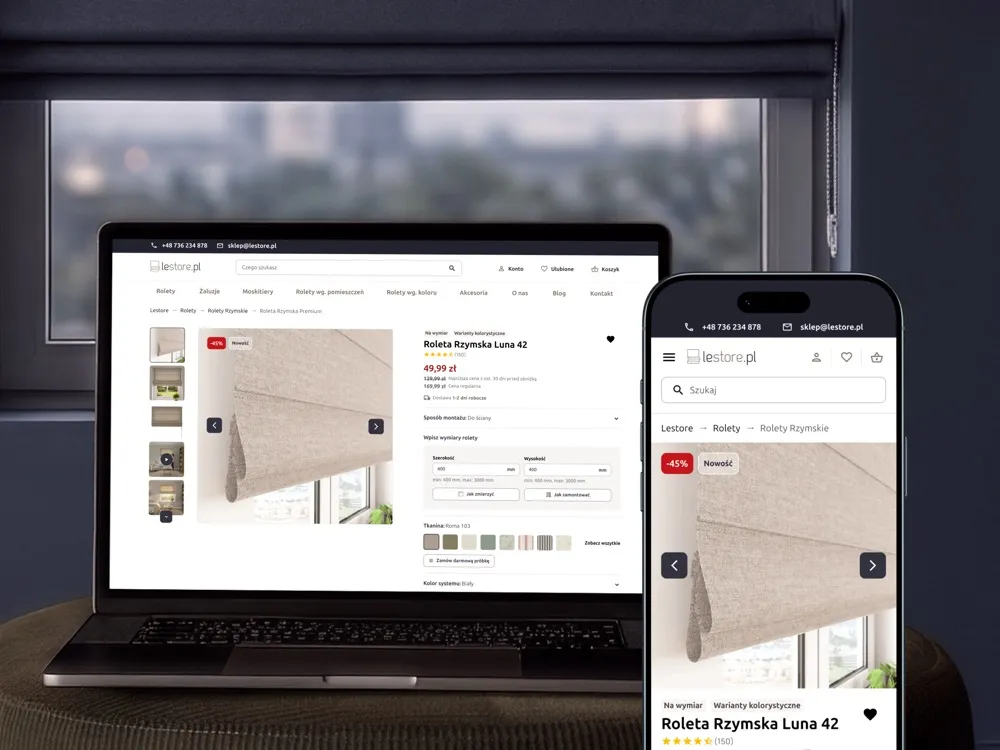
Lestore
View projectLestore online store - specialising in made-to-measure Roman blinds and shades. A product page with a size-and-fabric configurator, a category listing with filters and promotions, "How to measure your window" and "How to install it" sections, a free fabric-sample order and customer reviews, across desktop and mobile.
-
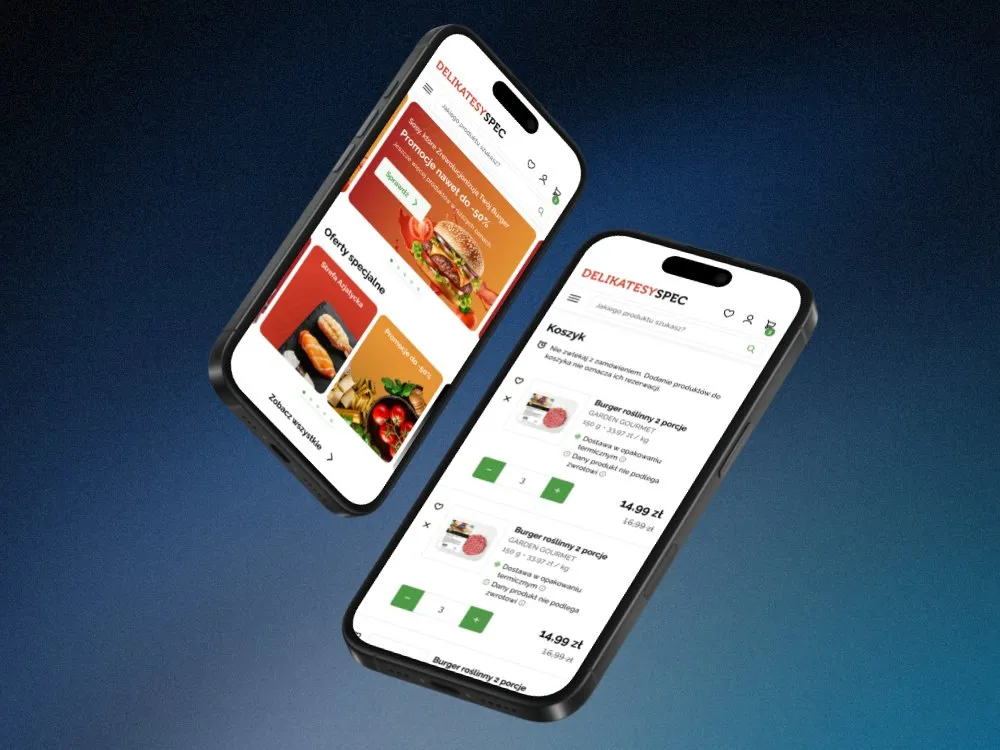
SPEC Food
Online store for a food delicatessen
-
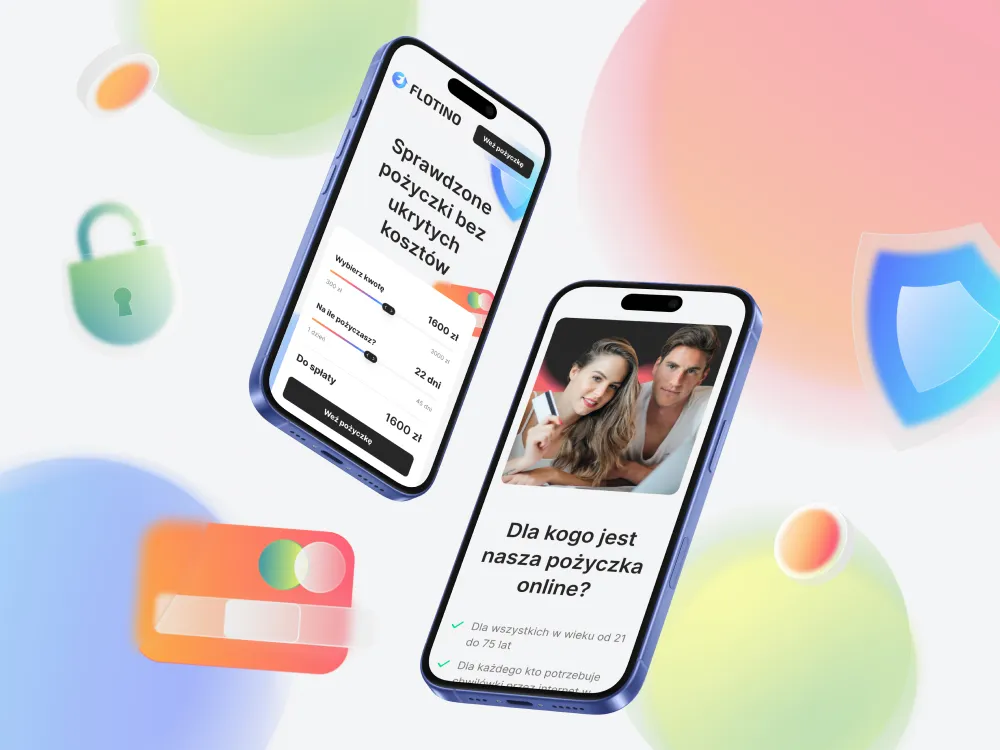
Flotino
Online cash loan service
-
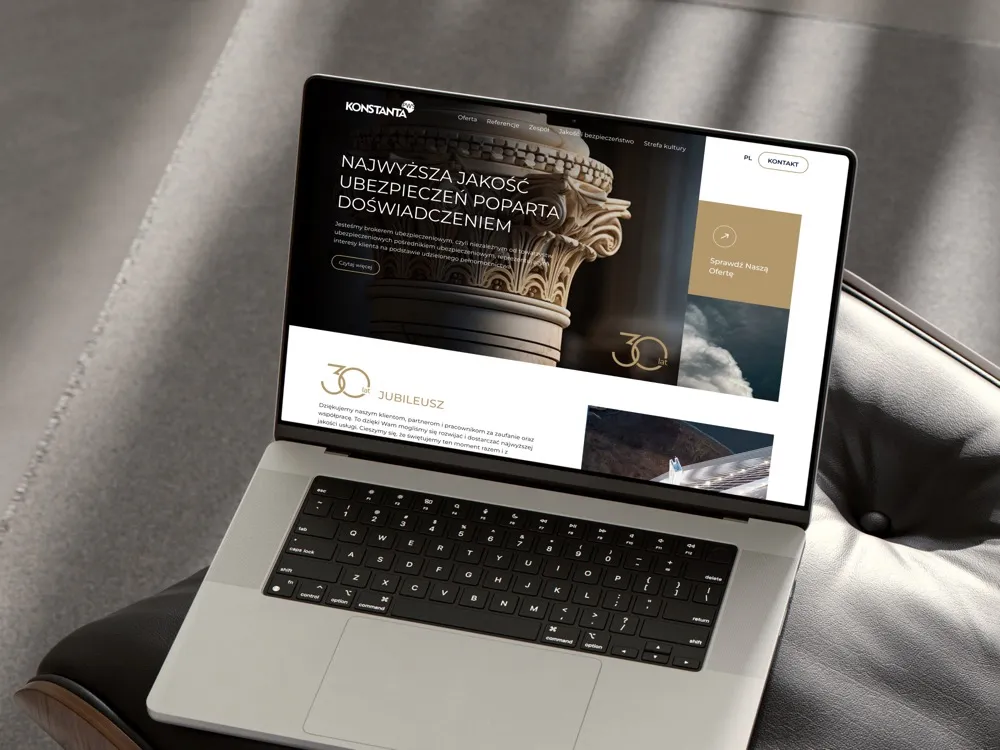
PWS Konstanta
Website for an insurance broker
-
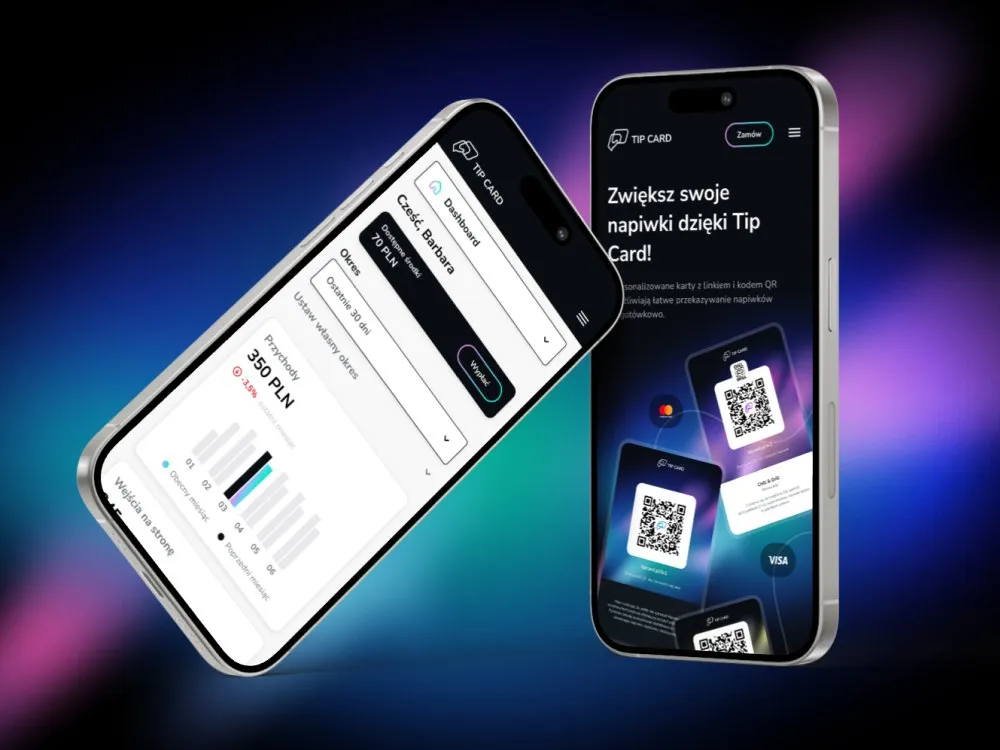
Tip Card
Cashless tipping platform
-
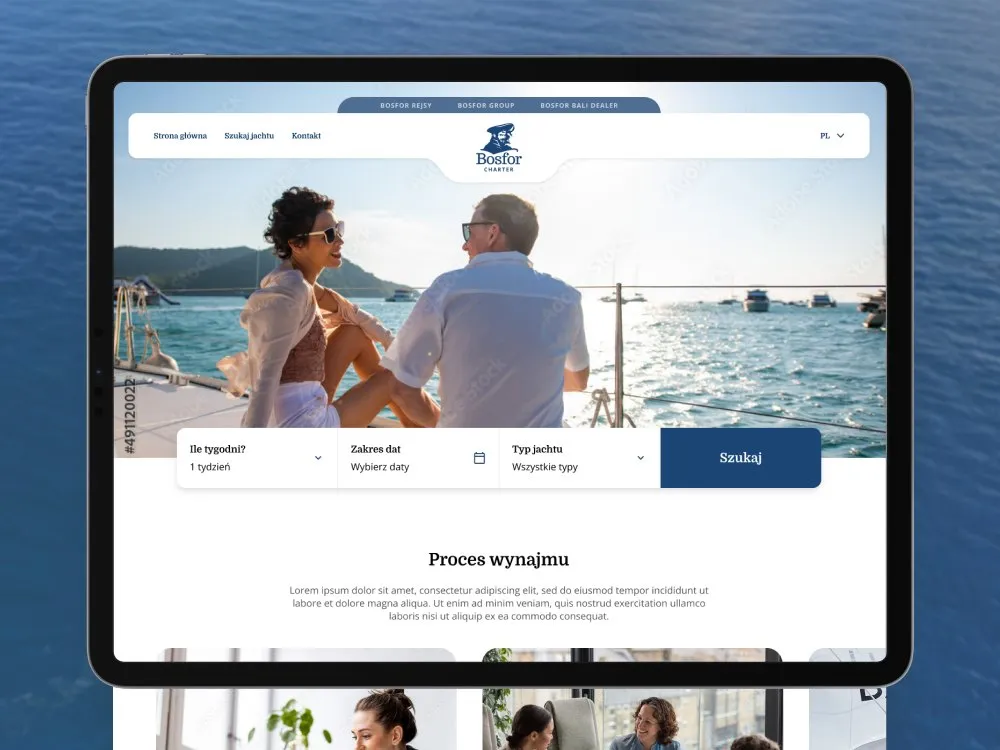
Bosfor Charter
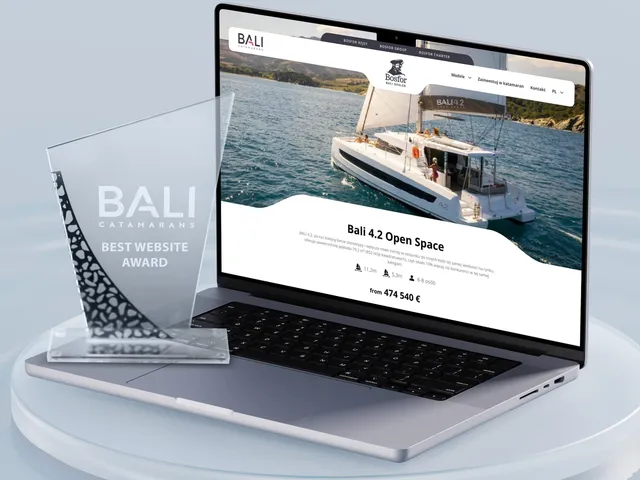
Yacht charter platform with booking
-
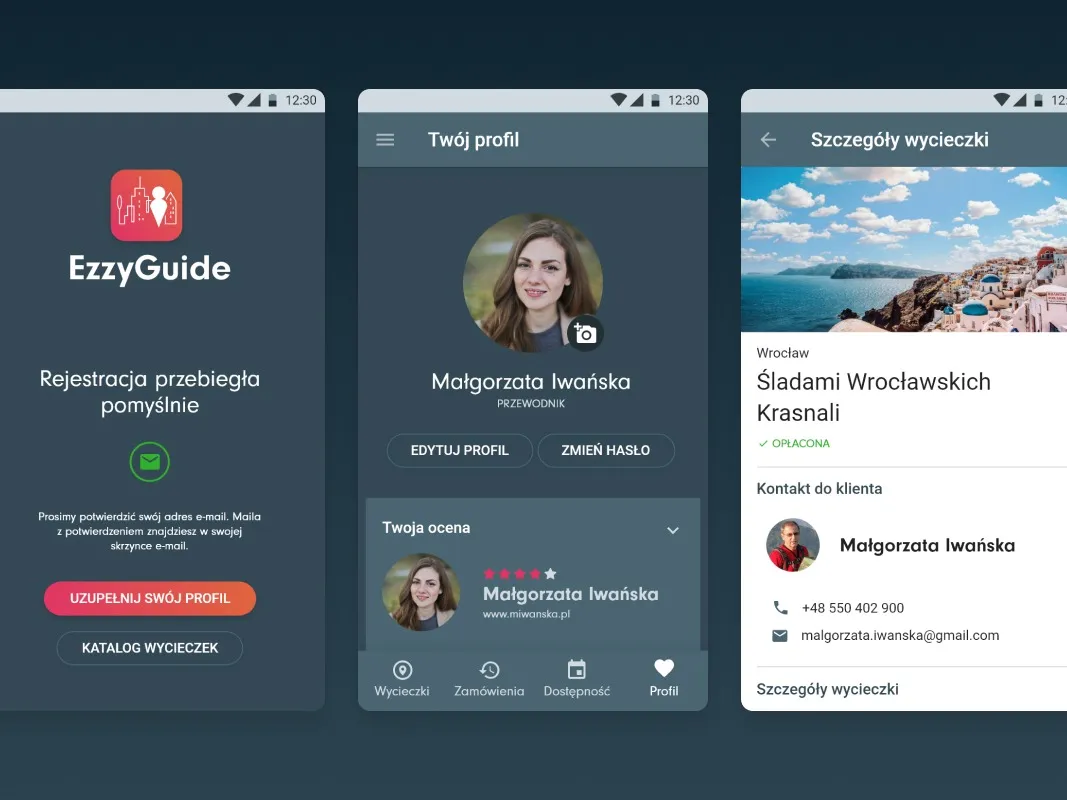
EzzyGuide
A tours app connecting guides with travellers
-
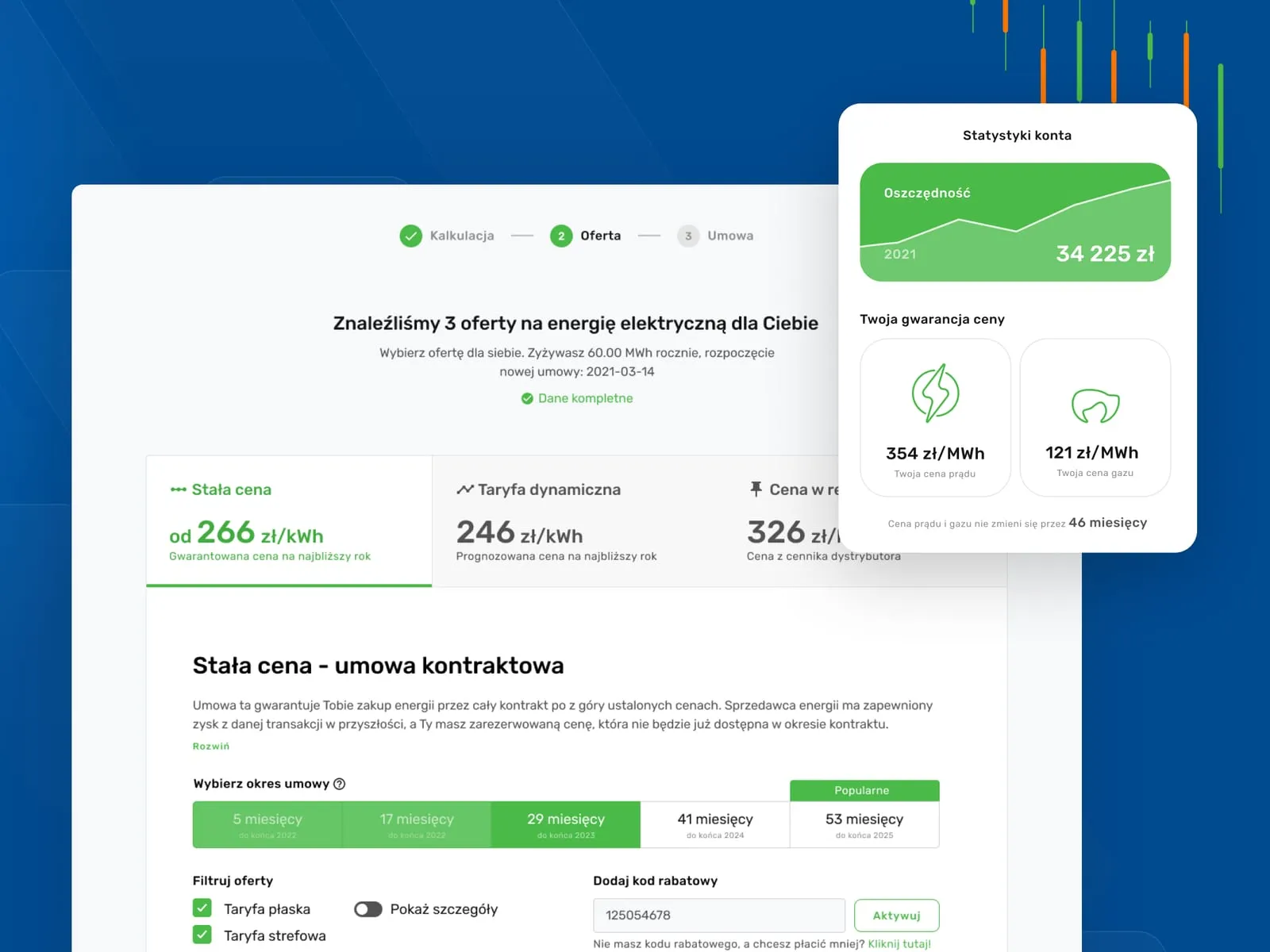
Wolumen
Energy and gas price comparison for businesses
- See what else we build Projects
Book a WCAG audit
We check your site criterion by criterion and write a plan for closing the gaps.
Client voices
What our clients say
 Maja Wieloch-Silecka Operations Director, Bosfor Group

“Working with the Wzór team was a genuinely great experience! They always answered our questions quickly and were flexible about our comments. They have no shortage of creative ideas and are at the same time thoroughly reliable and on time. The end result fully met our expectations; we recommend them to anyone looking for professionals who care.”
 Piotr Alberski Chief Operating Officer, Agencja XO Media

“Our clients expect us to act fast and effectively across a very wide scope - from building a brand, through a website with a store, to running an effective sales campaign. Not an easy task, but doable when you have a tight-knit team and partners who take on challenges on the fly. For us, quality, accountability and commitment are key, and working with UX Agency Wzór gives us that 100%.”
 Mateusz Swół Chief Operating Officer, Sellace

“Our cooperation with UX Agency Wzór started with our own website. We really liked the way they work, so we decided to subcontract projects for our clients to them on a White Label basis. We loved their workflow, the way they hand projects over to our team, their documentation and their work on the design system. Now we can take on bigger risks.”
 Dawid Śmiglarski Area Manager, iLeopard

“After migrating our store to PrestaShop and changing the template, we decided to have UX Agency Wzór run a UX audit. It surprised us to learn there were over 40 UX defects in our system, 5 of them critical. The Wzór team not only identified the problems but also set out practical recommendations and concrete examples of how to fix them. At the meeting where we went through the audit we also received valuable input and together chose a new module for the checkout process. We believe the changes will benefit both our customers and the growth of our brand. We thank UX Agency Wzór for their commitment and professionalism, and we will certainly use their services again.”



























The team
Who will run your WCAG audit?
-

Katarzyna Adamczuk
Prezes, Analityk Biznesowy
View profileHow can I help you?
“I will translate the report into your company's terms: which failures affect the journeys you earn money on, and how much work it takes to close them.”
-
Patryk Korycki
CEO, Analityk Biznesowy
View profileHow can I help you?
“I will agree the audit scope and timing with you, and then make sure the validation of fixes fits your schedule.”
-

Tadek Wadas
Senior UX/UI Designer
View profileHow can I help you?
“I will go through your site by keyboard and with screen readers, and for every failure I will describe the criterion, the steps to reproduce it and how to fix it.”
FAQ
Frequently asked questions about WCAG audits
What is a WCAG audit?
A WCAG audit is a check of a website or app against the Web Content Accessibility Guidelines, after which you get a report listing every failure and a plan for fixing it. Automated tools catch only some of the errors, so we assess most criteria by hand: with a keyboard, with screen readers and with enlarged text. The report refers to a written list of screens and journeys, so it is clear what was checked.
Does an online store have to meet WCAG requirements?
An online store selling to consumers in Poland has had to meet the accessibility requirements of the Act of 26 April 2024, which implements the European Accessibility Act, since 28 June 2025, unless it is a micro-enterprise. Under Polish business law, that is a company which in one of its last two financial years had fewer than 10 employees on average and an annual turnover or balance sheet total of no more than EUR 2 million. For websites and apps, the requirements are in practice set out by the EN 301 549 standard, which carries over the WCAG 2.1 criteria at level AA. On the first call we check whether, and how far, the law applies to you.
How long does a WCAG audit take?
A WCAG audit of a website takes from 2 weeks, depending on the number of template types and journeys in scope rather than the number of pages. A native app relies more heavily on manual testing, so its audit takes longer. We confirm the timing once the scope is agreed.
Which version do you audit against, WCAG 2.1 or 2.2?
We run WCAG audits against version 2.2 at level AA and mark in the report which criteria come from version 2.1, because that is the version Polish law refers to today. Version 2.2 contains every 2.1 criterion except the removed 4.1.1 and adds new ones, including criteria on focus hidden behind other elements and on minimum touch target size.
Will we get an accessibility statement after the WCAG audit?
We prepare the text of the accessibility statement after the WCAG audit and after checking the fixes, because the statement should describe the site after remediation, not before it. In Poland the statement is an obligation for public bodies under the Act of 4 April 2019, while companies covered by the Polish Accessibility Act state in their terms of service, or an equivalent document, how the service meets the accessibility requirements. We write both texts from the updated report.
Is an accessibility overlay enough instead of a WCAG audit?
An accessibility overlay cannot replace a WCAG audit, because it does not change the site's code, which screen readers and other assistive technologies rely on. The European Commission states plainly that no automated tool covers all WCAG 2.1 level A and AA criteria, and the US Federal Trade Commission reached a settlement with one overlay vendor over promises of automatic compliance. In the audit we assess the site regardless of whether the widget is switched on.
Does a WCAG audit include implementing the fixes?
A WCAG audit ends with a report and a remediation plan, and the fixes are implemented by your team or ours as a separate piece of work. After implementation we check the fixed screens again and update the report.
Do you run WCAG audits of mobile apps?
We run WCAG audits of mobile apps on iOS phones with VoiceOver and Android phones with TalkBack, against the same WCAG 2.2 AA criteria as for a website. We check gestures, button sizes and whether the screen reader announces changes on screen, such as an error message.
How is a WCAG audit different from a UX audit?
A WCAG audit checks the site against every criterion of the standard and produces the document an accessibility statement is based on, while a UX audit assesses how easy the product is to use and where customers get lost. Our UX audit includes an accessibility review, but it does not replace a full WCAG audit when you need a document for an inspection or a sign-off.
Related services
Services related to a WCAG audit
Compliance is not the point for you; what matters is whether people can use the product.
We will assess the product's usability or test it with its users.
The same issues come back on every new screen.
We will put your component library in order or give you a designer who looks after accessibility as you go.
The site needs rebuilding anyway.
We will design a new version of your website or app that meets WCAG from its first release.