

UX design for an energy price calculator
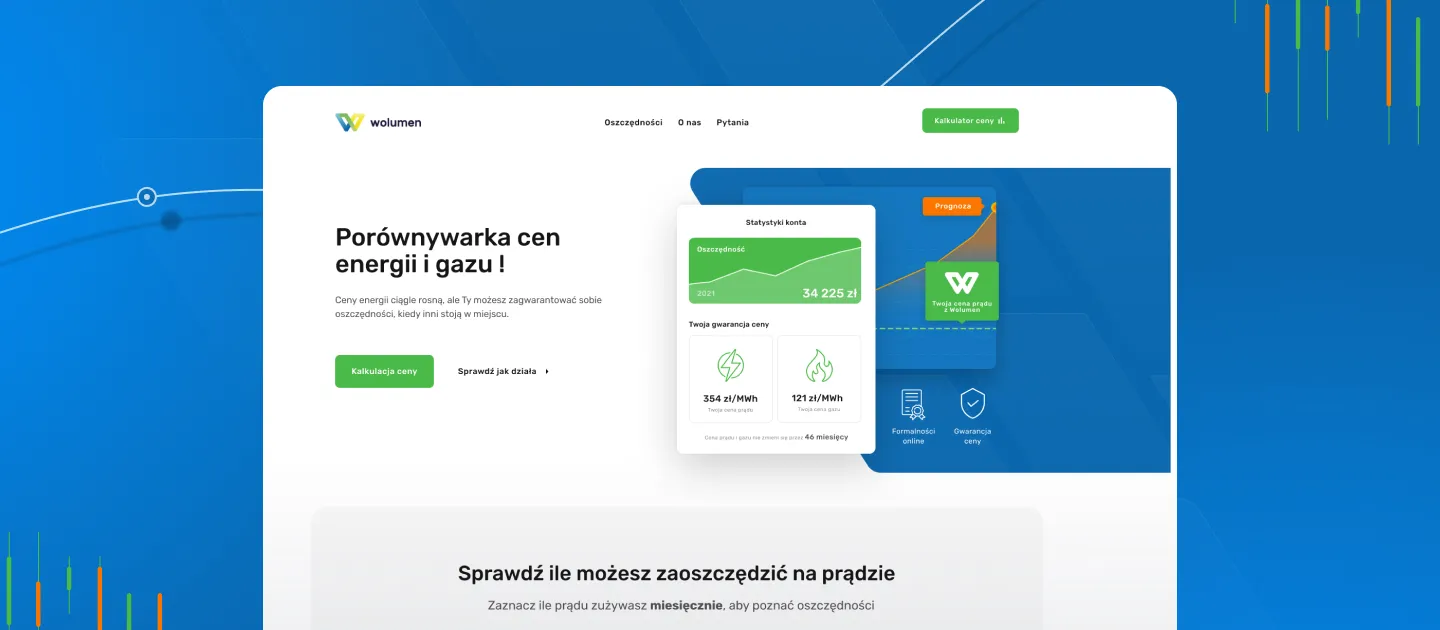
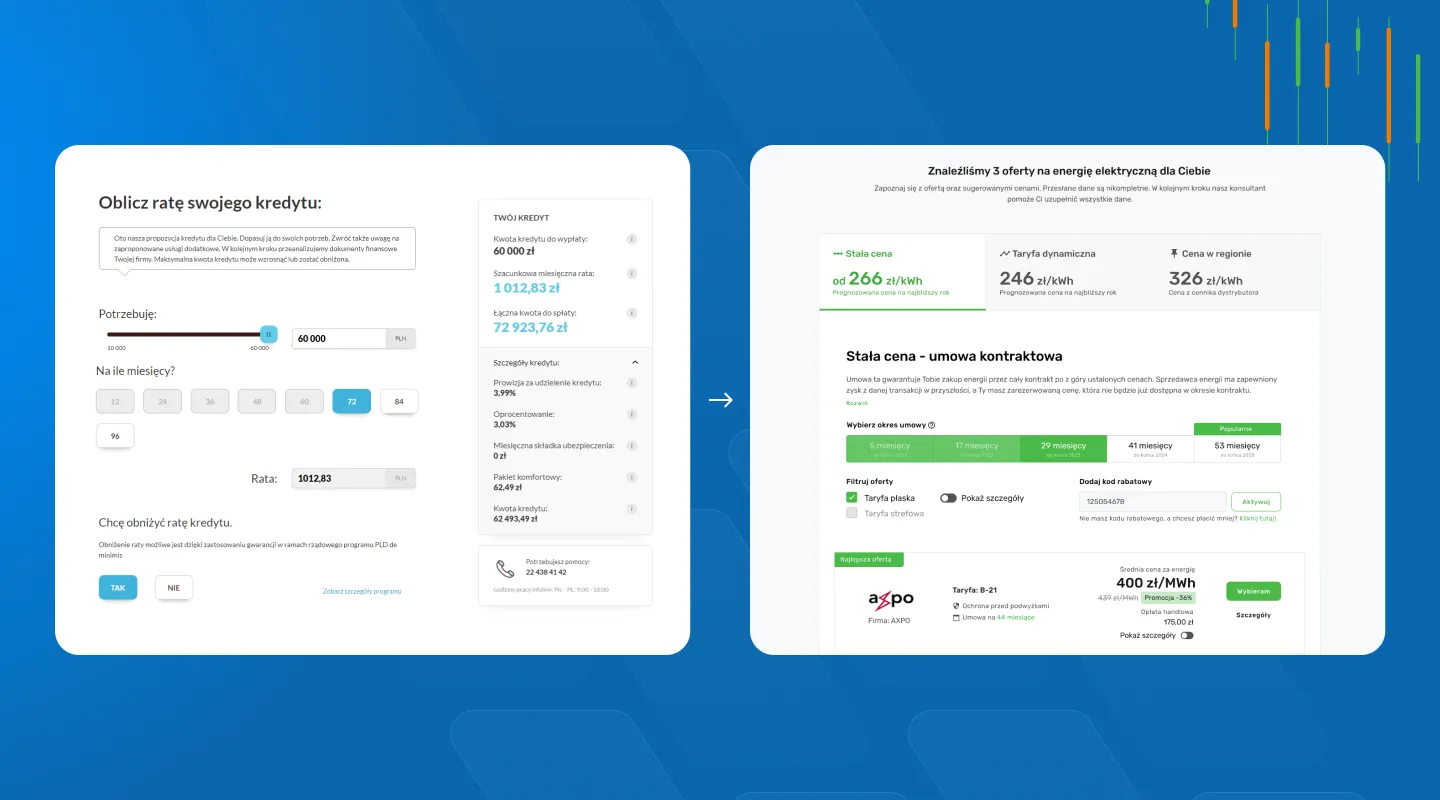
Wolumen's form had over 100 fields. After launch the client reported higher conversion and a lower load on the Customer Service Office.
- workshop with the client
- 4 weeks to deliver the UX/UI design
- UX audit of the existing solution
- market and customer-needs analysis
- collaboration with the development team
Key goals and challenges
Thanks to the UX audit and the workshops we ran, we worked out 3 key business goals that matter most to the client. To do so we used three exercises: Business Model Canvas, Feature Mapping and User Journey Mapping.
Increasing conversion
The form we inherited had over 100 fields. That was one of the reasons for the low conversion we identified during our work, and simplifying that process became key for us.
Increasing engagement
The highly complicated process left users disengaged - exhausted rather than involved. The UX/UI change was also meant to shift how users feel about filling in forms.
Intuitive UX/UI
Users got lost on the site and often phoned the Customer Service Office. We wanted to avoid this because it generated very high costs - the form itself should handle the job.
Collaboration process
Our clients value Wzór UX Agency especially for our processes. Over the years we’ve developed a highly effective approach to UX/UI design that deeply involves the client and is built on data, not guesswork. For this project we used our company’s most effective processes.
We start with a workshop
Every project needs a workshop - a way to get to know the client’s needs and expectations. In meetings like this we first take on a new perspective and saturate our team with knowledge. This lets us prepare a precise specification, an estimate and pass on as much knowledge as possible to our clients.
We run analysis and research
Beyond the information from the client, the team analyses the competition, similar solutions and often the target audience. If the budget allows, this is where the first UX studies are carried out.
We prepare and test mockups
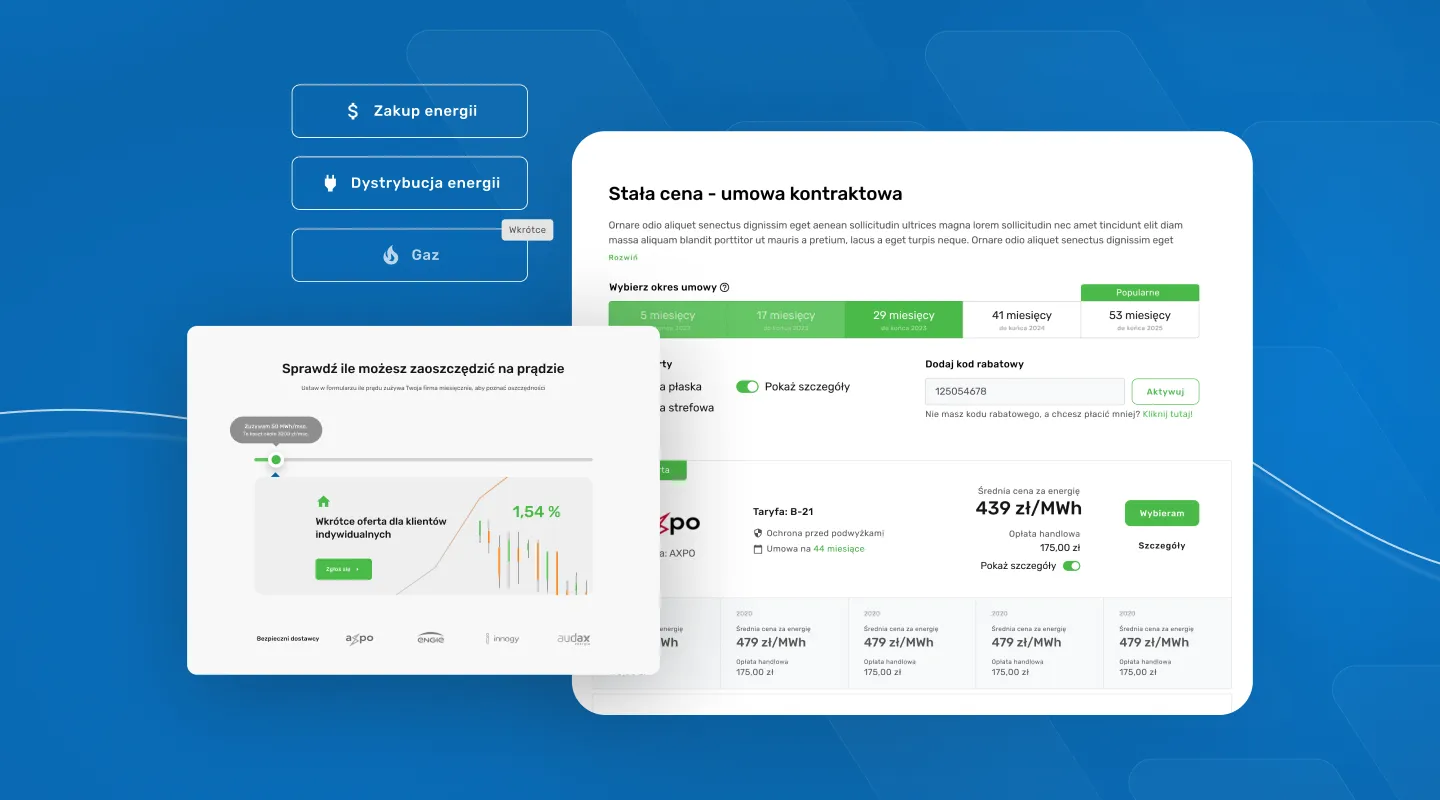
In Figma, UX designers create the mockups. A UX mockup is a visual representation of a user interface design. A mockup is used to show what the final product will look like, but doesn’t necessarily include the functionality of a working product. Thanks to mockups we could build a prototype and test the app without having to build it.
We create the new UI
Based on the mockups, the Wzór UX Agency team creates various user interface (UI) concepts while keeping them consistent with the brand’s visual identity. This is the last stage before implementation, and what matters most here is preparing the design properly so the development team can implement it efficiently.
We verify the implementation
During the product’s implementation we work alongside the development team, ensuring the design is reproduced faithfully. We answer every question and also deliver additional designs whenever needed. All of this so that implementation is efficient and doesn’t generate unnecessary work.
Scope of work
What we delivered

Workshop
Business Model Canvas, Feature mapping, User journey mapping

Strategy
Consulting, Business workshops, Market analysis

UX/UI design
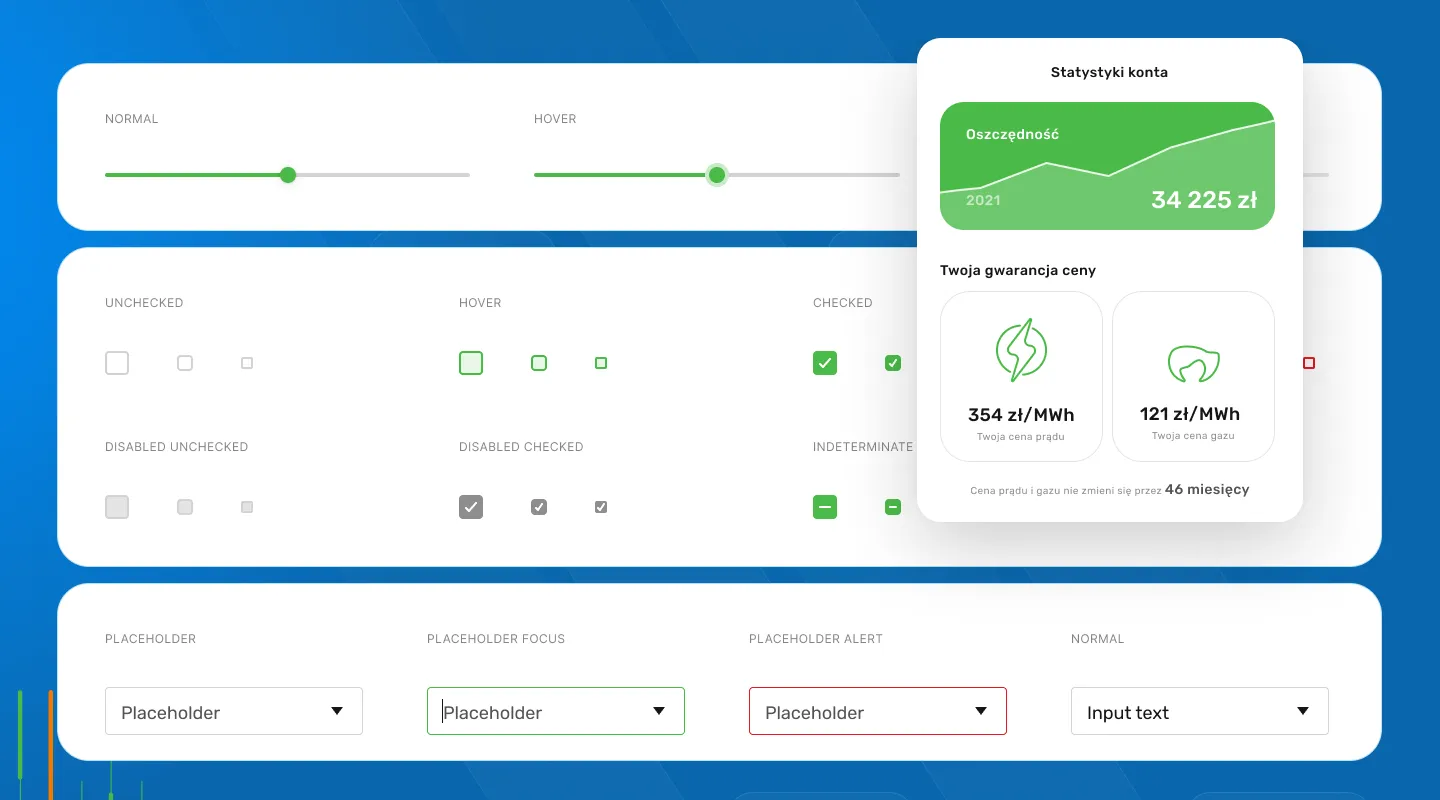
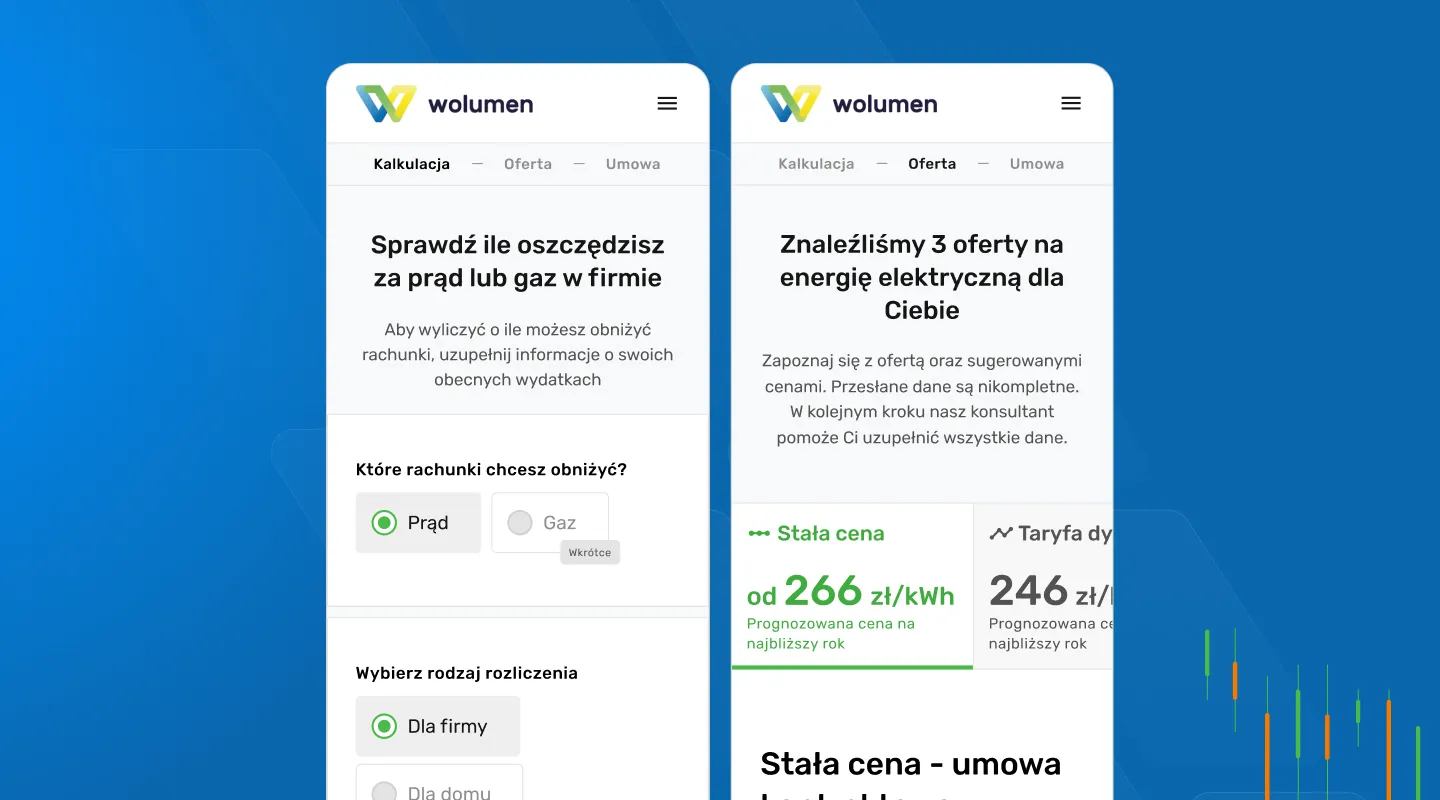
UX mockups, User interface, App prototype
Results
Numbers that speak for themselves
- 4
- weeks of work on the project
- 64
- app screens
- 2
- UX/UI designers

“The new quote generator on our site is more convenient for users and looks far better. Despite the tight deadline, Wzór UX Agency rose to the occasion. Soon after launch we noticed higher conversion and a lower load on our Customer Service Office, and that was crucial for us. We wholeheartedly recommend Wzór.”
 Jonasz Więcławski Chief Executive Officer, Wolumen
 Similar work
See other case studies
-
Transport & Travel
Bosfor Group
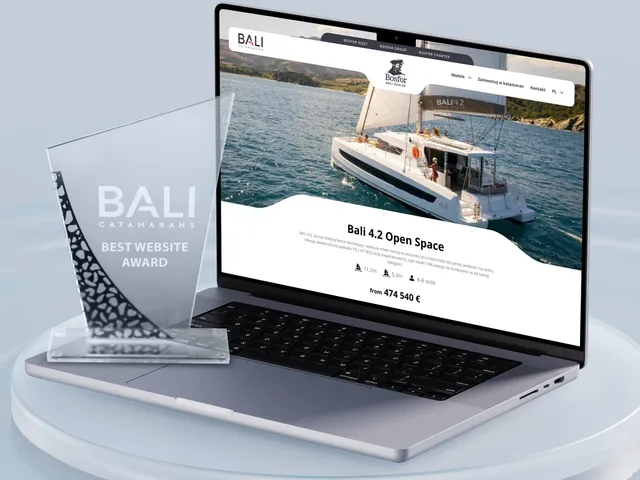
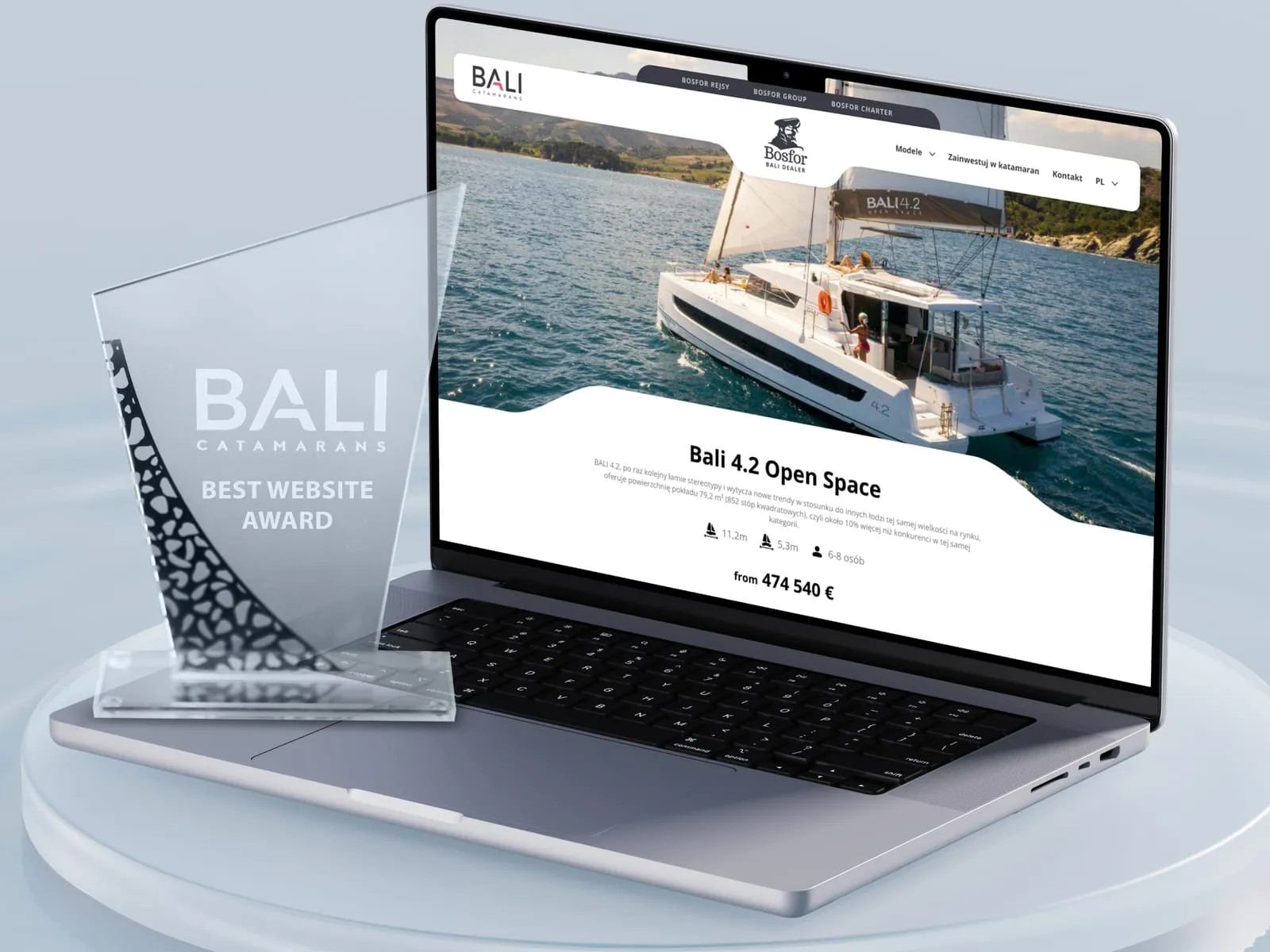
We merged Bosfor Group's four separate sites - the group hub, yacht charter, cruises and the BALI catamaran dealer - into one coherent brand system, with yacht booking and a catalogue built on technical data.
Read more →
-
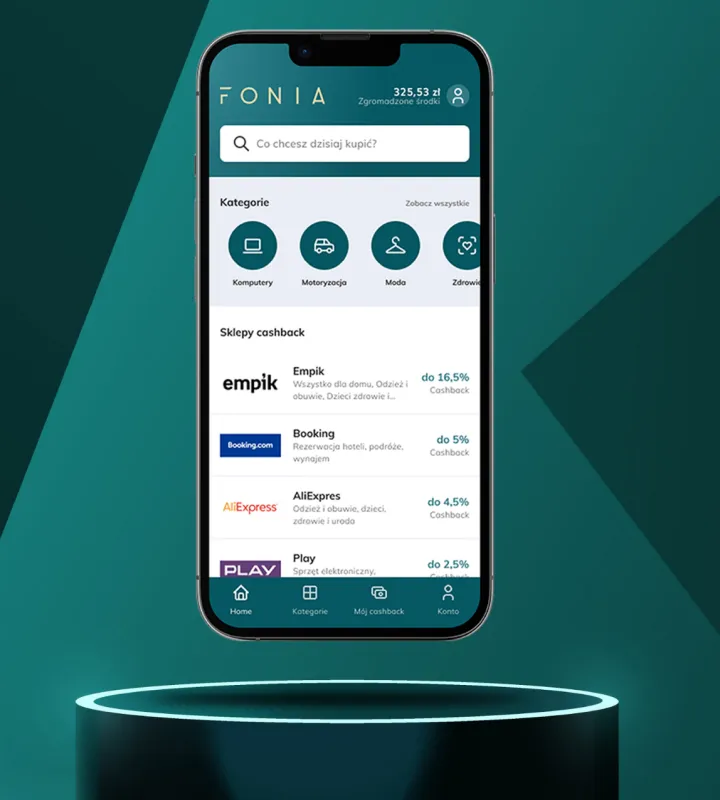
E-commerce
Fonia
We built a cashback app that gives users a convenient space for online shopping where they can save money.
Read more →
-
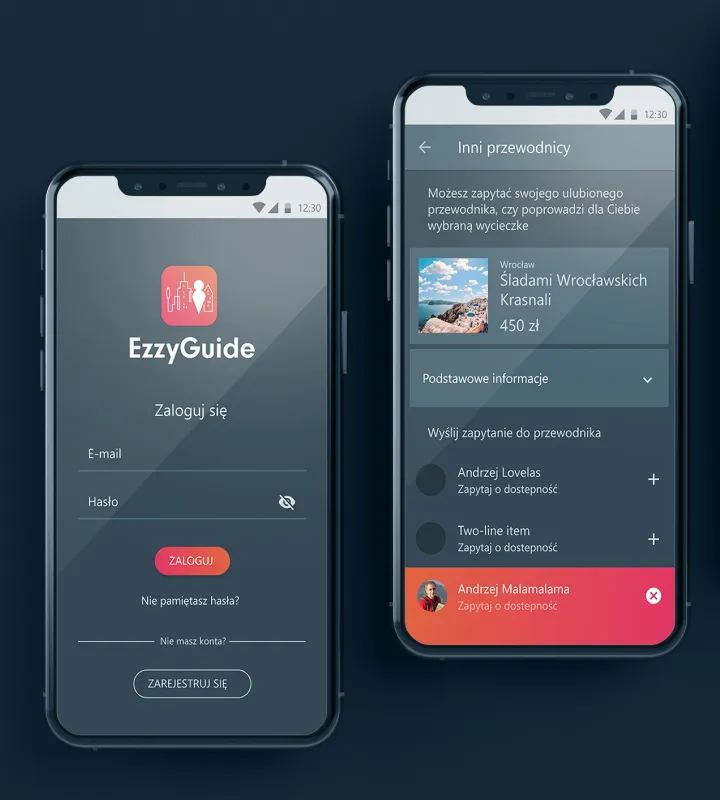
Transport & Travel
EzzyGuide
Building on an existing specification, we designed the UX of a tours app together with its user interface (UI).
Read more →

Contact
Tell us about your project
We design UX/UI for mobile, desktop and e-commerce applications - from audit and strategy to interfaces ready for implementation.