

Website implementation
Webflow, WordPress, Framer implementations - marketing and lead-gen sites in 2-6 weeks. Your marketing edits content directly, without a queue of tickets to the dev team.
We have worked with leading companies and startups









Challenges
Three moments when no-code recovers its cost immediately
Not sure whether no-code or custom code? Book a call - we will tell you honestly. Sometimes custom Next.js pays off more, regardless of what we do most often.
-
„Marketing wants to publish fast”
Every page is a ticket to the dev team, waiting on the backlog for 2-4 weeks. A no-code site gives marketing independence - a landing for a new campaign appears in an hour instead of a sprint.
-
„A pre-seed startup needs a lead-gen site”
You have an idea and first investor conversations. Custom code = 2-3 months of build time. No-code = a live site in 2 weeks, at a fraction of the cost. After reaching scale you migrate to custom - we export the content.
-
„An agency delivering a project - a fast sub-contract”
Your agency sold a project to a client, but your developers are busy. We do a white-label sub-contract - implementing the site under your brand, you keep the full client relationship.
Who it is for
Who this implementation is for
-
SaaS marketing teams
The site lives in the same repository as the product, so changing a headline on a landing page waits for a release window alongside the application code. We move the marketing layer onto a separate platform, and the product team stops being an intermediary in publishing campaigns.
-
Companies running an ageing CMS
The site was built a few years ago and has since grown a layer of plugins and sections nobody can assign an owner to any more. We move the content onto an ordered structure and, along the way, settle which subpages still earn their place and which end their run with a redirect.
-
Technology companies whose developers are measured on the product
The company site and the careers section change every week - a new job ad, a new talk, a new case - and each time they pull someone away from the roadmap. We take that area outside the engineering team, leaving it the decisions about integrations and domains.
-
Organisations with several brands and markets
Every division or brand runs its own site, built with a different tool and in a different convention, so the central team struggles to hold the communication together. We build one skeleton with repeatable templates, on which further markets launch their versions in the same structure.
Our difference
What makes our implementation different
-
A site assembled from components, not from one-off sections
Layouts, cards and content blocks are built as a library of named components (the Client-First convention in Webflow, block patterns in WordPress), and pages are assembled from them like building blocks. A change to the button style goes in once and covers the whole site, including subpages added a year later.
-
An editor limited to what may be changed
CMS fields have types and character limits, and the section layout is locked, so the editorial team works on the content rather than on the layout grid. The hundredth subpage then looks the same as the first, whoever published it.
-
Migration with a redirect map, address by address
Before launch we line up every address on the current site against the new ones and set a 301 for each one that changed. After the migration, search traffic and links in other people's articles land where the content actually stands.
-
The lead path tested before the domain is switched
Forms, analytics events and the CRM entry are verified with an end-to-end test submission while still on the working environment. On the first day of a campaign you know the enquiry reaches the sales team and can be attributed to its source.
Process
2-6 weeks from brief to a live site. The time depends on scale, not the dev backlog
- Week 1
Brief + technology choice
A short kick-off - the site's goals, target, integrations (CRM, mail marketing, analytics). The choice: Webflow vs WordPress vs Framer for your use case. An initial schedule.
- Week 1–2
UX/UI design in Figma
Wireframes + visual design in Figma. Mobile-first. 2 rounds of feedback. If the site is small (a single landing) - you can skip Figma and design directly in Webflow/Framer.
- Week 2–4
No-code implementation
Implementation in the chosen platform. A CMS with fields per content type, SEO structure, micro-interactions, animations (Lottie / Webflow interactions). Responsiveness testing (mobile / tablet / desktop).
- Week 4–5
CMS + permissions + SEO
CMS configuration - editable fields per content type, permissions per role (editor, admin, marketing), a publishing workflow. On-page SEO: meta, schema.org, sitemap, robots.txt, Open Graph.
- Week 5–6
Launch + training
Deploy to production, domain hookup, SSL certificate. 2-3 training sessions for the marketing team (how to edit, add sections, publish). 30-day post-launch support.
Deliverables
Three things. A live site + marketing independence
-
Webflow / WordPress / Framer implementation
A full implementation from a Figma design to a live site. Technology chosen in the brief: Webflow (designer-friendly), WordPress (flexibility + ecosystem), Framer (the fastest pace, ideal for landing pages).
-
Templates for the marketing team
Ready layouts to duplicate - a landing page, case study, blog post, service offer. Marketing creates new pages itself, in 30 minutes, without involving a developer.
-
Onboarding + team training
2-3 training sessions for marketing (how to edit, where to add sections, who can change what). Plus documentation per role (editor, admin, marketing). 30-day post-launch support.
Toolkit
What we use
Technical standards proven across 50+ implementations. Core Web Vitals in the price - no "the site loads for 4 seconds".

- Webflow, WordPress (Elementor / Bricks)
- Framer (for the fastest landing pages)
- Core Web Vitals - LCP <2.5s, CLS <0.1
- WCAG 2.2 AA + GDPR compliant
- SEO: meta + schema.org + sitemap
- CMS permissions per role

Next step
Let us talk about your project
Tell us what you have to do. We will come back with scope and a quote.
Selected work
Projects from the areas we implement
Projects from the site types we implement most often - corporate sites and online stores. Some implementations run under the client's own brand, and those we show during a consultation.
-
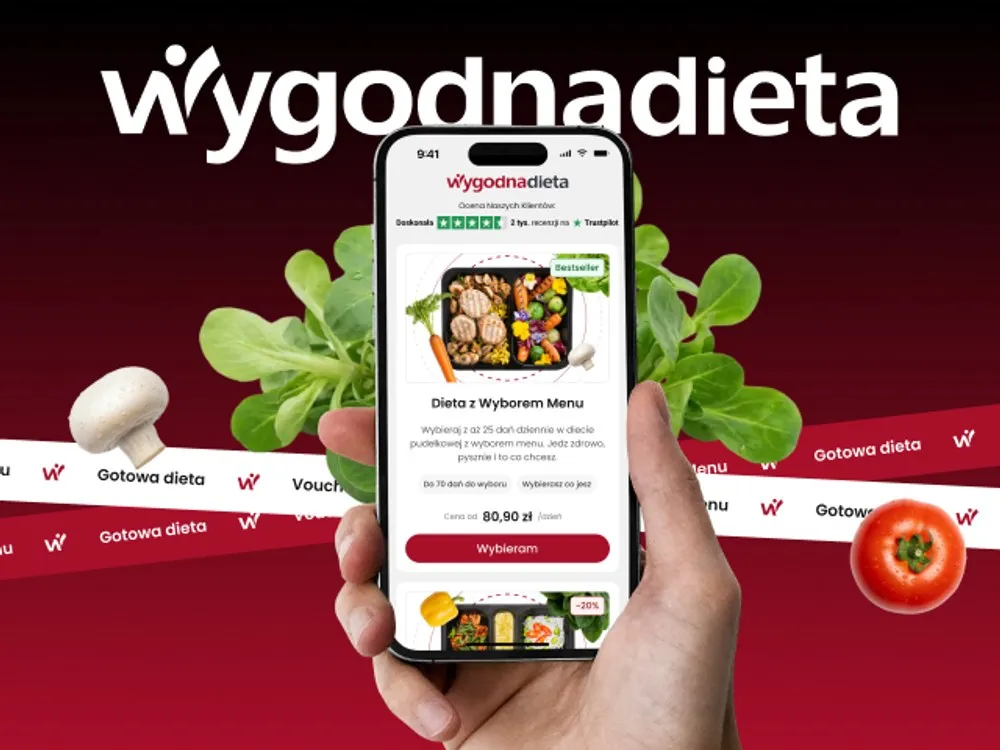
WygodnaDieta - App and online store for a meal-box diet service
-
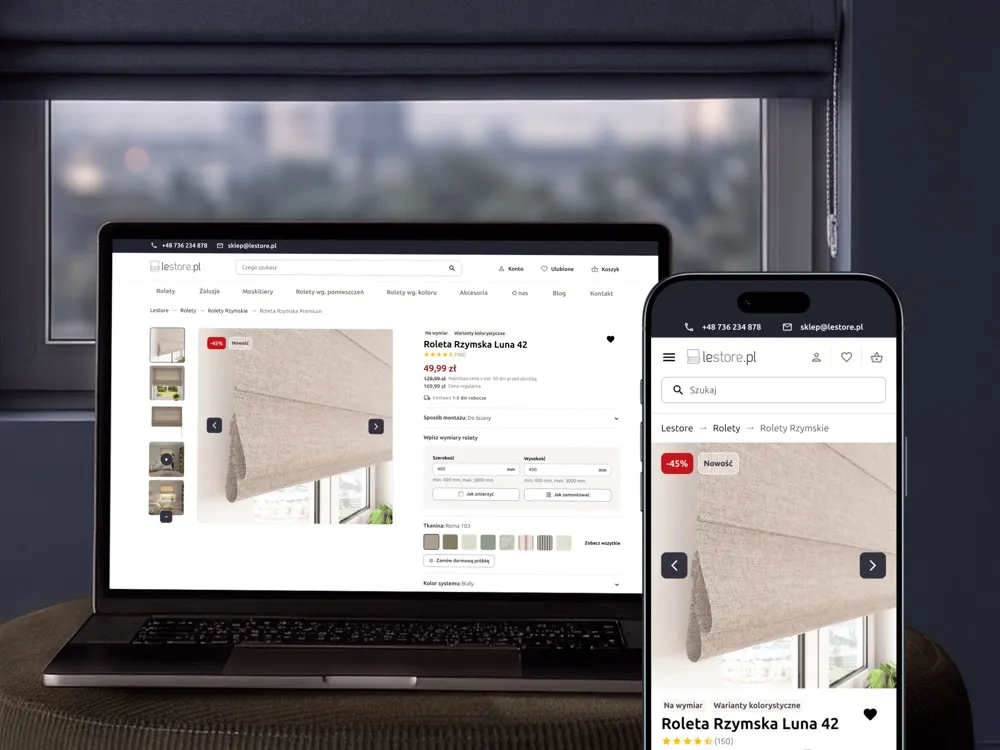
Lestore - Online store for blinds and shades
-
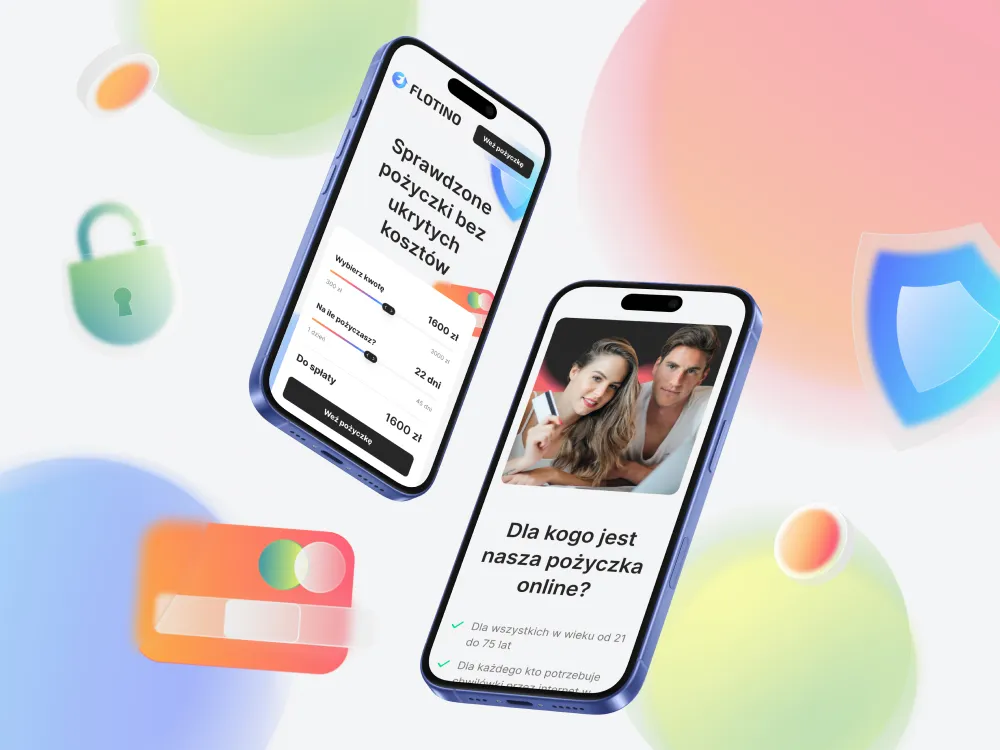
Flotino - Online cash loan service
-
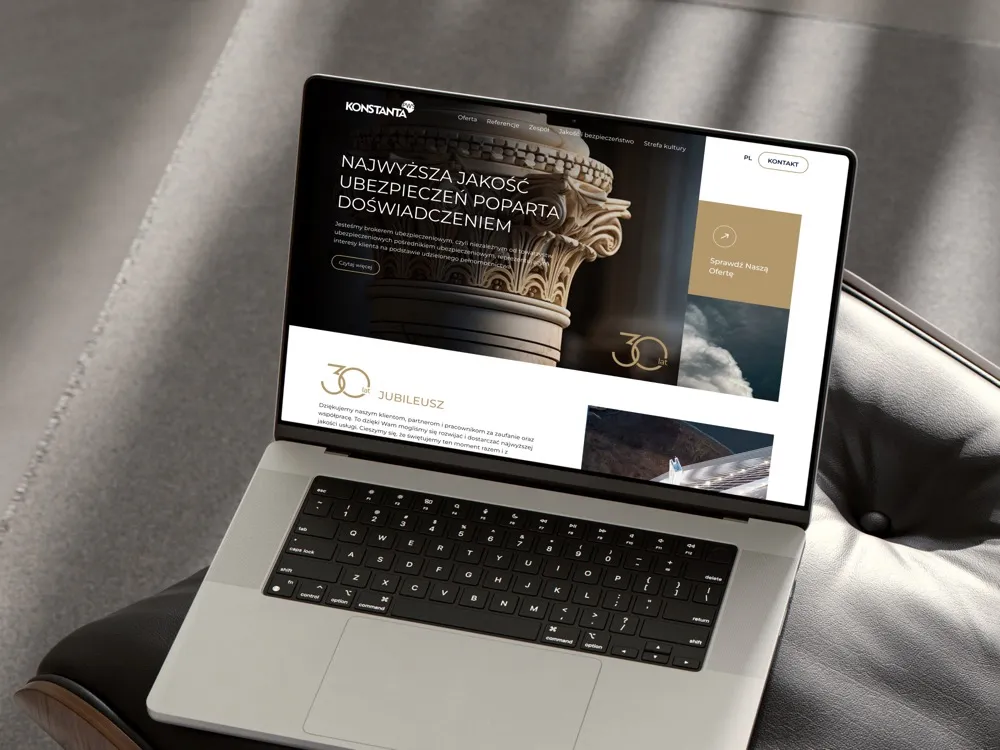
PWS Konstanta - Website for an insurance broker
-
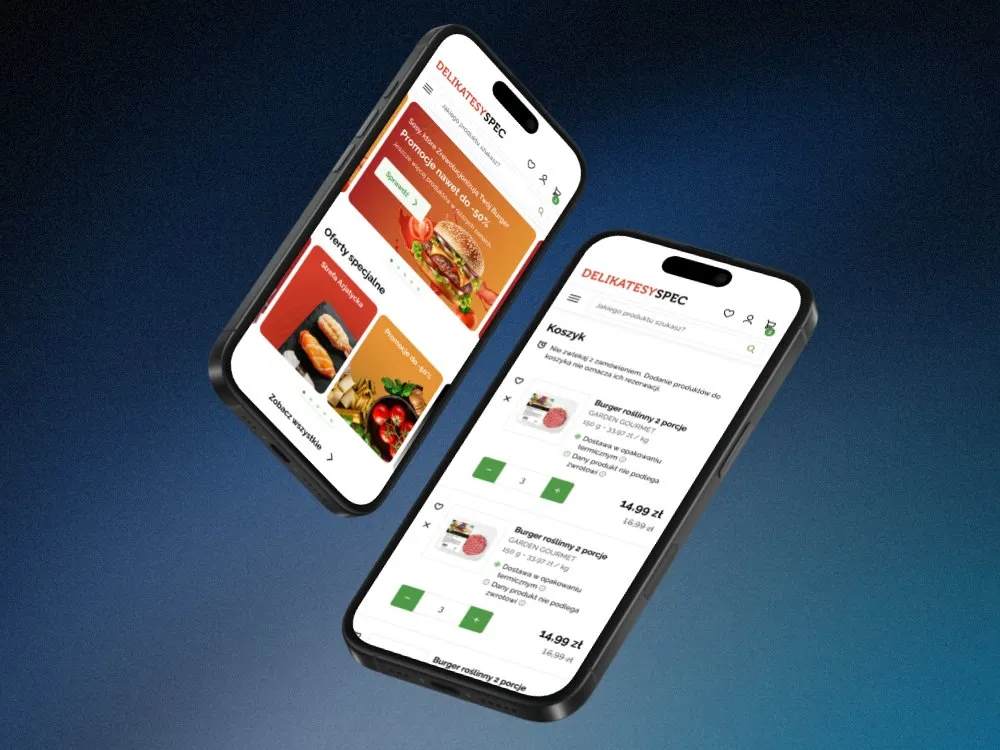
SPEC Food - Online store for a food delicatessen
-
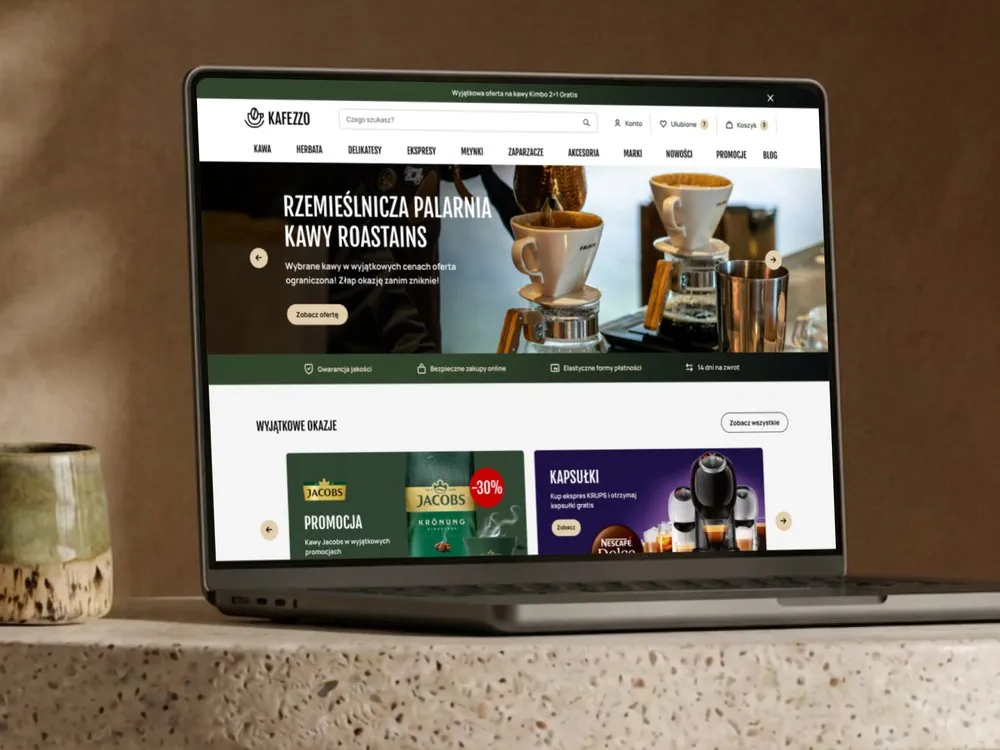
Kafezzo - Online store for coffee and tea
-
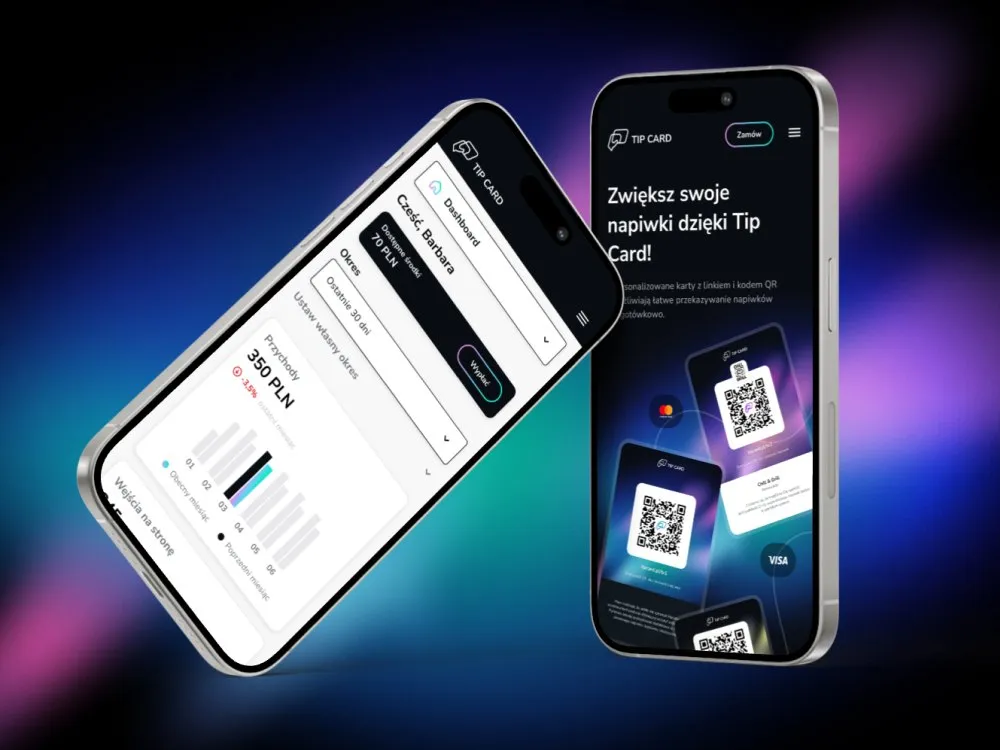
Tip Card - Cashless tipping platform
-
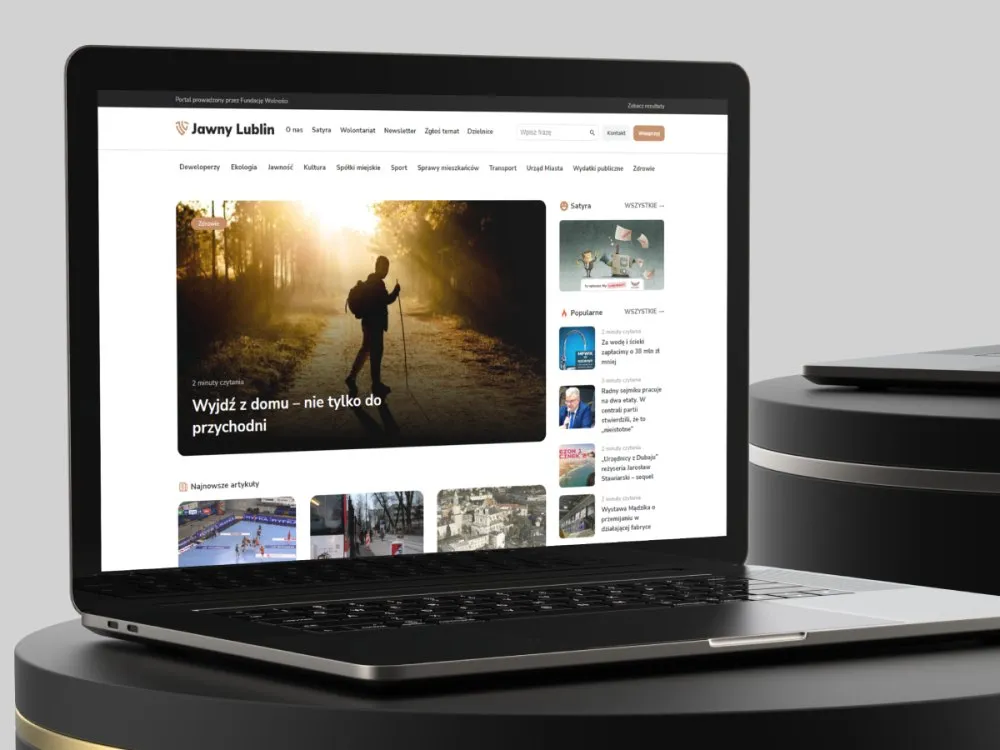
Jawny Lublin - A watchdog portal on city transparency
-
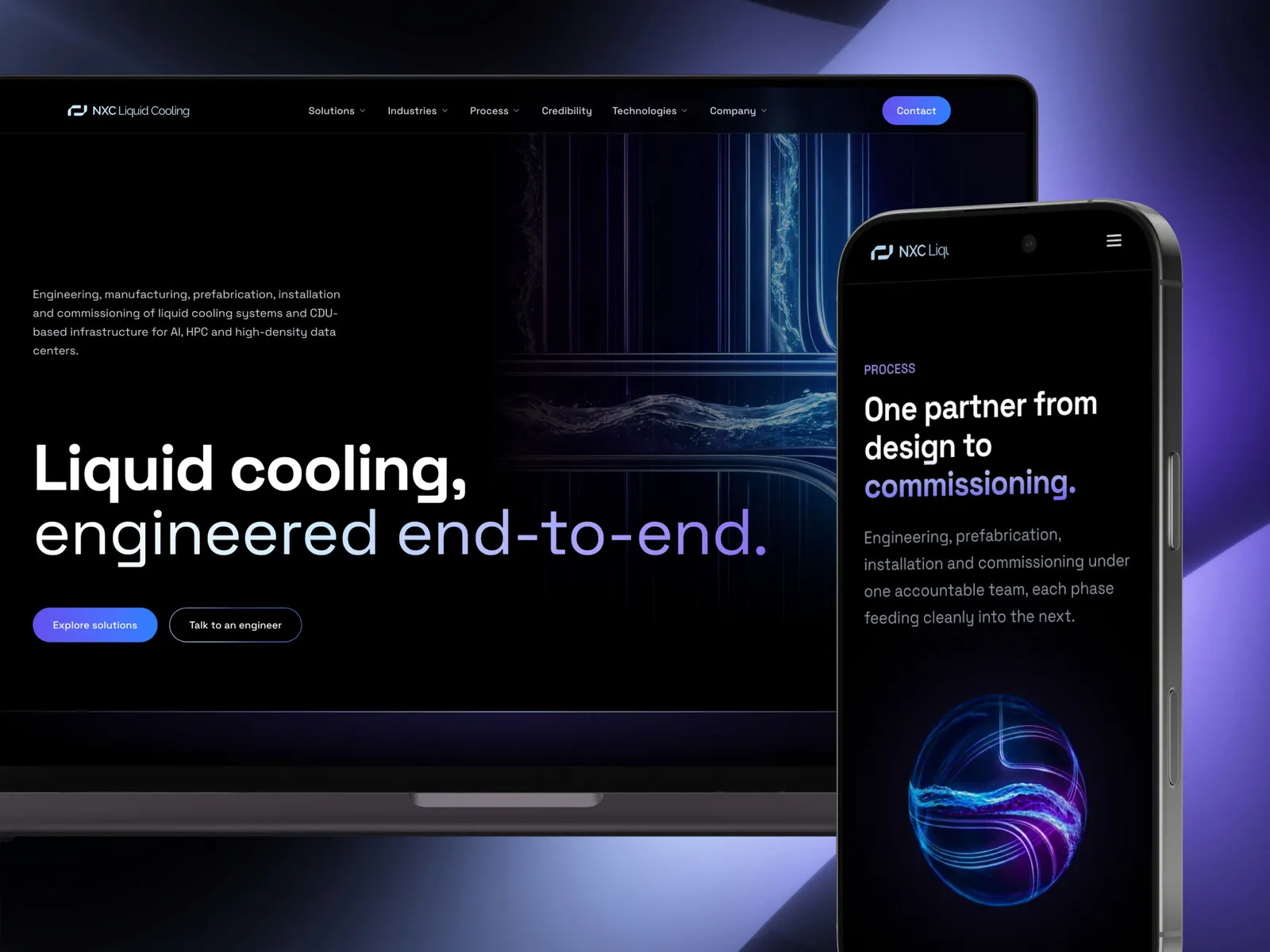
NXC Liquid Cooling - A liquid cooling systems website
-
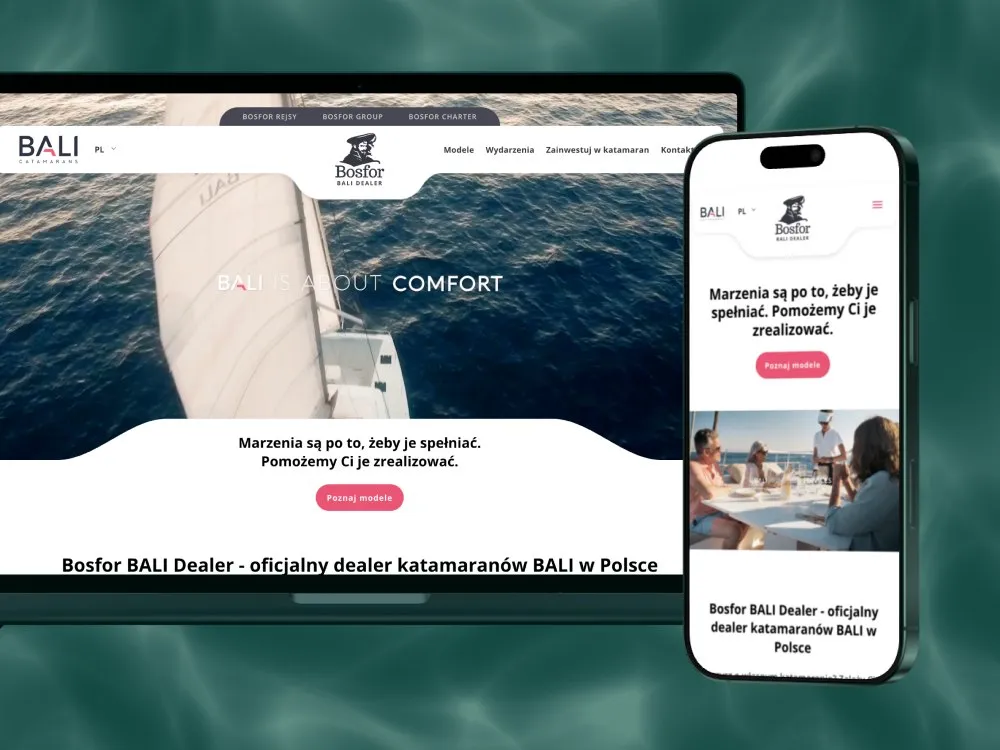
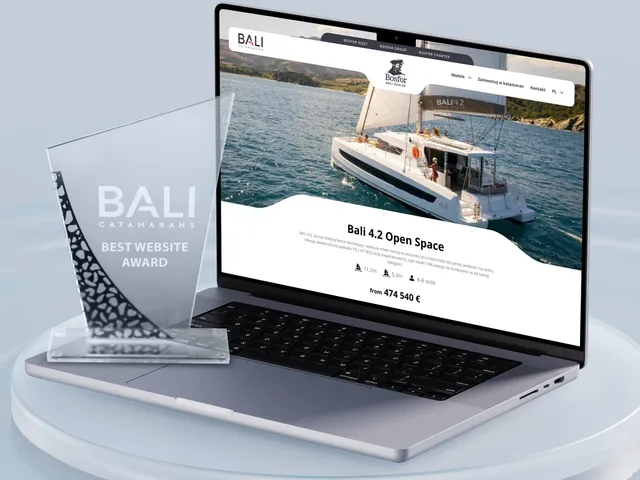
Bosfor BALI Dealer - Website for a BALI catamaran dealer
-
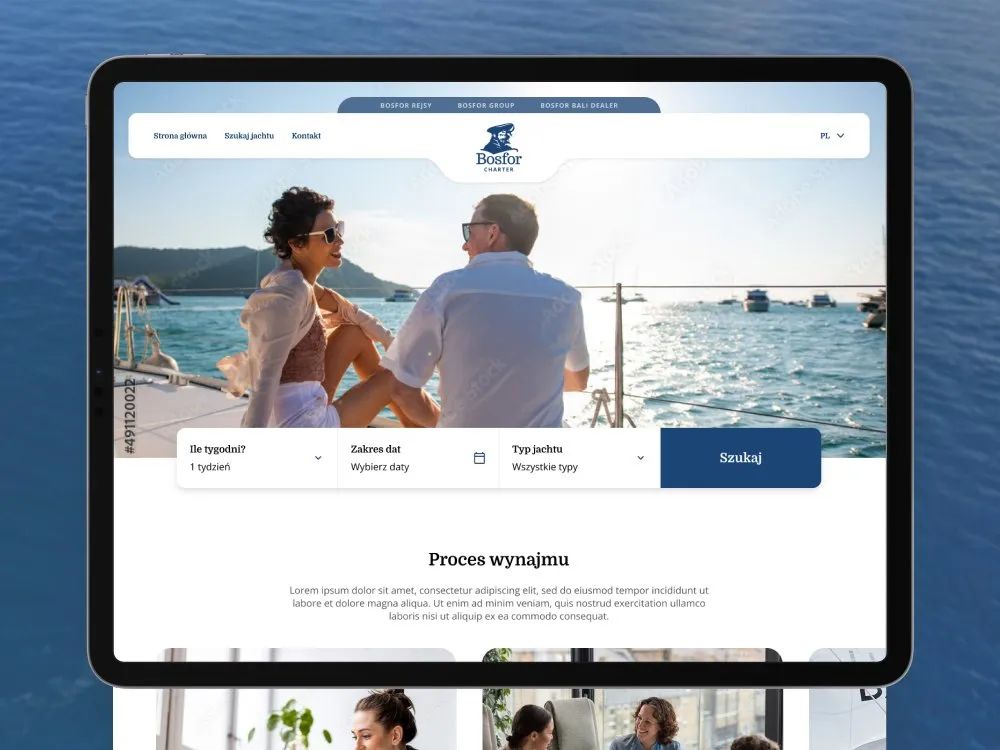
Bosfor Charter - Yacht charter platform with booking
-
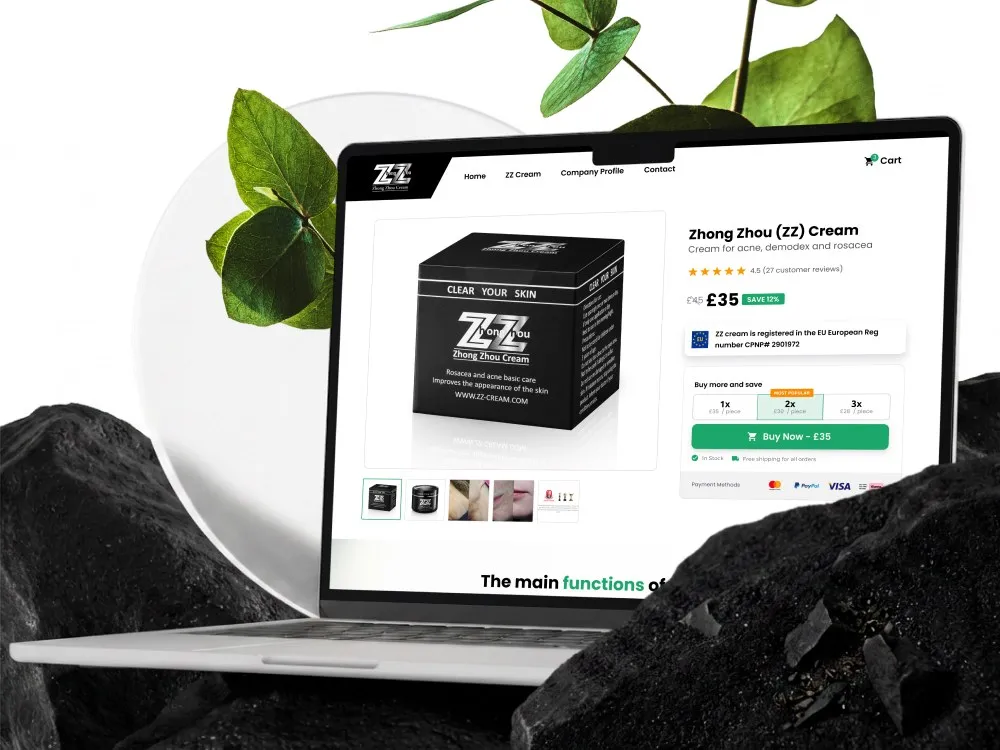
ZhongZhou - Online store for an acne, demodex and rosacea cream
-
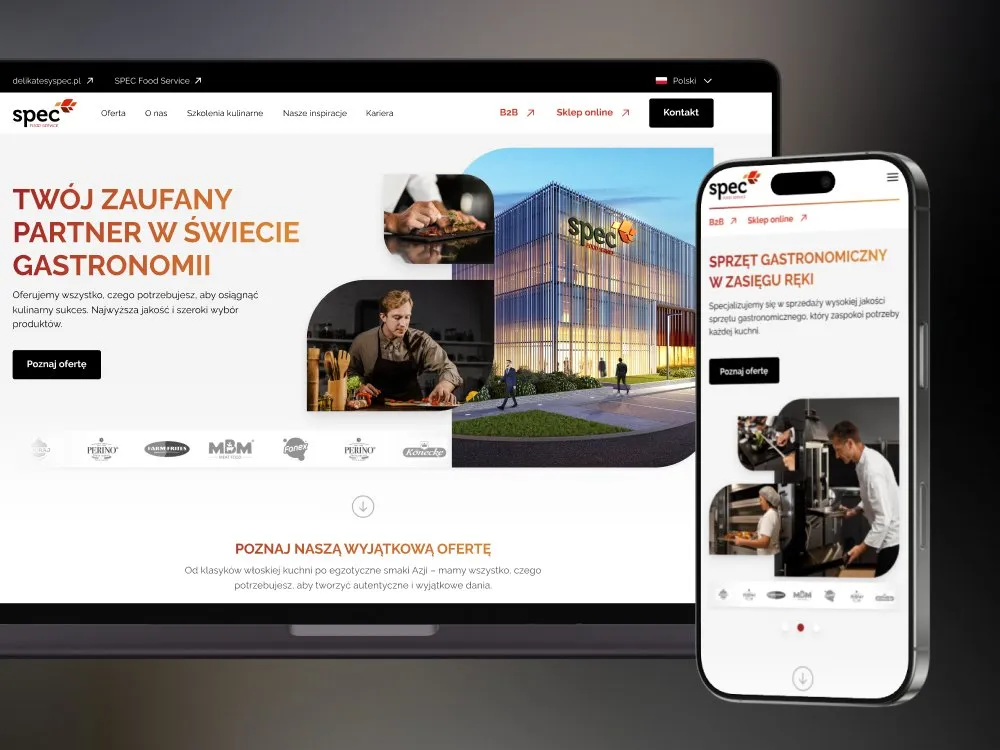
SPEC Food - Website for gastronomy - SPEC Food Service
-
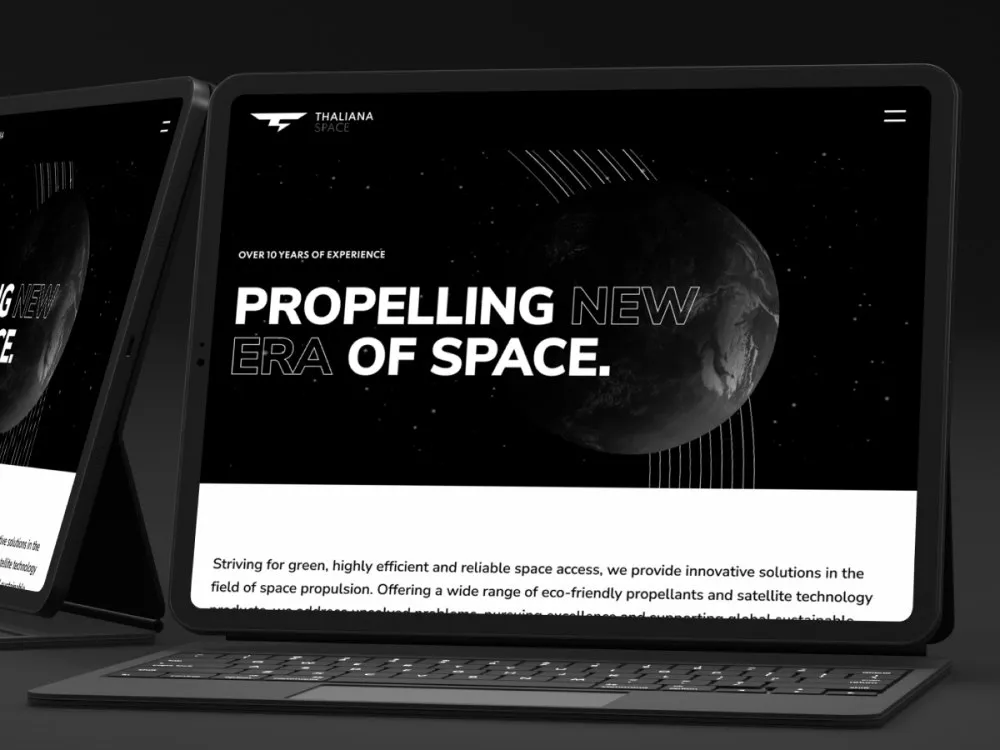
Thaliana Space - Website for a space-propulsion company
-
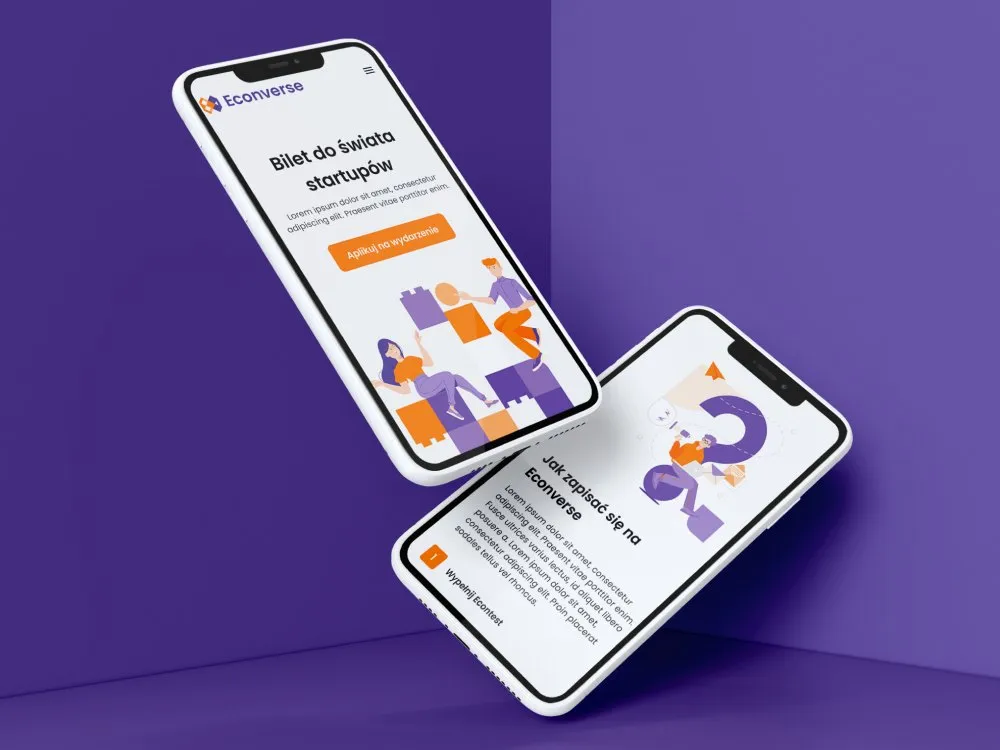
Econverse - Website for a start-up event
-
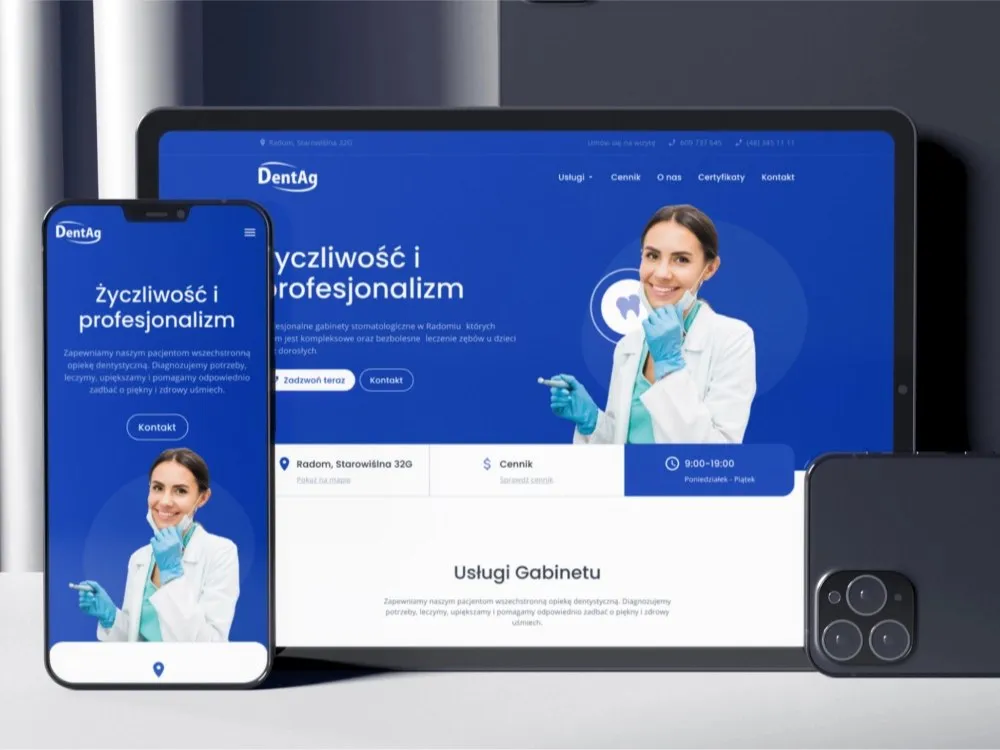
DentAg - Website for a dental clinic in Radom
-
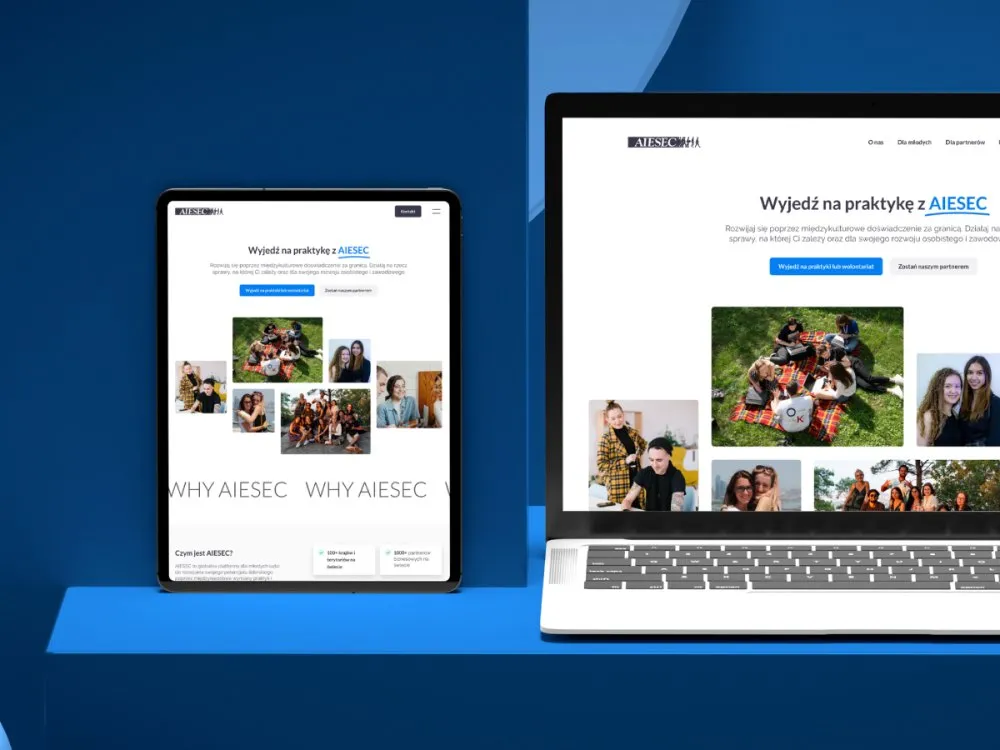
AIESEC - Website for internships and volunteering abroad
-
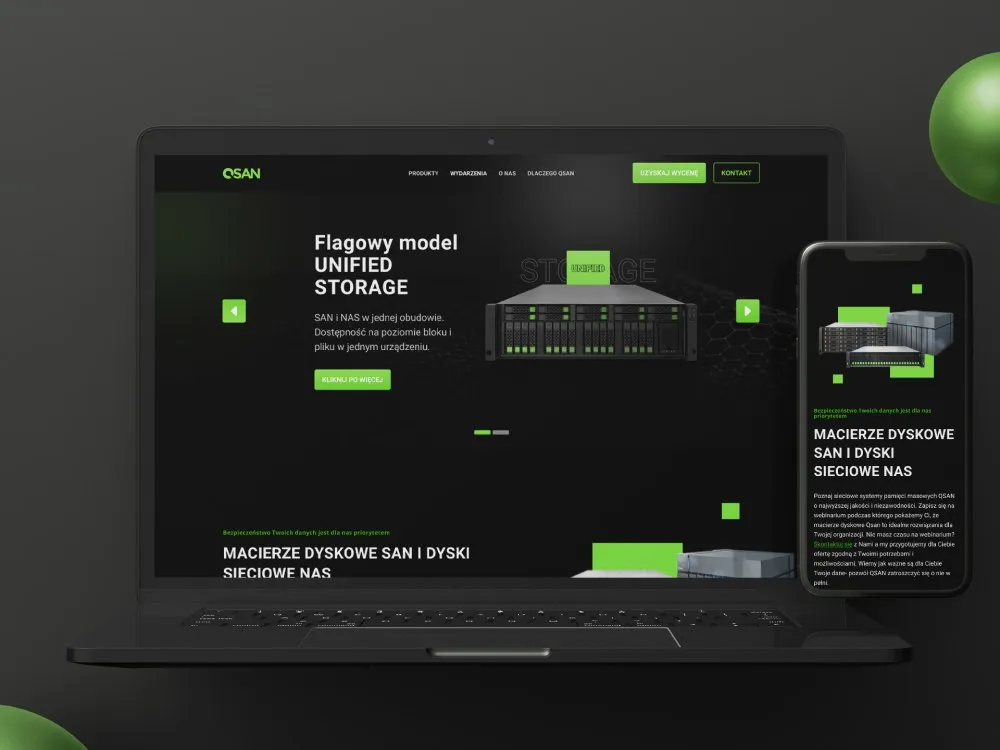
DAGMA - Product page for disk arrays and storage systems
-
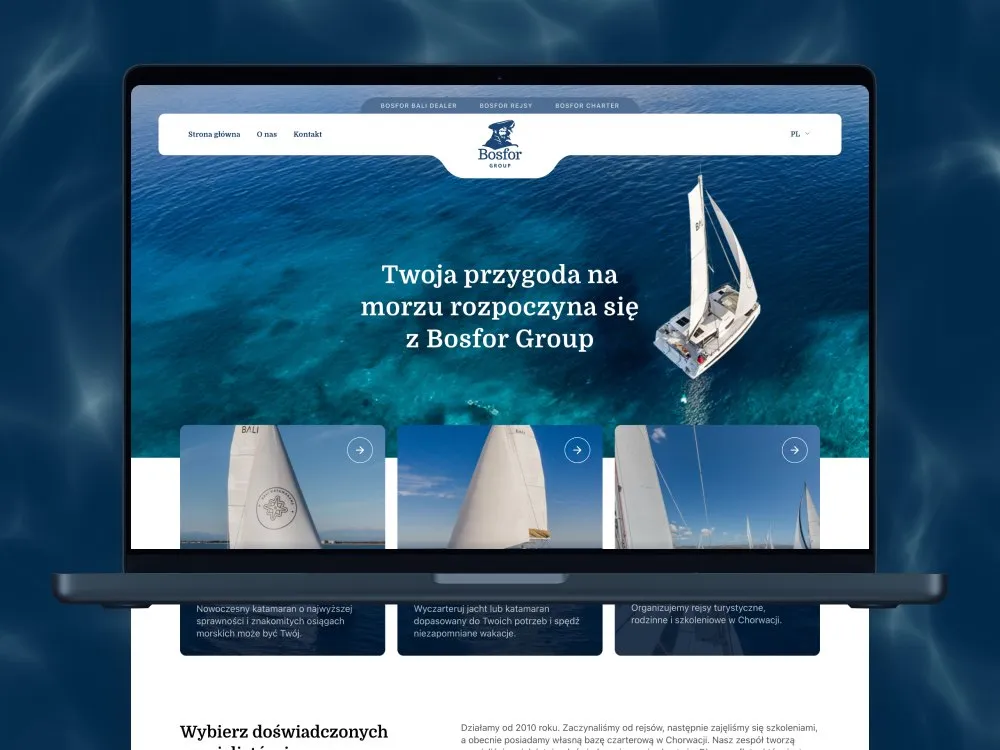
Bosfor Group - Website for the Bosfor sailing group
-
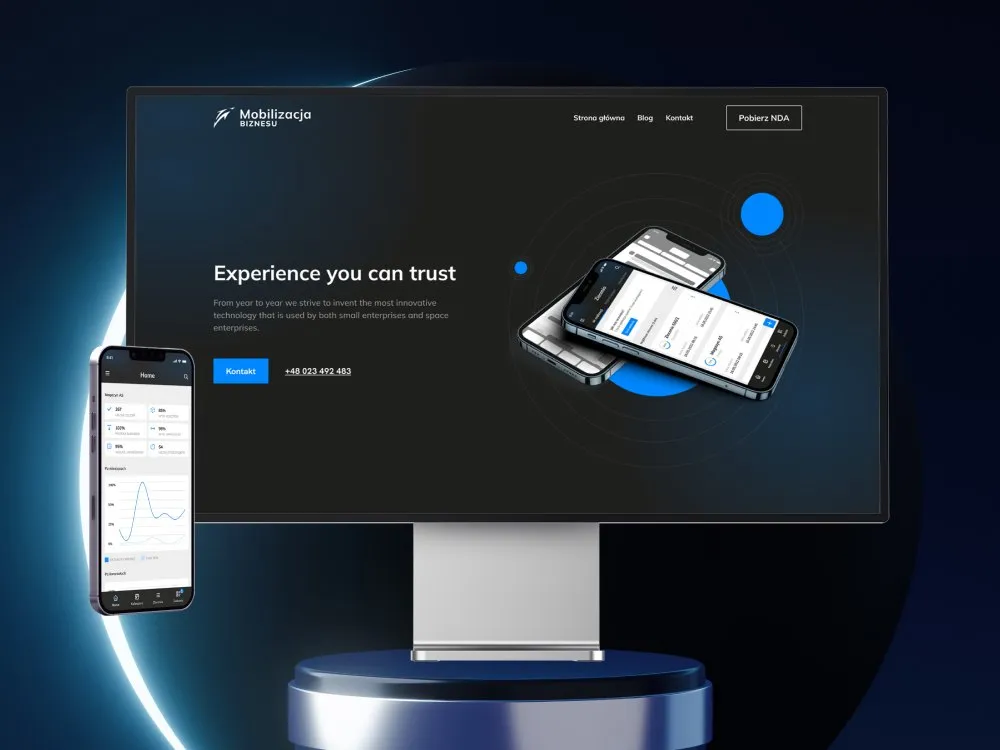
Mobilizacja Biznesu - Website for a mobile-tools firm
-
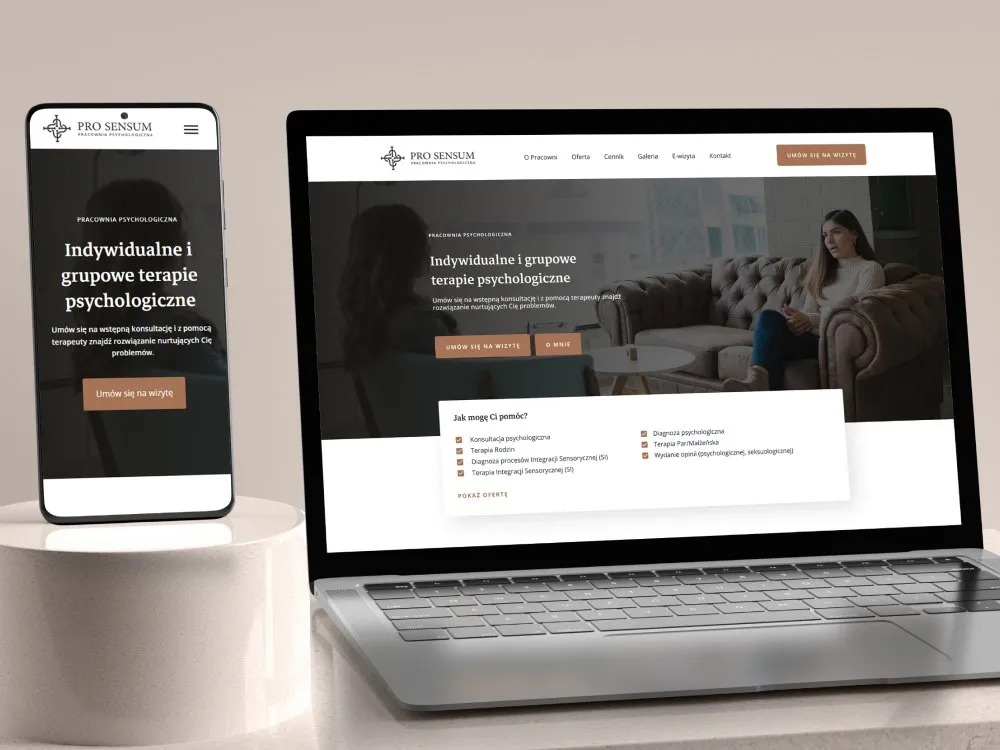
Pro Sensum - Website for a psychology practice
-

Biuro Detektywistyczne BET-KA - Detective agency website
-
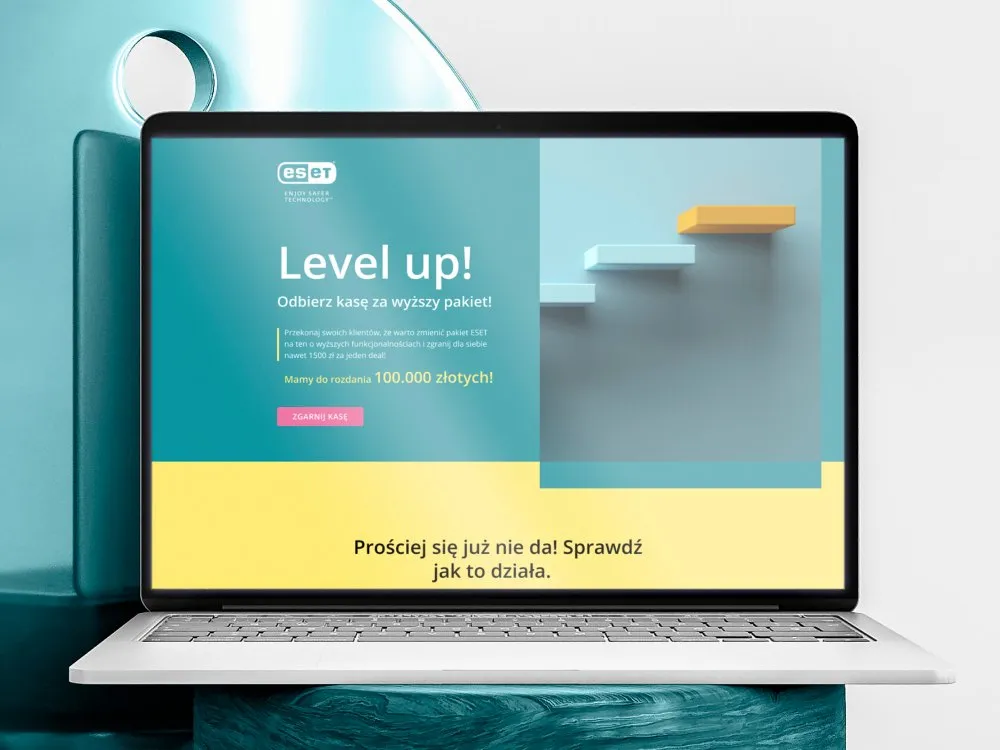
ESET - Landing page for a partner promotion campaign
-
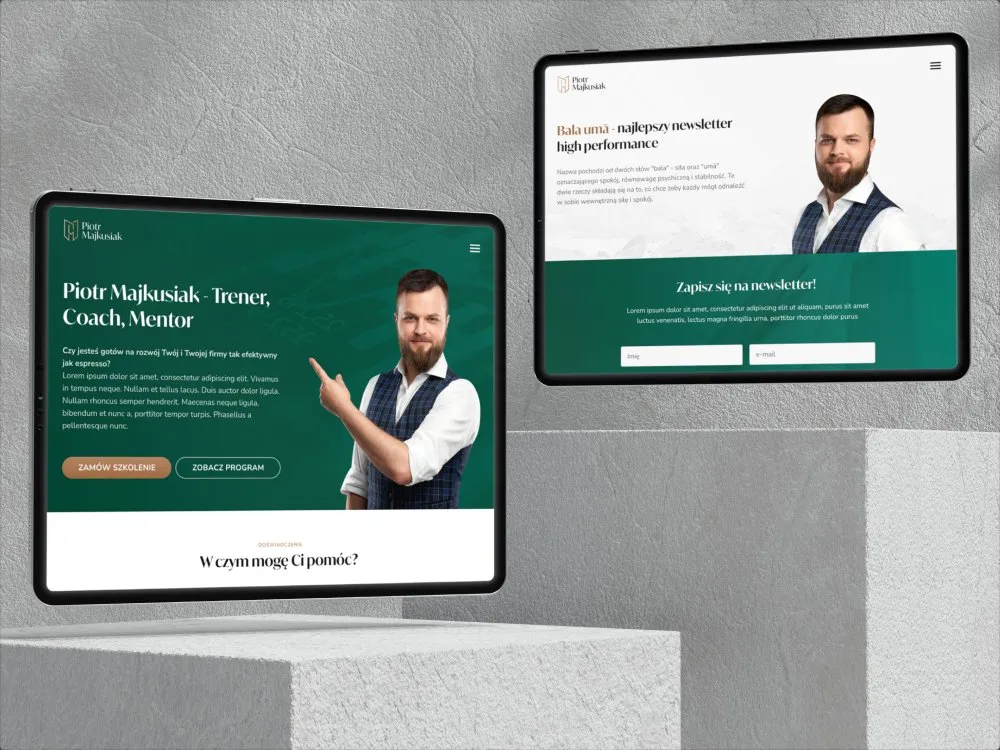
Piotr Majkusiak - Personal site for a business trainer
Outcomes
Pace, quality bar and a safe migration
-
2–6 wks
From brief to a live site - two weeks for a single landing page, six for a site with a CMS and migrated content
-
30 min
That is how long it takes marketing to assemble a new subpage from a ready template, with no ticket to the dev team
-
2.5 s
The "good" threshold for Largest Contentful Paint in Google's Core Web Vitals - the target we optimise the site against before hand-off
-
301
A redirect set for every changed address, so that after the migration search traffic lands where the content actually stands
The timings and the way marketing works with templates come from the scope described on this page, and the 2.5-second threshold is the public "good" criterion for LCP in Google's Core Web Vitals. We do not promise a Lighthouse score as a number - it depends on the 3rd-party libraries added after launch.
Client voices
What our clients say
-
„Working with the Wzór team was a genuinely great experience! They always answered our questions quickly and were flexible about our comments. They have no shortage of creative ideas and are at the same time thoroughly reliable and on time. The end result fully met our expectations; we recommend them to anyone looking for professionals who care.”
 Maja Wieloch-Silecka Operations Director, Bosfor Group
 -
„Our clients expect us to act fast and effectively across a very wide scope - from building a brand, through a website with a store, to running an effective sales campaign. Not an easy task, but doable when you have a tight-knit team and partners who take on challenges on the fly. For us, quality, accountability and commitment are key, and working with UX Agency Wzór gives us that 100%.”
 Piotr Alberski Chief Operating Officer, Agencja XO Media
 -
„Our cooperation with UX Agency Wzór started with our own website. We really liked the way they work, so we decided to subcontract projects for our clients to them on a White Label basis. We loved their workflow, the way they hand projects over to our team, their documentation and their work on the design system. Now we can take on bigger risks.”
 Mateusz Swół Chief Operating Officer, Sellace



Time and scope
How long an implementation takes and what drives the quote
2–6 weeks
Two weeks is a single landing page on a finished visual design, assembled directly in the tool. Six weeks is a site with a CMS, a dozen or so templates, a language version and content migrated from the current site.
-
The number of templates and unique section layouts
-
The starting point - a finished Figma design or designing from scratch
-
The scope of content migration and the number of addresses to redirect
-
Language versions and the markets the site enters
-
Integrations with CRM, marketing automation and booking systems
FAQ
Questions that come up most often
Webflow vs WordPress vs Framer - which to choose?
Webflow: better for designers, more visual control, a higher platform cost, a great CMS. WordPress: more flexibility, lower hosting cost, a huge plugin ecosystem (ready integrations). Framer: the fastest pace, ideal for single-page landings, a limited CMS. We advise in the brief for your use case.
What about hosting?
Webflow has built-in hosting (the plan depends on traffic). WordPress requires separate hosting (e.g. SiteGround, Cloudways, WP Engine). Framer hosts sites on the Framer Pro plan or your own domain. Hosting and platform licences are on the client side - we configure everything + train the client team.
How much does a no-code implementation cost?
We quote each implementation individually - the price depends on the format (single landing, service site or multi-language enterprise site), CMS scope and integrations. Hosting and platform licences are on the client side. After a short brief you get a concrete quote with a schedule within 48 hours.
Can I edit content myself after launch?
Yes - that is the main reason for going no-code. Marketing edits content in a visual editor (Webflow Editor / WordPress Block Editor / Framer Edit), adds new pages from templates, publishes. Without tickets to devs. 2-3 training sessions + documentation in the price.
Do SEO and performance work on no-code?
Yes. Webflow has full SEO support (meta, schema, sitemap, OG, robots), WordPress with plugins (Yoast, Rank Math) too, Framer has basic SEO. Core Web Vitals are usually 90+/100 (Lighthouse) on a clean site. Sites achieve the same Google results as custom code (confirmed in case studies).
Do you offer site maintenance after launch?
Yes - optionally a "no-code maintenance" retainer (1-3 days/month, content updates, new sections, optimisations, marketing support). Or we leave the site with you and come back ad-hoc when a bigger change is needed. As standard: 30-day post-launch support in the price.
Related services