

App modernisation
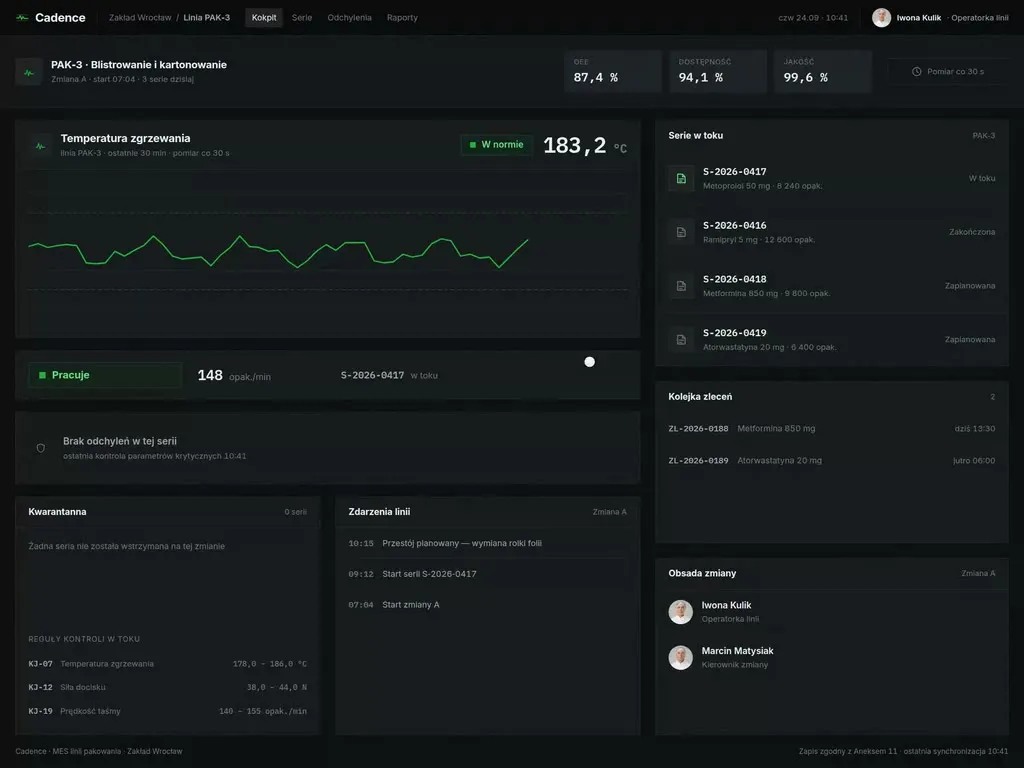
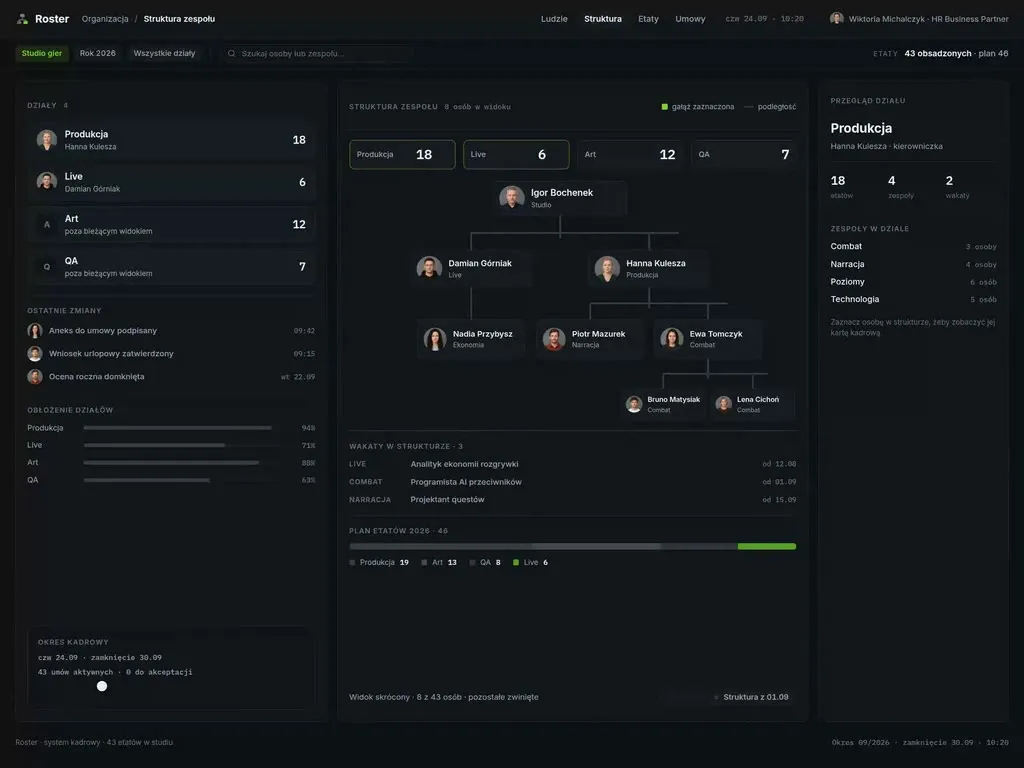
The product works, earns and carries users who cannot be cut off from their work for six months. We fit a new interface onto it in batches - screen by screen, on the same data, behind a switch that can be reversed the same day.
We have worked with leading companies and startups









Challenges
Three moments when modernisation beats a rewrite
Not sure whether your case is a modernisation or actually a new product? Book a consultation - we will say so plainly if a rewrite turns out to be cheaper.
-
„The rewrite was priced and shelved”
Someone costed writing the system from scratch, the board saw the number and the topic went back into the drawer. The interface keeps ageing, because the only option ever considered was all or nothing.
-
„The interface loses the demo the product wins on features”
Sales fields questions about the look before questions about capability, and a younger competitor makes its impression on the first screen alone. The gap does not show in the changelog, only in the sales meeting.
-
„New hires learn the system from a manual, not from the screen”
Onboarding an operator rests on a document, an internal training session and the colleague at the next desk. An interface that needs explaining costs you at every hire and at every new client.
Who it is for
Who we modernise applications for
-
Software vendors with a long version history
The product has been selling for years, has a full feature set and clients who cannot be moved overnight. The new interface is built so it can be switched on instance by instance, because some customers will want to stay on the old view for one more budget cycle.
-
Teams maintaining an internal system with no rewrite budget
The application carries a department's daily work, and rewriting it will never win priority against the sales roadmap. The migration runs off the current maintenance budget, starting with the screens that generate the most support tickets.
-
A SaaS that outgrew its first interface
Navigation designed for five features now carries forty, and new modules were bolted on wherever there was room. We reorganise the view architecture and introduce it gradually, so existing clients do not meet a different product after a single login.
-
Companies with an application that cannot be taken offline
The system runs continuously, the maintenance window is measured in minutes and needs sign-off from outside the product team. Every release is planned with an entry condition and a return procedure, so changing the interface never requires stopping operations.
Our difference
What makes our approach different
-
We start with one screen in production
The first deliverable is not a complete set of mockups but a single view pushed all the way through to users. Only that view shows where the new interface meets real data, real permissions and the team's real habits - and that is knowledge from production, not from a prototype.
-
We do not touch the data contracts
The backend stays where it is. Gaps between what the new view needs and what the existing API returns are covered by an intermediate layer on the interface side. Backend changes are collected as a separate list with a rationale, so they stay a decision rather than a side effect of the redesign.
-
Every release has a route back
A new screen ships behind a switch, to a named group of users, with a rollback condition agreed in advance. Returning to the old view is a matter of minutes and needs no emergency release, so the team stops postponing rollouts to a calmer week.
-
Switching the old interface off is in scope
The job ends when the old views leave the codebase, not when the new ones are handed over. The most expensive modernisation scenario is two interfaces maintained side by side for years - which is why the date they part company sits in the release plan from week one.
Process
From a screen inventory to switching the old interface off
- Week 1–2
Screen and traffic inventory
We walk through the product view by view together with your team and your analytics. What comes out is a list of screens with traffic, roles and the places where users lose the most time.
- Week 2–3
Order and split into releases
We decide what moves to the new interface first and what waits. The order comes from operational cost and rollout risk, not from which screen looks best in a portfolio.
- Week 3–6
The first screen end to end
One complete view travels the whole way - design, components, integration with the existing API, user testing, going live behind a switch. That screen is what verifies the assumptions of the entire migration.
- Week 6 onwards
The following batches of screens
The migration moves in releases planned into your sprints. The old and the new view live side by side, and the share of traffic on the new interface grows at a pace you control, not the project calendar.
- Final release
Switching the old views off
The final release removes the switches and the old interface code. Without that step a modernisation ends with two interfaces maintained in parallel - a cost higher than the one you started with.
Deliverables
Three things. Not a deck with a new look
-
A migration map of the screens
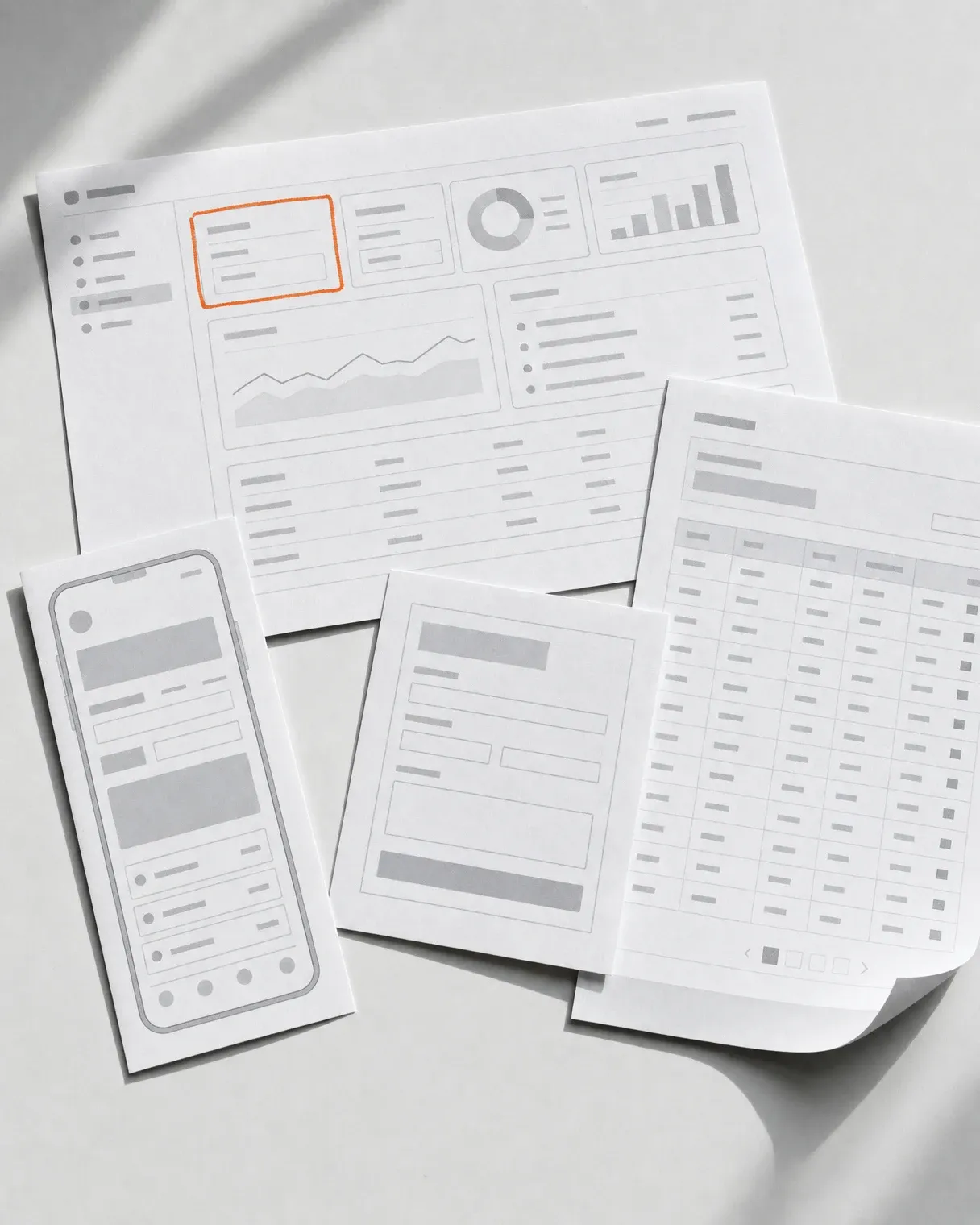
An inventory of every view in the product with its traffic, user roles and operational cost. Plus the order in which views move to the new interface, the split into releases, and the date the old views leave the codebase.
-
New screens ready to ship
Figma designs and components in your stack, built on the data contracts you already have. Each batch ships separately, so the first screens are already working before the last ones are designed.
-
A release and rollback plan
For every batch, one place holding the full set of decisions: scope, entry condition, user group, metrics to watch and the procedure for returning to the old view. After each release we add a coverage report.
Toolkit
What we use
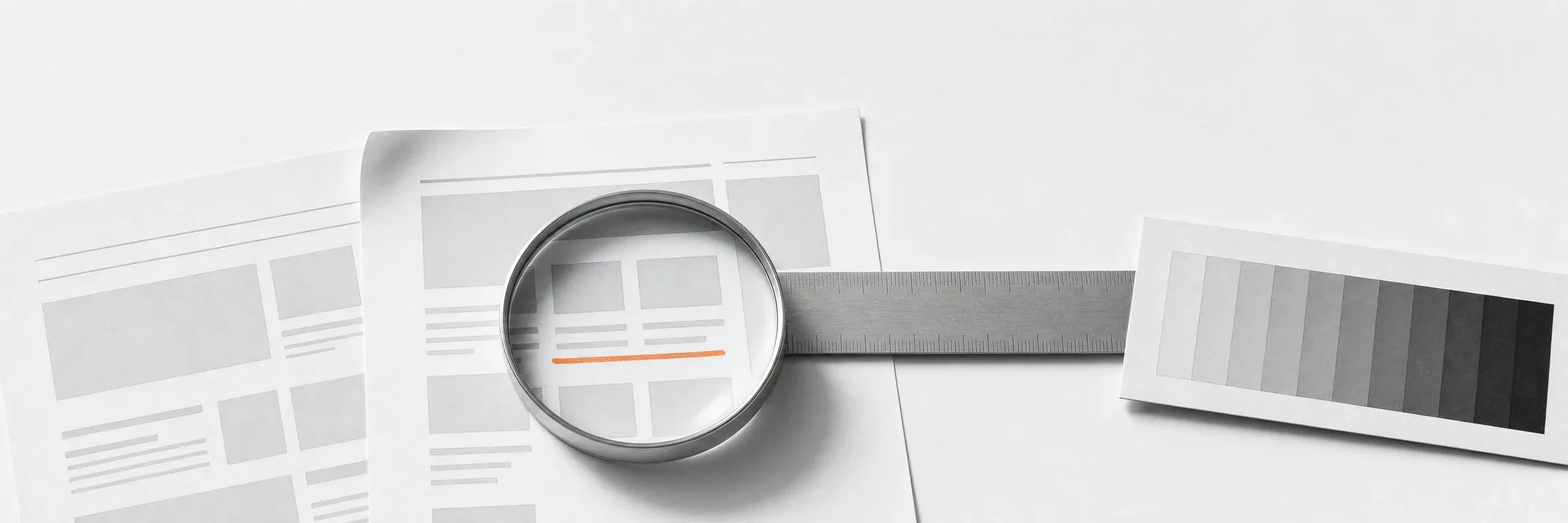
Modernising a live system is half design work and half a question of order and reversibility. Hence a set where interface standards sit next to rollout patterns.
- Strangler Fig Pattern (Martin Fowler)
- Feature flags and canary releases
- WCAG 2.2 AA accessibility
- Design Tokens W3C standard
- Core Web Vitals (LCP, INP, CLS)
- Moderated testing on real production tasks

Next step
Let us talk about your project
Tell us what you have to do. We will come back with scope and a quote.
Selected work
Projects from the products we modernise most often
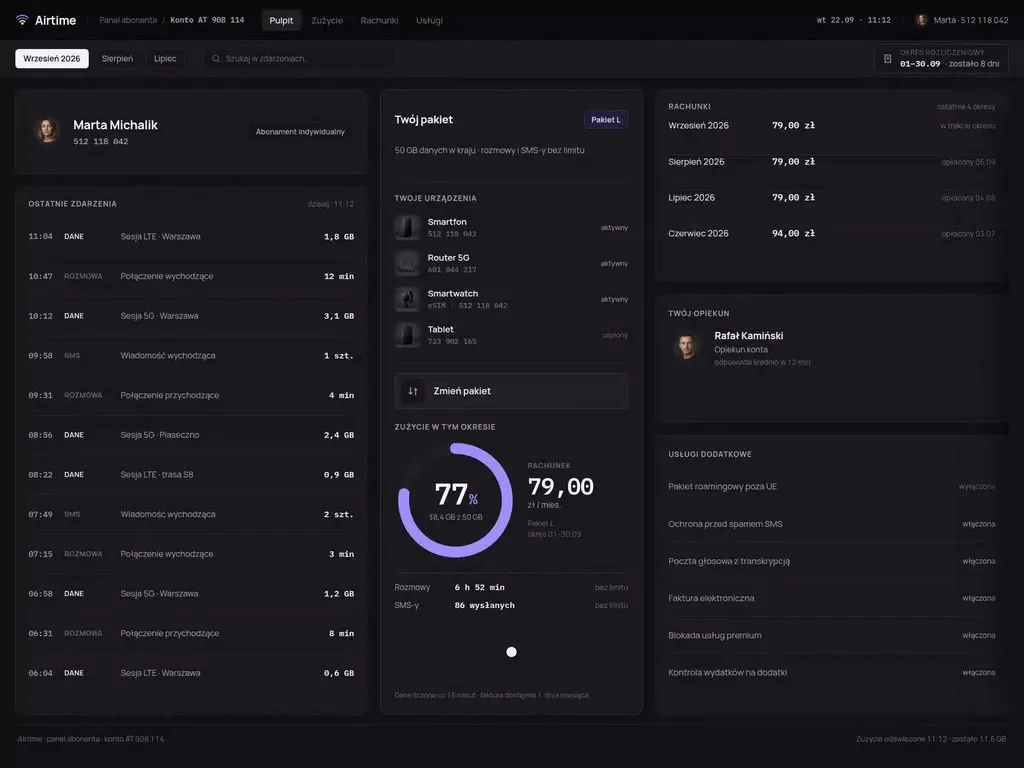
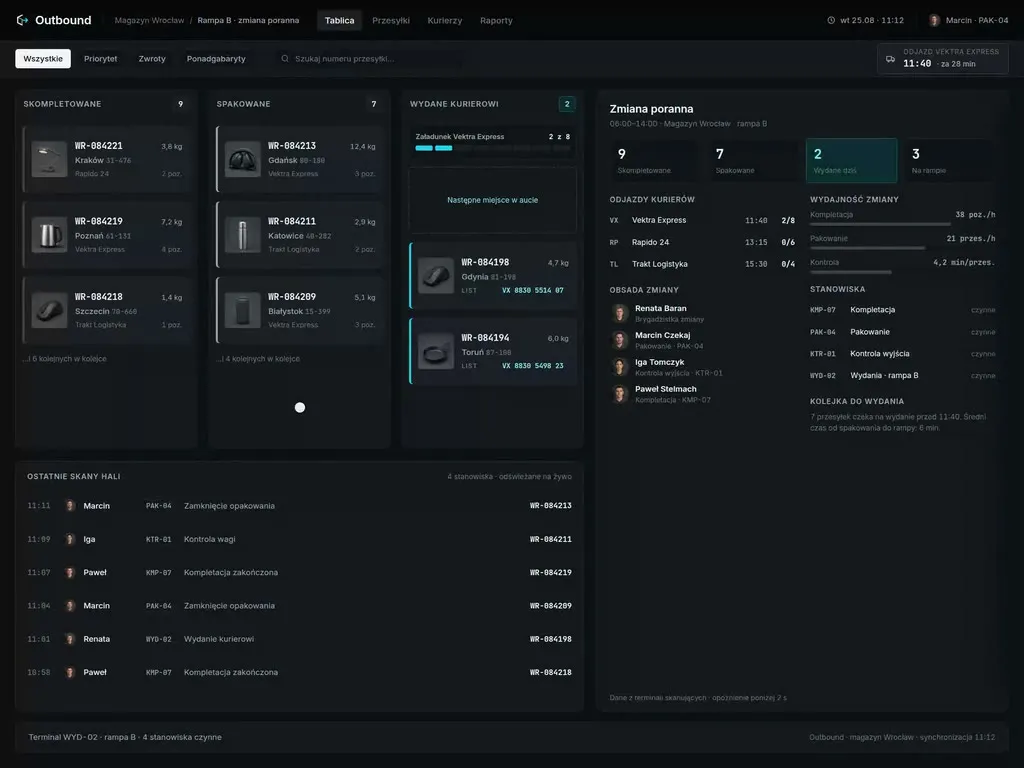
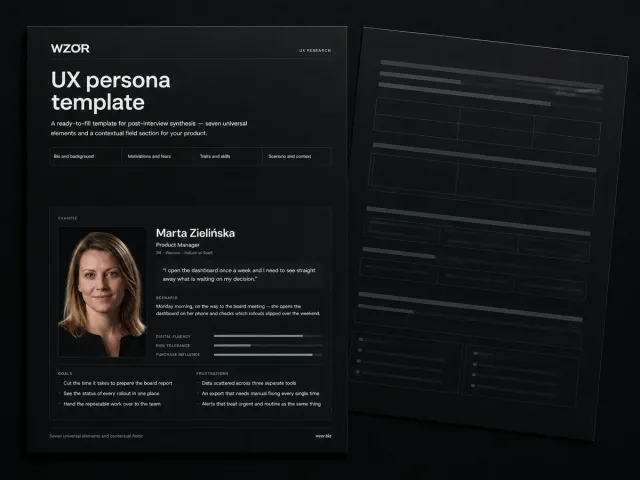
A selection from the system types modernisation most often grows out of here - operations panels, web applications and platforms sold to business clients. Migration maps are created inside client systems, so we show them during a consultation.
-
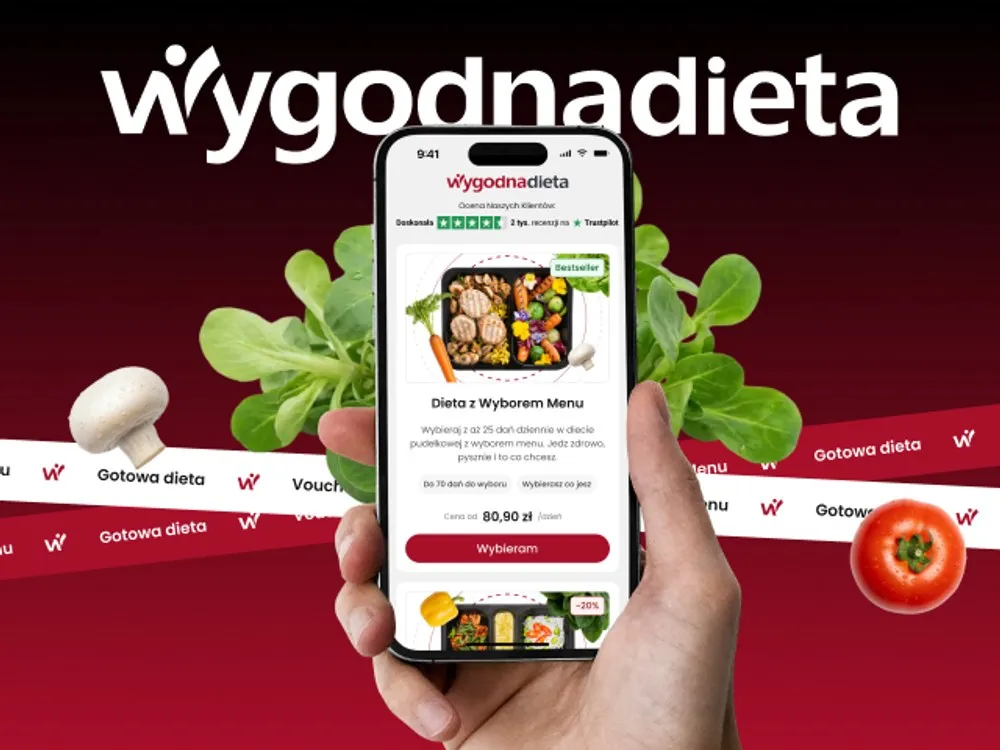
WygodnaDieta - App and online store for a meal-box diet service
-
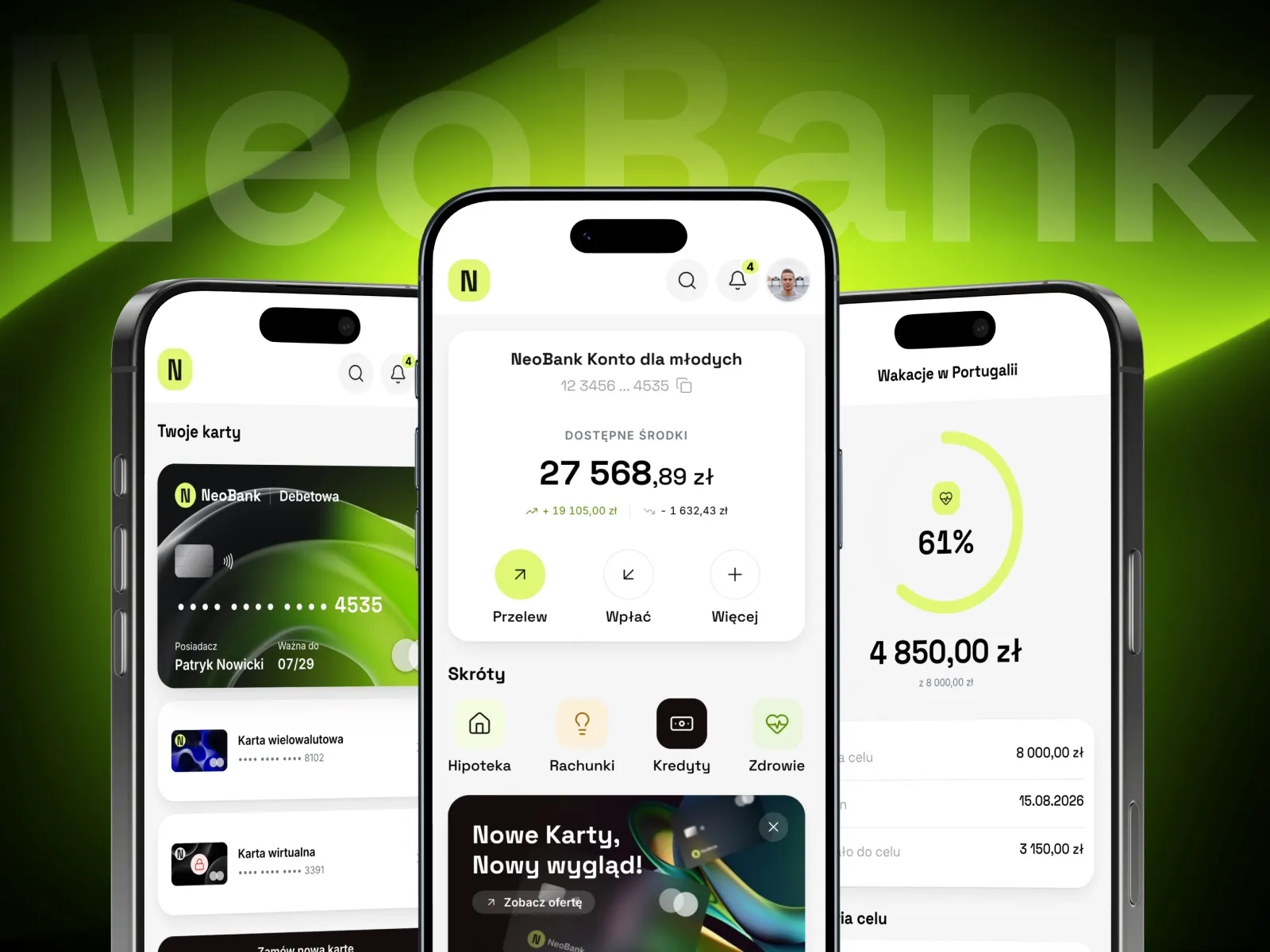
NeoBank - A banking app concept for young customers
-
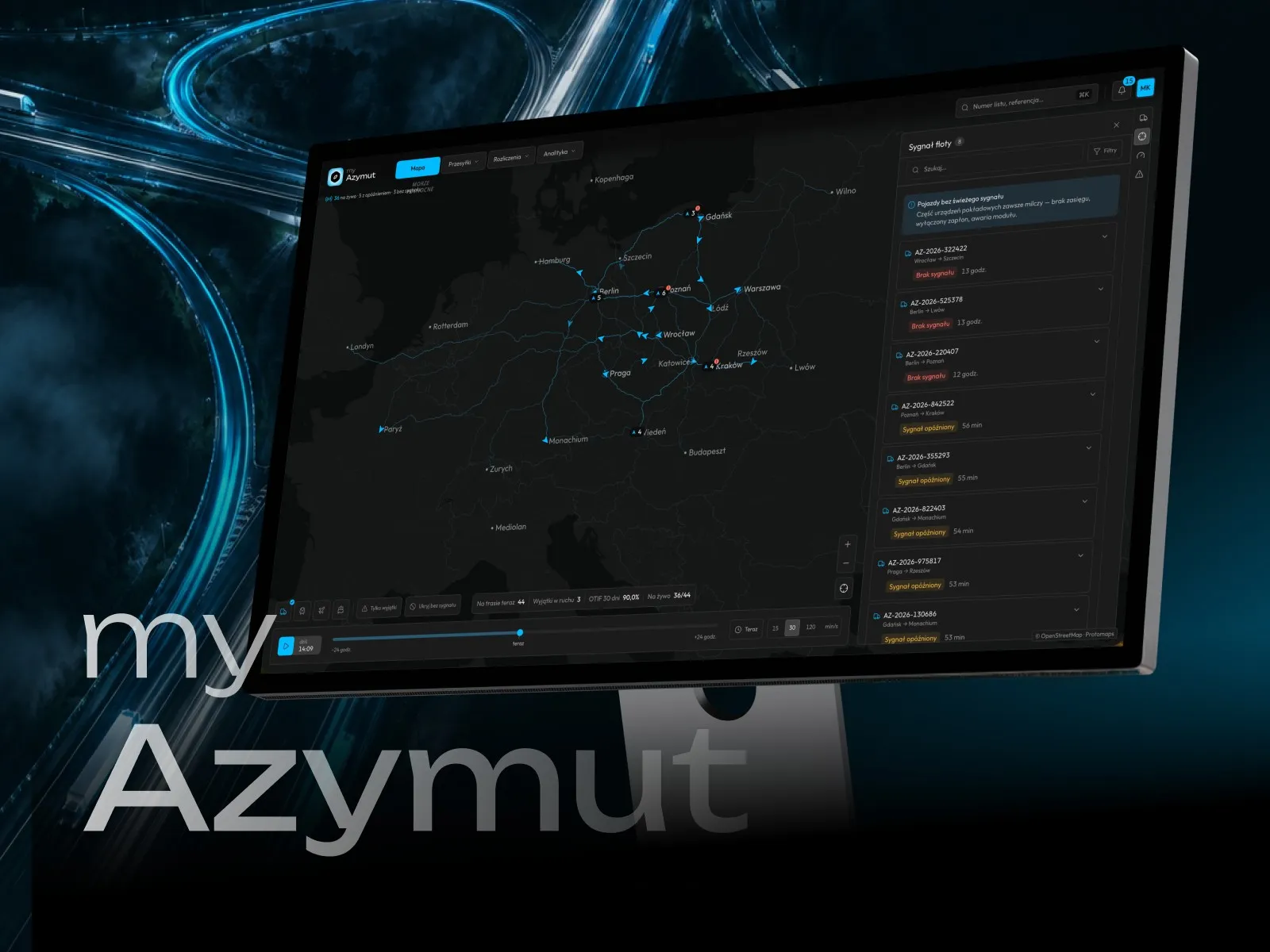
myAzymut - Client portal concept for a freight carrier
-
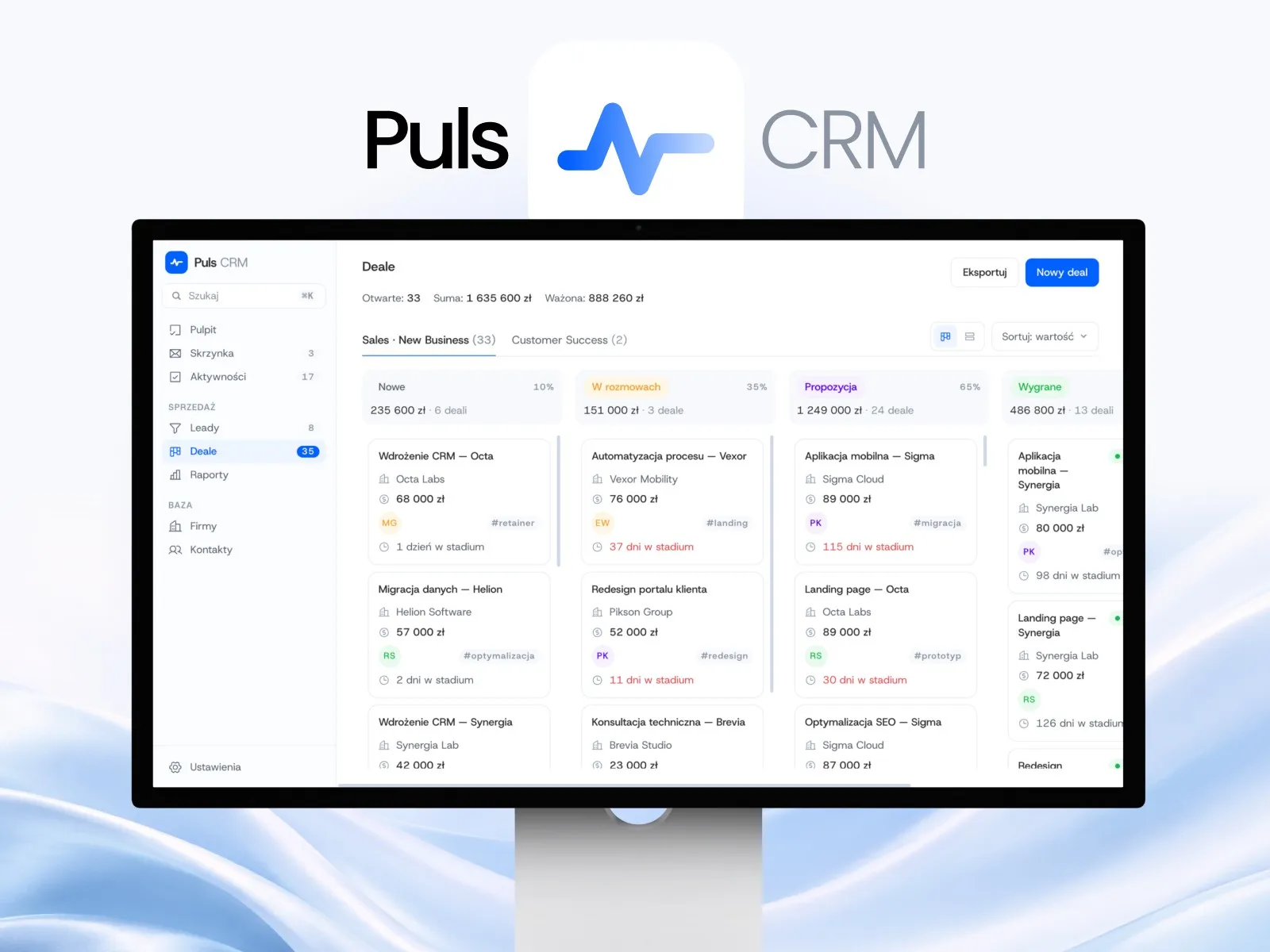
Puls CRM - CRM app concept for a sales team
-
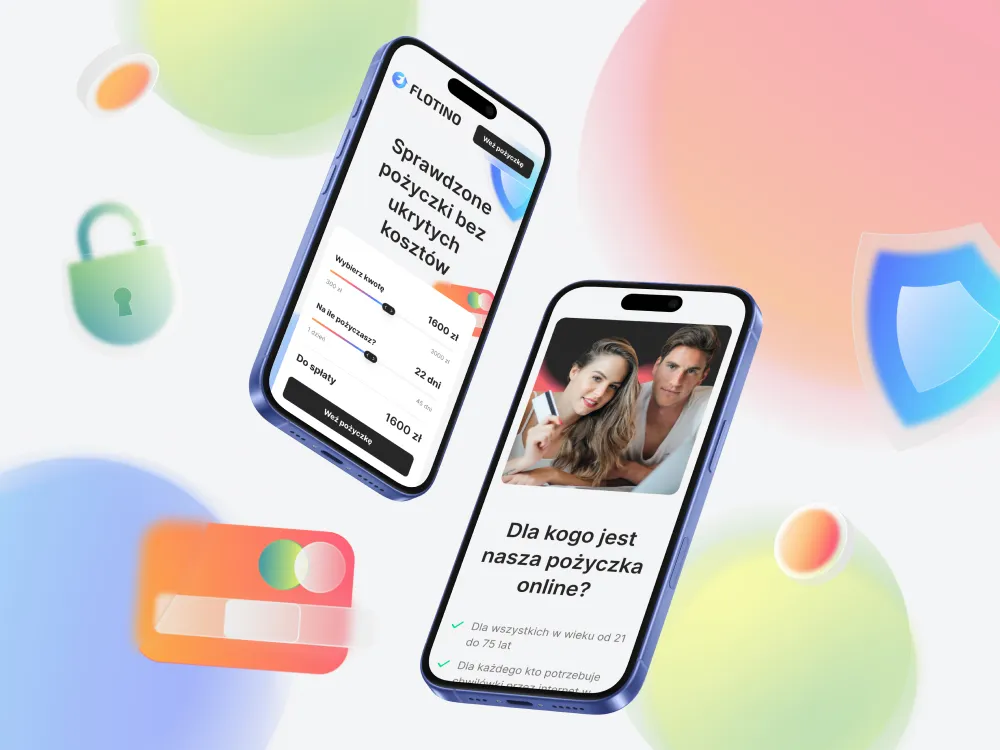
Flotino - Online cash loan service
-
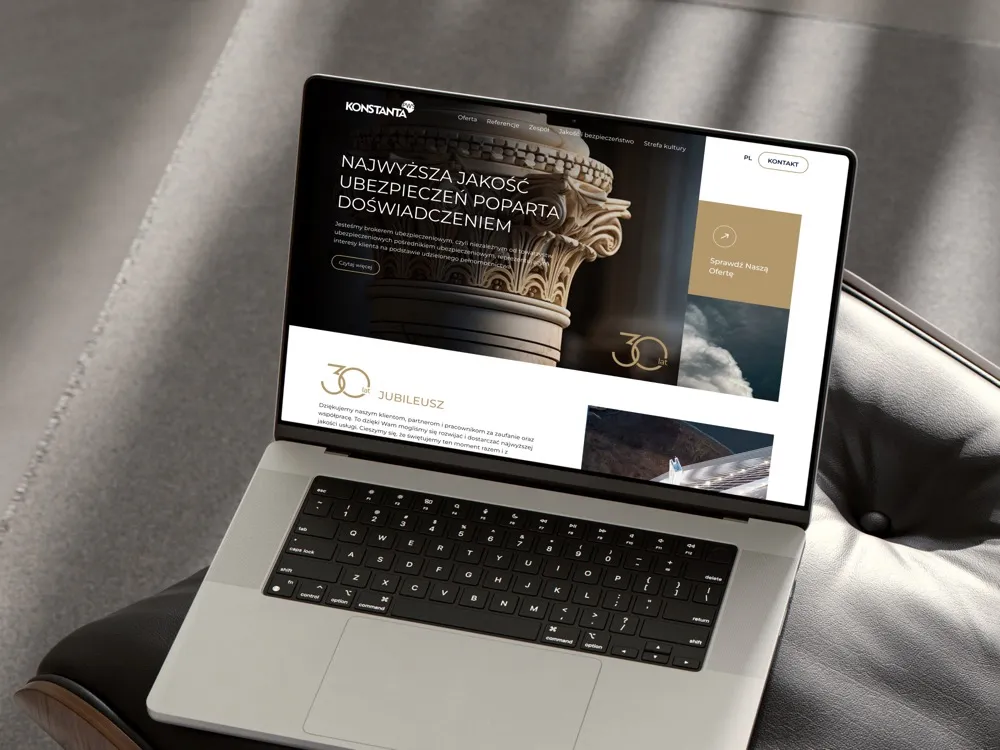
PWS Konstanta - Website for an insurance broker
-
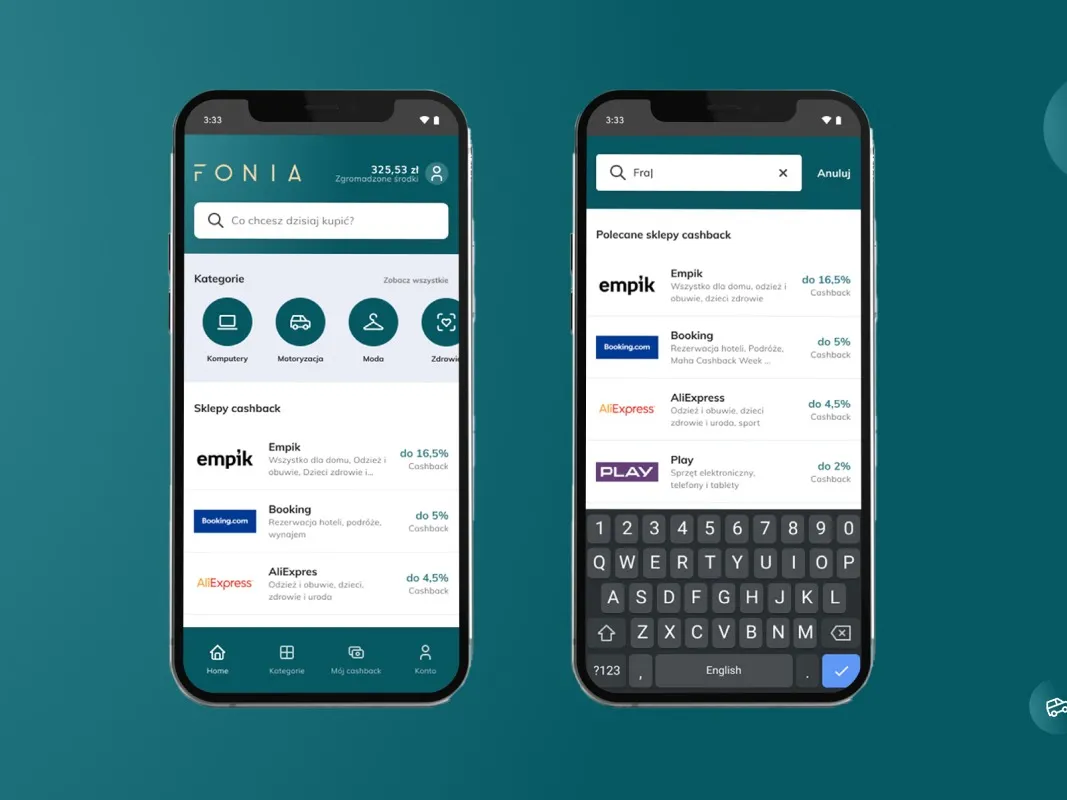
Fonia - A cashback app for online shoppers
-
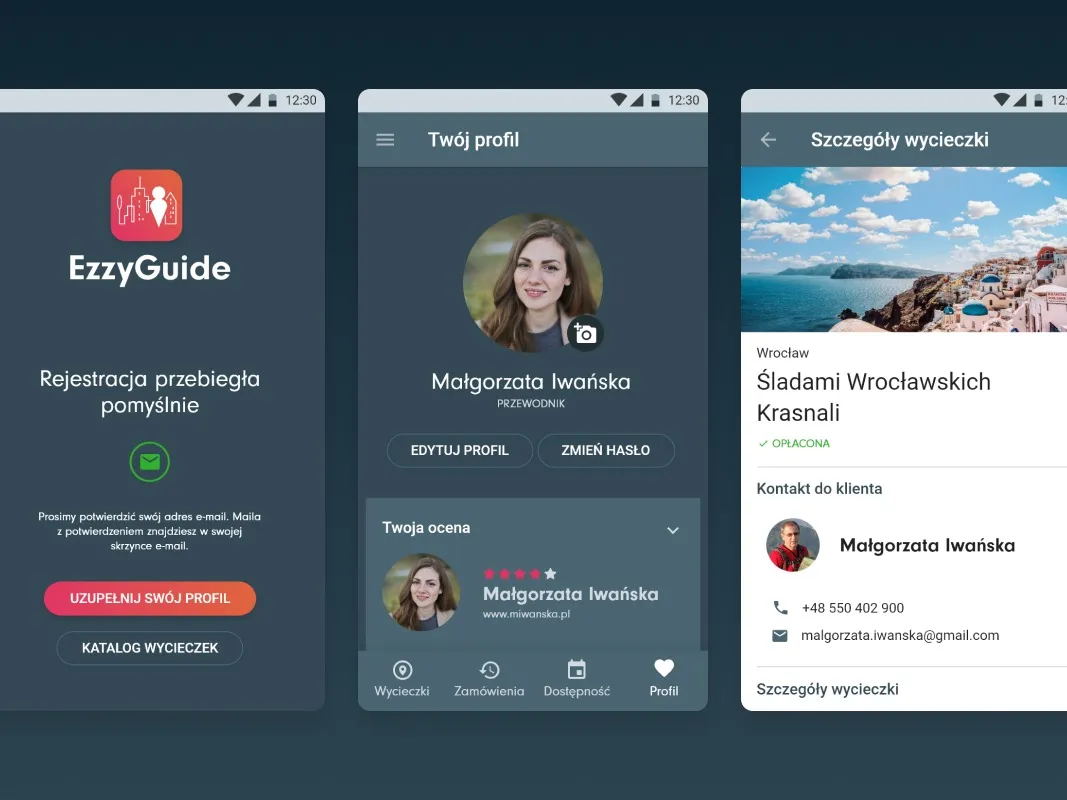
EzzyGuide - A tours app connecting guides with travellers
-
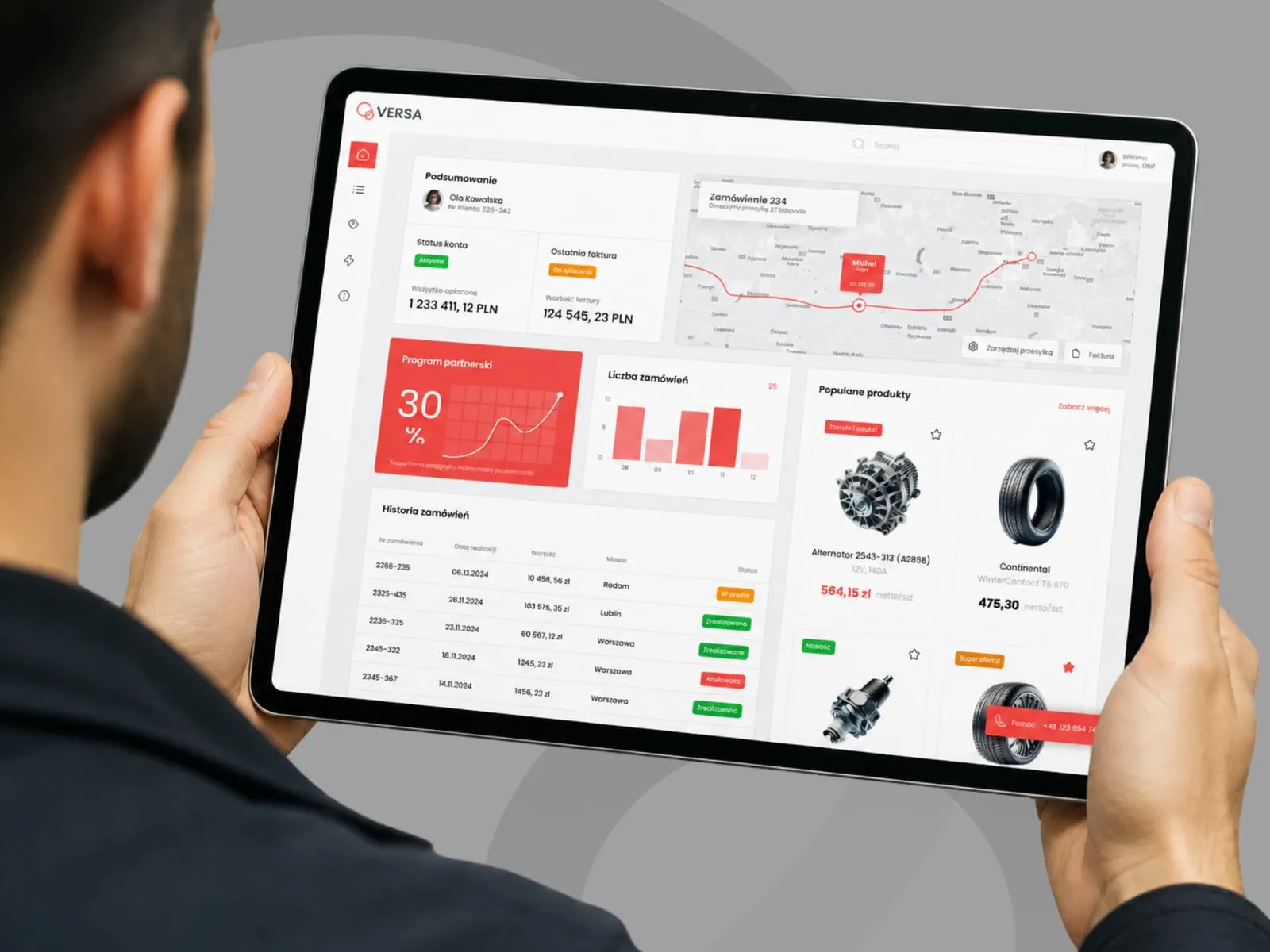
VERSA - B2B panel concept for a parts distributor
-
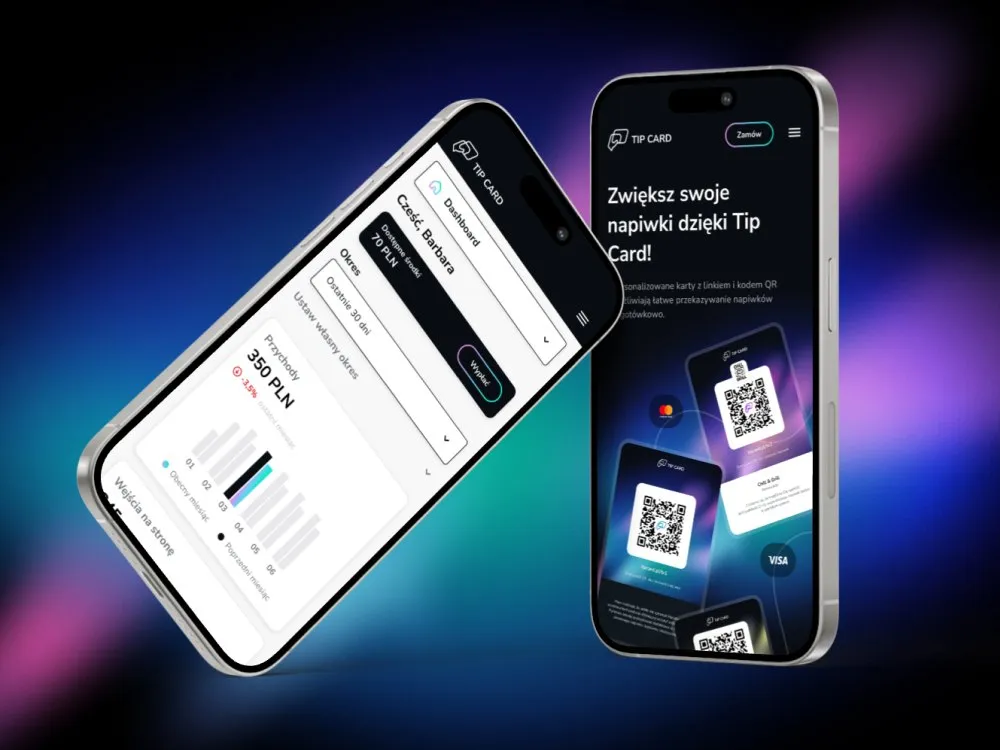
Tip Card - Cashless tipping platform
-
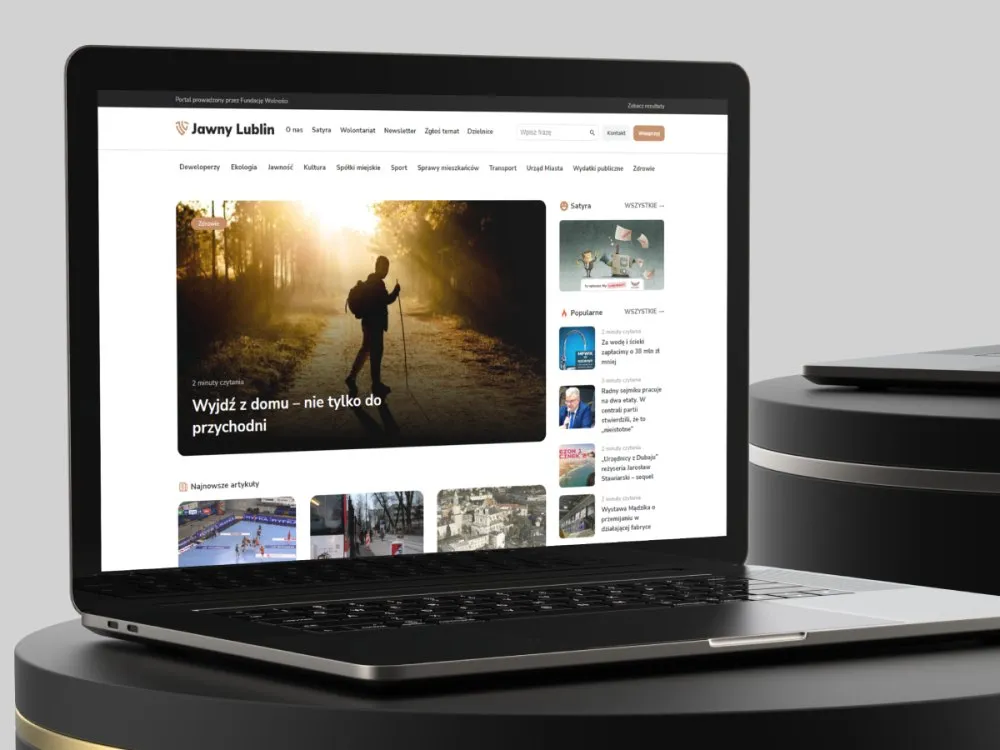
Jawny Lublin - A watchdog portal on city transparency
-
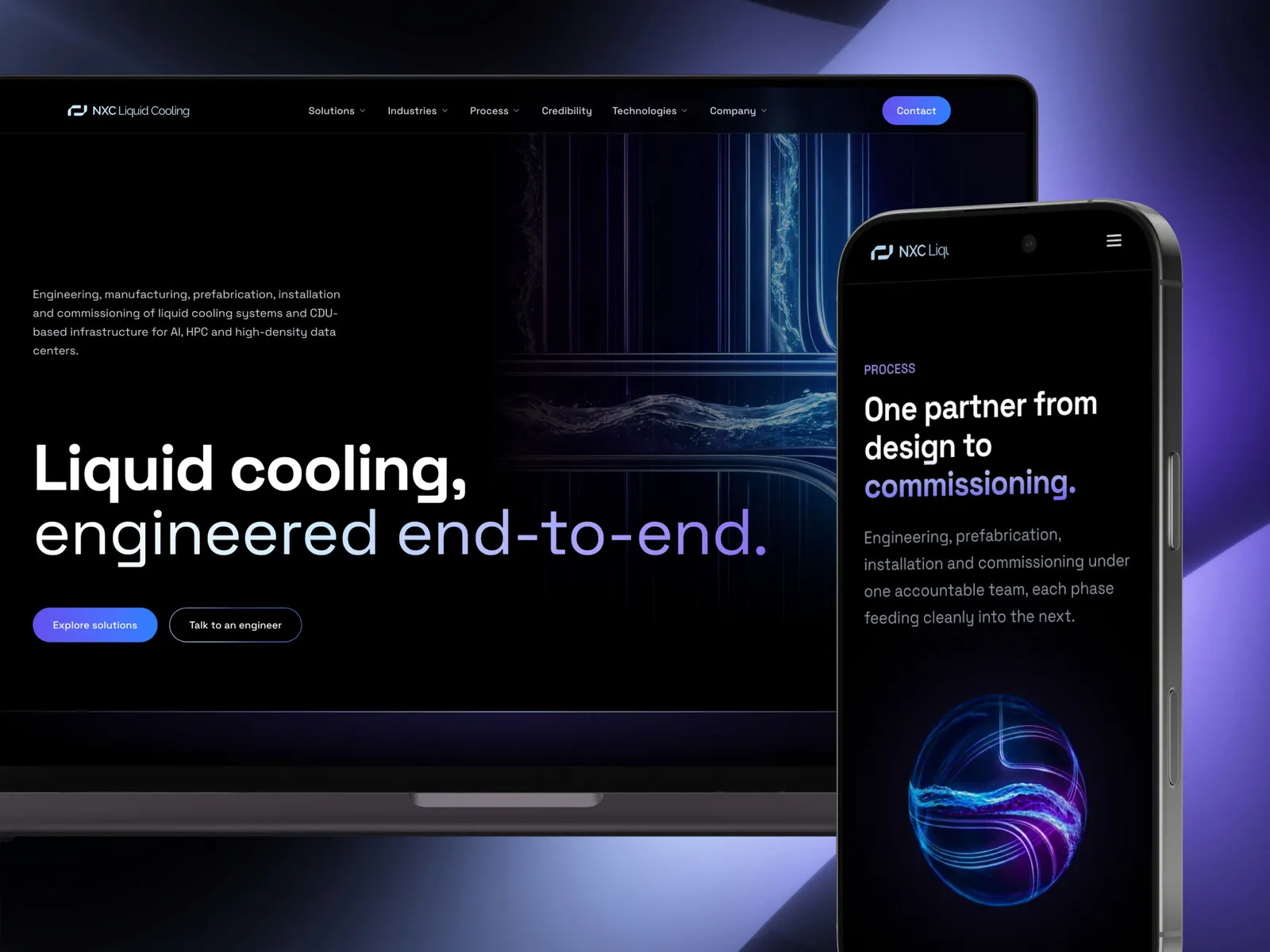
NXC Liquid Cooling - A liquid cooling systems website
-
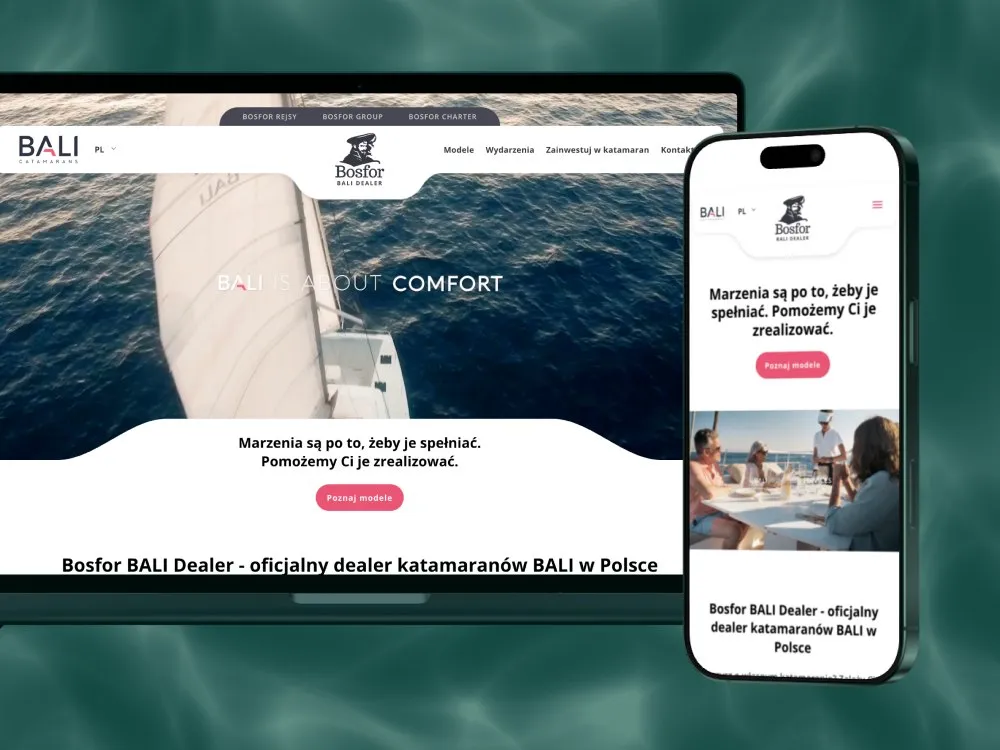
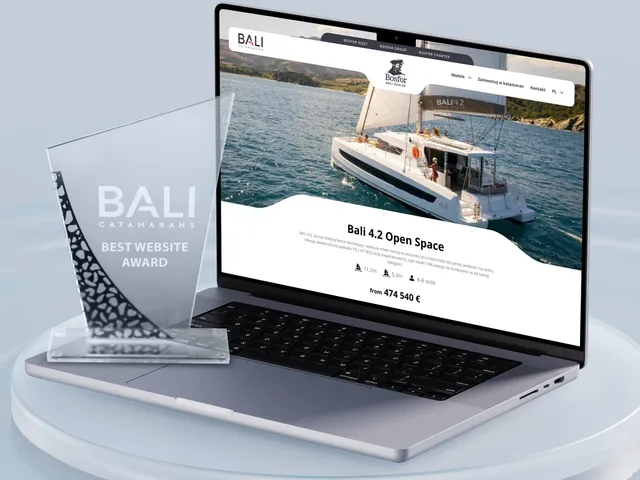
Bosfor BALI Dealer - Website for a BALI catamaran dealer
-
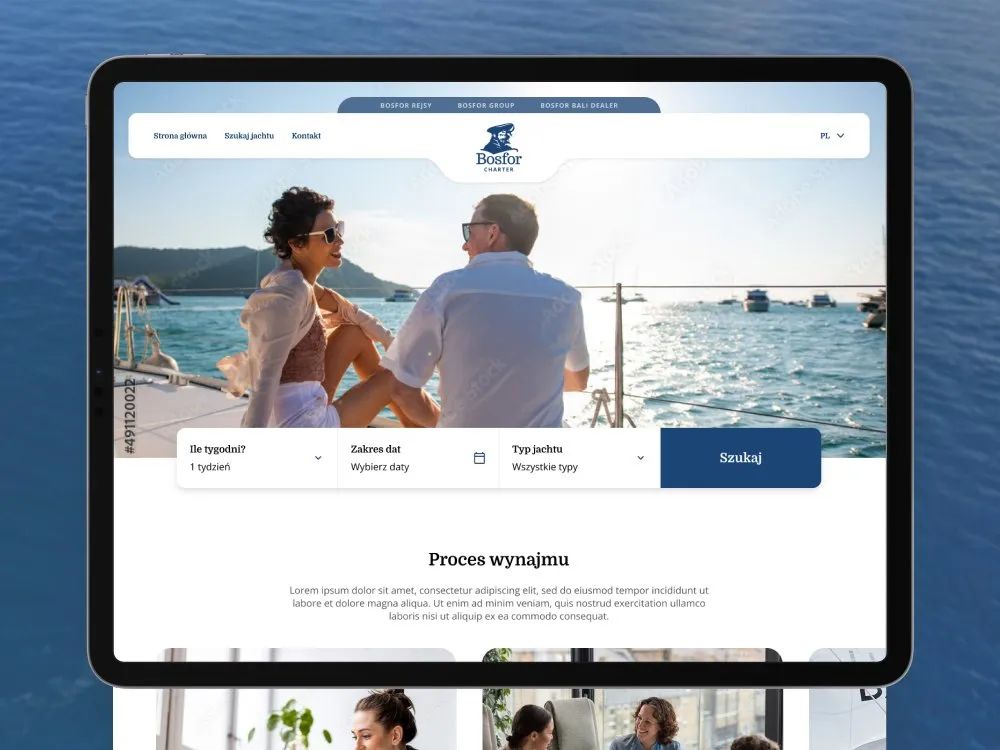
Bosfor Charter - Yacht charter platform with booking
-
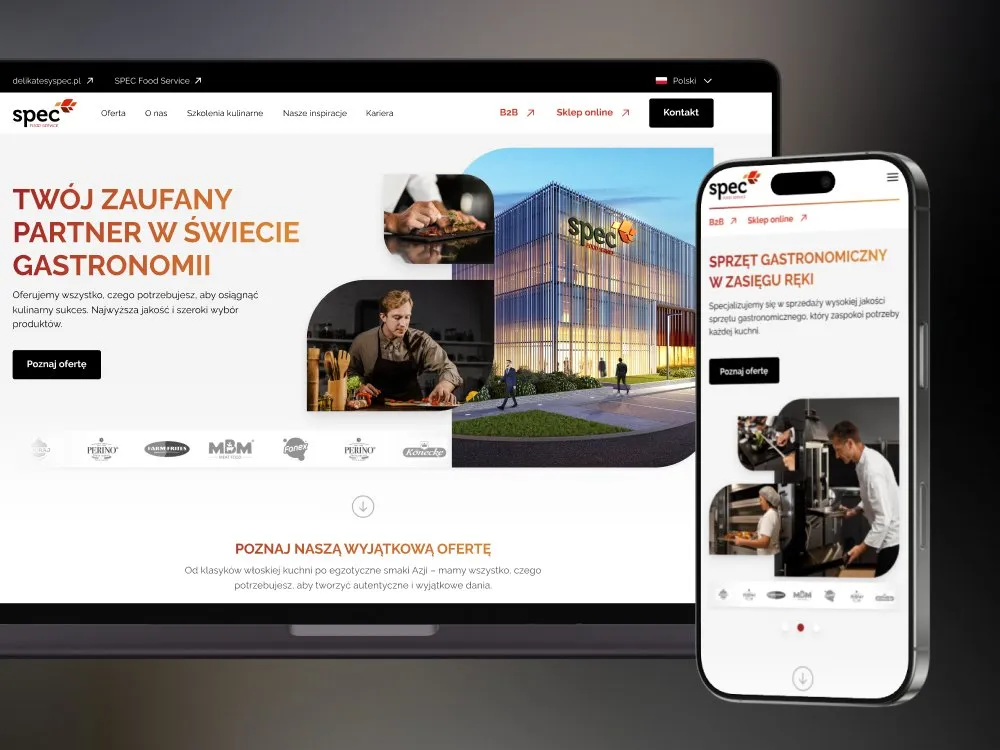
SPEC Food - Website for gastronomy - SPEC Food Service
-
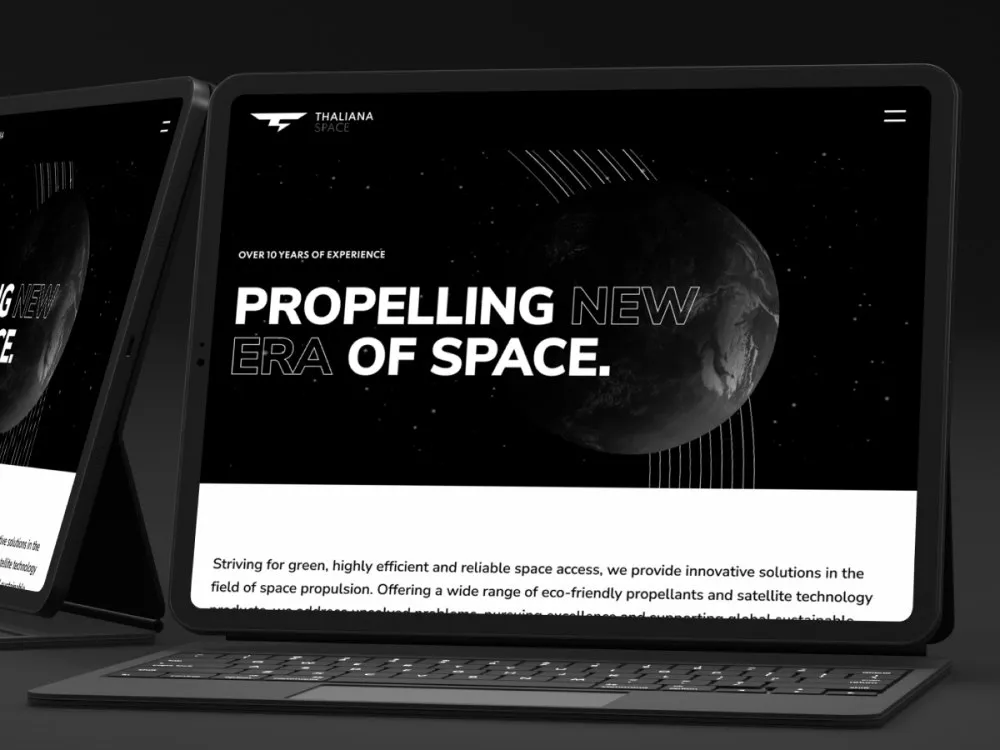
Thaliana Space - Website for a space-propulsion company
-
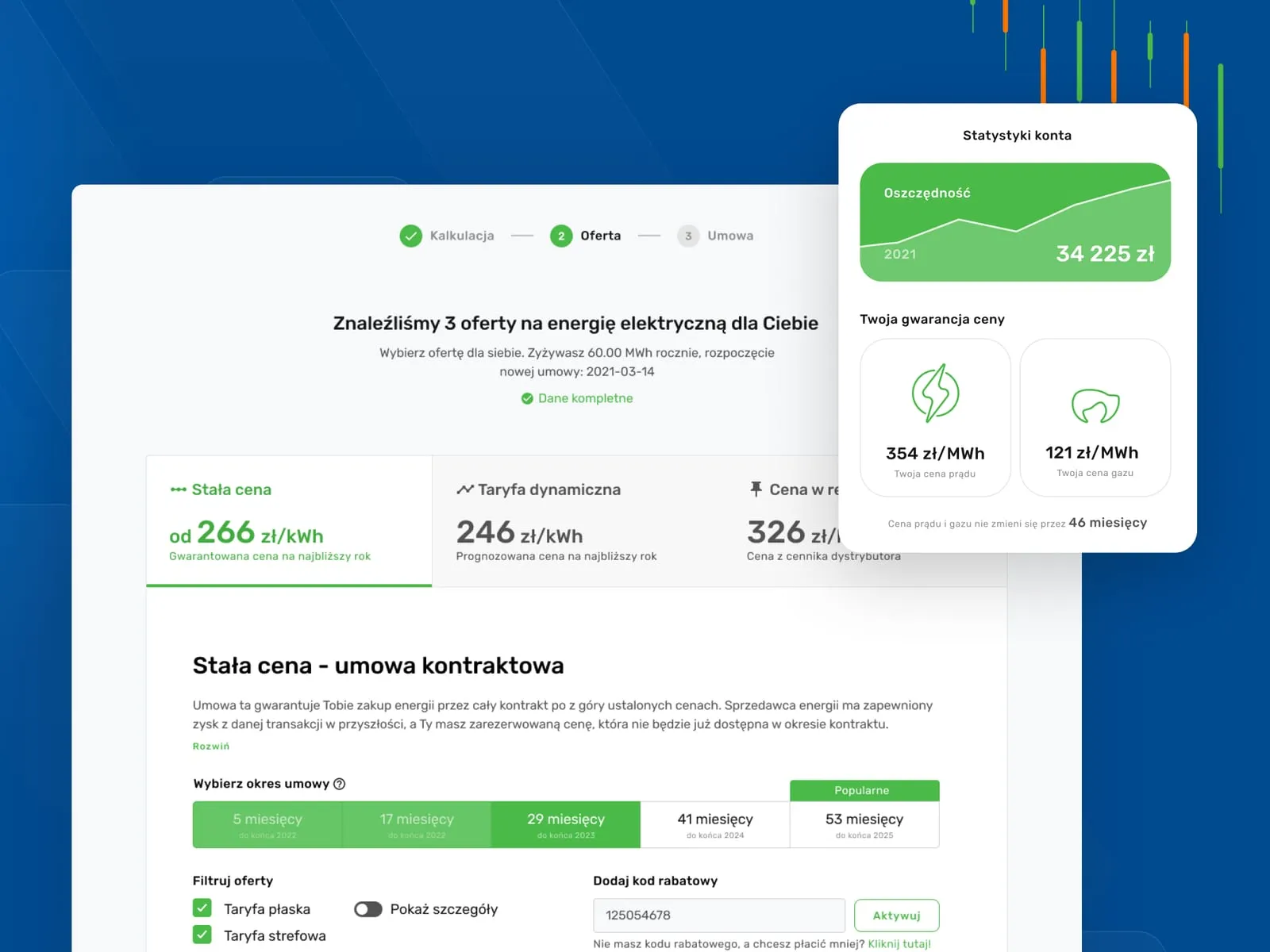
Wolumen - Energy and gas price comparison for businesses
-
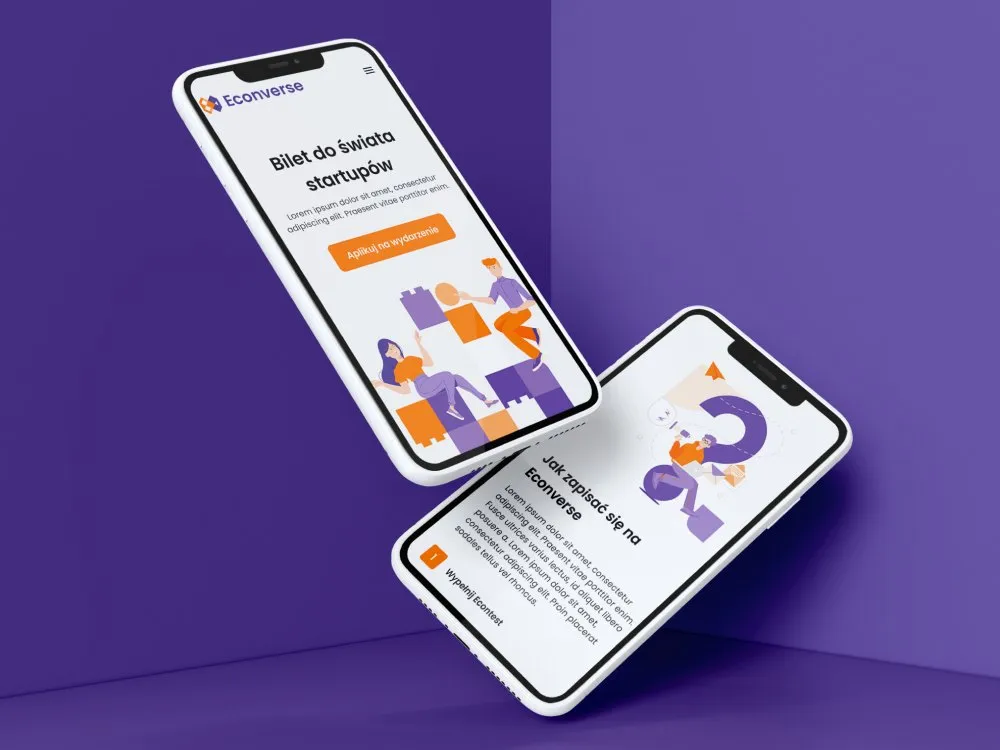
Econverse - Website for a start-up event
-
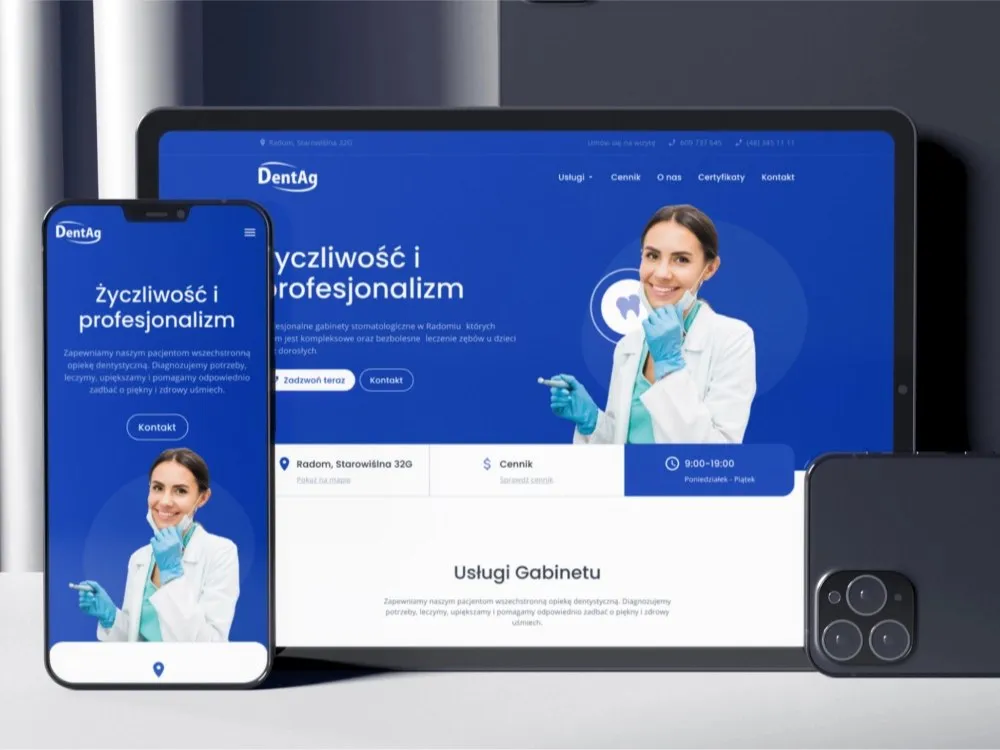
DentAg - Website for a dental clinic in Radom
-
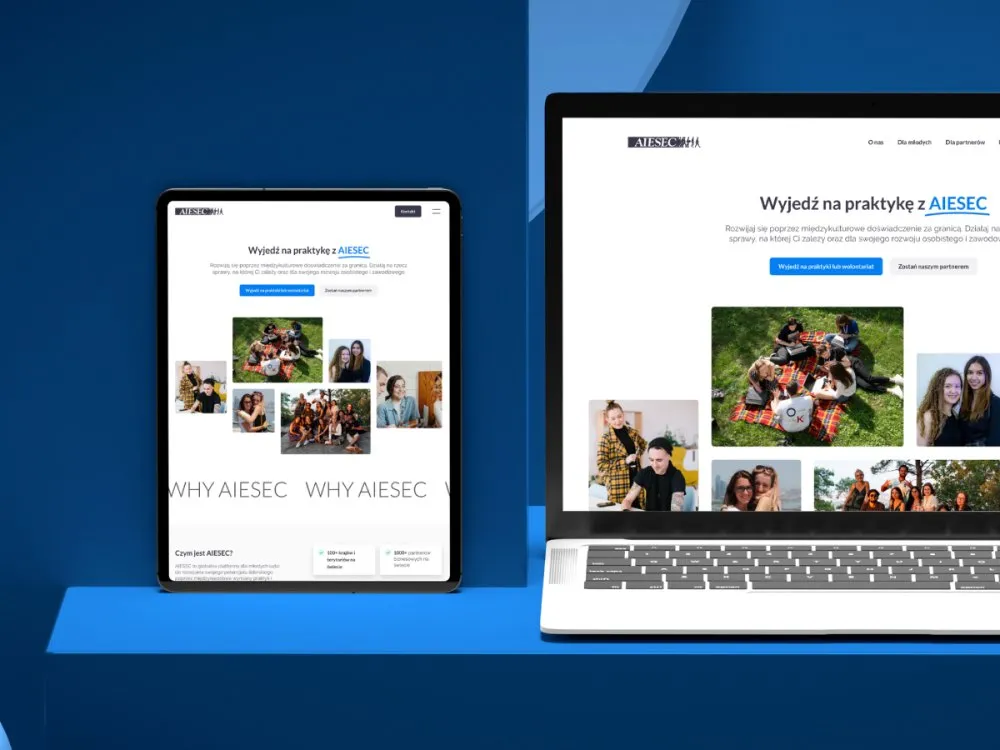
AIESEC - Website for internships and volunteering abroad
-
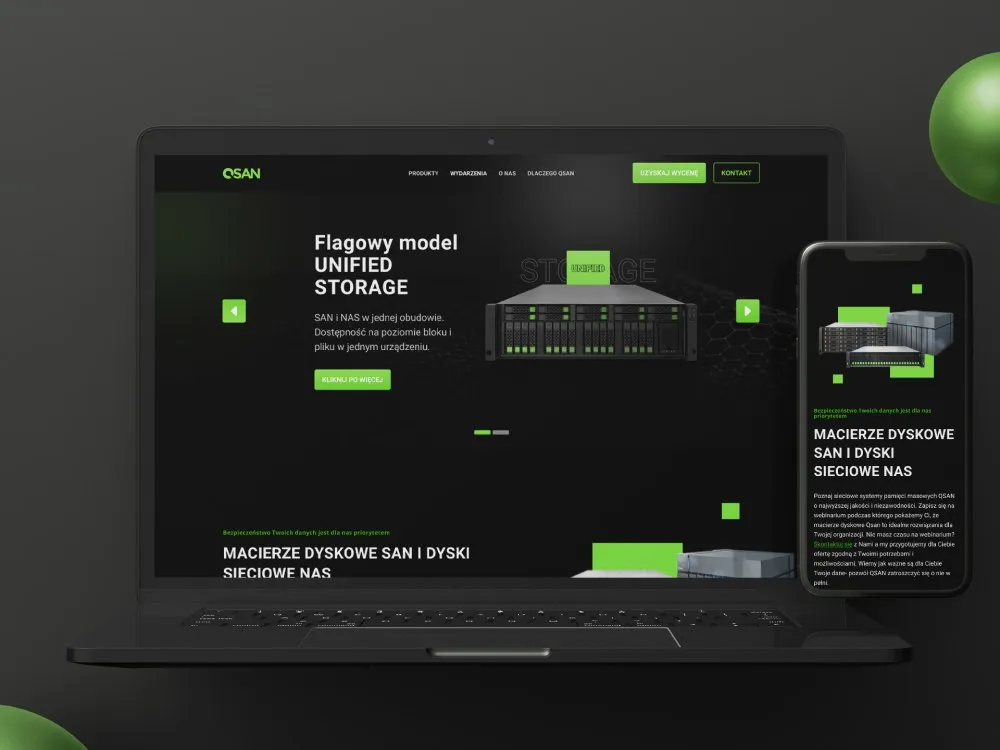
DAGMA - Product page for disk arrays and storage systems
-
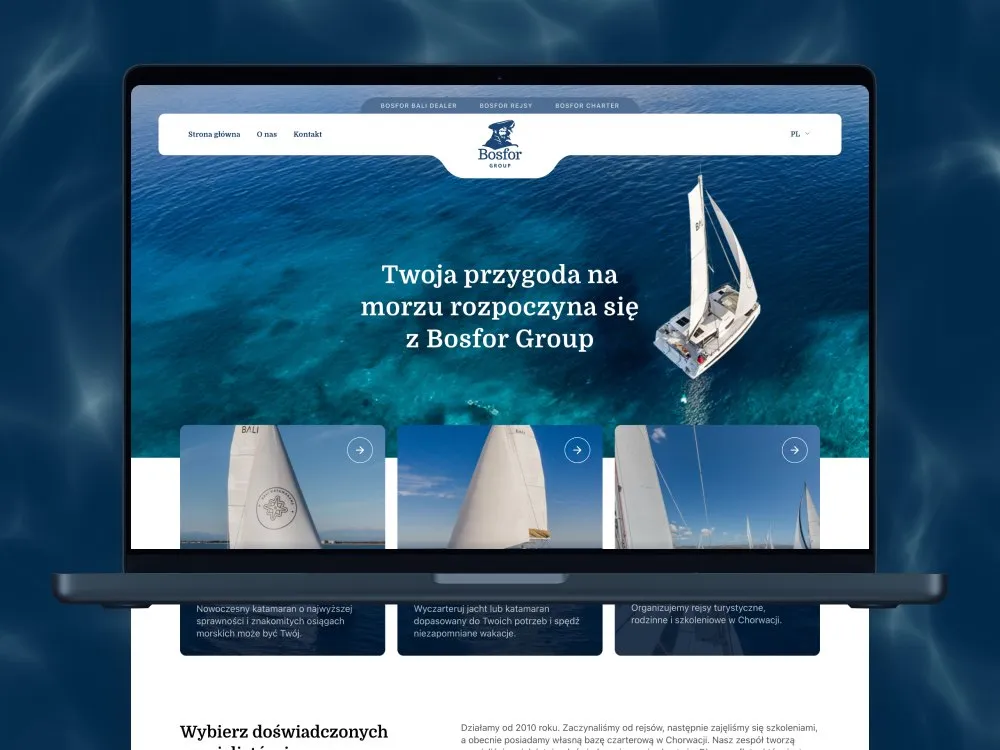
Bosfor Group - Website for the Bosfor sailing group
-
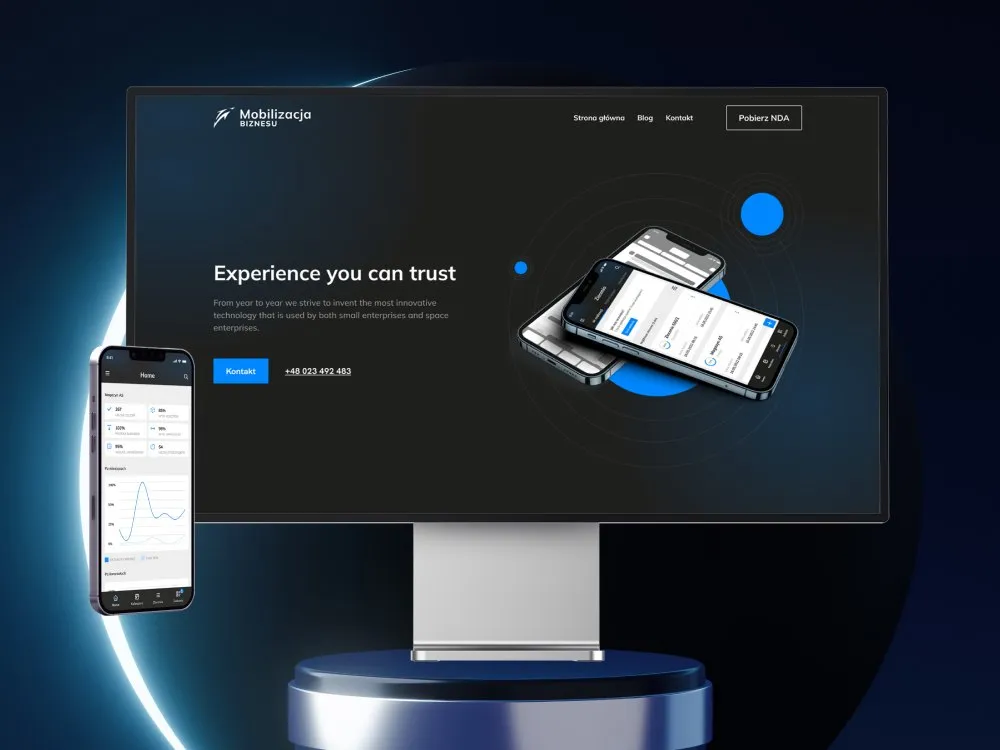
Mobilizacja Biznesu - Website for a mobile-tools firm
-
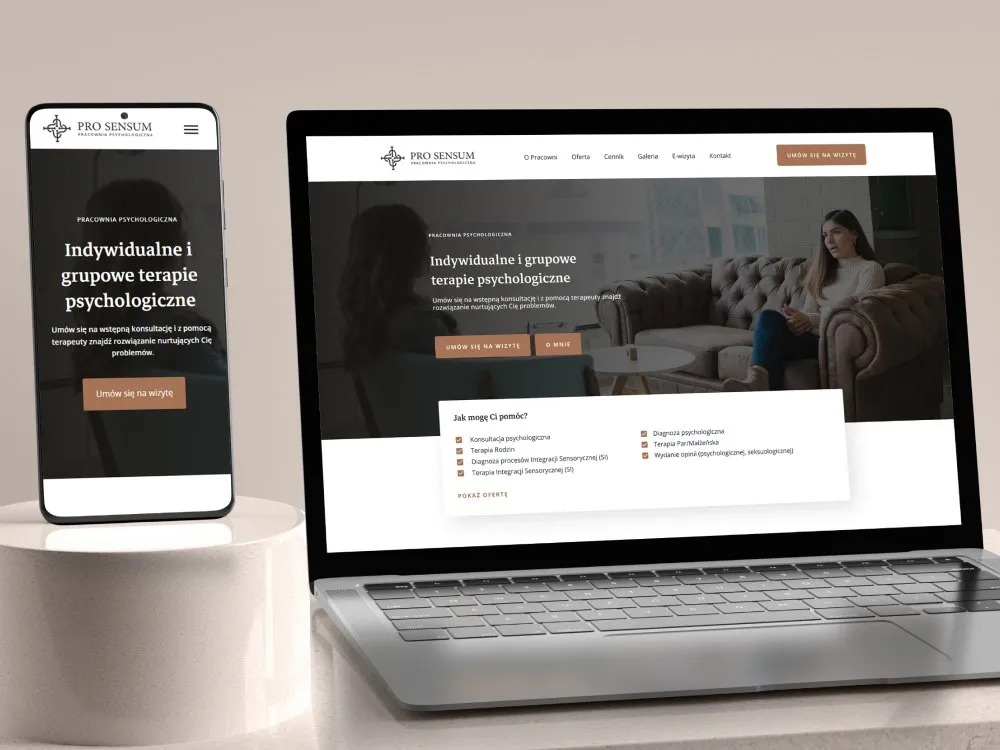
Pro Sensum - Website for a psychology practice
Outcomes
What you get, by when, and how you can verify it
-
6 weeks
The distance from brief to the first view released into production behind a switch, testing and integration included
-
The same backend
The new interface sits on your existing APIs and data contracts - gaps are covered by an adapter on the interface side
-
WCAG 2.2 AA
The public W3C accessibility standard we check every screen against before it enters a release
-
A report per release
After each batch we report the share of traffic served by the new interface, so migration progress is a number rather than an impression
The turnaround and release scope come from the schedule described above on this page, and WCAG 2.2 AA is a public W3C standard. We do not average out client rollout results - migration maps and coverage reports live in client systems, so we show them by name during a consultation.
Client voices
What our clients say
-
„Working with the Wzór team was a genuinely great experience! They always answered our questions quickly and were flexible about our comments. They have no shortage of creative ideas and are at the same time thoroughly reliable and on time. The end result fully met our expectations; we recommend them to anyone looking for professionals who care.”
 Maja Wieloch-Silecka Operations Director, Bosfor Group
 -
„Our clients expect us to act fast and effectively across a very wide scope - from building a brand, through a website with a store, to running an effective sales campaign. Not an easy task, but doable when you have a tight-knit team and partners who take on challenges on the fly. For us, quality, accountability and commitment are key, and working with UX Agency Wzór gives us that 100%.”
 Piotr Alberski Chief Operating Officer, Agencja XO Media
 -
„Our cooperation with UX Agency Wzór started with our own website. We really liked the way they work, so we decided to subcontract projects for our clients to them on a White Label basis. We loved their workflow, the way they hand projects over to our team, their documentation and their work on the design system. Now we can take on bigger risks.”
 Mateusz Swół Chief Operating Officer, Sellace



Time and scope
How long a modernisation takes and what drives the quote
6–16 weeks
Six weeks is the road to the first view running in production. A full migration is measured in releases rather than one date - with dozens of screens, many roles or several product instances it spreads across a dozen weeks and beyond, which is why we cut the scope so that every release fixes something on its own.
-
The number of screens and user roles covered by the migration
-
The state of the existing API and how much has to be covered by an intermediate layer
-
Your frontend stack and whether release switches can be plugged into it
-
Whether we write the code, your team does, or both sides together
-
The number of product instances the new interface has to reach
FAQ
Questions that come up most often
How much does an app modernisation cost?
We quote every project individually, because two products with the same number of screens can differ several times over in cost. The quote is driven by the number of views and roles covered by the migration, the state of the existing API and how much has to be covered by an intermediate layer, whether release switches can be plugged into your stack, the split of work between our team and yours, and the number of product instances the new interface has to reach. You get an initial scope and release split within three working days of the brief, and a binding proposal after the screen inventory.
Does the backend have to be rewritten as well?
No. The starting assumption is that the backend stays where it is and the new interface sits on your existing APIs and data contracts. Gaps between what a new view needs and what the current endpoint returns are covered by an intermediate layer on the interface side. Changes that genuinely cannot be worked around are collected as a separate list with a rationale and a cost, so they remain your decision rather than a side effect of the redesign.
How is this different from a UX audit?
An audit ends with a diagnosis - a prioritised list of problems and recommendations for your team to implement (see /en/services/audyty-ux/). Modernisation begins where the audit ends and carries the change through to production - designing new screens, shipping them behind a switch and running the migration until the old views are gone. If you do not yet know whether the problem lies in the interface, an audit is often the cheaper first round.
Is this not just a design system?
No, although the two often travel together. A design system is a component library treated as a product of its own, with its own maintenance and governance (see /en/services/design-system/). Modernisation concerns the actual screens of your application and ends when the old views leave the codebase. A library is built here only to the extent the migration requires - if it turns out to be worth growing into a full system, we say so plainly and quote it separately.
What about users attached to the old interface?
That is exactly why the migration moves in batches rather than one switchover. A new view is enabled for a named group - the internal team first, then selected clients or roles - never for all traffic at once. During the transition both interfaces run side by side, so returning to the old view is a matter of minutes. For releases that change settled habits we prepare short introduction materials for your support team.
Who writes the code - you or our team?
We work in both models and the choice is yours. We can join the frontend of your repository and ship screens alongside your developers, or we can hand over designs and components for your side to implement while we stay on review and the release plan. The most common arrangement is mixed - we build the first end-to-end screen to set the pattern, and the following batches move gradually to your team.
What happens if the migration stalls halfway?
That is the most common way modernisations end up costing more than a rewrite, so we plan them so that half the road still has value. Every release is a closed unit - it fixes specific screens and stands on its own, even if the next one slips by a quarter. The date on which the old and new interfaces part company sits in the plan from week one, and after each release we report what share of traffic the new interface already serves. Stopping the migration is then a decision made on numbers, rather than a state you notice a year later.
Related services